
Fujifilm X-T200
Fujifilm X-T200 Mirrorless Digital Camera with XC15-45mm Kit User Manual
Model: X-T200 | Brand: Fujifilm
1. Introduction
The Fujifilm X-T200 is a mirrorless digital camera designed for both photography and videography enthusiasts. It features a 24-megapixel APS-C sensor, advanced autofocus capabilities, and a versatile vari-angle touchscreen LCD. This manual provides essential information for setting up, operating, and maintaining your camera to achieve optimal performance.

Figure 1: Front view of the Fujifilm X-T200 Mirrorless Digital Camera with the XC15-45mm lens attached.
2. Initial Setup
2.1. Unpacking the Camera
Ensure all components are present in the box:
- Fujifilm X-T200 Camera Body
- XC15-45mm Lens
- Battery (NP-W126s)
- USB-C Cable
- USB-C Headphone Connector
- Neck Strap
- 16GB Memory Card
- Leather Shoulder Bag
2.2. Attaching the Lens
- Remove the body cap from the camera and the rear lens cap from the lens.
- Align the white dot on the lens with the white dot on the camera body.
- Mount the lens by turning it clockwise until it clicks into place.
2.3. Inserting the Battery and Memory Card
- Open the battery/memory card compartment cover located on the bottom of the camera.
- Insert the NP-W126s battery with the correct orientation until it locks.
- Insert a compatible SD, SDHC, or SDXC memory card into the slot until it clicks.
- Close the compartment cover securely.
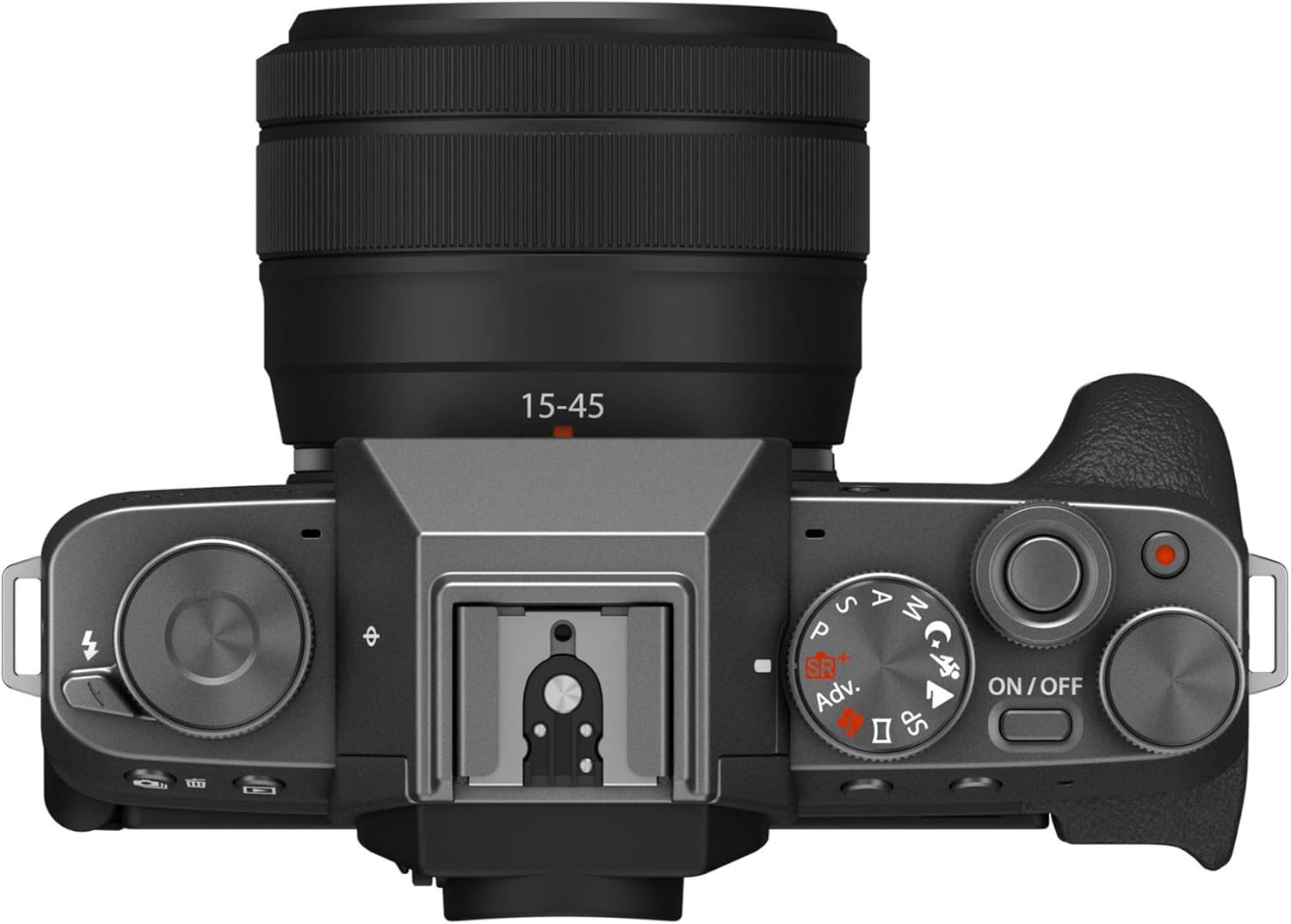
Figure 2: Bottom view of the camera, illustrating the battery and memory card compartment.
2.4. Charging the Battery
Connect the camera to a power source using the supplied USB-C cable. The charging indicator will illuminate during charging and turn off when complete.
3. Operating Instructions
3.1. Powering On/Off
To power on the camera, slide the ON/OFF switch located on the top plate. To power off, slide it back to OFF.
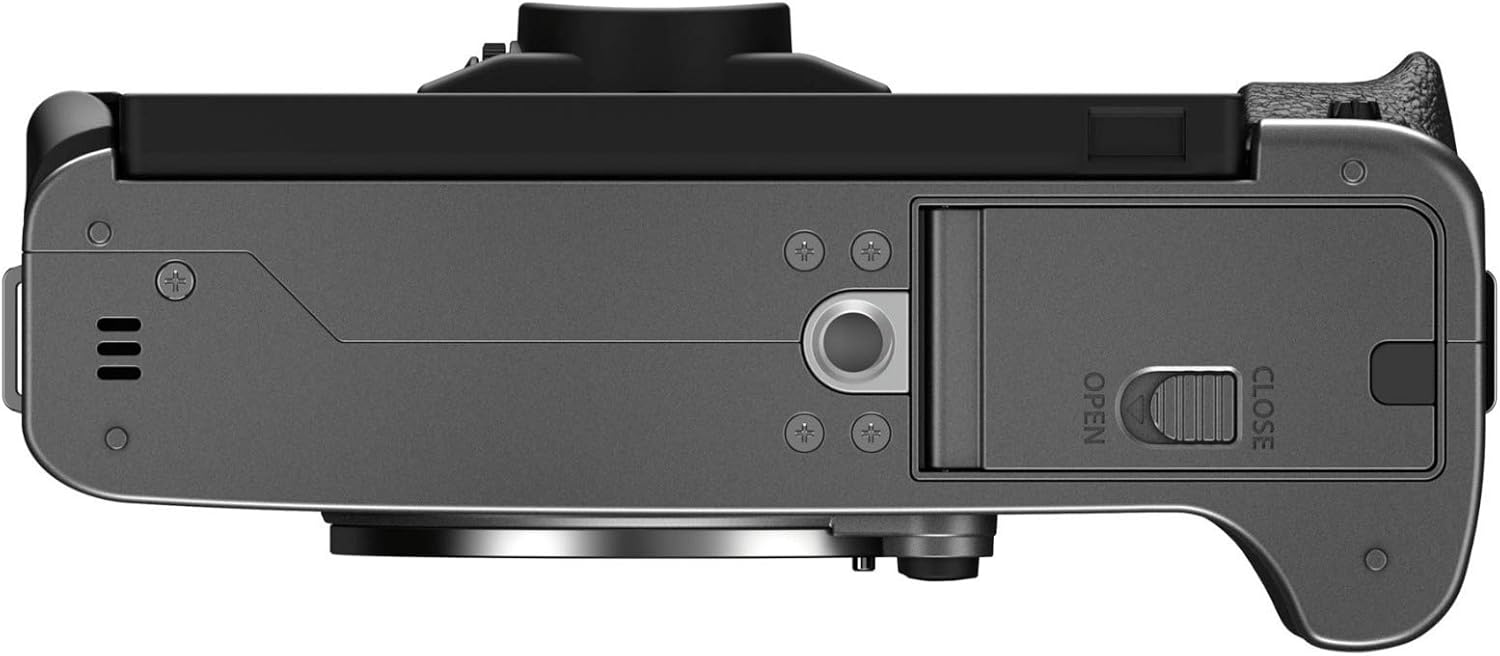
Figure 3: Top view of the camera, highlighting the ON/OFF switch and various control dials.
3.2. Image Quality and Film Simulations
The X-T200 features a 24-megapixel APS-C CMOS sensor, delivering high-resolution images. Fujifilm's renowned color science is integrated through 11 digital Film Simulation modes, allowing users to achieve distinct photographic looks directly in-camera. These simulations emulate classic film stocks, providing a unique artistic touch without extensive post-processing.
3.3. Video Features
The camera supports 4K DCI 2160p video recording at 24/30 frames per second with no crop, ensuring sharp and detailed footage. Full HD (FHD) video can be recorded at up to 60 frames per second. A special slow-motion mode allows for 120 frames per second recording in FHD, which the camera internally processes for slow-motion playback. The HDR Video function enhances recording in high-contrast situations, and in-camera video editing tools allow for trimming and resizing clips before sharing.
3.4. Autofocus System
The X-T200 utilizes an on-sensor phase detection autofocus system with an improved prediction algorithm for fast and accurate focusing. Key autofocus features include:
- Face/Eye Detection AF: Quickly focuses on individuals or groups, even when the vari-angle LCD is flipped out for selfies.
- Main Subject Recognition: Automatically identifies and tracks a primary subject within the frame.
- Autofocus Points: 139 points for precise focusing.
- Focus Modes: Continuous-Servo AF (AF-C), Manual Focus (MF), Single-Servo AF (AF-S).
3.5. Continuous Shooting
The camera offers continuous shooting at 8 frames per second (FPS), suitable for capturing action sequences.
3.6. Display and Connectivity
The 3.5-inch, 16:9 aspect ratio widescreen LCD touchscreen is vari-angle, allowing it to be opened and closed between 0 to 180 degrees and rotated between -90 to +180 degrees. This provides intuitive control over camera features and settings, including brightness, background blur, Film Simulation effects, and image aspect ratios. Connectivity options include USB, HDMI, 2.5mm audio, Bluetooth, and Wi-Fi for seamless image transfer and remote control.

Figure 4: Rear view of the camera with the vari-angle LCD screen closed.

Figure 5: Rear view of the camera with the vari-angle LCD screen open.
4. Design and Controls
The Fujifilm X-T200 features a classic, vintage-inspired design combined with modern functionality. It incorporates physical dials for intuitive control over settings. A built-in flash can be activated by pulling a lever, and a dedicated dial allows for quick changes between film emulations. The side-articulating touchscreen enhances usability for various shooting angles and vlogging.
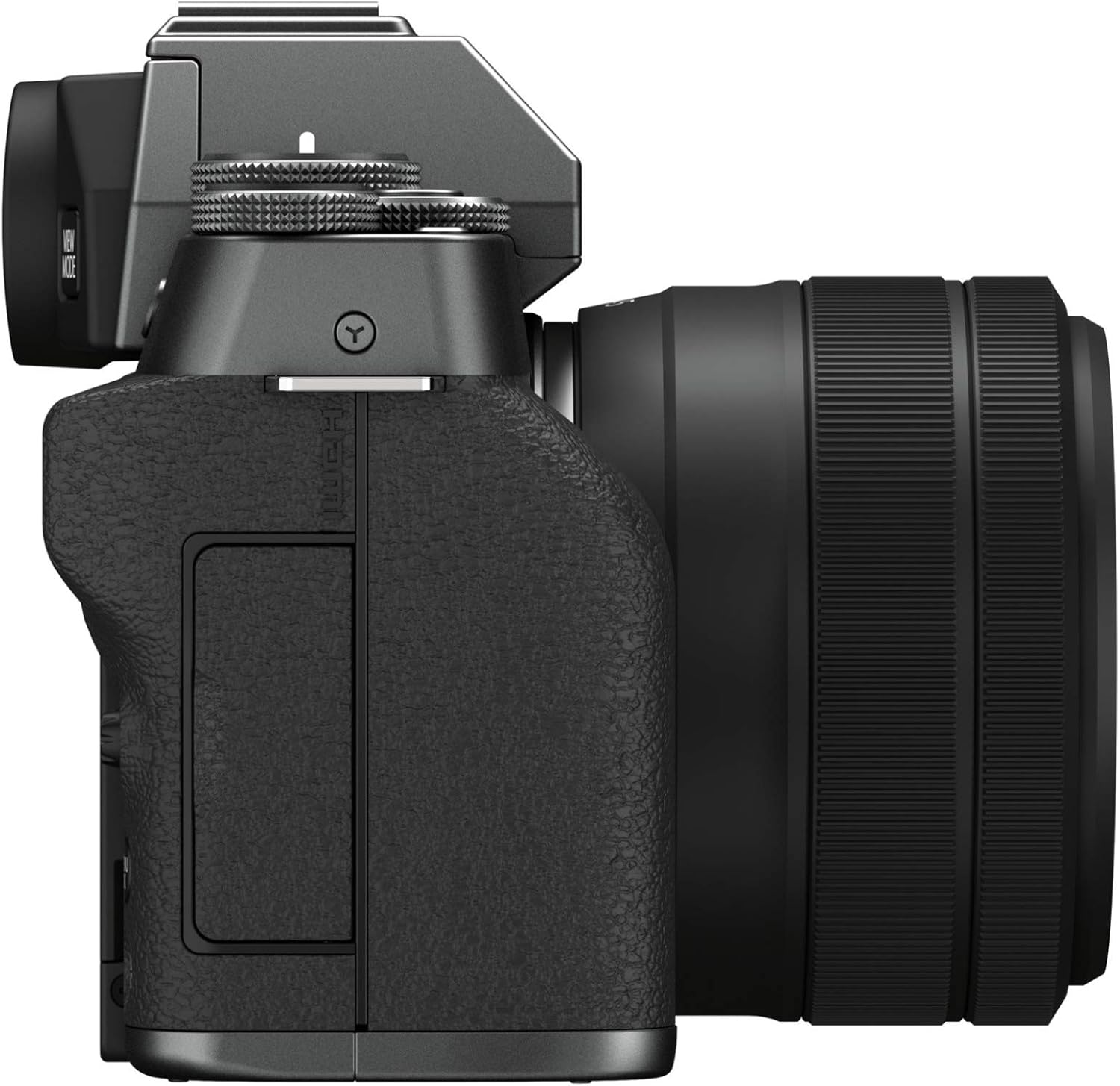
Figure 6: Left side view of the camera, showing ports and grip.
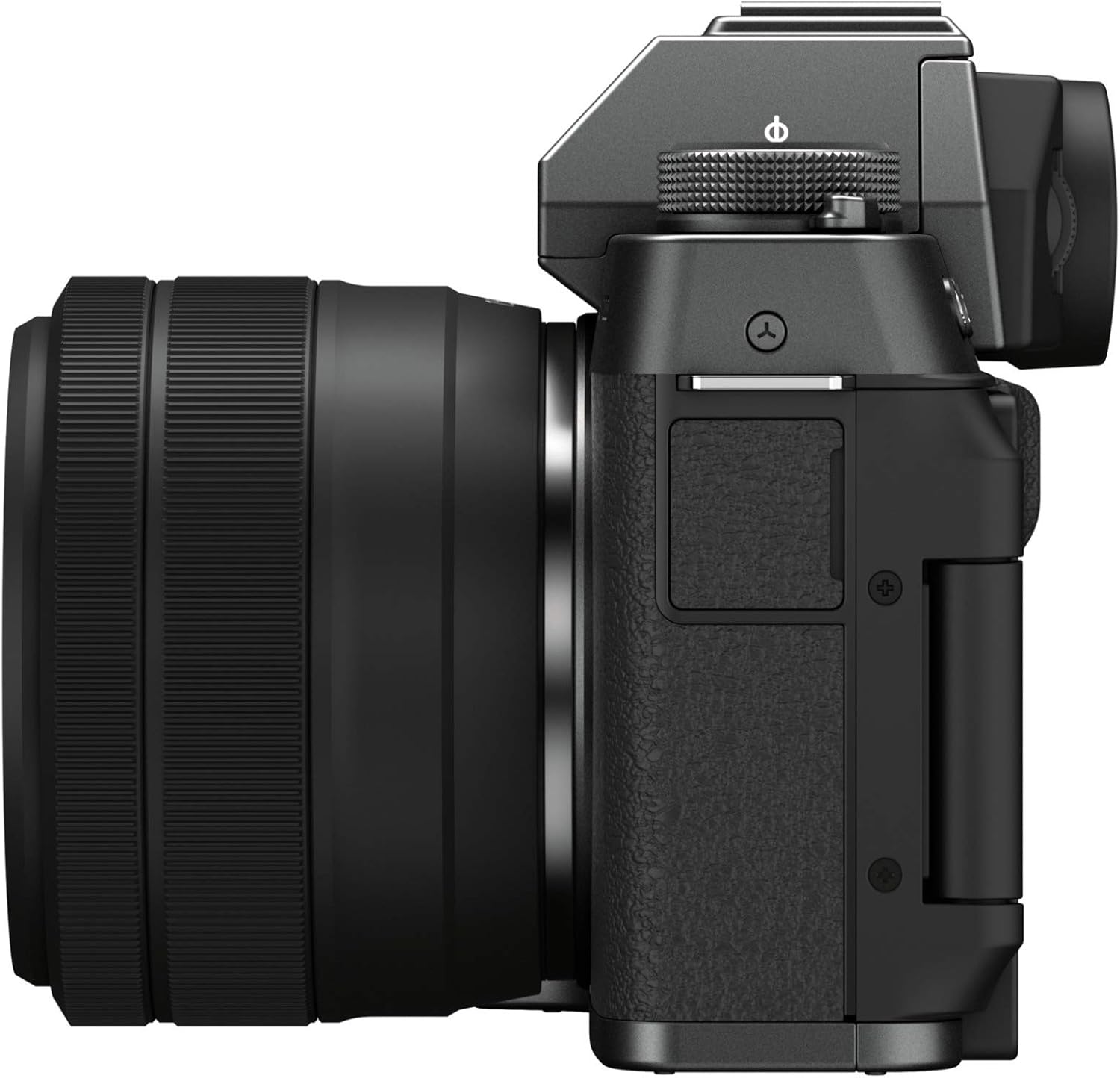
Figure 7: Right side view of the camera, showing grip and controls.
5. Battery Life
The Fujifilm X-T200 uses an NP-W126s battery. Battery life is generally sufficient for a day of casual shooting. For extended shooting sessions or travel, it is recommended to carry spare batteries to ensure continuous operation.
6. Troubleshooting
6.1. Camera Not Powering On
- Ensure the battery is fully charged and correctly inserted.
- Check if the battery contacts are clean.
- Try using a different, fully charged battery if available.
6.2. Autofocus Issues
- Ensure sufficient lighting for the scene.
- Clean the lens and sensor.
- Verify that the correct focus mode (AF-S, AF-C, MF) is selected for your shooting scenario.
- Note that Face/Eye Detection AF may not function optimally if the subject's face is obscured (e.g., by a mask).
6.3. Image Stabilization
The camera features digital image stabilization. For optimal results, ensure the feature is enabled in the camera settings. Note that using the Digital Gimbal mode for video will result in a cropped field of view and is limited to Full HD at 30fps.
7. Maintenance
7.1. Cleaning the Camera
- Use a soft, lint-free cloth to clean the camera body.
- For the lens and LCD screen, use a specialized lens cleaning solution and cloth.
- Avoid using harsh chemicals or abrasive materials.
7.2. Storage
Store the camera in a cool, dry place away from direct sunlight and extreme temperatures. If storing for an extended period, remove the battery.
8. Specifications
| Brand | Fujifilm |
| Model Name | X-T200 XC15-45mm Kit - Dark Silver |
| Model Number | 16645864 |
| Photo Sensor Resolution | 24 MP |
| Photo Sensor Size | APS-C |
| Video Resolution | 4K DCI 2160p |
| Continuous Shooting | 8 FPS |
| Display Type | LCD (3.5 Inches, Articulating, Touch Screen) |
| Image Stabilization | Digital |
| Connectivity Technology | USB, HDMI, 2.5mm audio, Bluetooth, Wi-Fi |
| Compatible Mountings | Fujifilm X |
| Item Weight | 13.1 Ounces |
9. Warranty and Support
9.1. Warranty Information
The Fujifilm X-T200 Mirrorless Digital Camera comes with a 1-year manufacturer's warranty. Please retain your proof of purchase for warranty claims.
9.2. Customer Support
For further assistance, technical support, or service inquiries, please visit the official Fujifilm support website or contact their customer service department.
Related documentsX-T200


Ask a question about this manual
Ask about setup, troubleshooting, compatibility, parts, safety, or missing instructions. Manuals+ will review the question and use this page’s manual context to help answer it.