
1. Important Safety Instructions
Please read all instructions carefully before installation and use. Keep this manual for future reference.
General Safety
- Ensure the power supply is disconnected before installation, maintenance, or cleaning.
- This appliance is not intended for use by persons (including children) with reduced physical, sensory or mental capabilities, or lack of experience and knowledge, unless they have been given supervision or instruction concerning use of the appliance by a person responsible for their safety.
- Children should be supervised to ensure that they do not play with the appliance.
Electrical Safety
- All electrical connections must be made by a qualified electrician and conform to local codes and regulations.
- Ensure the voltage and frequency of your power supply match the specifications of the fan.
- The fan must be properly grounded to prevent electric shock.
Installation Safety
- Mount the fan to a ceiling structure capable of supporting a minimum of 15 kg (33 lbs).
- Ensure there is adequate clearance between the fan blades and any obstacles (walls, furniture) and the floor. A minimum distance of 2.3 meters (7.5 feet) from the floor to the blades is recommended.
- Do not install the fan in a location where it can be easily reached by children or pets.
2. Product Overview
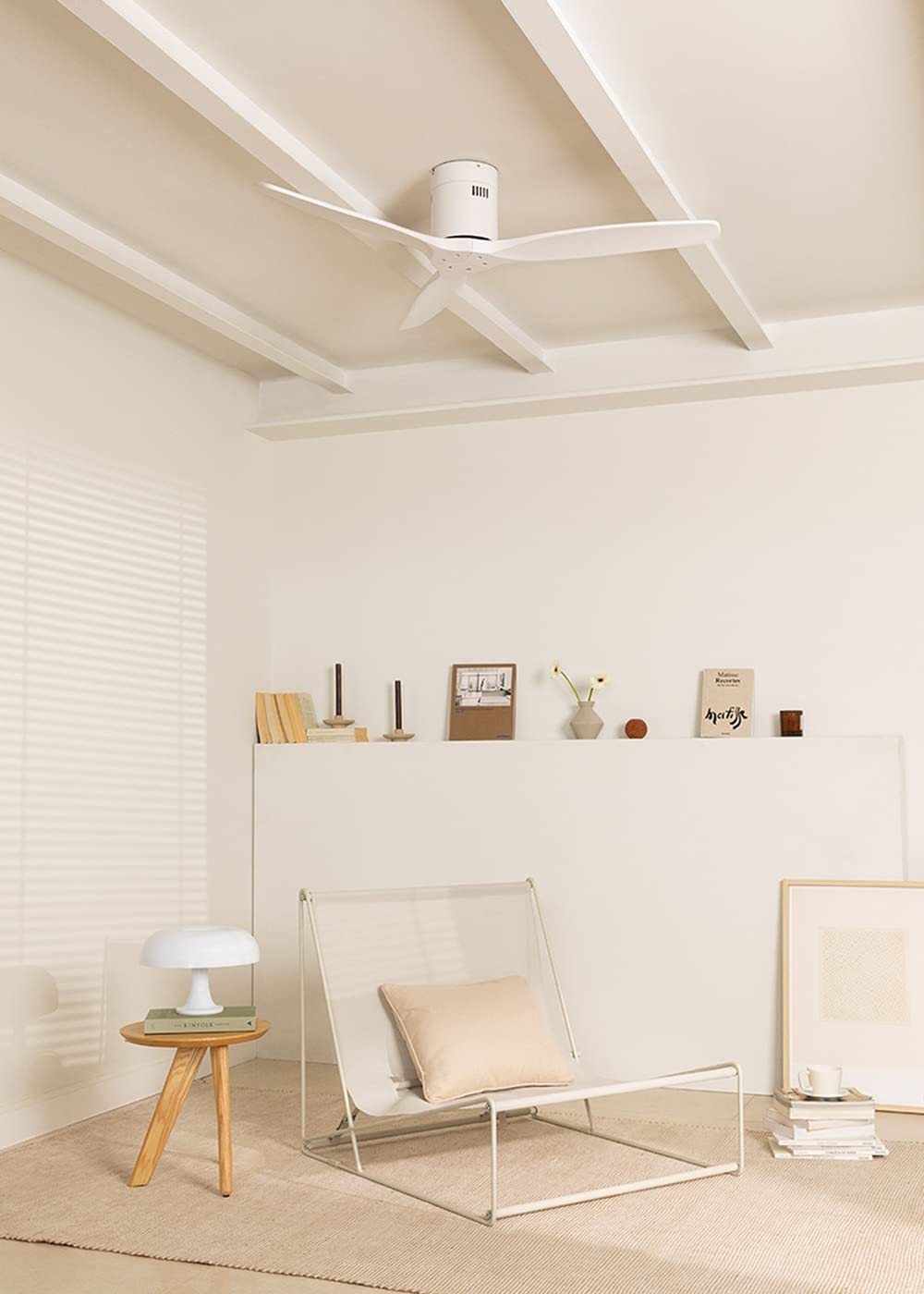
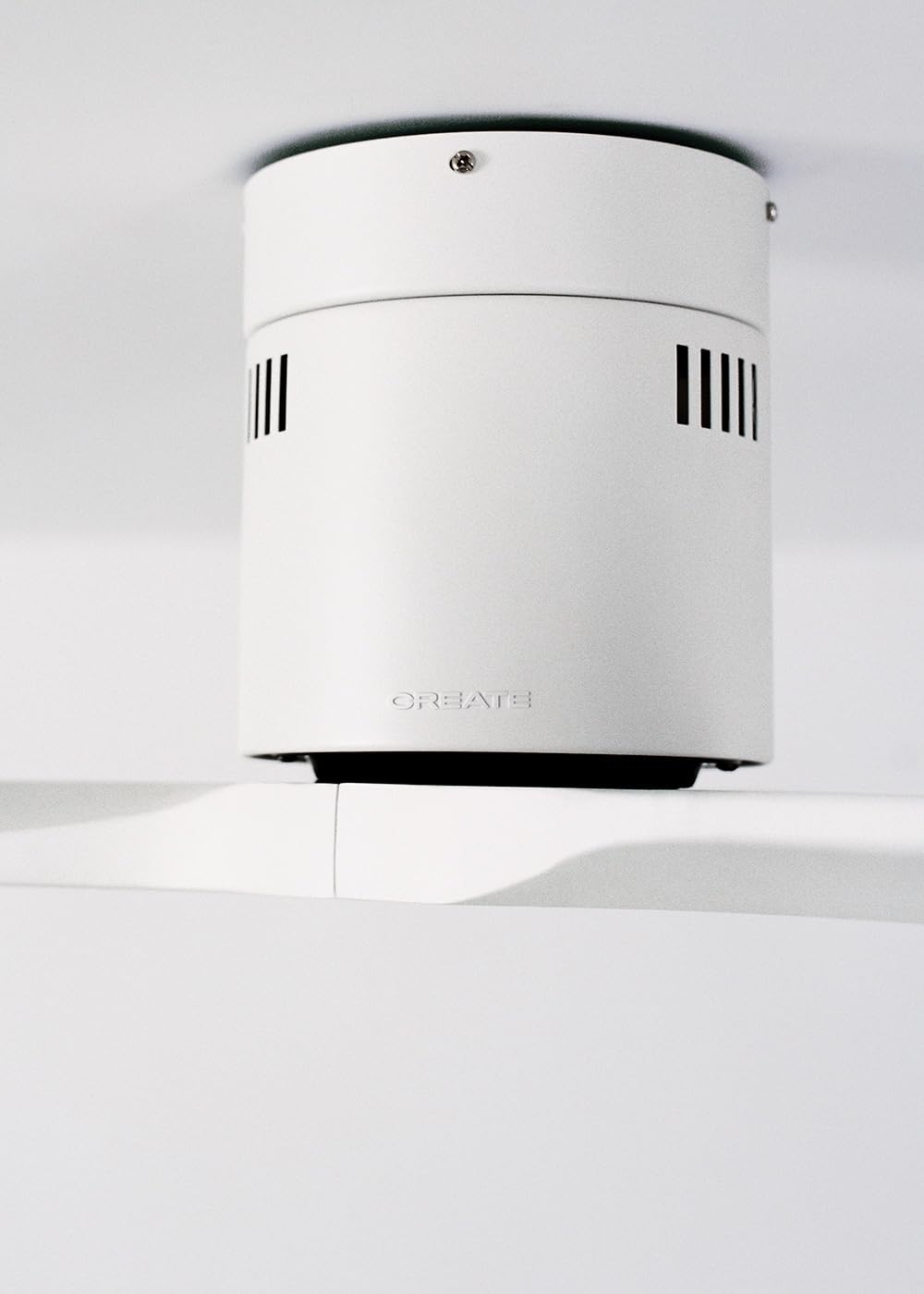
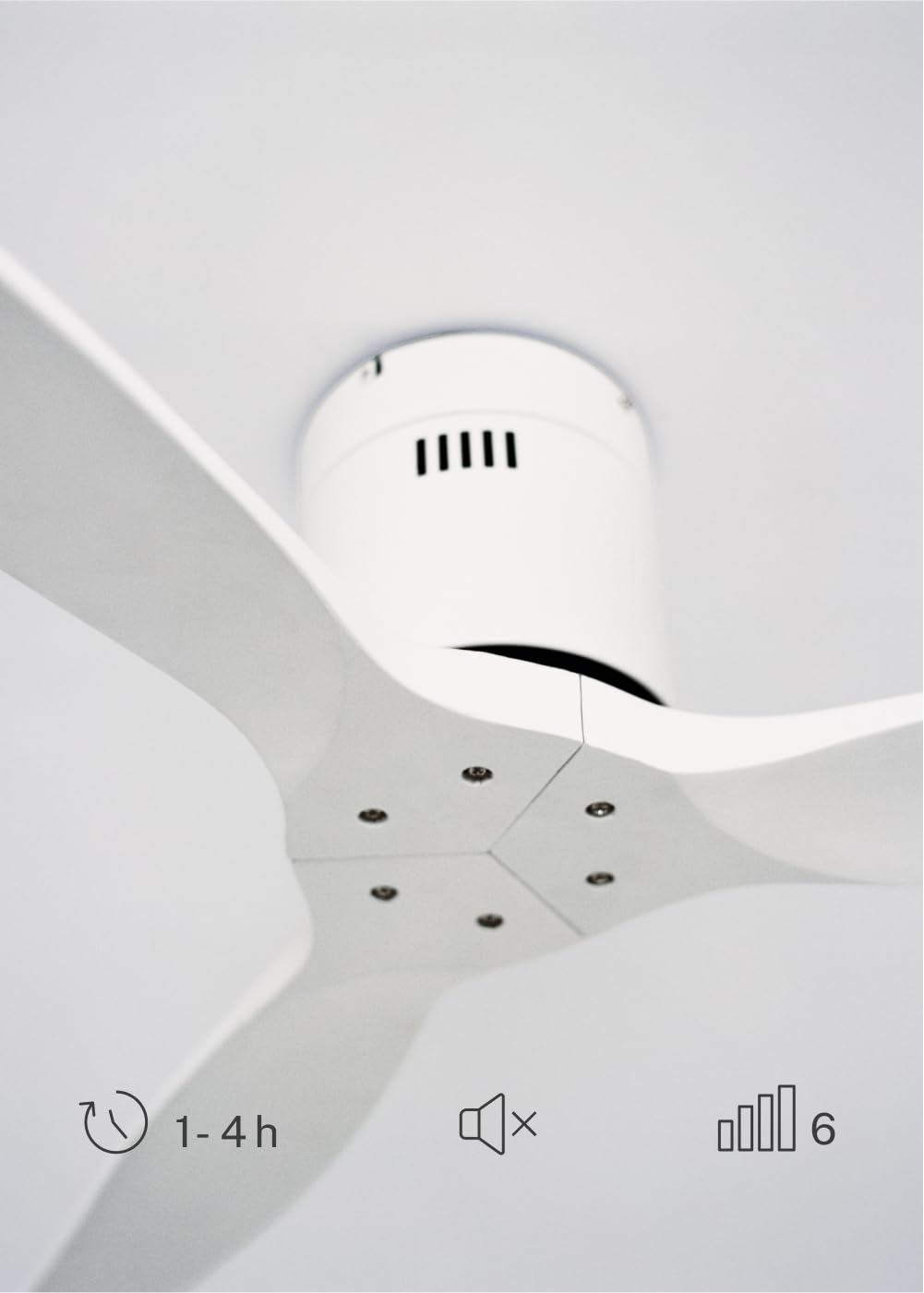
The CREATE WINDCALM DC Ceiling Fan is designed for efficient and quiet air circulation in various indoor spaces. It features a durable aluminum body, a silent DC motor, and three lightweight blades, ensuring minimal noise operation. The fan offers 6 adjustable speeds and a programmable timer for convenience.

3. Technical Specifications
| Feature | Specification |
|---|---|
| Brand | CREATE |
| Model Number | 43479_88375 |
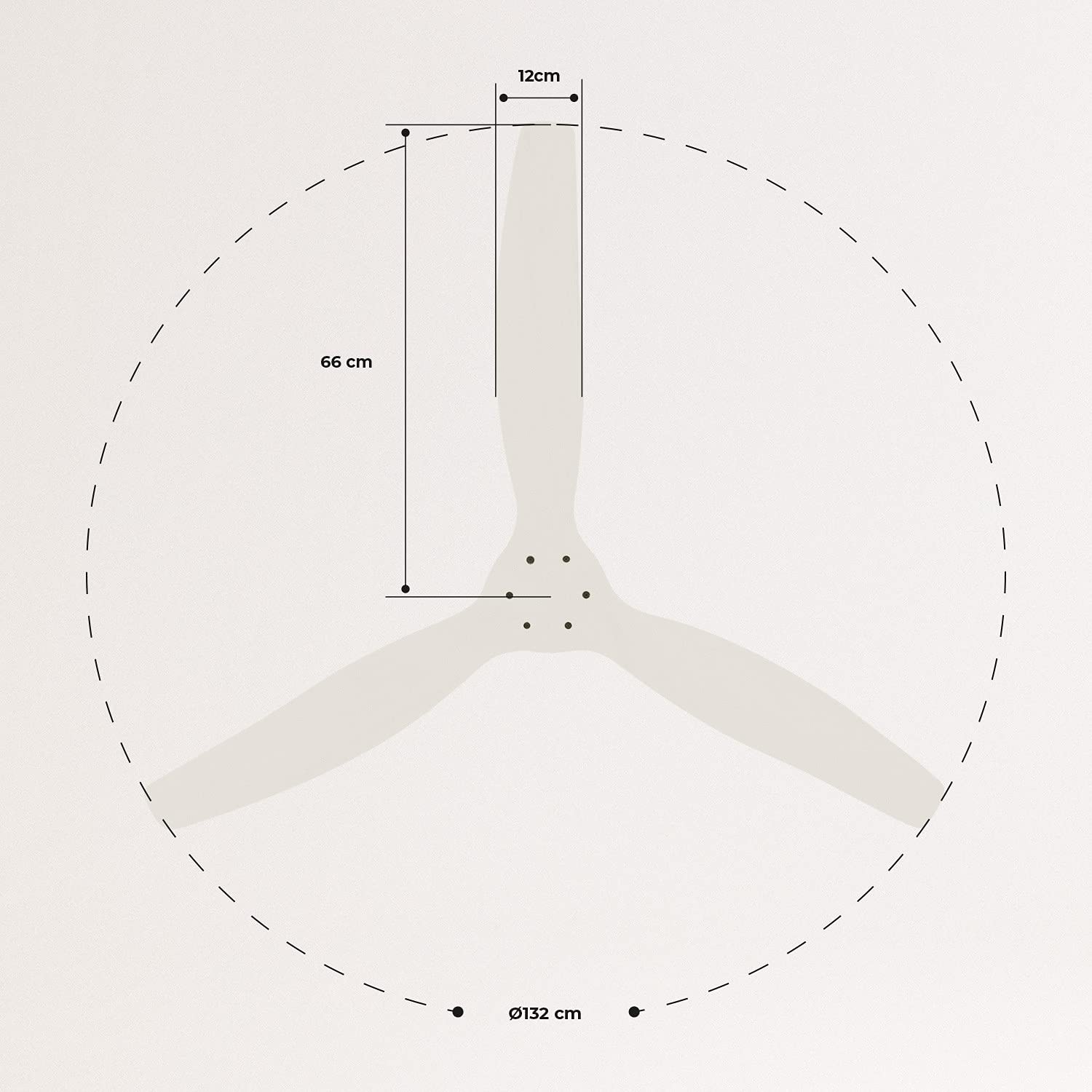
| Dimensions (L x W x H) | 132 x 132 x 29 cm |
| Weight | 6.38 kg |
| Fan Design | Ceiling Fan |
| Power Source | Electric Cable |
| Special Feature | High Speed, Silent DC Motor, Timer, Summer/Winter Function |
| Recommended Use | Ventilation |
| Room Type | Living Room (suitable for 13m² to 25m² rooms) |
| Color | White Blades |

4. Installation Guide
Proper installation is crucial for the safe and efficient operation of your ceiling fan. It is highly recommended that installation be performed by a qualified electrician.
Pre-Installation Checks
- Unpack all components and verify against the packing list.
- Ensure the ceiling joist or support structure is strong enough to hold the fan's weight.
- Turn off power at the main circuit breaker before starting any electrical work.
Mounting the Fan
- Secure the mounting bracket to the ceiling outlet box using appropriate screws and washers.
- Carefully lift the fan motor assembly and attach it to the mounting bracket.
Wiring Connections
Connect the electrical wires according to the wiring diagram provided in the separate detailed installation manual (not included in this general overview). Ensure all connections are secure and insulated.
Attaching Blades
Attach the fan blades to the motor hub using the provided screws. Ensure all screws are tightened securely.

5. Operating Instructions
Your CREATE WINDCALM DC Ceiling Fan comes with a remote control for convenient operation of all its functions.
Remote Control Functions
The remote control allows you to:
- Power On/Off: Turn the fan on or off.
- Speed Adjustment: Select from 6 different fan speeds to control airflow intensity.
- Timer Setting: Program the fan to automatically turn off after 1, 2, or 4 hours.
- Summer/Winter Mode: Change the direction of blade rotation to optimize air circulation for different seasons.
Summer Mode
In summer mode, the fan blades rotate counter-clockwise, pushing air downwards. This creates a cooling breeze effect, helping to dissipate heat and refresh the room.

Winter Mode
In winter mode, the fan blades rotate clockwise, drawing air upwards. This helps to circulate warm air that accumulates near the ceiling, distributing it evenly throughout the room and improving heating efficiency.
6. Maintenance and Care
Regular maintenance ensures the longevity and optimal performance of your ceiling fan.
Cleaning
- Always turn off the power to the fan at the circuit breaker before cleaning.
- Use a soft, damp cloth to wipe down the fan blades and motor housing. Do not use abrasive cleaners or solvents, as they may damage the finish.
- Ensure the fan is completely dry before restoring power.
Regular Checks
- Periodically check all screws and fasteners on the mounting bracket and blade attachments to ensure they are secure. Tighten if necessary.
- Listen for any unusual noises during operation, which may indicate a loose part or an issue with the motor.
7. Troubleshooting
If you encounter any issues with your fan, refer to the following common problems and their solutions:
| Problem | Possible Cause | Solution |
|---|---|---|
| Fan does not turn on | No power supply Loose wiring connection Remote control battery low | Check circuit breaker and wall switch Verify all wiring connections are secure (consult electrician) Replace remote control batteries |
| Fan makes excessive noise | Loose screws on blades or mounting Bent blade Motor issue | Tighten all screws Check blades for damage and replace if necessary Contact customer support |
| Remote control not working | Battery depleted Obstruction between remote and receiver Remote not paired (if applicable) | Replace batteries Ensure clear line of sight Refer to detailed manual for pairing instructions |
| Fan wobbles | Loose mounting bracket Unbalanced blades | Ensure mounting bracket is securely fastened Check blade balance and use balancing kit if needed |
8. Warranty and Support
For warranty information, technical support, or replacement parts, please contact CREATE customer service. Keep your purchase receipt as proof of purchase.
You can find more information and contact details on the official CREATE website: www.create-store.com


