
Homy Casa GM ROGER B
Homy Casa L-shaped Computer Desk User Manual
Brand: Homy Casa | Model: GM ROGER B
1. Introduction
This manual provides detailed instructions for the assembly, operation, and maintenance of your Homy Casa L-shaped Computer Desk. Designed for home office environments, this desk offers an optimal workspace while maximizing room utility with its practical L-shape design. Please read this manual thoroughly before assembly and use to ensure proper setup and longevity of your product.
2. Safety Information
- Ensure all components are present and undamaged before beginning assembly.
- Assemble the desk on a soft, clean surface to prevent scratches.
- Do not overtighten screws during assembly, as this may damage the material.
- Keep small parts away from children during assembly.
- Do not exceed the recommended weight capacity of the desk.
- Periodically check all fasteners to ensure they remain tight.
3. Package Contents
Please verify that all the following components are included in your package before proceeding with assembly. If any parts are missing or damaged, please contact customer support.
- Desktop Panels (L-shaped sections)
- Metal Frame Legs and Support Bars
- Integrated Shelf and Grid Panel
- Assembly Hardware (screws, bolts, washers)
- Cable Management Clips (4 pieces)
- Adjustable Leveling Feet
- Assembly Tool (Allen key)
4. Setup and Assembly Instructions
Follow these steps carefully to assemble your L-shaped computer desk.
- Unpack and Identify Parts: Carefully remove all components from the packaging. Lay them out on a clean, soft surface. Refer to the parts list to identify each piece.
- Assemble the Metal Frame: Begin by connecting the main metal frame components using the provided screws and Allen key. Ensure all connections are secure but do not fully tighten until all frame parts are loosely assembled.
- Attach Desktop Panels: Place the desktop panels onto the assembled metal frame. Align the pre-drilled holes in the desktop with the holes in the frame. Secure the desktop panels using the appropriate screws. Once all panels are in place, fully tighten all screws on the metal frame and desktop.
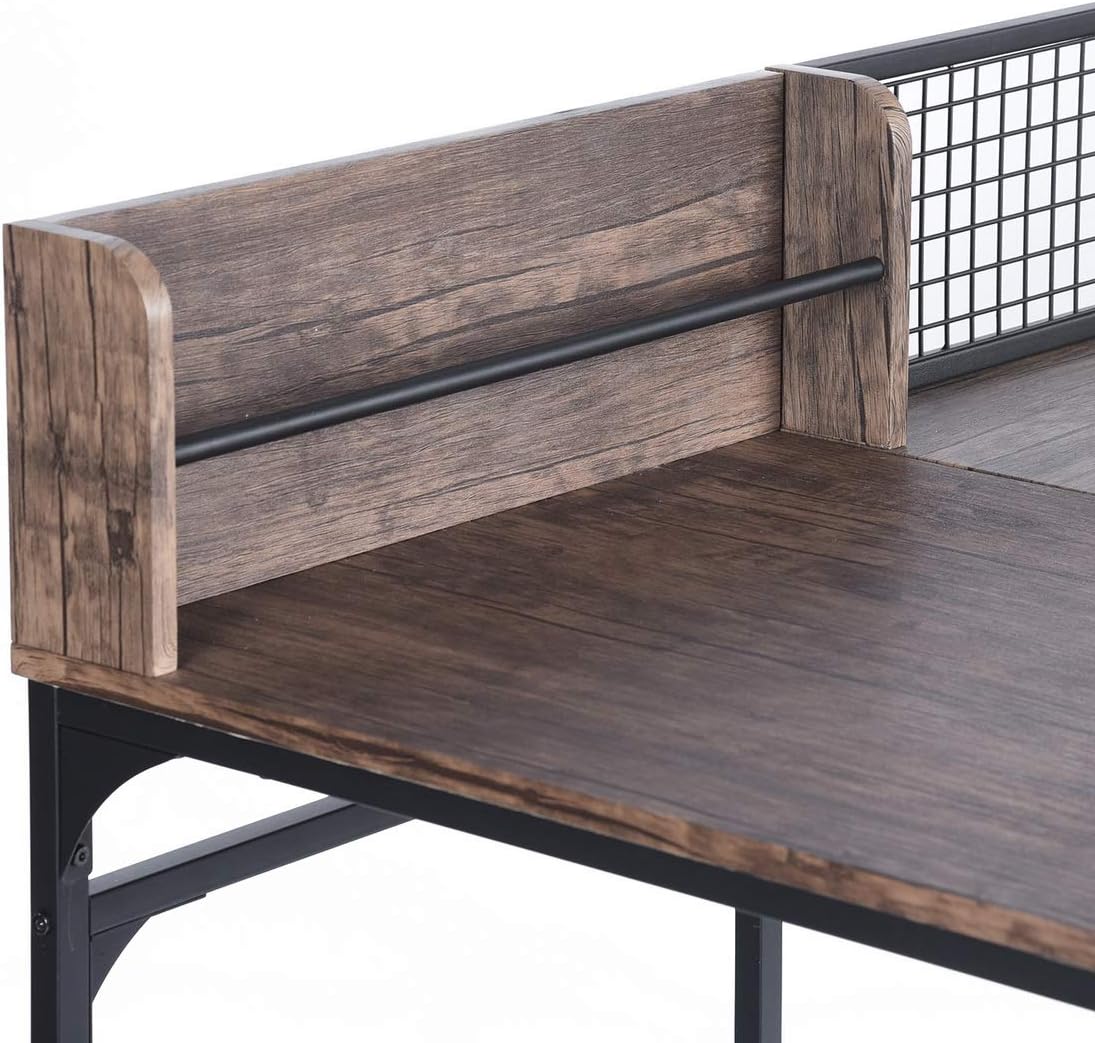
- Install Integrated Shelf and Grid: Attach the integrated shelf and grid panel to the designated area on the desktop. Secure it with the provided hardware.
- Install Cable Management Clips: Affix the 4 plastic cable management clips to the underside of the desk in desired locations to help organize cables.
- Adjust Leveling Feet: Turn the desk upright. Adjust the leveling feet at the bottom of each leg to ensure the desk is stable and level on uneven floors.

5. Operating and Usage
Your Homy Casa L-shaped desk is designed for versatile use in a home office or study environment.
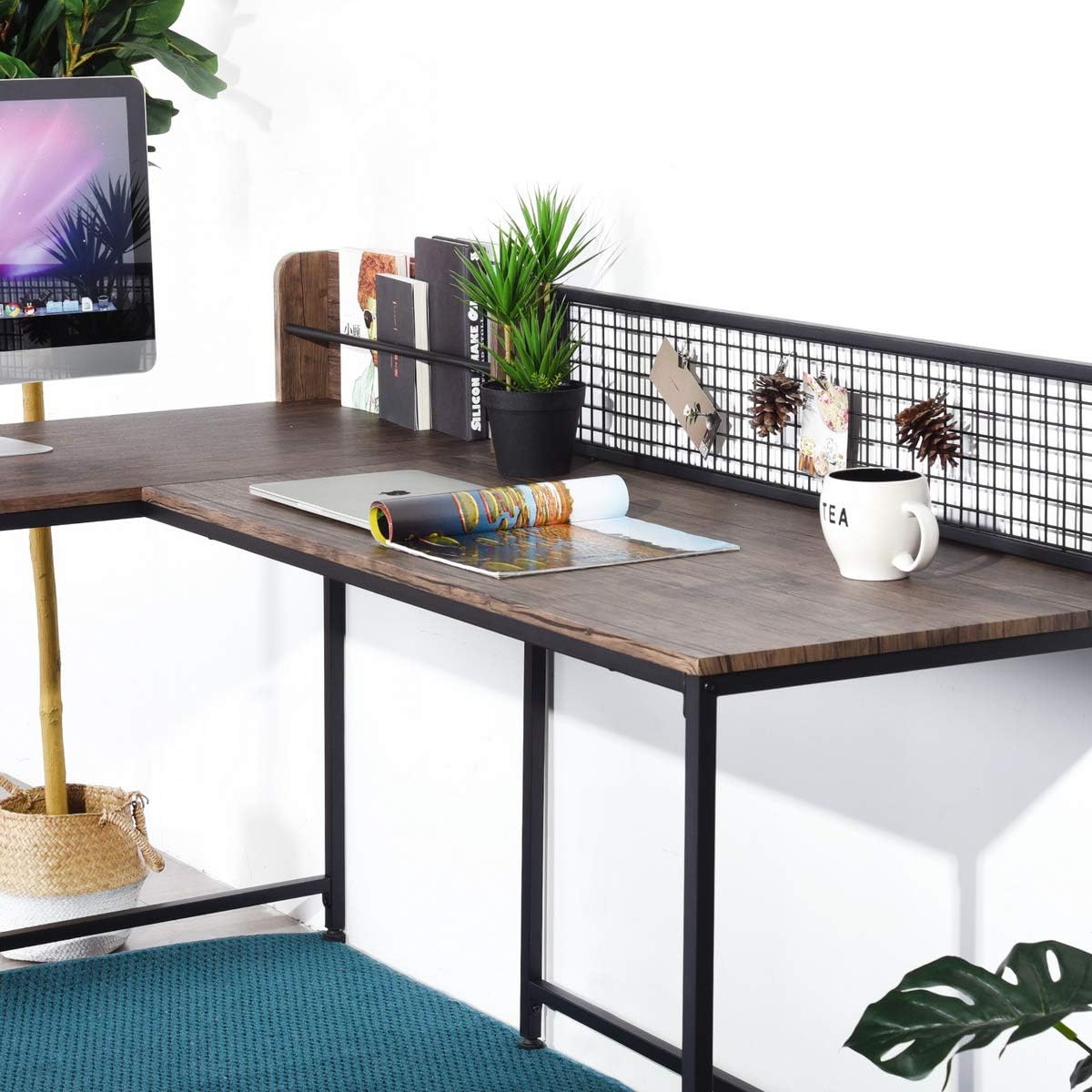
- Optimized Workspace: The L-shape provides ample surface area, allowing for multiple monitors, a laptop, and other office essentials. Utilize one side for computer work and the other for writing or creative tasks.
- Cable Management: Use the included cable clips to route and secure power cords and peripheral cables, keeping your workspace tidy and organized.
- Integrated Storage: The built-in shelf and metal grid offer convenient space for books, small plants, notes, or decorative items, enhancing both functionality and aesthetics.

6. Maintenance
Proper care will help maintain the appearance and structural integrity of your desk.
- Cleaning: Wipe the desk surface with a soft, damp cloth. Avoid using abrasive cleaners or harsh chemicals, as these can damage the wood-effect veneer.
- Spills: Clean up spills immediately to prevent staining or damage to the surface.
- Fasteners: Periodically check all screws and bolts to ensure they are tight. Retighten if necessary to maintain stability.
- Protection: Consider using coasters for drinks and protective mats under heavy equipment or items that might scratch the surface.
7. Troubleshooting
If you encounter any issues with your desk, refer to the following common problems and solutions:
- Desk is Wobbly:
Solution: Ensure all assembly screws are fully tightened. Adjust the leveling feet on the bottom of each leg to compensate for uneven floor surfaces. - Parts Do Not Align During Assembly:
Solution: Loosen all screws slightly, realign the parts, and then retighten. Ensure you are using the correct hardware for each step as per the assembly instructions. - Surface Scratches or Damage:
Solution: While the desk is designed to be robust, avoid dragging sharp objects across the surface. Use protective pads or mats for items that may cause damage. Minor scratches may be concealed with furniture repair markers matching the wood tone.
8. Specifications
| Feature | Detail |
|---|---|
| Brand | Homy Casa |
| Model Number | GM ROGER B |
| Color | Brown |
| Overall Dimensions (L x W x H) | 165 x 110 x 75 cm (adjustable height up to 95 cm) |
| Material | Engineered Wood (MDF) and Metal Frame |
| Item Weight | 24 Kilograms |
| Special Feature | Robust and Modern Design, L-shape, Integrated Shelf with Grid, Cable Management Clips |

9. Warranty and Support
Specific warranty information for the Homy Casa L-shaped Computer Desk is not provided in this manual. For details regarding warranty coverage, spare parts availability, or any other support inquiries, please contact Homy Casa customer service directly or refer to the retailer's return policy.
Related documentsGM ROGER B

Ask a question about this manual
Ask about setup, troubleshooting, compatibility, parts, safety, or missing instructions. Manuals+ will review the question and use this page’s manual context to help answer it.