
1. Introduction
This manual provides instructions for the proper installation, operation, and maintenance of your Ecolab Nexa Classic Touch-Free Hand Hygiene Dispenser. This dispenser is designed for efficient and hygienic hand care in various environments.
Key Features
- Color-coded badges and language-free icons for simple product identification.
- Small footprint to fit in tight spaces.
- High and low dosage options.
- ADA compliant design.
2. Safety Information
Please read and understand all safety instructions before installing or operating the dispenser. Failure to follow these instructions may result in product damage or personal injury.
- Keep the dispenser out of reach of children.
- Use only approved Ecolab Nexa refill products with this dispenser.
- Do not submerge the dispenser unit in water or expose it to excessive moisture.
- Avoid placing the dispenser in direct sunlight or near heat sources.
- Do not attempt to modify or repair the dispenser yourself. Contact qualified personnel for service.
3. Package Contents
Before proceeding with installation, please verify that all components are present in your package:
- Ecolab Nexa Classic Touch-Free Dispenser Unit
- Mounting Hardware (screws, wall anchors)
- Dispenser Key
- User Manual (this document)
4. Setup and Installation
Mounting the Dispenser
- Select a suitable wall location. Ensure there is sufficient clearance below the dispenser for hand placement and above for refilling.
- Using the provided mounting template (if included) or the dispenser itself, mark the desired drill points on the wall.
- Drill pilot holes at the marked locations. Insert wall anchors if mounting into drywall or other hollow surfaces.
- Align the dispenser with the drilled holes and secure it to the wall using the provided screws.
Inserting the Refill
- Open the dispenser cover using the provided key.
- Remove the protective cap from the new Ecolab Nexa refill bottle.
- Insert the refill bottle into the dispenser, ensuring it clicks securely into place.
- Close the dispenser cover, ensuring it latches properly.

Figure 1: Internal view of the dispenser showing the refill bottle compartment.
Initial Activation
After inserting a new refill, the dispenser may require a few activations to prime the pump. Place your hand under the sensor until the product is consistently dispensed.
5. Operating Instructions
Dispensing Hand Hygiene Product
- Place your hand directly under the sensor located at the bottom of the dispenser.
- The sensor will detect your hand and automatically dispense a measured amount of hand hygiene product.
- Rub your hands together thoroughly until the product is absorbed or rinsed off, depending on the specific product type.

Figure 2: Sensor area for touch-free dispensing.
6. Maintenance
Refill Replacement
- When the product level is low (visible through the transparent side window), open the dispenser cover with the key.
- Remove the empty refill bottle from the dispenser.
- Insert a new Ecolab Nexa refill bottle as described in the "Setup and Installation" section.
- Close the dispenser cover, ensuring it is securely latched.
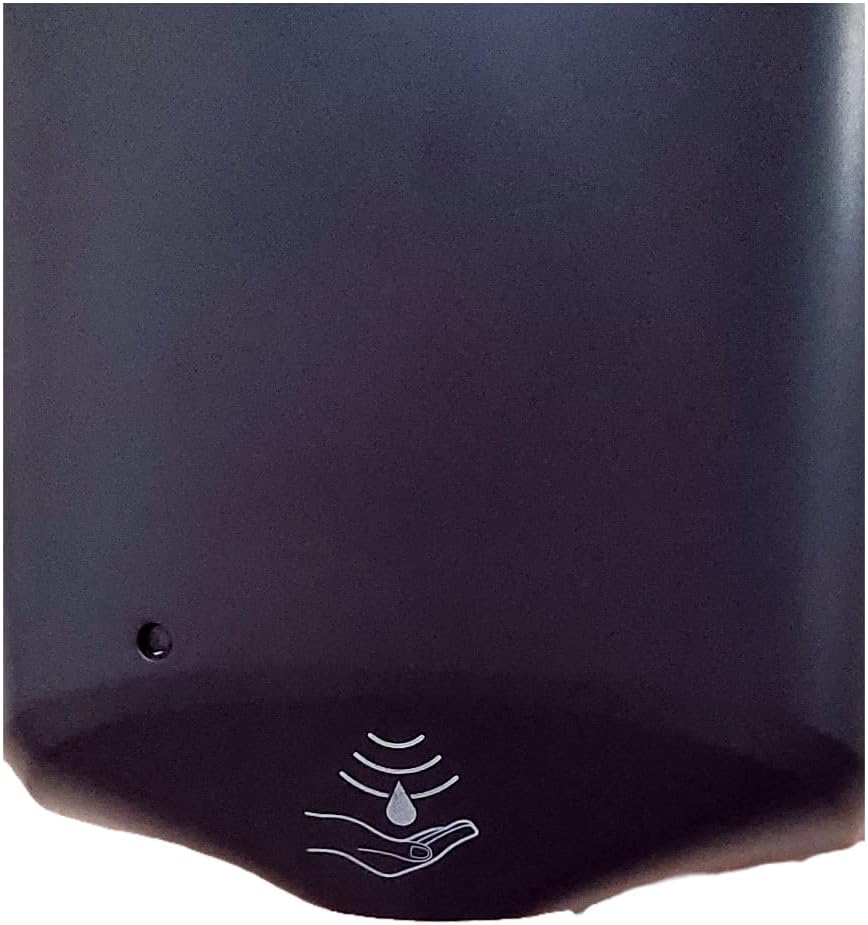
Figure 3: Transparent window for monitoring product level.
Cleaning
Regular cleaning helps maintain the dispenser's appearance and functionality.
- Wipe the exterior of the dispenser with a damp cloth and a mild, non-abrasive cleaning solution.
- Do not use harsh chemicals, abrasive cleaners, or solvents, as these can damage the finish.
- Ensure no liquid enters the sensor area or internal components during cleaning.
7. Troubleshooting
Common Issues and Solutions
| Problem | Possible Cause | Solution |
|---|---|---|
| Dispenser not activating | Hand not positioned correctly under the sensor. | Ensure hand is directly under the sensor for detection. |
| No product dispensed | Refill bottle empty or improperly installed. | Check product level through the side window and ensure the refill is securely in place. Replace if empty. |
| Product leaks from dispenser | Refill bottle not sealed correctly or damaged. | Re-seat the refill bottle firmly. If leaking persists, replace the refill bottle. |
For issues not listed above or if solutions do not resolve the problem, please contact Ecolab customer support for further assistance.
8. Specifications
| Feature | Detail |
|---|---|
| Brand | Ecolab |
| Model Number | 92211376 |
| Color | White |
| Material | Plastic |
| Product Dimensions | 11.1"L x 6.12"W x 133.97"H |
| Liquid Volume Capacity | 1250 Milliliters |
| Item Weight | 2.58 pounds |
| Dispensing Type | Touch-Free (Automatic) |
| Compliance | ADA Compliant |
| Date First Available | January 10, 2020 |

Figure 4: Ecolab Nexa Classic Touch-Free Hand Hygiene Dispenser.
9. Warranty and Support
For detailed warranty information and customer support, please refer to the official Ecolab website or contact your local Ecolab distributor. Please have your model number (92211376) and date of purchase available when contacting support.
Manufacturer: Ecolab
