
Introduction
The Denon DHT-S216 Home Theater Soundbar is designed to transform any TV into a home entertainment center. Featuring powerful built-in down-firing subwoofers, Dolby Digital Decoding, and DTS Virtual:X 3D audio technology, it delivers a powerful surround sound experience without the need for a separate subwoofer. This soundbar is fully compatible with today’s HD and 4K TVs, offering built-in 4K UHD HDMI (1 in / 1 out with ARC) for clear images and amazing sound quality. Easily connect your TV, Blu-ray, or other devices through HDMI and Optical inputs, and stream your favorite music via Bluetooth.
What's in the Box
- Sound Bar with built-in subwoofer
- 4K HDMI Cable
- Optical Cable
- IR Remote with batteries
- Quick Start Guide
Product Overview
The DHT-S216 soundbar features a 2.1 channel configuration with (2) 3-inch down-firing subwoofers, dual 1.75-inch x 3.5-inch mid-range drivers, and (2) 1-inch tweeters. It supports DTS Virtual:X and Dolby Digital for immersive, multi-dimensional audio. The low-profile design allows for versatile placement, either on a cabinet or wall-mounted.

Figure 1: Front view of the Denon DHT-S216 soundbar, showcasing its sleek, low-profile design.

Figure 2: Top view of the soundbar, highlighting the integrated control buttons for easy access.
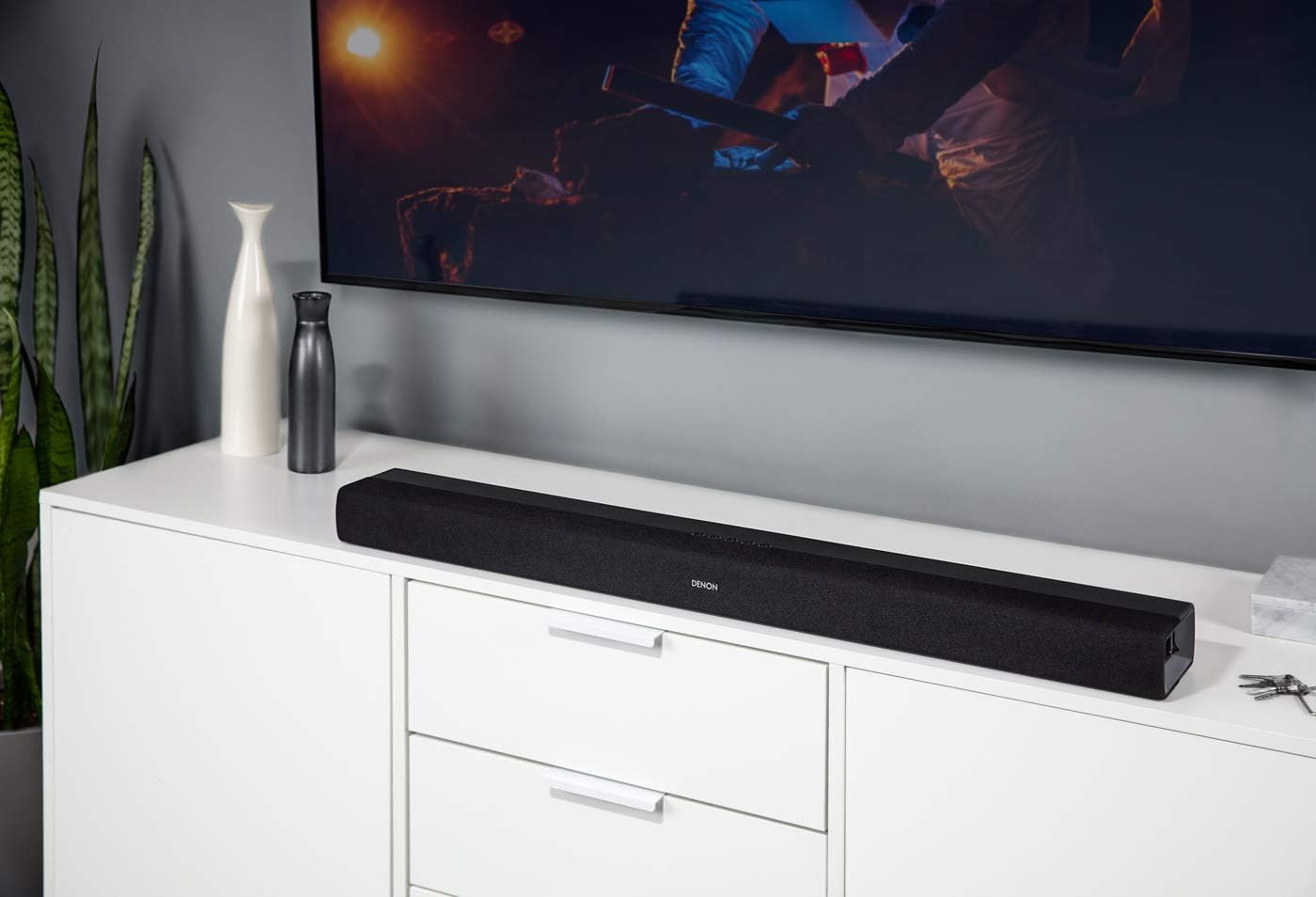
Figure 3: The soundbar positioned on a TV cabinet, demonstrating its compact and unobtrusive placement.
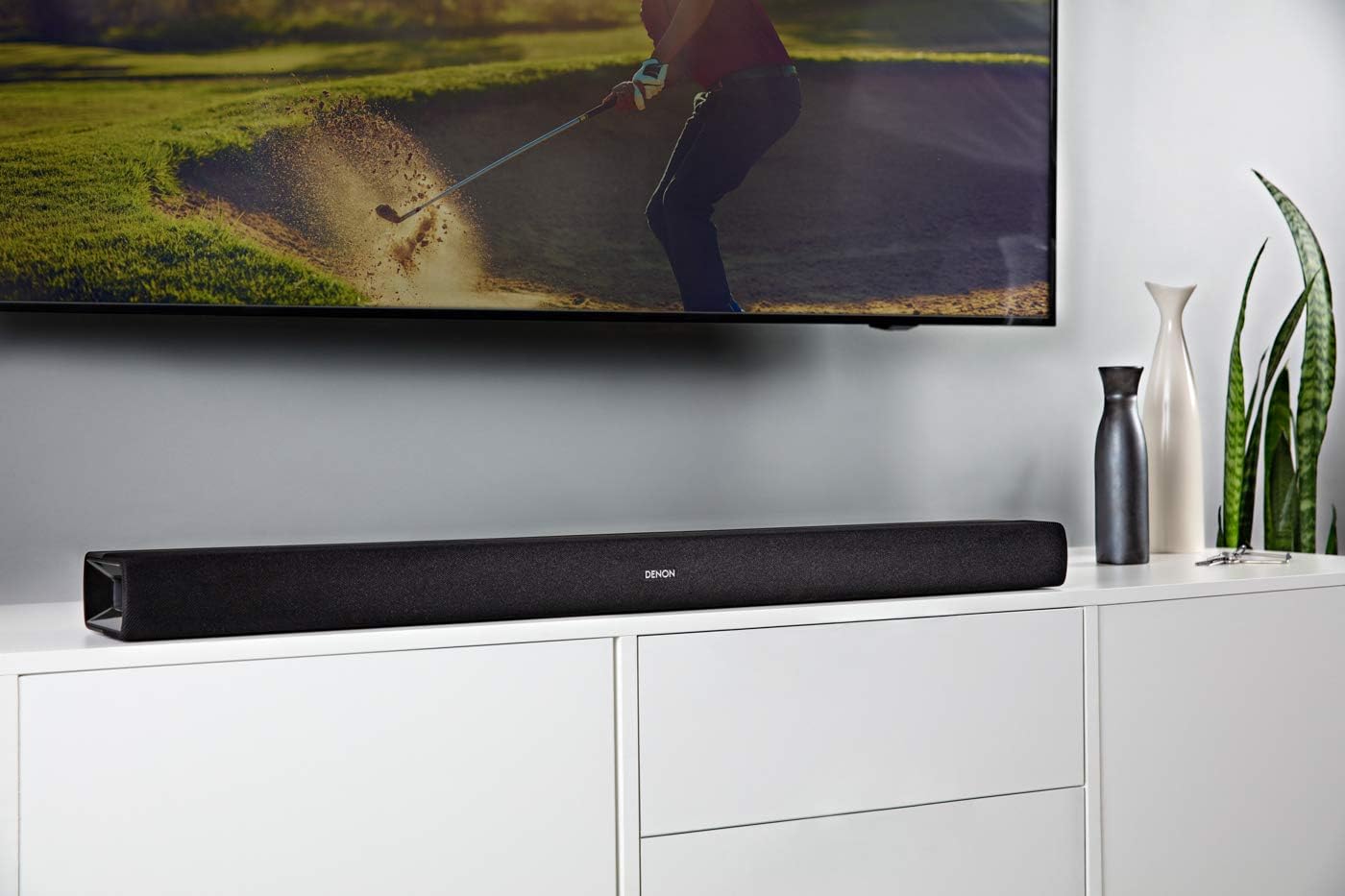
Figure 4: The soundbar integrated into a gaming setup, providing enhanced audio for an immersive experience.
Video 1: Official Denon video showcasing the DHT-S216 soundbar's features and design, including its virtual surround sound capabilities and connectivity options.
Setup
The DHT-S216 offers multiple connectivity options for seamless integration with your home entertainment system.
Connecting to your TV:
- HDMI ARC: For the best audio quality and TV remote control functionality, connect the supplied 4K HDMI cable from the HDMI ARC port on the soundbar to the HDMI ARC port on your TV.
- Optical: If your TV does not have an HDMI ARC port, connect the supplied Optical cable from the OPTICAL port on the soundbar to the Optical Digital Audio Out port on your TV.
- Auxiliary: For older devices, use an auxiliary cable to connect to the AUX IN port.
Bluetooth Pairing:
- Press the Bluetooth button on the remote control or the soundbar.
- On your mobile device, search for


