
Introduction
The SWIFF AUDIO M1 Wireless Microphone Transmitter and Receiver System provides a cable-free solution for dynamic microphones. This system is designed for ease of use, offering reliable audio transmission for various applications such as live performances, presentations, and events. It features a compact design, long battery life, and low latency for optimal performance.
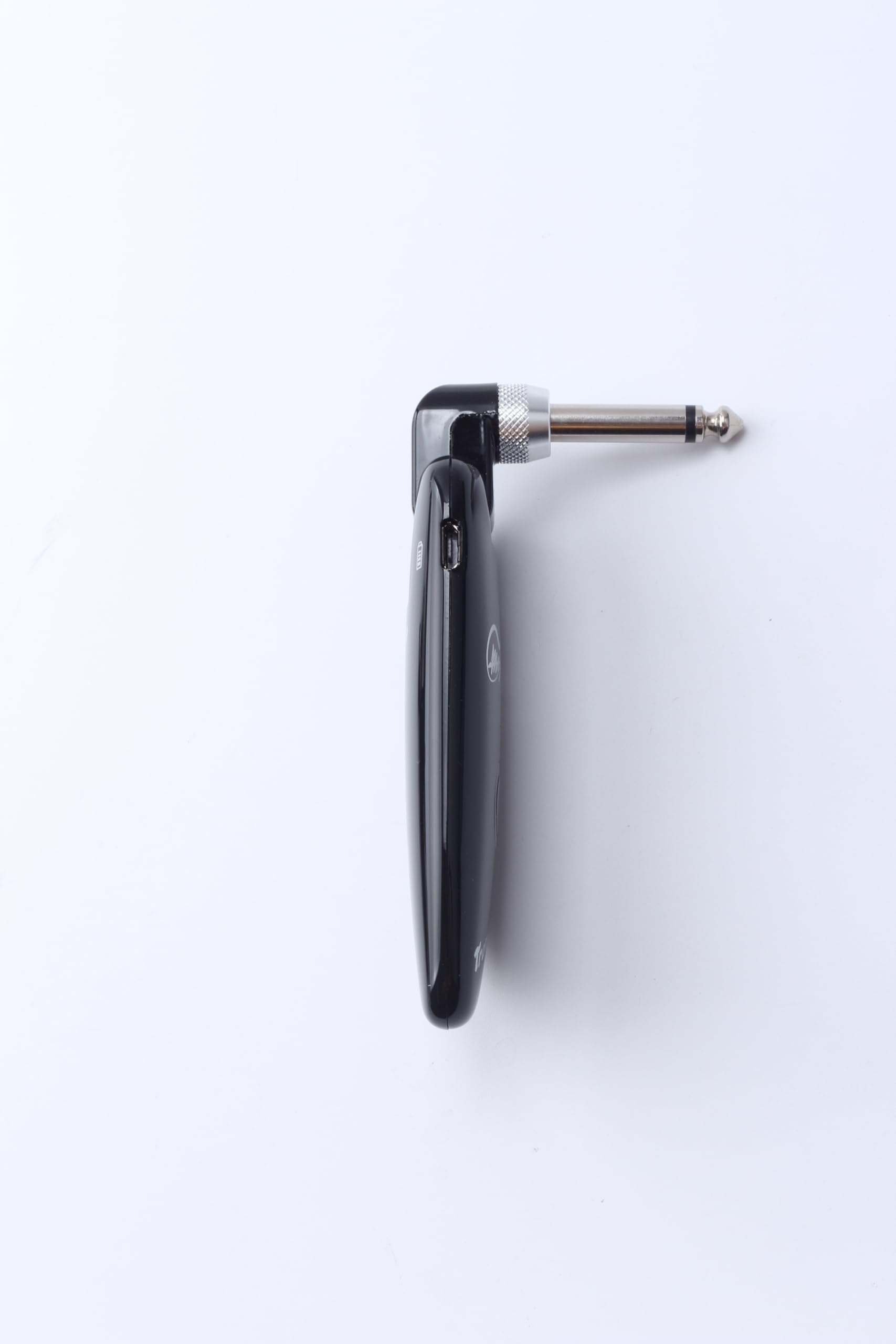
Figure 1: SWIFF AUDIO M1 Wireless Microphone Transmitter and Receiver System components.
Setup Instructions
- Charge the Devices: Before first use, fully charge both the transmitter and receiver units using the included USB cable. A red indicator light typically signifies charging, turning off or green when fully charged. The system provides more than 5 hours of playing time on a full charge.
- Connect the Transmitter: Plug the SWIFF AUDIO M1 Transmitter (marked 'Transmitter' with a microphone icon) directly into the XLR output of your dynamic microphone. Ensure a secure connection.
- Connect the Receiver: Plug the SWIFF AUDIO M1 Receiver (marked 'Receiver' with a speaker icon) into the XLR input of your mixer, amplifier, or powered speaker. Ensure a secure connection.
- Power On: Press and hold the power button on both the transmitter and receiver units until the indicator light illuminates, typically green, indicating they are powered on and paired. The units are designed for automatic pairing.
- Test Connection: Speak or sing into the microphone to test the audio transmission. Adjust gain levels on your mixer/amplifier as needed.
For a visual guide on setup and usage, please refer to the official product video below:
Video 1: Official SWIFF AUDIO M1 Wireless Microphone System overview and setup demonstration.
Operating Instructions
- Power On/Off: Press and hold the power button on each unit to turn it on or off.
- Automatic Pairing: The M1 system is designed for automatic pairing. Once both units are powered on, they should connect automatically. The indicator light will typically be solid green when connected.
- Frequency Band: The system operates on the 2.4 GHz frequency band, which is common for wireless devices. It utilizes frequency hopping to minimize interference.
- Low Latency: The M1 system boasts a latency of less than 5 milliseconds, ensuring minimal delay between sound input and output.
- Operating Range: The system offers a transmission distance of up to 100 feet (approximately 30 meters) in optimal conditions.
- Multiple Units: When using multiple M1 systems simultaneously, they employ complementary interference reduction technology to maintain clear audio.
Maintenance
- Cleaning: Use a soft, dry cloth to clean the exterior of the units. Avoid using harsh chemicals or abrasive materials.
- Storage: Store the units in a cool, dry place away from direct sunlight and extreme temperatures when not in use.
- Battery Care: To prolong battery life, avoid fully discharging the units frequently. Recharge them regularly, especially if they will be stored for an extended period.
- Connection Points: Periodically check the XLR connection points for any debris or damage. Ensure they are clean and free from obstruction for optimal signal integrity.
Troubleshooting
| Problem | Possible Cause | Solution |
|---|---|---|
| No Sound | Units not powered on or not paired. Low battery. Incorrect connection. | Ensure both transmitter and receiver are powered on and indicator lights are solid green. Recharge units. Check all XLR connections. |
| Interference/Noise | Other 2.4 GHz devices nearby. Obstructions between units. | Move away from Wi-Fi routers, cordless phones, or other wireless devices. Ensure a clear line of sight between transmitter and receiver. |
| Short Range | Obstructions. Environmental factors. | Ensure clear line of sight. Avoid placing units near large metal objects or walls. |
| Units not charging | Faulty USB cable or power adapter. | Try a different USB cable and power adapter. Ensure connections are secure. |
Specifications
- Brand: SWIFF AUDIO
- Model: M1
- Item Model Number: 724268533055
- Microphone Form Factor: Microphone System
- Power Source: Battery Powered
- Number of Batteries: 2 CR2 batteries required (included)
- Battery Type: Lithium Ion
- Material: Metal (housing is plastic, but connectors are metal)
- Signal-to-Noise Ratio: 85 dB
- Number of Channels: 20
- Frequency Response: 20 KHz
- Item Weight: 1.06 ounces
- Package Dimensions: 4.92 x 4.53 x 1.02 inches
- Color: Black
- Size: 4*0.9*0.8 inches
- Recommended Uses: Event, Live Performance, Presentation
- Connectivity Technology: USB, XLR
- Connector Type: USB, XLR
- Special Feature: Rechargeable, USB, Wireless
- Compatible Devices: Camera, Speaker
- Included Components: Microphone (implied by system), battery, USB cable
- Polar Pattern: Unidirectional (for compatible microphones)
- Audio Sensitivity: 110 Decibels
Warranty Information
Please refer to the product packaging or the official SWIFF AUDIO website for detailed warranty information. Typically, products come with a limited manufacturer's warranty covering defects in materials and workmanship for a specified period from the date of purchase. Keep your proof of purchase for warranty claims.
Customer Support
For technical assistance, troubleshooting, or product inquiries, please contact SWIFF AUDIO customer support through their official website or the retailer from whom you purchased the product. Have your product model number (M1) and purchase details ready when contacting support.
