1. Introduction
This manual provides essential information for the safe and efficient operation of your SIMOLIO Retro Bluetooth Speaker (Model JH-761M). Please read this manual thoroughly before using the product and retain it for future reference.
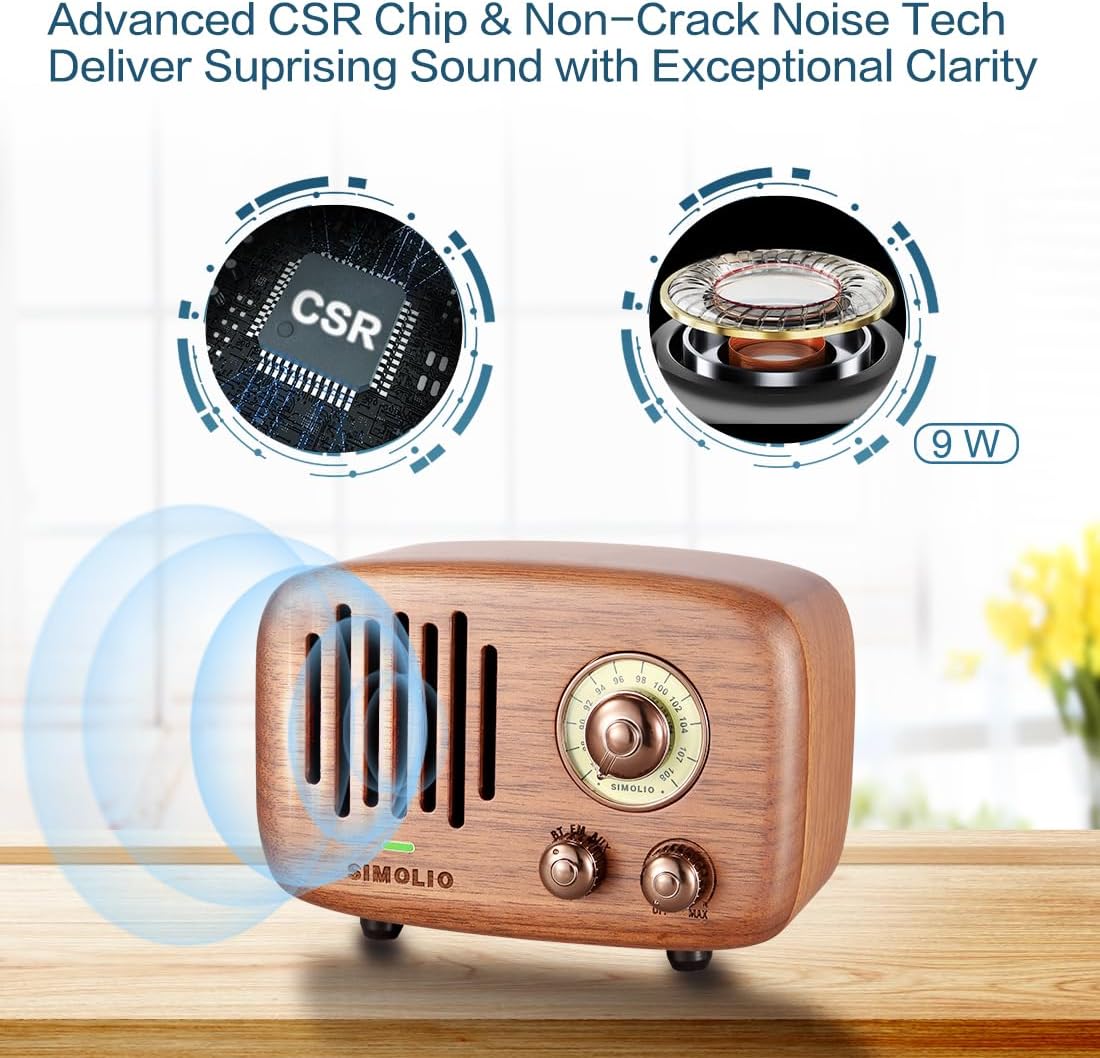
Figure 1: Front view of the SIMOLIO Retro Bluetooth Speaker.
2. Product Features
- Advanced CSR Chip & High-Performance Audio: Equipped with an advanced CSR chip for stable Bluetooth connection up to 33ft. Features a 9W audio-driver with a Φ52mm/4 Ω NdFeB magnet speaker and 425ml acoustic chamber, plus NCN technology for clear sound without distortion.
- FM Radio & AUX Input: Dedicated FM chip for high sensitivity radio reception. Includes a 3.5mm AUX input for wired connection to compatible devices.
- Long Playtime: Built-in rechargeable 2000mA Li-ion battery provides up to 10 hours of wireless/AUX playtime or 20 hours of FM listening. Charges via most USB power sources.
- Vintage Design: Crafted from 100% natural Eastern black walnut, each speaker features unique wood characteristics, offering an elegant and textured aesthetic.
- Portability: Compact design with a portable case for easy transport to various locations.

Figure 2: Advanced CSR Chip and Non-Crack Noise Technology for enhanced sound.
3. Package Contents
- SIMOLIO Retro Bluetooth Speaker (Model JH-761M)
- Portable Case
- USB Charging Cable
- 3.5mm AUX Cable
- User Manual
4. Product Overview
Familiarize yourself with the speaker's components and controls.

Figure 3: Labeled diagram of the speaker's front and rear controls/ports.
- Frequency Scale Turning Knob: Adjusts FM radio frequency.
- Function Knob (BT/FM/AUX): Selects the operating mode.
- Volume Knob/Power On/Off: Turns the speaker on/off and adjusts volume.
- LED Indicator: Shows power and connection status.
- Charging Port: Micro USB port for charging the internal battery.
- AUX Port / Antenna Port: 3.5mm jack for AUX input or external FM antenna.
5. Setup
5.1 Initial Charge
Before first use, fully charge the speaker. Connect the supplied USB charging cable to the speaker's charging port and a USB power source (e.g., computer, USB wall adapter). The LED indicator will show charging status.
5.2 Power On/Off
Turn the Volume Knob clockwise to power on the speaker. Turn it counter-clockwise until it clicks to power off.
6. Operating Instructions
6.1 Bluetooth Mode
- Turn on the speaker.
- Set the Function Knob to "BT" (Bluetooth). The LED indicator will flash, indicating pairing mode.
- On your device (smartphone, tablet, etc.), enable Bluetooth and search for "AS19" or "SIMOLIO JH-761M".
- Select the speaker to pair. Once connected, the LED indicator will stop flashing and remain solid.
- You can now play audio from your device through the speaker.
Video 1: Demonstrating Bluetooth pairing and FM radio functionality.
6.2 FM Radio Mode
- Turn on the speaker.
- Set the Function Knob to "FM".
- Extend the telescopic antenna for better reception.
- Rotate the Frequency Scale Turning Knob to tune into your desired FM station.
6.3 AUX Input Mode
- Turn on the speaker.
- Set the Function Knob to "AUX".
- Connect one end of the 3.5mm AUX cable to the speaker's AUX port and the other end to your audio device's headphone jack.
- Play audio from your device.
Video 2: Overview of the speaker's features including Bluetooth, FM radio, and AUX input.
7. Charging & Battery
The speaker is equipped with a built-in 2000mA Li-ion rechargeable battery.
- Connect the USB charging cable to the speaker's charging port and a compatible USB power source.
- The LED indicator will illuminate during charging and change color or turn off when fully charged (refer to specific LED behavior in the full manual if available).
- A full charge typically takes 3-4 hours.
- Battery life varies by volume level and content: up to 10 hours for wireless/AUX, and up to 20 hours for FM radio.
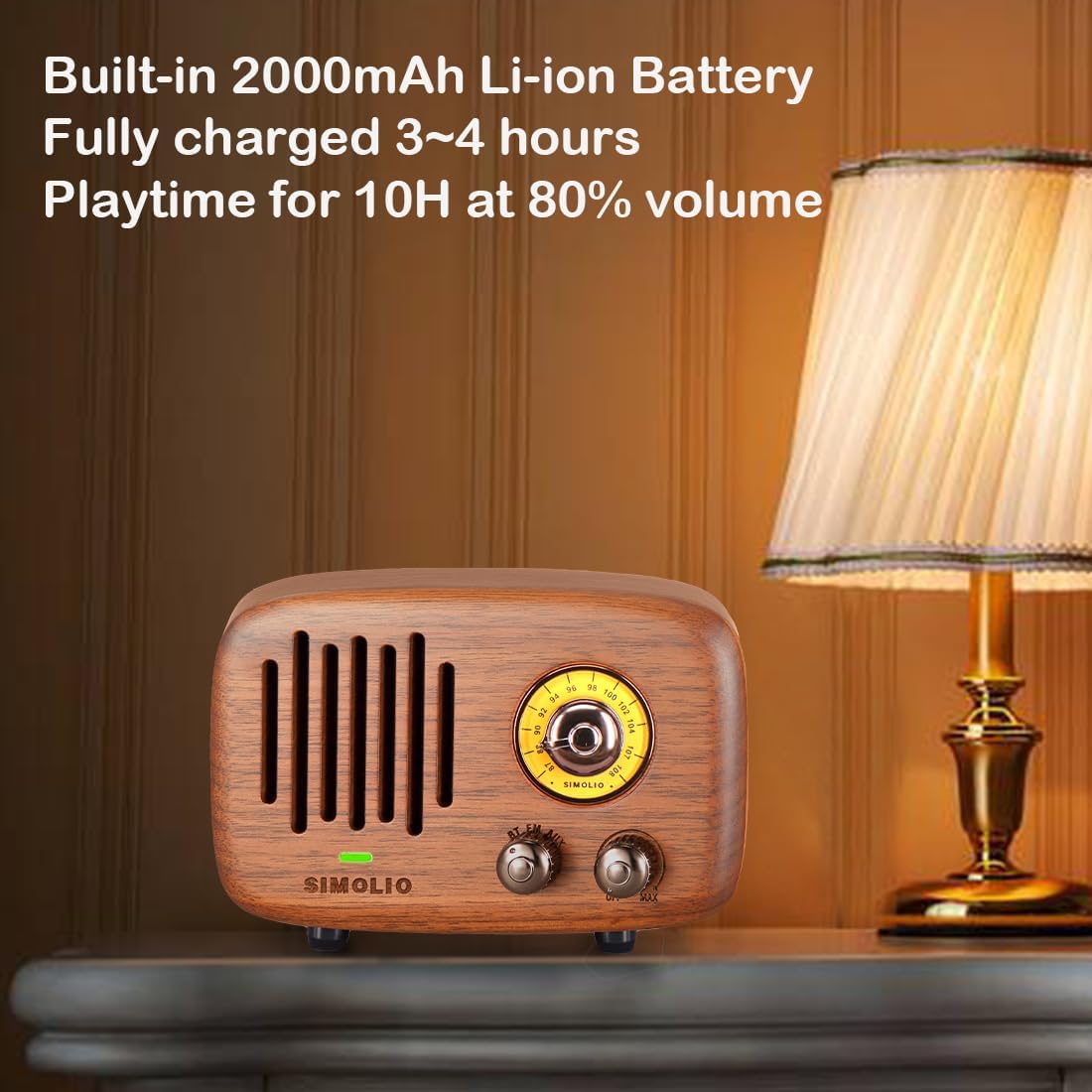
Figure 4: Speaker charging, highlighting its long battery life.
8. Specifications
| Feature | Detail |
|---|---|
| Model Number | JH-761M |
| Product Dimensions | 5.16 x 2.76 x 3.54 inches |
| Item Weight | 1.3 pounds |
| Connectivity Technology | Wireless (Bluetooth) |
| Tuner Technology | FM |
| Power Source | Battery Powered (2000mA Li-ion, included) |
| Special Feature | Portable, AUX Input |
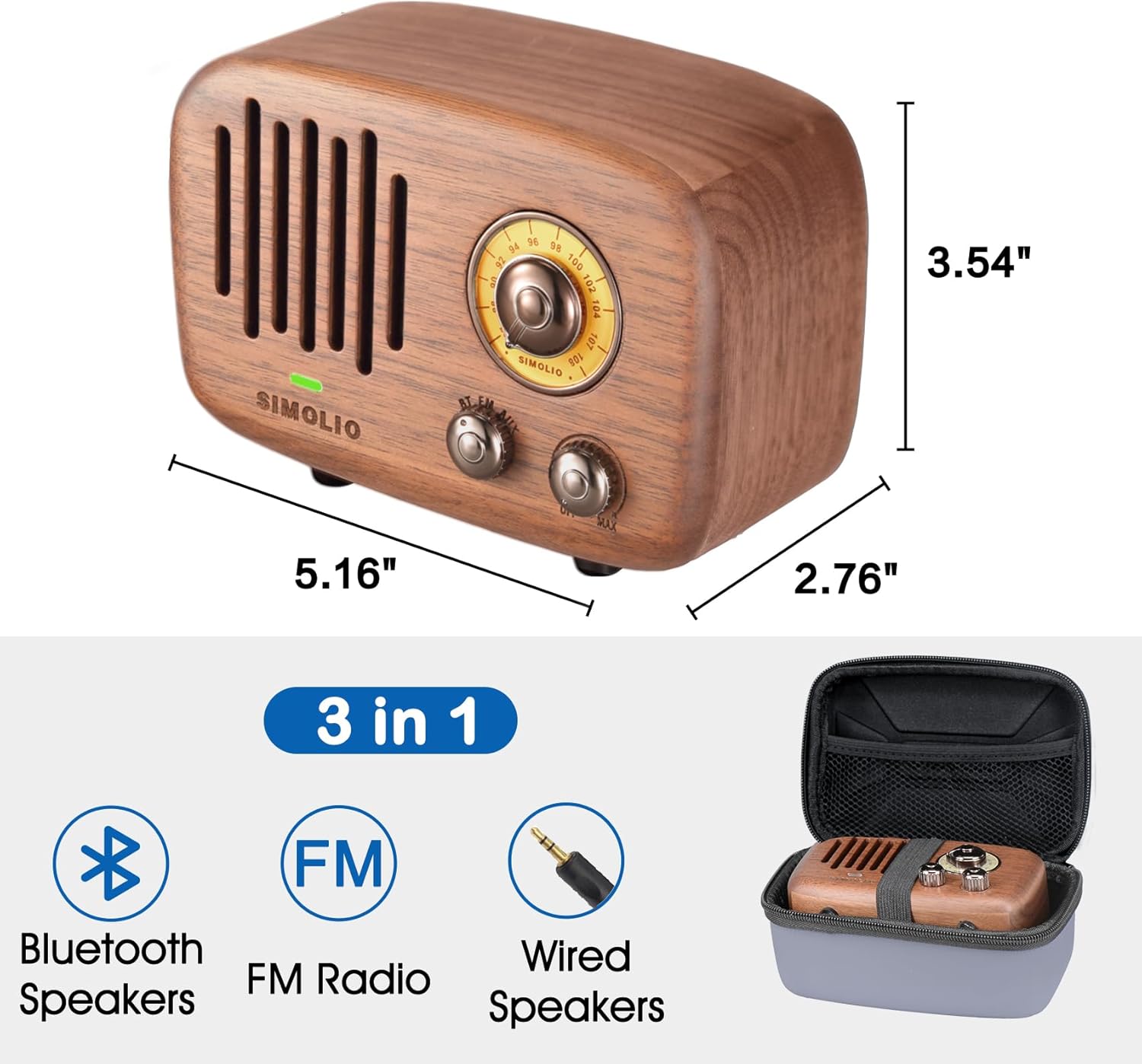
Figure 5: Product dimensions for the SIMOLIO Retro Bluetooth Speaker.
9. Troubleshooting
9.1 No Power
- Ensure the volume knob is turned clockwise to power on.
- Check battery level and charge the speaker if necessary.
9.2 No Sound / Low Sound
- Increase the volume on both the speaker and your connected device.
- Ensure the correct mode (BT/FM/AUX) is selected.
- For Bluetooth, ensure the device is properly paired and within range (up to 33ft).
- For FM radio, extend the antenna and try tuning to different stations.
- For AUX, ensure the cable is securely connected to both devices.
9.3 Bluetooth Disconnection
- Ensure your device is within the 33ft Bluetooth range.
- Check for obstacles between the speaker and your device that might interfere with the signal.
- Turn off and restart both the speaker and your Bluetooth device, then attempt to re-pair.
10. Maintenance
- Clean the speaker with a soft, dry cloth. Do not use abrasive cleaners or solvents.
- Avoid exposing the speaker to extreme temperatures, direct sunlight, or moisture.
- Store the speaker in a cool, dry place when not in use for extended periods.
11. Safety Information
- Do not disassemble, repair, or modify the product. This may cause damage, electric shock, or fire.
- Keep the product away from water and other liquids.
- Do not expose the battery to excessive heat, such as direct sunlight, fire, or the like.
- Dispose of the product and its battery responsibly according to local regulations.
12. Warranty and Support
SIMOLIO products come with a standard manufacturer's warranty. For detailed warranty information, technical support, or customer service, please refer to the contact information provided in your product packaging or visit the official SIMOLIO website.
Manufacturer: simolio
Date First Available: October 4, 2020