
1. Introduction
The Tek Styz Pro Stylus Capacitive Pen is a versatile 2-in-1 tool designed for precise interaction with touchscreen devices and traditional writing. It features a sensitive silicone stylus tip for digital screens and a retractable ballpoint pen for paper. This stylus is compatible with a wide range of capacitive touch screen devices, including iPhone, iPad, Samsung smartphones and tablets, and various touchscreen laptops.
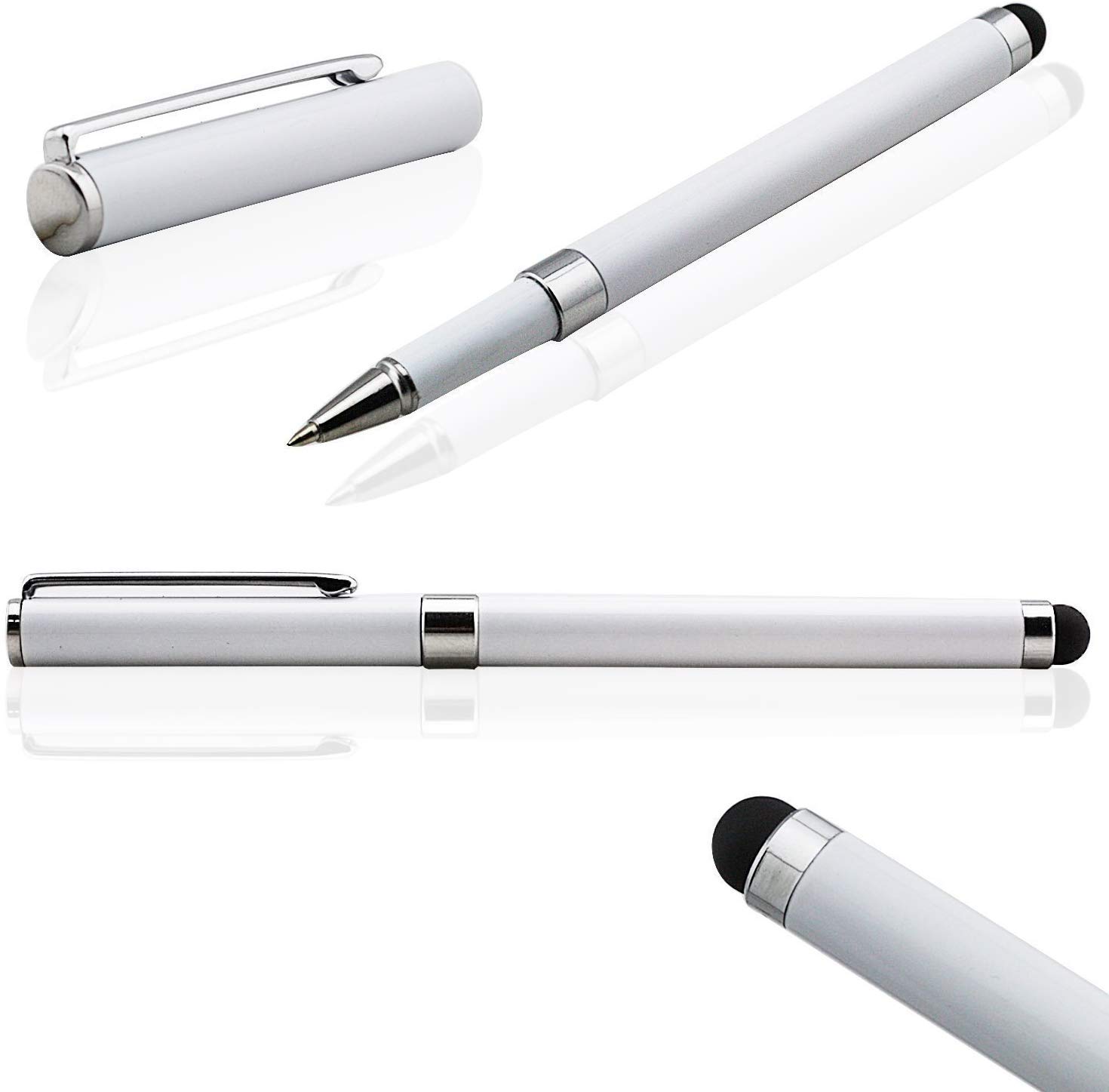
An image showing the Tek Styz Pro Stylus Capacitive Pen in silver. The stylus features a sleek design with a soft silicone tip on one end and a retractable ballpoint pen on the other.
2. Setup
The Tek Styz Pro Stylus Capacitive Pen requires no batteries or Bluetooth pairing. It is ready for immediate use upon unboxing.
- To use the stylus function, simply touch the silicone tip to your device's screen.
- To use the ballpoint pen, twist the stylus body to extend the ink cartridge.
3. Operating Instructions
3.1 Using the Stylus
- Hold the stylus comfortably as you would a regular pen.
- Gently touch the silicone tip to your touchscreen device for navigation, drawing, or typing.
- The soft tip protects your screen from scratches, fingerprints, and grease.
- It offers improved accuracy compared to finger input, especially useful for small screens or when wearing gloves.
3.2 Using the Ballpoint Pen
- Twist the barrel of the stylus to extend the ballpoint pen tip.
- Use the pen for writing on paper.
- Twist the barrel again to retract the pen tip when not in use.
4. Maintenance
- Keep the stylus clean by wiping it with a soft, dry cloth.
- Avoid using abrasive cleaners or solvents.
- Store the stylus in a safe place to prevent damage to the tips.
- Ink cartridges are replaceable (not included). To replace, gently pull out the old cartridge and insert a new compatible one.
5. Troubleshooting
5.1 Stylus Not Responding
- Ensure the device screen is clean and free of debris.
- Verify the device's touchscreen is functioning correctly with finger input.
- The stylus is passive and does not require power; if it's not responding, the issue is likely with the device or a damaged stylus tip.
5.2 Ballpoint Pen Not Writing
- Check if the pen tip is fully extended by twisting the barrel.
- Ensure the ink cartridge is not empty. Replace if necessary.
- If the pen has been stored unused for a long time, try scribbling on a piece of scrap paper to get the ink flowing.
6. Specifications
| Brand | Tek Styz |
| Model | Pro Stylus Capacitive Pen |
| Color | Silver |
| Item Weight | 2 Ounces |
| UPC | 756374041506 |
| ASIN | B082XKXB9B |
7. Warranty and Support
For warranty information and customer support, please refer to the documentation provided with your purchase or contact the retailer or manufacturer directly. Keep your proof of purchase for any warranty claims.