
1. Introduction
Thank you for choosing the HBN Outdoor Wireless Remote Control Outlet. This device provides a simple and convenient way to control your electrical appliances, lights, and decorations from a distance. Designed for both indoor and outdoor use, it features a weatherproof construction and a reliable wireless signal.
2. Safety Information
Please read and understand all safety instructions before using this product. Failure to follow these instructions may result in electric shock, fire, or serious injury.
- For Outdoor Use: Ensure the outlet is plugged into a Ground Fault Circuit Interrupter (GFCI) protected receptacle.
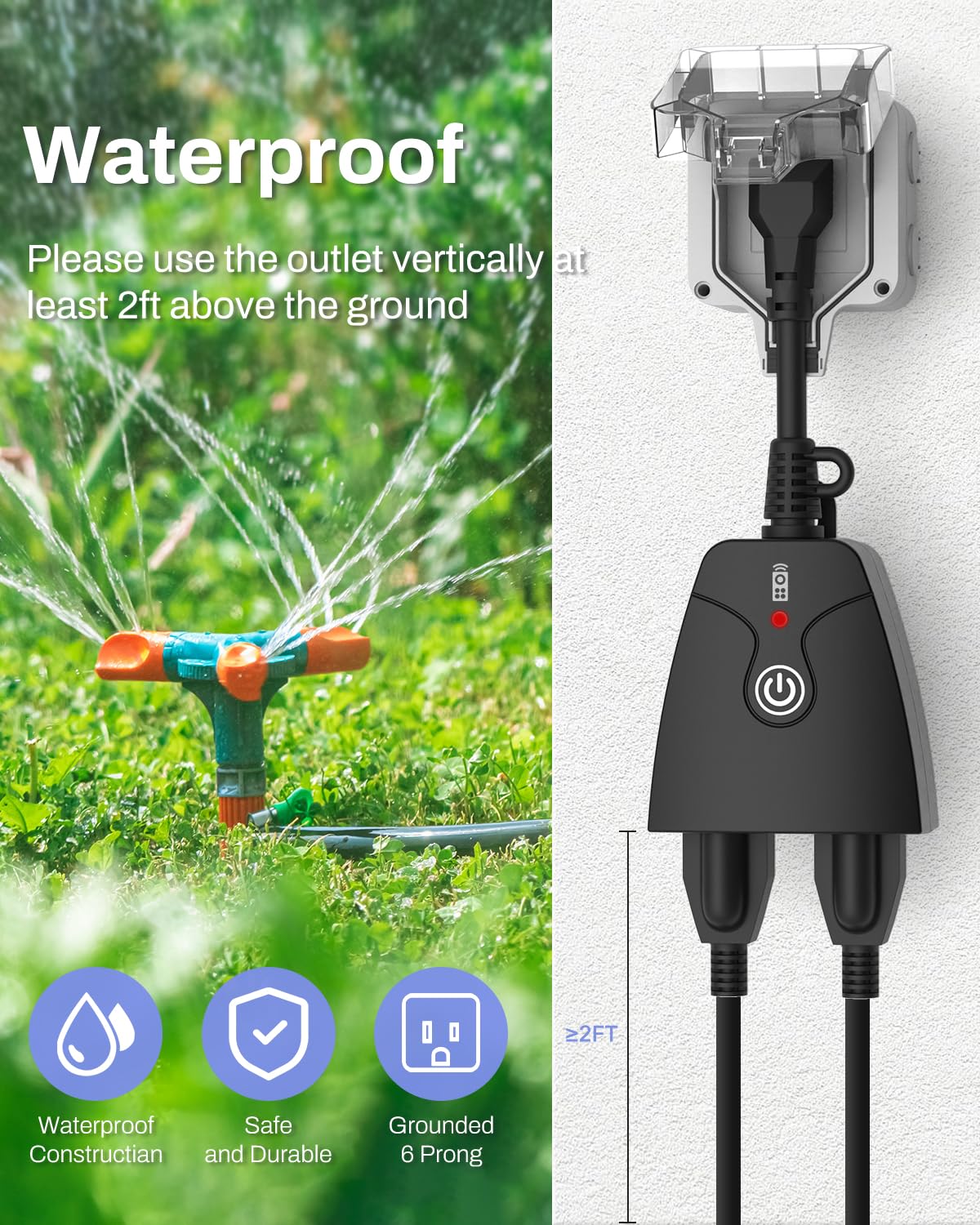
- Mounting: When used outdoors, mount the outlet vertically with the receptacles facing downwards, at least 2 feet (0.6 meters) above ground level, to prevent water ingress.
- Load Capacity: Do not exceed the maximum electrical ratings: 125V, 15A/1875W resistive, 10A/1250W tungsten, 1/2HP.
- Water Exposure: Do not immerse the product in water. Avoid direct water spray onto the outlets.
- Children: Keep out of reach of children.
- Damage: Do not use if the product or its cord is damaged.
- Disassembly: Do not attempt to disassemble or repair the unit. Contact customer support for assistance.
3. Package Contents
- HBN Outdoor Wireless Remote Control Outlet Unit(s) (Quantity may vary based on pack purchased)
- Wireless Remote Control(s)
- 12V 23A Battery (for remote control)

4. Product Overview
The HBN remote control outlet system consists of a receiver unit (the outlet plug) and a transmitter unit (the remote control). The receiver unit features dual 3-prong outlets and a manual ON/OFF button. The remote control allows for convenient operation from up to 100 feet in line-of-sight.

5. Setup Instructions
5.1. Remote Control Battery Installation
- Open the battery compartment cover on the back of the remote control.
- Insert one 12V 23A battery, ensuring the correct polarity (+ and - signs).
- Close the battery compartment cover.

5.2. Plugging in the Outlet Unit
- Plug the HBN Outdoor Wireless Remote Control Outlet into a standard 125V electrical receptacle.
- For outdoor use, ensure the receptacle is GFCI protected and the outlet unit is mounted vertically at least 2 feet above ground.
- The outlet is pre-programmed for immediate use.
6. Operating Instructions
6.1. Basic ON/OFF Operation
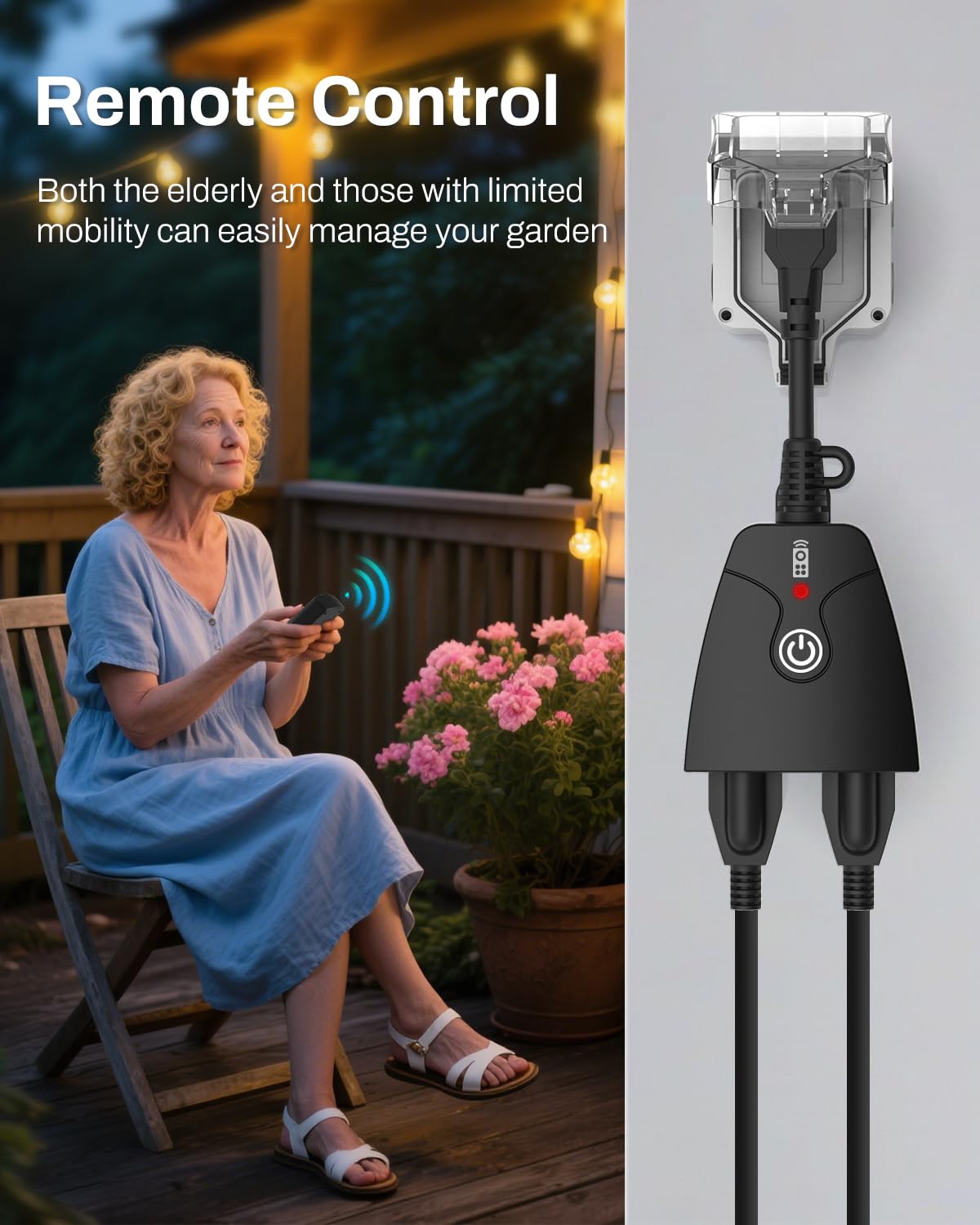
- Using the Remote Control: Press the "ON" button on the remote to turn on connected devices. Press the "OFF" button to turn them off. The remote can control the outlets from up to 100 feet in line-of-sight, even through walls and doors.
- Using the Manual Button: Each outlet unit has a manual power button. Press this button to toggle the power ON or OFF for the connected devices.


6.2. Pairing Receiver to Transmitter
If you need to pair a receiver outlet to a remote control, follow these steps:
- Plug the receiver outlet into a power outlet.
- Press and hold the ON/OFF button on the receiver outlet for 3 seconds. The LED indicator will start flashing slowly.
- Release the ON/OFF button on the receiver and press either the ON or OFF button on the transmitter (remote control) to pair the transmitter to the receiver.
Video: An official HBN video demonstrating the pairing process for the outdoor remote control outlet. It shows how to press and hold the button on the outlet unit and then use the remote to establish a connection.
6.3. Resetting an Outlet
If you wish to unpair an outlet receiver from the remote, or if your outlets are unresponsive, you can reset them:
- Remove the outlet receiver from the power socket.
- Press and hold the ON/OFF button on the outlet receiver.
- While still holding the button, plug the outlet receiver back into a power socket and wait to see the indicator flash.
- When the indicator stops flashing, you may release the button, and the reset process is now complete.
- You may program the outlet again after resetting.
7. Maintenance
- Cleaning: Disconnect from power before cleaning. Wipe with a soft, damp cloth. Do not use harsh chemicals or abrasive cleaners.
- Storage: Store in a cool, dry place when not in use.
- Battery Replacement: Replace the remote control battery when the signal weakens or the remote stops responding.
8. Troubleshooting
| Problem | Possible Cause | Solution |
|---|---|---|
| Outlet not responding to remote. | Remote battery is dead or weak. | Replace the 12V 23A battery in the remote. |
| Outlet and remote are not paired. | Follow the "Pairing Receiver to Transmitter" instructions in Section 6.2. | |
| Distance between remote and outlet is too far or obstructed. | Reduce the distance or remove obstructions. The maximum range is 100ft line-of-sight. | |
| Outlet does not power on manually. | No power to the wall receptacle. | Check the circuit breaker or test the wall receptacle with another device. |
| Overload or short circuit. | Unplug devices, check for damage, and ensure total wattage does not exceed 1875W. |
9. Specifications
- Model Number: U151R-1-1
- Electrical Rating: 125V, 15A/1875W Resistive, 10A/1250W Tungsten, 1/2HP
- Connectivity: Radio Frequency (RF)
- Wireless Range: Up to 100 feet (line-of-sight)
- Outlets: Dual 3-Prong Grounded Outlets
- Cord Length: 6 inches
- Certifications: ETL Listed
- Dimensions: Approximately 3.11 x 2.95 x 1.57 inches (main unit)
- Color: Black
10. Warranty and Support
For warranty information or technical support, please contact HBN customer service. Refer to the product packaging or the official HBN website for contact details.
Manufacturer: HBN


