
UpStart Components AP-WPW10321304-2PK-DL2437
W10321304 Refrigerator Door Bin Replacement Manual
For Maytag MSF22C2EXB00 and Compatible Models
Introduction
This manual provides essential information for the installation, operation, and maintenance of your UpStart Components W10321304 Refrigerator Door Bin Replacement. This product is designed to be a direct replacement for the original door bin in compatible Maytag refrigerator models, including MSF22C2EXB00, and other models using the WPW10321304 part number.
Please read this manual thoroughly before installation to ensure proper fit and function, and to maximize the lifespan of your new door bins.
Important Safety Information
Always prioritize safety when performing any appliance maintenance or replacement. While installing refrigerator door bins is generally a simple process, please observe the following:
- Ensure the refrigerator door is stable and supported when removing or installing bins.
- Avoid applying excessive force during installation, as this may damage the bin or the refrigerator door liner.
- Keep small children and pets away from the work area.
- If you encounter any difficulty or uncertainty, consult a qualified appliance technician.
Product Overview
The UpStart Components W10321304 Refrigerator Door Bin is a durable, clear plastic replacement part designed to fit specific refrigerator models. It provides organized storage space within your refrigerator door.
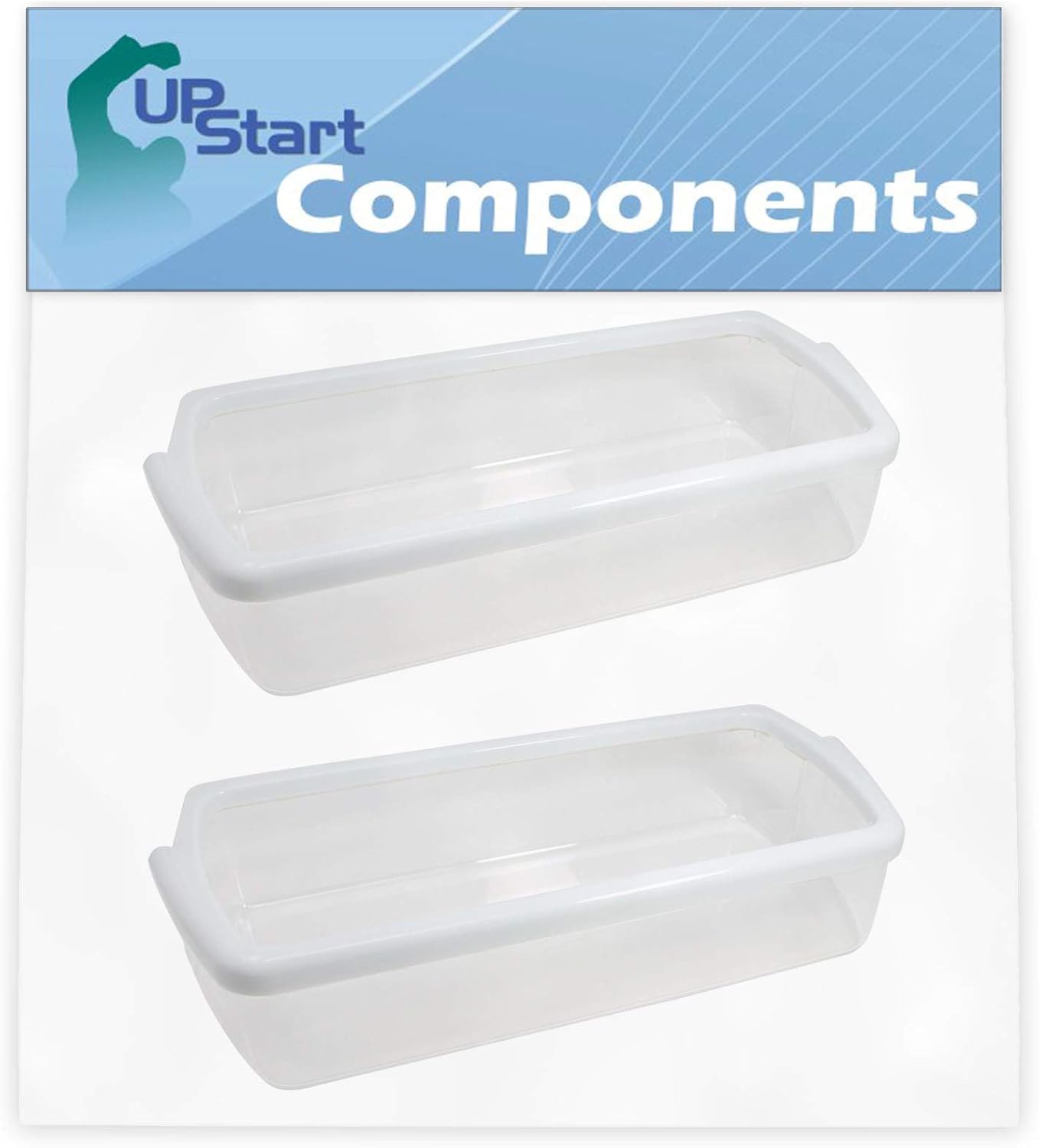
Image: Two UpStart Components W10321304 Refrigerator Door Bins.
Each bin is constructed from high-quality plastic, engineered to resist wear and tear from daily use. The transparent design allows for easy visibility of contents.

Image: Angled view of a single door bin, showing its depth and side supports.
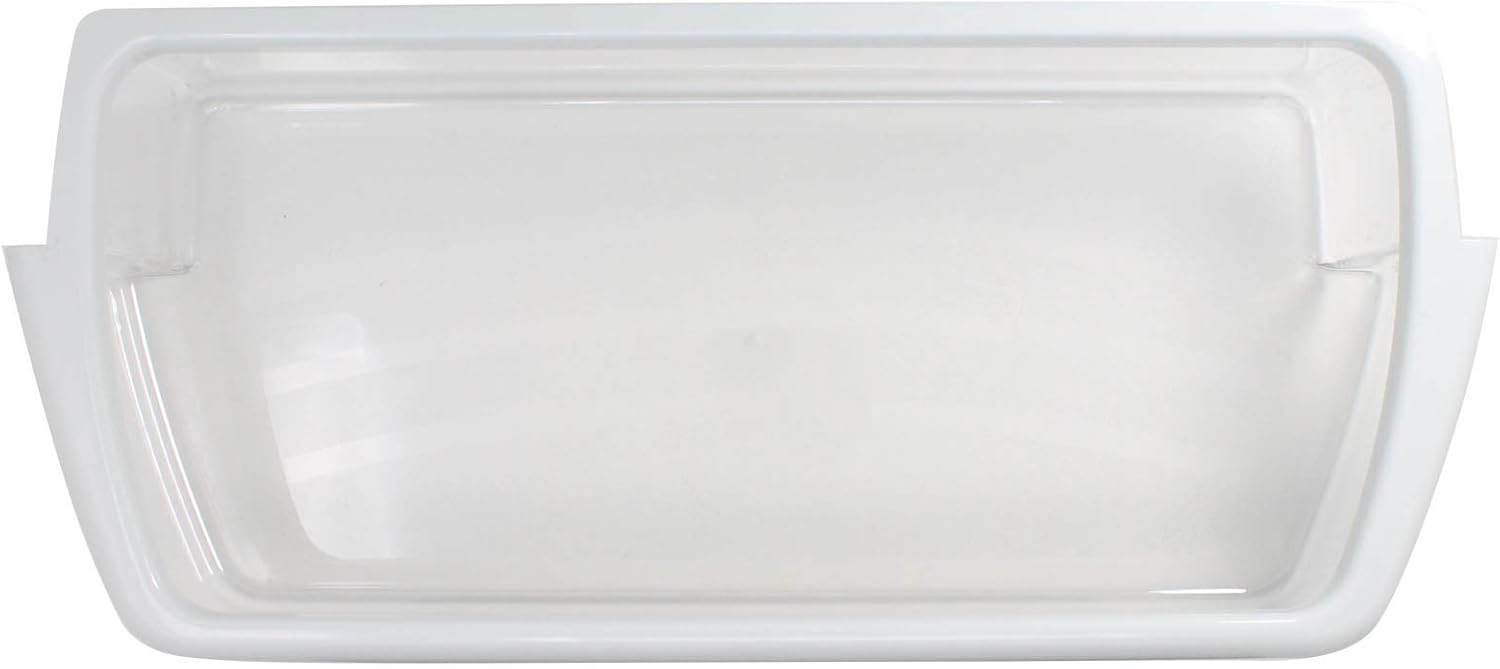
Image: Top-down view of a single door bin, highlighting its rectangular shape and smooth edges.
Installation Instructions
The W10321304 Refrigerator Door Bin is designed for easy at-home installation. Before proceeding, ensure your refrigerator model is compatible with part number WPW10321304.
Steps for Replacement:
- Empty the Old Bin: Carefully remove all items from the existing door bin you wish to replace.
- Remove the Old Bin: Gently lift the old bin upwards and then pull it outwards from its mounting slots on the refrigerator door. Some bins may require a slight tilt to disengage.
- Inspect Mounting Slots: Check the mounting slots on the refrigerator door for any debris or damage. Clean if necessary.
- Install the New Bin: Align the new UpStart Components door bin with the mounting slots on the refrigerator door. Insert the bottom tabs of the bin into the lower slots first, then push down gently until the top of the bin clicks securely into place. Ensure it is level and stable.
- Test Fit: Lightly push and pull on the newly installed bin to confirm it is securely seated and does not wobble.
- Reload Items: Once the bin is securely installed, you may place your items back into it.
If the bin does not fit easily, do not force it. Double-check the part number compatibility and ensure you are aligning it correctly with the door's mounting points.
Operation
The W10321304 Refrigerator Door Bin functions as a storage compartment within your refrigerator door. To ensure optimal performance and longevity:
- Do not overload the bin with excessively heavy items, as this can stress the plastic and mounting points.
- Distribute weight evenly within the bin to prevent warping or cracking.
- Avoid placing items with sharp edges directly against the plastic, which could cause scratches or punctures.
Care and Maintenance
Regular cleaning will help maintain the appearance and hygiene of your refrigerator door bins.
Cleaning Instructions:
- Remove Bin: For thorough cleaning, it is recommended to remove the bin from the refrigerator door (refer to installation steps in reverse).
- Wash: Wash the bin by hand using warm water and a mild dish soap. Avoid abrasive cleaners, scouring pads, or harsh chemicals, as these can scratch or damage the plastic.
- Rinse: Rinse the bin thoroughly with clean water to remove all soap residue.
- Dry: Dry the bin completely with a soft cloth or allow it to air dry before reinstalling it in the refrigerator.
Troubleshooting
Most issues with refrigerator door bins are minor and can be resolved with simple checks.
Common Issues and Solutions:
- Bin Does Not Fit:
- Verify the part number of your original bin against the W10321304 compatibility list.
- Ensure the bin is oriented correctly and aligned with the door's mounting slots.
- Check for any obstructions in the mounting slots.
- Bin Feels Loose or Wobbly:
- Ensure the bin is fully seated and clicked into all mounting points. Remove and re-install if necessary.
- Check for any damage to the bin's tabs or the door's mounting slots.
- Bin Cracks or Breaks Easily:
- Avoid overloading the bin with excessive weight.
- Ensure items are not dropped heavily into the bin.
- Avoid extreme temperature fluctuations if possible (though unlikely for an installed bin).
If problems persist, contact UpStart Components customer support for further assistance.
Specifications
| Attribute | Detail |
|---|---|
| Model Number | AP-WPW10321304-2PK-DL2437 |
| Compatible Part Numbers | WPW10321304, AP6019471, W10321304, 2171046, 2171047, 2179574, 2179575, 2179607, 2179607K, 2198449, 2198449K, 2304235, 2304235K, PS11752778, W10321302, W10321303, W10549739, WPW10321304VP |
| Material | Plastic |
| Manufacturer | UpStart Components |
| Quantity | 2-Pack |
Warranty and Support
Any warranties for this product are offered solely by UpStart Components. For specific warranty terms, conditions, or to obtain support, please refer to the product packaging or contact UpStart Components directly through their official channels. You can often find support information on the retailer's website where the product was purchased, or by searching for 'UpStart Components customer support' online.
For general inquiries or to explore other products, visit the UpStart Components brand page on Amazon.
Ask a question about this manual
Ask about setup, troubleshooting, compatibility, parts, safety, or missing instructions. Manuals+ will review the question and use this page’s manual context to help answer it.