
UpStart Components AP-240338001-DL2328
Instruction Manual for UpStart Components Refrigerator Door Bin Shelf
Model: AP-240338001-DL2328
Introduction
This manual provides essential information for the installation, use, and maintenance of your UpStart Components Replacement 240338001 Refrigerator Door Bin Shelf. This part is designed as a direct replacement for specific Frigidaire refrigerator models, ensuring a proper fit and restoring the functionality of your appliance's door storage.
Please read these instructions carefully before proceeding with installation to ensure safe and correct usage.
Safety Information
Always prioritize safety when working with appliances. Follow these guidelines:
- Disconnect Power: Before attempting any installation or maintenance on your refrigerator, always unplug the appliance from the power outlet to prevent electrical shock.
- Handle with Care: The door bin shelf is made of durable plastic, but can be damaged if dropped or mishandled.
- Proper Tools: No special tools are typically required for this installation, but ensure you have a clean, stable work area.
Compatibility
This replacement door bin shelf is compatible with the following models and part numbers:
- Refrigerator Model: Frigidaire FGTR1837TF2
- Compatible Part Numbers: 240338001, AP2115859, 240338005, 891049, AH429871, EA429871, PS429871
Note: This is an UpStart Components Brand replacement part and is not an OEM product. It is designed to be fully compatible with the listed models and part numbers.
Setup and Installation
Follow these steps to install your new refrigerator door bin shelf:
- Preparation:
Before beginning, ensure your refrigerator is unplugged from the wall outlet. Remove any items from the old door bin, if present, and carefully remove the old bin by lifting it straight up and out of its mounting slots.

Image: The UpStart Components replacement door bin shelf, as it appears in its packaging. This image shows the overall design and branding.
- Inspect the New Bin:
Carefully unpackage your new UpStart Components door bin shelf. Inspect it for any signs of damage from shipping. The bin should be free of cracks or deformities.
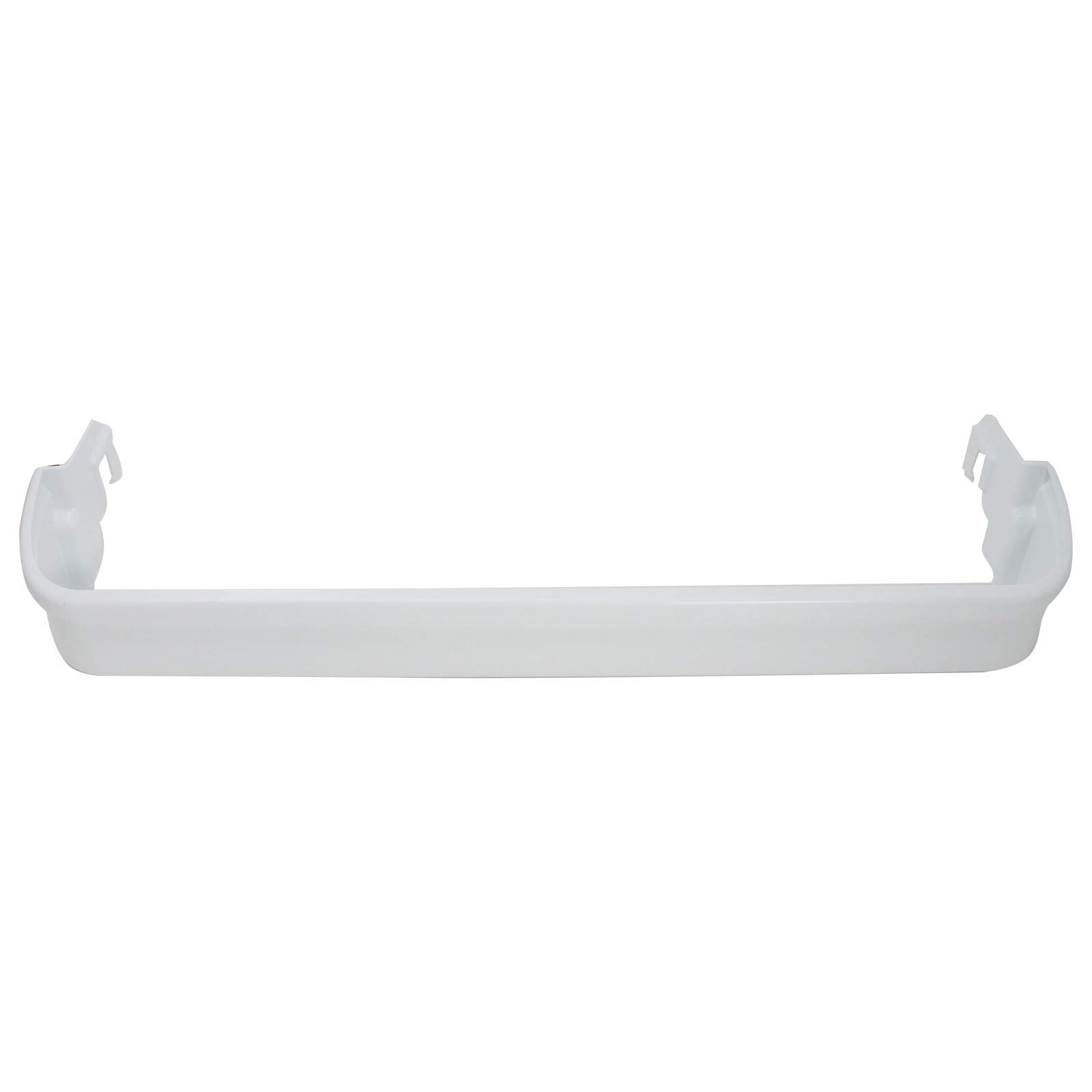
Image: A direct front view of the white replacement refrigerator door bin shelf, highlighting its smooth surface and general shape.
- Align and Insert:
Locate the mounting slots on the inside of your refrigerator door. Align the hooks or tabs on the back of the new door bin shelf with these slots. Ensure the bin is oriented correctly, with the open side facing upwards.
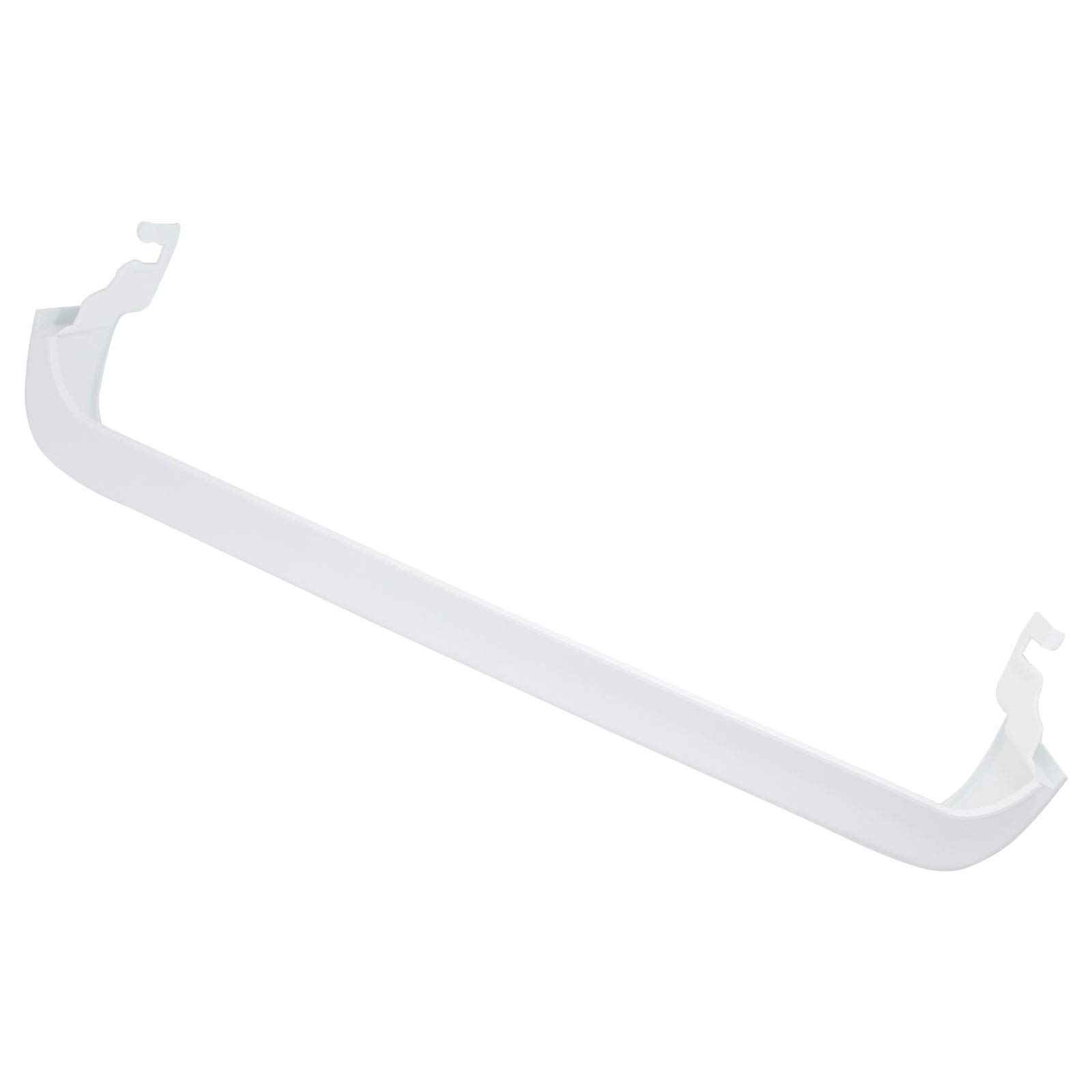
Image: An angled perspective of the door bin shelf, clearly showing the design of the mounting tabs on either end, which slide into the refrigerator door's designated slots.
- Secure the Bin:
Gently push the bin downwards until the hooks or tabs fully engage with the slots and the bin sits securely and level. You may hear a slight click as it locks into place. Give it a gentle tug to ensure it is firmly seated.
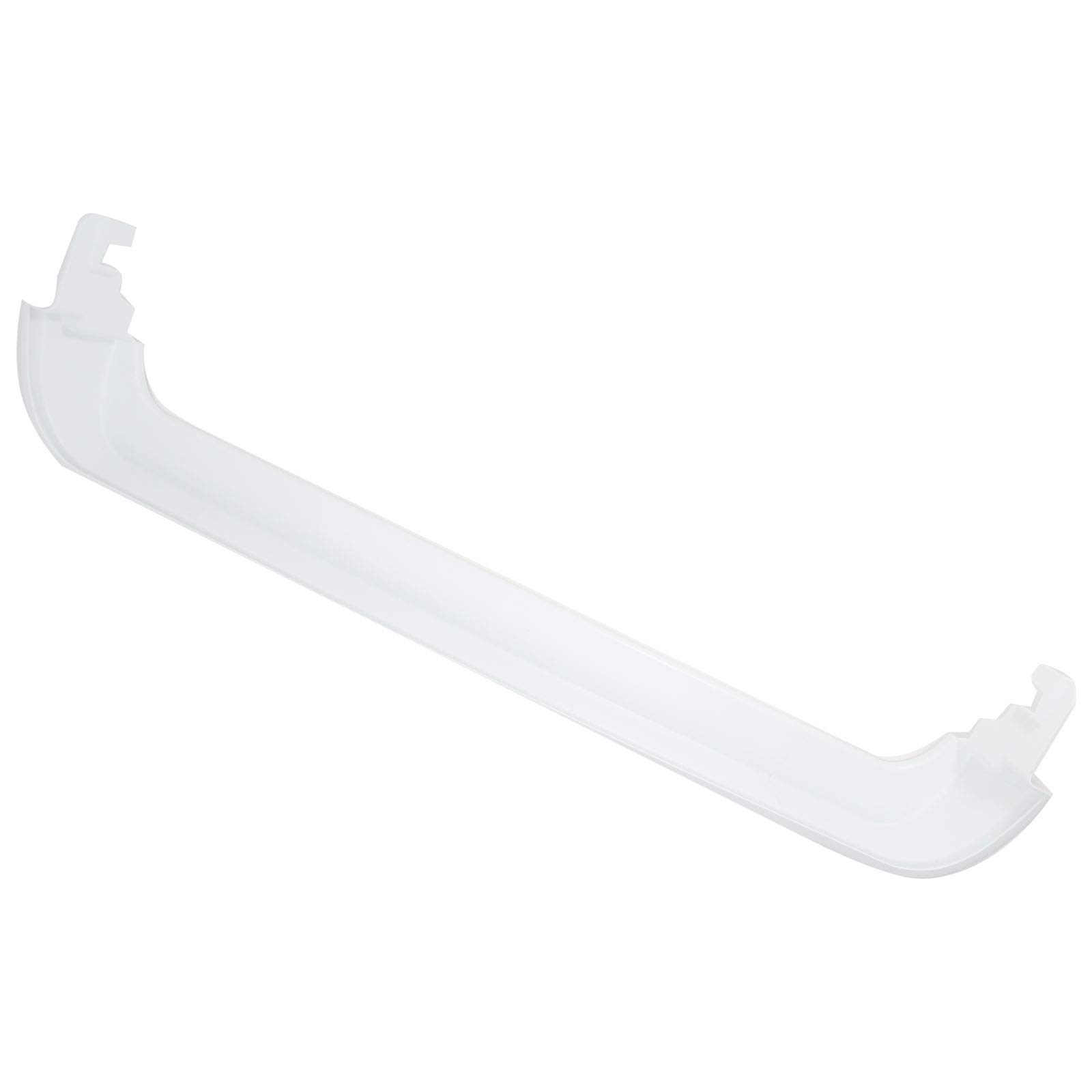
Image: A slightly transparent angled view of the door bin shelf, emphasizing the material and the structural integrity of the bin.
- Restore Power:
Once the bin is securely installed, plug your refrigerator back into the power outlet.
Operating and Usage
While a door bin shelf does not have "operations" in the traditional sense, proper usage ensures its longevity and effectiveness:
- Even Weight Distribution: Distribute items evenly within the bin to prevent undue stress on one side.
- Avoid Overloading: Do not exceed the reasonable weight capacity of the bin. Heavy glass bottles or multiple large containers should be placed on main shelves if possible, or distributed across multiple door bins.
- Gentle Handling: Avoid slamming the refrigerator door, as this can cause items in the bin to shift and potentially damage the bin or its contents.
Maintenance
Regular cleaning and inspection will help maintain your door bin shelf:
- Cleaning: Clean the door bin periodically with mild soap and warm water. Avoid abrasive cleaners or harsh chemicals, as these can damage the plastic. Rinse thoroughly and dry completely before returning it to the refrigerator.
- Inspection: Occasionally inspect the bin for any signs of cracks, stress marks, or damage, especially around the mounting points. Early detection can prevent further issues.
Troubleshooting
If you encounter issues with your new door bin shelf, consider the following:
| Problem | Possible Cause | Solution |
|---|---|---|
| Bin does not fit or is loose. | Incorrect model compatibility or improper installation. |
|
| Bin appears cracked or damaged upon arrival. | Shipping damage. | Contact UpStart Components customer support immediately for assistance with a replacement. |
| Bin breaks after installation. | Overloading or impact. | Review "Operating and Usage" section to ensure proper loading. Consider replacing the bin if damage is significant. |
Specifications
- Product Type: Refrigerator Door Bin Shelf Replacement
- Brand: UpStart Components
- Model Number: AP-240338001-DL2328
- Compatible Refrigerator Model: Frigidaire FGTR1837TF2
- Compatible Part Numbers: 240338001, AP2115859, 240338005, 891049, AH429871, EA429871, PS429871
- Material: Durable plastic (designed for refrigerator environment)
Warranty Information
Please note that this is an UpStart Components Brand replacement part, NOT an OEM product. All mentions of brand names or model descriptions are made strictly to illustrate compatibility. All brand names and logos are registered trademarks of their respective owners. This product is not affiliated with any brands and is not covered under any warranties offered by the original manufacturers.
Any warranties for this product are offered solely by UpStart Components. For specific warranty terms and conditions, please refer to the documentation provided with your purchase or contact UpStart Components directly.
Support and Contact
For further assistance, questions, or to report issues, please contact UpStart Components customer support. Refer to your purchase documentation for the most current contact information, or visit the official UpStart Components website.
Online Resources: For additional product information or frequently asked questions, please visit the UpStart Components Brand Page on Amazon.
Ask a question about this manual
Ask about setup, troubleshooting, compatibility, parts, safety, or missing instructions. Manuals+ will review the question and use this page’s manual context to help answer it.