
Introduction
This manual provides essential instructions for setting up, operating, maintaining, and troubleshooting your OPPO Find N2 Flip smartphone. Please read this manual thoroughly to ensure proper use and to maximize the device's performance and longevity.
1. Setup
1.1 Package Contents
Verify that your package contains the following items:
- OPPO Find N2 Flip Smartphone
- USB Cable
- (Other accessories may vary by region)
1.2 SIM Card Installation
The OPPO Find N2 Flip supports Dual-SIM functionality. Follow these steps to install your SIM card(s):
- Power off the device.
- Locate the SIM card tray on the side of the phone.
- Insert the SIM ejector tool into the small hole next to the tray and push gently until the tray pops out.
- Place your Nano-SIM card(s) into the designated slots on the tray. Ensure the gold contacts are facing down and the notched corner aligns correctly.
- Carefully reinsert the SIM card tray into the phone.
- Important Note for USA Buyers: This smartphone is not compatible with CDMA networks (e.g., Verizon, Sprint, US Cellular). Please verify 3G/4G/LTE/5G compatibility with your network provider before use.
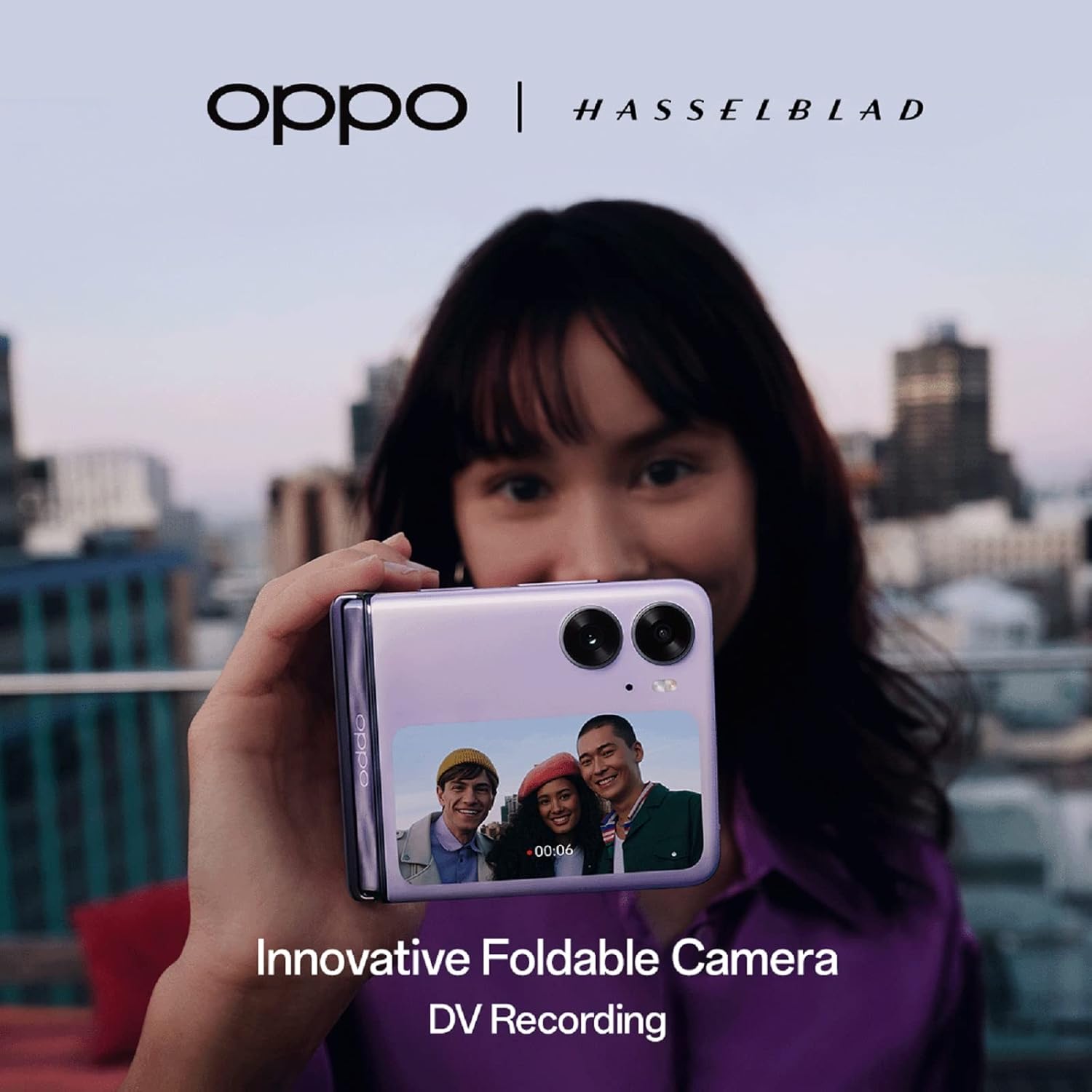
Image: The OPPO Find N2 Flip in its folded state, showcasing its compact design and camera module. This image helps visualize the device's form factor.
1.3 Initial Charging and Power On
Before first use, it is recommended to fully charge your device.
- Connect the provided USB cable to the phone's Type-C port and the other end to a compatible power adapter (not included) or a computer's USB port.
- The device features 44W SUPERVOOC charging technology, allowing for rapid charging. Approximately 15 minutes of charging can rejuvenate the battery to 34%. A full charge takes about 58 minutes.
- Once sufficiently charged, press and hold the Power button (located on the side) until the OPPO logo appears to power on the device.
2. Operating Your Device
2.1 Foldable Design and Displays
The OPPO Find N2 Flip features a unique foldable design with two displays:
- Main Display: A 6.8-inch Foldable LTPO AMOLED screen (1080 x 2520 pixels) when unfolded. This is your primary interface for most applications.
- Cover Screen: A 3.26-inch vertical AMOLED display on the exterior when folded. This screen allows for quick interactions without unfolding the phone.

Image: The OPPO Find N2 Flip in a partially folded state, displaying a camera interface on its cover screen. This illustrates the functionality of the external display for quick actions like taking selfies.
2.2 Using the Cover Screen
The cover screen provides quick access to essential functions:
- Notifications: View incoming messages and alerts.
- Quick Replies: Respond to texts without opening the phone.
- Call Management: Answer or decline calls.
- Selfies: Utilize the main camera for high-resolution selfies with a preview on the cover screen.
2.3 FlexForm Mode
The FlexForm Mode allows the phone to be partially folded and held at angles between 40-135 degrees. This mode is useful for:
- Photography/Videography: Stable shooting without a tripod.
- Video Calls: Hands-free communication.
- Content Consumption: Watching videos or browsing content.
2.4 Camera Features
The OPPO Find N2 Flip is equipped with a versatile camera system:
- Main Camera: 50 MP, f/1.8, 23mm (wide), 1/1.56", 1.0µm, with multi-directional PDAF.
- Ultrawide Camera: 8 MP, f/2.2, 112°.
- Front Camera: 32 MP, f/2.4, 22mm (wide), 1/2.74", 0.8µm, with AF.

Image: A person holding the OPPO Find N2 Flip, which displays a video recording interface. The image highlights the phone's camera capabilities and its collaboration with Hasselblad.
3. Maintenance
3.1 Battery Care
- Avoid extreme temperatures, which can degrade battery life.
- Use only the provided USB cable and a compatible charger for optimal charging.
- The device has a 4300mAh battery. While designed for longevity, regular charging practices help maintain battery health.
3.2 Cleaning Your Device
- Gently wipe the screen and body with a soft, lint-free cloth.
- Avoid using harsh chemicals or abrasive materials.
- Keep the charging port and speaker grilles free of dust and debris.
3.3 Software Updates
Regularly check for and install software updates to ensure your device has the latest features, security patches, and performance improvements. You can usually find this option in the phone's Settings menu under "Software Update" or "About Phone."
4. Troubleshooting
4.1 Network Connectivity Issues
- No Signal/Limited Service: Ensure your SIM card is correctly inserted. Verify with your carrier that your plan supports the device's network bands (GSM only; no CDMA).
- Data Not Working: Check your mobile data settings and ensure data roaming is enabled if you are abroad.
4.2 Software Glitches
- App Crashes/Freezing: Try restarting the app. If the issue persists, clear the app's cache or reinstall it.
- System Instability: Perform a device restart. Ensure your operating system (Android 13.0) is up to date. Some users have reported minor software bugs, such as wallpaper resetting or persistent media controls; ensure all system and app updates are applied.
4.3 Charging Problems
- Slow Charging: Ensure you are using the original USB cable and a compatible power adapter. Check the charging port for debris.
- Device Not Charging: Try a different cable and adapter. If the issue continues, contact customer support.
5. Specifications
| Feature | Detail |
|---|---|
| Model Name | OPPO Find N2 Flip (CPH2347) |
| Dimensions (Unfolded) | 6.54 x 2.96 x 0.29 inches (166.2 x 75.2 x 7.45 mm) |
| Weight | 6.7 ounces (191 grams) |
| Main Display | 6.8 inches Foldable LTPO AMOLED, 1080 x 2520 pixels, 120Hz, Corning Gorilla Glass 5 |
| Cover Display | 3.26 inches AMOLED, 60Hz |
| Operating System | Android 13.0 |
| Processor | Mediatek Dimensity 9000+ (4 nm), Octa-core (1x3.20 GHz Cortex-X2 & 3x2.85 GHz Cortex-A710 & 4x1.80 GHz Cortex-A510) |
| RAM | 8 GB |
| Internal Storage | 256 GB |
| Main Camera | 50 MP (wide), 8 MP (ultrawide) |
| Front Camera | 32 MP (wide) |
| Battery Capacity | 4300 mAh (Lithium Ion) |
| Charging | 44W SUPERVOOC (approx. 58 mins for full charge) |
| Connectivity | 5G, Wi-Fi, Bluetooth, GPS |
| SIM Type | Dual Nano-SIM (GSM only) |
| Audio Jack | Type C |
| Color | Moonlit Purple |
6. Warranty and Support
For detailed warranty information and customer support, please refer to the official OPPO website or contact your local OPPO service center. Warranty terms may vary by region and retailer.
You can find additional support resources and frequently asked questions on the official OPPO support pages.


