
1. Product Overview
The Colgate 360 Optic White Sonic Battery Powered Toothbrush is designed to provide a whiter smile and a healthier whole mouth clean. It utilizes sonic technology, delivering 20,000 strokes per minute, combined with spiral bristles and polishing cups to effectively remove dental plaque and surface stains. This toothbrush also features a built-in tongue and cheek cleaner to remove bacteria, contributing to overall oral hygiene.

Image: The Colgate 360 Optic White Sonic Battery Powered Toothbrush in gray, highlighting its sonic power and whitening features.
2. What's Included
Your Colgate 360 Optic White Sonic Battery Powered Toothbrush package typically includes the following items:
- Colgate 360 Optic White Sonic Battery Powered Toothbrush (2 units)
- AAA Batteries (2 units, pre-installed or included separately)

Image: A 2-pack of Colgate 360 Optic White Sonic Battery Powered Toothbrushes, as typically supplied.
3. Safety Information
Please read and understand all safety instructions before using this product. Failure to do so may result in injury or product damage.
- Adult Supervision: Adult supervision is required for persons with disabilities when using this product.
- Brush Head Replacement: Replace the brush head if it becomes loose due to damage.
- Battery Safety: Batteries pose a choke hazard. Do not install batteries backwards, charge them, put them in fire, or mix them with other battery types. Batteries may explode or leak, causing injury. Replace all batteries at the same time.
- Medical Advice: Statements regarding dietary supplements have not been evaluated by the FDA and are not intended to diagnose, treat, cure, or prevent any disease or health condition. Consult a dental professional for any oral health concerns.
4. Setup
4.1 Battery Installation
The toothbrush requires 2 AAA batteries for operation. These are typically included with your purchase. If replacing batteries, ensure correct polarity.
- Twist the bottom cap of the toothbrush counter-clockwise to open the battery compartment.
- Insert two new AAA batteries, ensuring the positive (+) and negative (-) ends align with the markings inside the compartment.
- Replace the bottom cap and twist clockwise until securely closed to maintain water resistance.

Image: Illustrates the process of installing batteries into the toothbrush handle.
5. Operation
5.1 How to Use
To begin brushing, apply a small amount of toothpaste to the bristles. Press the power button located on the handle to activate the sonic vibrations. The toothbrush operates with a single setting.
5.2 Brushing Technique
For optimal cleaning, follow these guidelines:
- Bristle Design: The soft floss tip bristles are designed to help clean between teeth.
- Full Coverage: The surround bristles simultaneously clean both sides of the teeth and reach down to the gum line.
- Tongue and Cheek Cleaner: Utilize the wraparound cheek and tongue cleaner on the back of the brush head to remove bacteria for a more complete mouth clean.
- Gentle Pressure: Guide the brush head gently over all surfaces of your teeth and along the gum line. Avoid excessive pressure.
- Duration: Brush for at least two minutes, twice a day, as recommended by dental professionals.

Image: A close-up view of the soft floss tip bristles designed for interdental cleaning.

Image: The textured back of the brush head, indicating the integrated tongue and cheek cleaner.
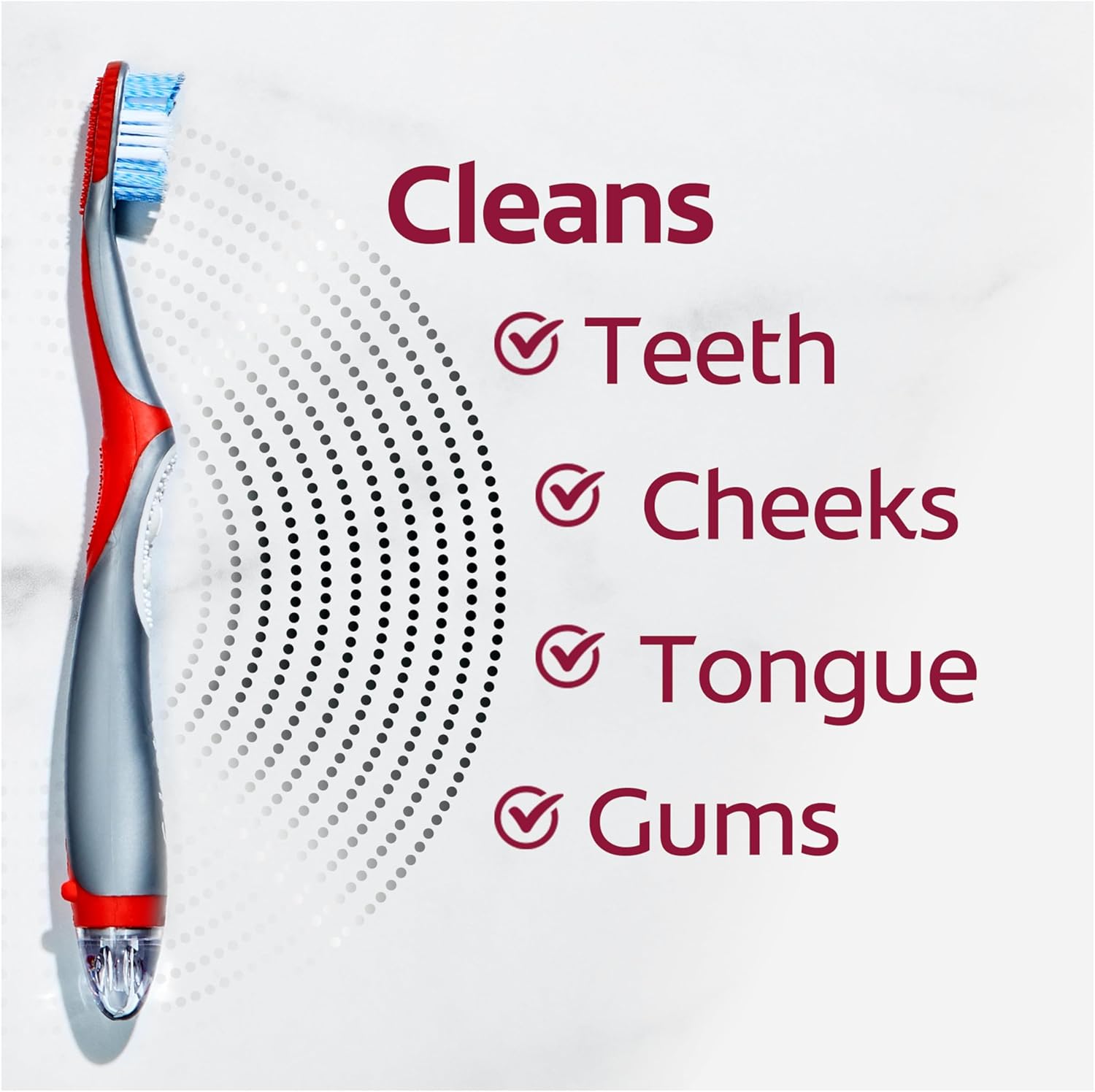
Image: A visual representation highlighting the toothbrush's ability to clean teeth, cheeks, tongue, and gums.
6. Maintenance
6.1 Cleaning
After each use, rinse the brush head thoroughly under running water to remove any toothpaste residue and debris. Do not use harsh cleaning agents or abrasive materials.
6.2 Storage
Store the toothbrush in an upright position in a clean, dry area. Ensure proper ventilation to allow the bristles to air dry. Replace the toothbrush every three months, or sooner if the bristles become splayed or worn.
7. Troubleshooting
| Problem | Possible Cause | Solution |
|---|---|---|
| Toothbrush not vibrating | Dead or incorrectly installed batteries. | Check battery orientation. Replace both AAA batteries with new ones. |
| Reduced vibration strength | Low battery power. | Replace both AAA batteries with new ones. |
| Brush head feels loose | Damage to the brush head or handle connection. | Discontinue use and replace the toothbrush. |
8. Specifications
| Feature | Detail |
|---|---|
| Model Number | CN05776A |
| Power Source | Battery Powered (2 x AAA batteries) |
| Operation Mode | Automatic (Vibrate) |
| Vibrations per Minute | 20,000 strokes |
| Bristle Firmness | Soft |
| Bristle Material | Nylon |
| Handle Material | Plastic |
| Product Dimensions | 2.13 x 1.18 x 9.02 inches |
| Item Weight | 0.19 Pounds (2.96 ounces) |
| Target Audience | Unisex-Adults |
9. Warranty and Support
For information regarding product warranty, returns, or customer support, please refer to the official Colgate website or the retailer from whom the product was purchased. Specific warranty terms and conditions may vary by region and retailer.
You can also visit the official Colgate Store on Amazon for additional product information and support resources.


