
Introduction
This manual provides essential information and instructions for using your new OPPO F23 5G smartphone. Please read this manual thoroughly before using the device to ensure proper operation and to maximize its features. Keep this manual for future reference.
1. Setup
1.1 Unboxing and Package Contents
Verify that all items are present in the package:
- OPPO F23 5G Smartphone
- Adapter
- USB Cable
- Phone Case
- SIM Tray Ejector
- Screen Protector (pre-applied or in box)

Image: Contents of the OPPO F23 5G retail box, showing the smartphone, charger, USB cable, protective case, and SIM ejector tool.
1.2 SIM Card Installation
The OPPO F23 5G supports Dual Hybrid 5G SIM cards (Nano-SIM size).
- Locate the SIM card tray on the side of the device.
- Insert the SIM tray ejector tool into the small hole next to the tray and press gently until the tray pops out.
- Place your Nano-SIM card(s) and/or microSD card (for storage expansion up to 1TB) into the tray with the gold contacts facing down. Ensure they are correctly seated.
- Carefully reinsert the tray into the phone.

Image: A close-up view of the side of the OPPO F23 5G, highlighting the SIM card tray slot.
1.3 Initial Power On and Setup
To power on your device, press and hold the Power button located on the side until the OPPO logo appears. Follow the on-screen instructions to complete the initial setup, which includes selecting your language, connecting to Wi-Fi, and setting up your Google account.
1.4 Charging the Battery
The OPPO F23 5G is equipped with a 5000 mAh battery and supports 67W SUPERVOOC charging. Use the provided adapter and USB Type-C cable for optimal charging speed.
- Connect the USB cable to the adapter and then to the phone's USB Type-C port.
- Plug the adapter into a power outlet.
- A charging animation will appear on the screen.

Image: The OPPO F23 5G connected to its 67W SUPERVOOC charger, displaying a fast-charging animation on the screen.
2. Operating Your Device
2.1 Display and Navigation
The device features a 6.72-inch FHD+ display with a 120Hz refresh rate, providing a smooth visual experience. Navigate using touch gestures or the on-screen navigation bar.
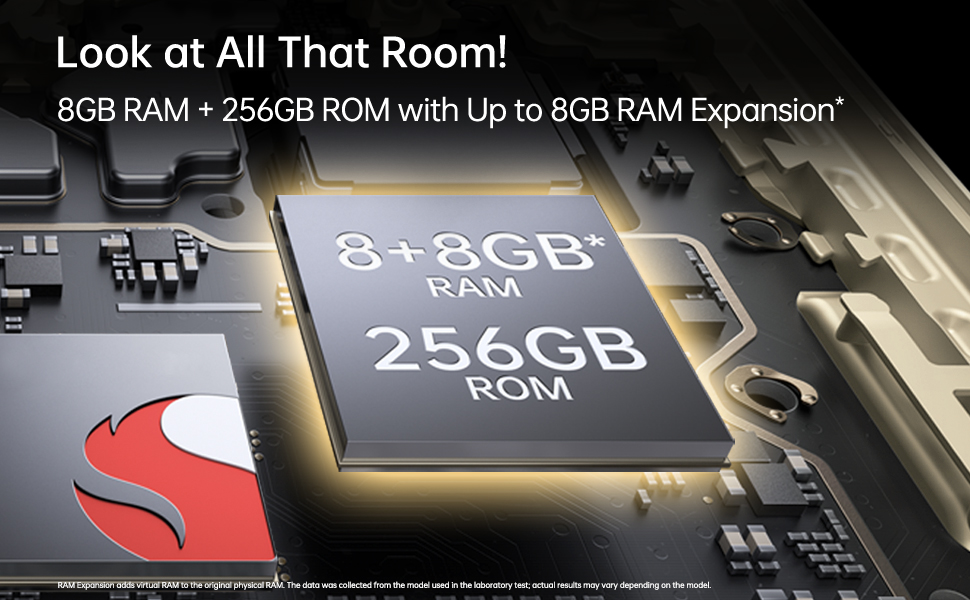
Image: The OPPO F23 5G display showcasing its 120Hz refresh rate and 6.72-inch FHD+ screen.
2.2 Camera Features
The OPPO F23 5G is equipped with a versatile camera system:
- Rear Camera: 64MP Main, 2MP Monochrome, 2MP Microscope lens. Features include AI Color Portrait and Dual View Video.
- Front Camera: 32MP for high-resolution selfies.
To access the camera, tap the Camera icon on your home screen. Select different modes like Photo, Video, Portrait, and Microscope from the interface.
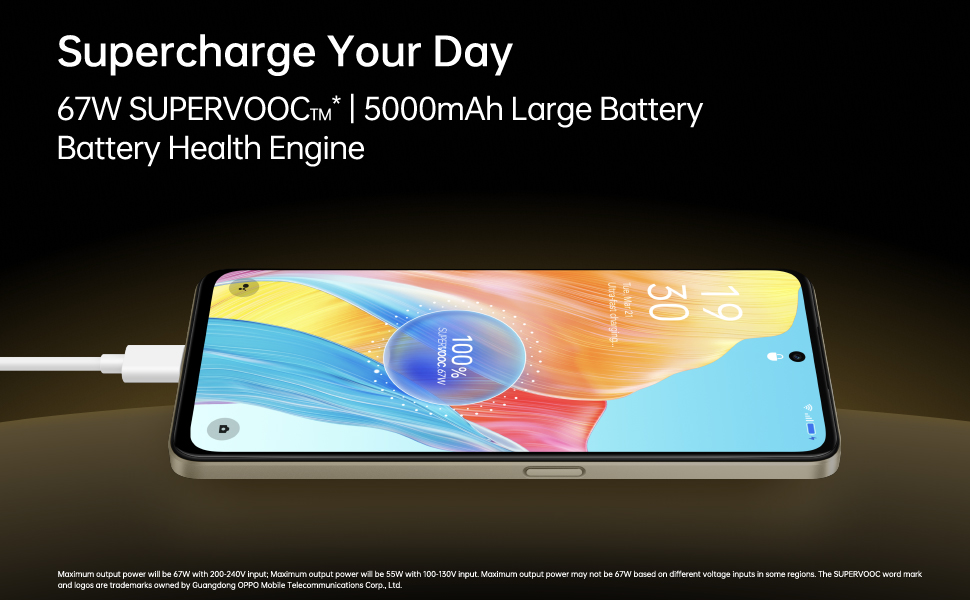
Image: A composite image demonstrating the OPPO F23 5G's camera capabilities, including a person taking a selfie with the 32MP front camera, a sample image from the 64MP AI camera, and a close-up shot using the 40x microlens.

Image: A detailed view of the OPPO F23 5G's rear camera module, highlighting the triple camera setup and the 40x microscope lens.
2.3 Memory and Storage
The device comes with 8GB RAM and 256GB internal storage (ROM). RAM can be expanded virtually by up to an additional 8GB. Storage is expandable up to 1TB via a microSD card.
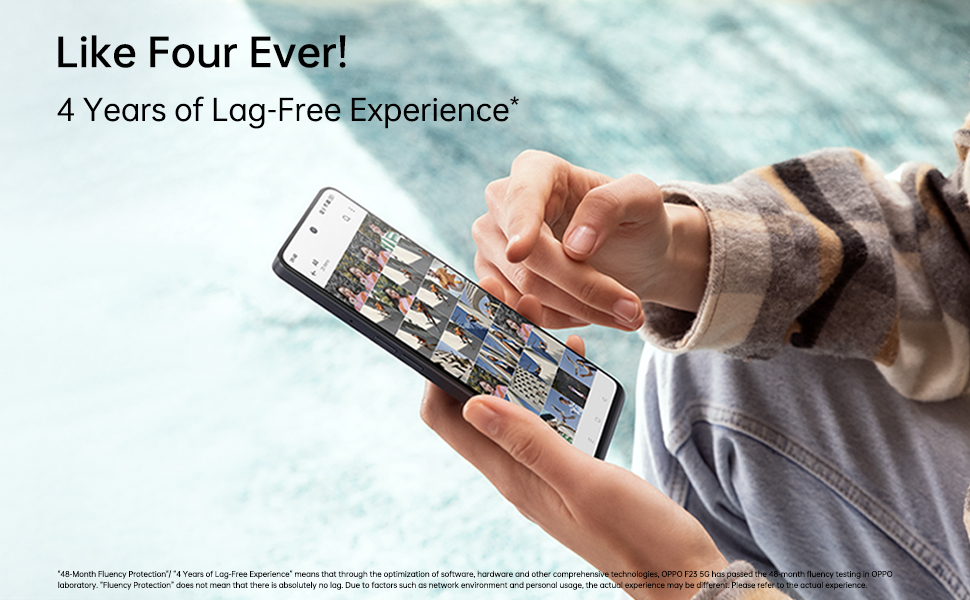
Image: An illustration depicting the OPPO F23 5G's memory and storage capabilities, showing 8GB RAM, 256GB ROM, and the option for 8GB RAM expansion.
2.4 Security Features
Unlock your phone securely using:
- Fingerprint Sensor: Integrated into the power button for quick and convenient access.
- Face Recognition: Use your face to unlock the device.
Set up these features in Settings > Password & Biometrics.
2.5 Connectivity
The OPPO F23 5G supports various connectivity options:
- Cellular: 5G network compatibility.
- Wireless: Wi-Fi and Bluetooth.
- Wired: USB Type-C port for charging and data transfer, 3.5 mm headphone jack.
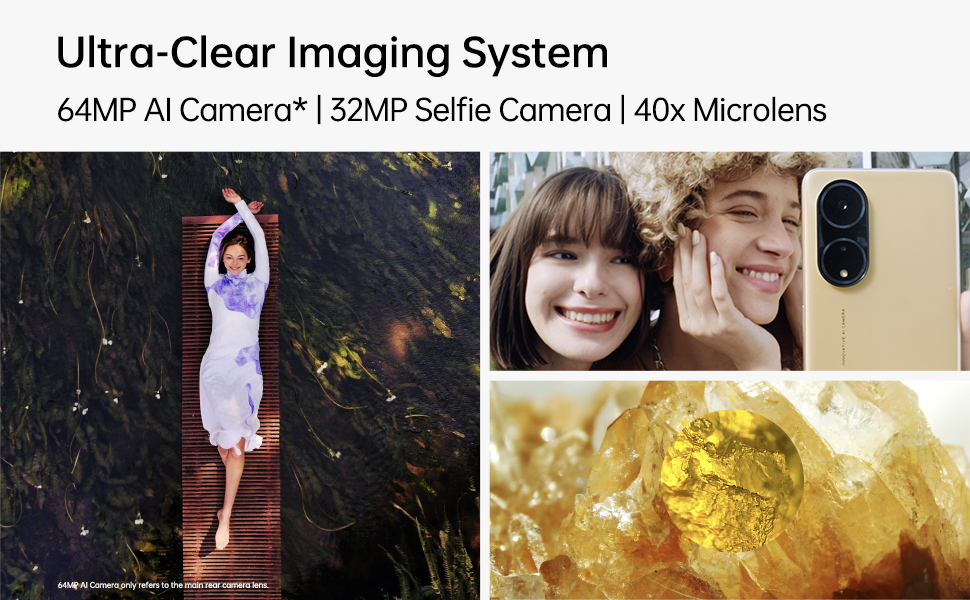
Image: A person interacting with the OPPO F23 5G, demonstrating the device's smooth performance and user experience.
3. Maintenance
3.1 Battery Care
To prolong battery life and maintain performance:
- Avoid extreme temperatures.
- Use only the original OPPO charger and cable.
- The device features a Battery Health Engine to optimize charging and extend battery lifespan.
3.2 Software Updates
Regularly check for and install software updates to ensure your device has the latest features, security patches, and performance improvements. Go to Settings > About device > Up to date to check for updates.
3.3 Cleaning Your Device
Use a soft, lint-free cloth to clean the screen and body of your phone. Avoid using harsh chemicals or abrasive materials. The device has a Water Resistant level, but avoid submerging it in water.
4. Troubleshooting
4.1 Common Issues and Solutions
- Device not powering on: Ensure the battery is charged. Press and hold the Power button for at least 10 seconds to force a restart.
- Charging issues: Check if the charger and cable are securely connected. Try a different power outlet.
- Network connectivity problems: Ensure SIM card is correctly inserted. Try restarting the device. Check network settings in Settings > Mobile network.
- Apps crashing or freezing: Close and reopen the app. Clear the app's cache (Settings > Apps > App management > [App Name] > Storage usage > Clear cache). Restart the phone.
4.2 Factory Reset
If you experience persistent issues, a factory reset may resolve them. Warning: This will erase all data on your phone. Back up important data before proceeding. Go to Settings > System settings > Back up and reset > Reset phone > Erase all data.
5. Specifications
| Feature | Detail |
|---|---|
| Brand | OPPO |
| Model | F23 5G |
| Operating System | Android 13.0 |
| RAM | 8 GB (+ up to 8GB RAM Expansion) |
| Internal Storage | 256 GB ROM (Expandable Upto 1TB) |
| CPU Model | Snapdragon (2.4 GHz) |
| Battery Capacity | 5000 mAh Lithium-Ion |
| Charging | 67W SUPERVOOC (approx. 18 mins for full charge) |
| Rear Camera | 64MP Main + 2MP Monochrome + 2MP Microscope |
| Front Camera | 32MP |
| Display Size | 6.72 inches (17.07 cm) FHD+ Punch-hole |
| Refresh Rate | 120 Hz |
| Resolution | 2400 x 1080 Pixels (1080p) |
| SIM Card Type | Dual Hybrid 5G SIM (Nano) |
| Connectivity | 5G, Wi-Fi, Bluetooth, USB Type C, 3.5 mm Jack |
| Security | Fingerprint Sensor, Face Recognition |
| Water Resistance | Water Resistant |
| Dimensions | 16.6 x 7.6 x 0.8 Centimeters |
| Weight | 192 Grams |
6. Warranty and Support
6.1 Warranty Information
Your OPPO F23 5G comes with a limited warranty:
- Handset: 12 Months from the date of purchase.
- Adapter & Cable: 6 Months from the date of purchase.
Please retain your proof of purchase for warranty claims.
6.2 Customer Support
For technical assistance, service, or further inquiries, please contact OPPO customer support:
- Manufacturer: OPPO Mobiles India Pvt Ltd
- Address: 5th FLOOR, Tower B, BUILDING, N-8, DLF Cyber City, DLF Phase 2, Gurugram, Haryana 122002
- Toll-Free Number: 18001032777


