Important Safeguards
Please read all instructions carefully before using this appliance to ensure safe and efficient operation. Keep this manual for future reference.
- Read the user manual thoroughly before using the product.
- After receiving the product, please let it stand upright steadily on a flat and stable surface for 2-4 hours before turning it on.
- Do not use distilled water, pure water with low TDS value, water for various beverages, warm water, or water with a high PH.
- To ensure normal use, please use running water, mineral water, or conventional pure water.
- Do not turn the ice maker upside down or tilt it more than 45° during transportation or use. If this occurs, level the unit and let it stand upright for at least 2 hours before plugging in and using it again.
- The ice machine is not a freezer. Use the ice promptly or transfer it to your freezer for storage.
- Operate the ice maker in an environment with an ambient temperature between 10℃ and 32℃. Fill the water reservoir with water ranging between 8℃ and 28℃.
- Empty the water reservoir and dry it for storage if the ice maker is not used for a long time.
- This ice maker only works with 120V electricity. Ensure to check your outlet’s power voltage before using the product if you are not in the US.
Product Overview
The CROWNFUL Ice Maker Machine is designed for convenient and efficient ice production on your countertop. It features a compact design and user-friendly operation.
Key Features:
- Efficient & Quiet: Produces up to 9 bullet ice cubes in approximately 7 minutes, with a daily capacity of 26 pounds. The cooling system operates quietly.
- Two Ice Sizes & Portability: Offers both small and large ice cube sizes to suit various beverage needs. Its compact size makes it suitable for home parties, RVs, and offices.
- Easy to Use: Features one-touch operation and infrared sensor technology for 'add water' and 'ice full' indicators.
- Auto-Cleaning: Includes an automatic cleaning function for easy maintenance and fresh ice production.
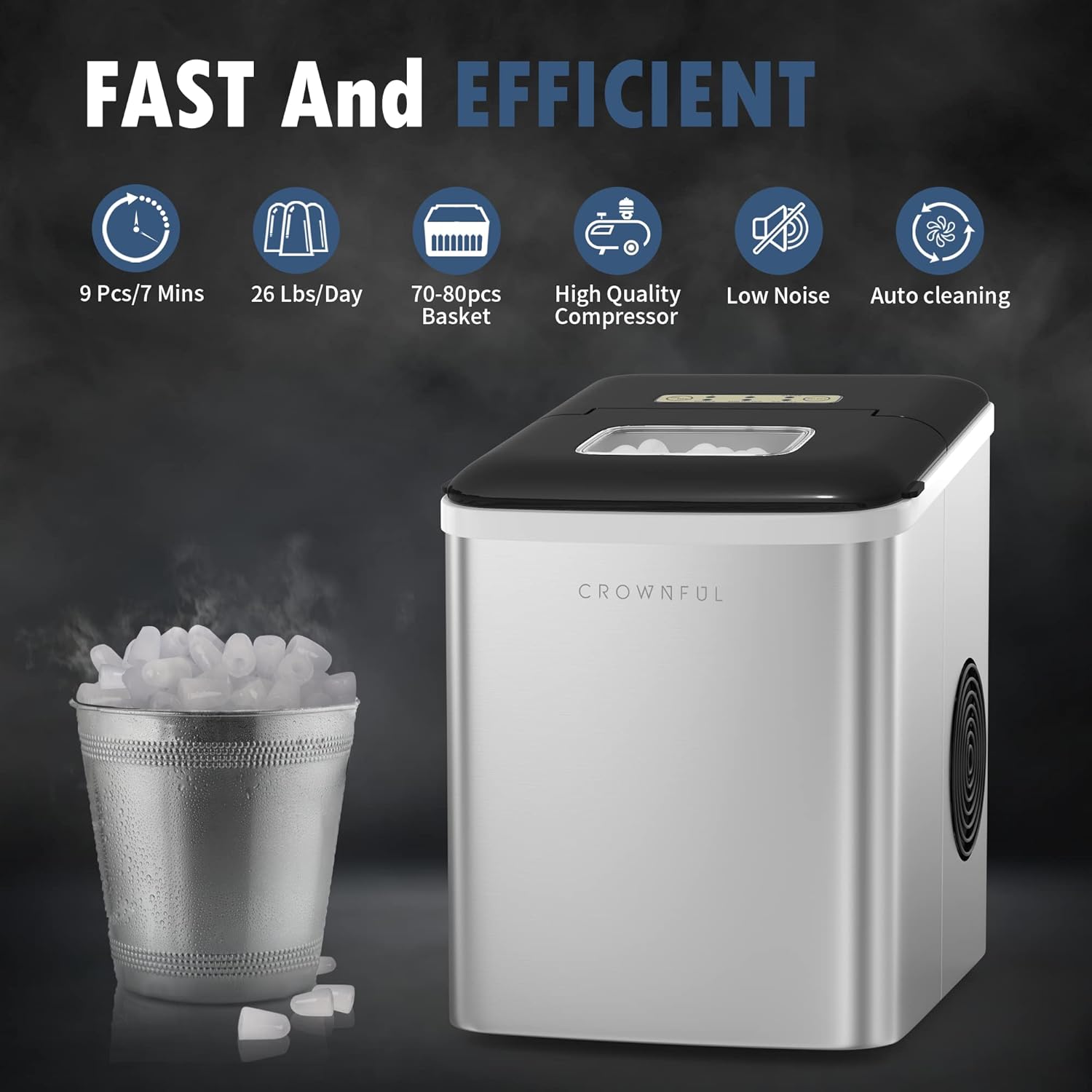
This infographic illustrates the ice maker's efficiency, producing 9 ice cubes in 7 minutes, up to 26 pounds daily, with a 70-80 piece basket capacity, high-quality compressor, low noise operation, and auto-cleaning function.
Product Components
The CROWNFUL Ice Maker Machine comes with the following items:
- 1 x Ice Maker
- 1 x Ice Scoop
- 1 x Ice Basket
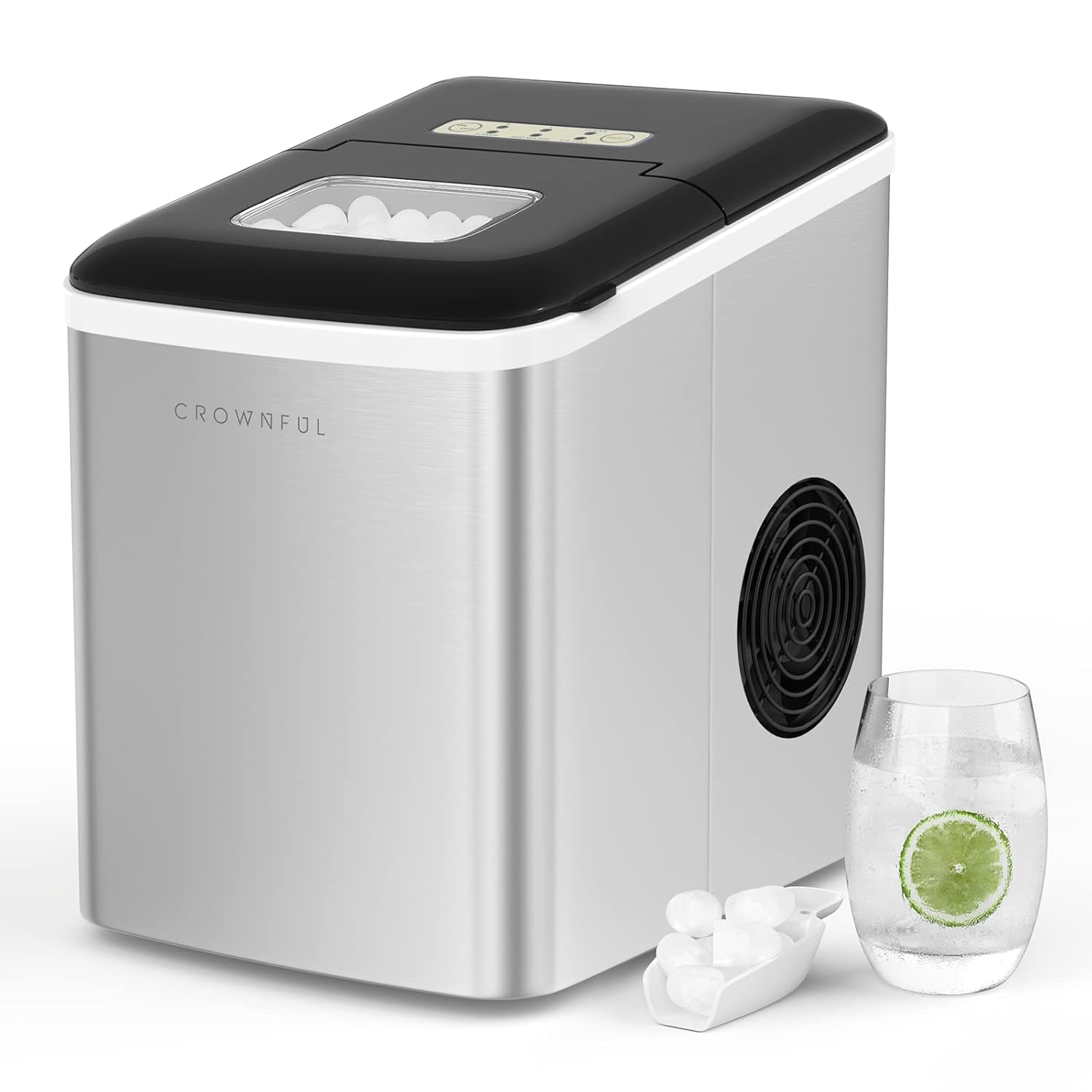
The CROWNFUL countertop ice maker, shown with an ice scoop and a refreshing drink, highlights its compact design and readiness for use.
Specifications
| Specification | Value |
|---|---|
| Model Name | Ice Maker Machine for Countertop |
| Item Model Number | IM2102T-UL1 |
| Brand | CROWNFUL |
| Product Dimensions (D x W x H) | 12.2"D x 9.05"W x 12.8"H |
| Capacity | 26 Pounds (ice production per 24 hours) |
| Wattage | 105 watts |
| Ice Production Cycle | 9 bullet ice cubes in 7 minutes |
| First Available | December 5, 2019 |
| Manufacturer | CROWNFUL |

This diagram provides the physical dimensions of the ice maker, including its height, width, and depth, along with the measurements of the ice basket and scoop.
Setup and First Use
Initial Preparation:
- Unpacking: Carefully remove the ice maker from its packaging.
- Placement: Place the ice maker on a flat, stable surface. Ensure there is adequate ventilation around the unit.
- Stabilization: After unpacking, allow the unit to stand upright for 2-4 hours before plugging it in. This allows the refrigerant to settle.
- Initial Cleaning: Before first use, it is recommended to clean the unit. Refer to the 'Cleaning and Maintenance' section for instructions.
- Water Type: Use running water, mineral water, or conventional pure water. Avoid distilled water, water with low TDS, or warm water.
Operating Instructions
Making Ice:
- Fill Water Tank: Open the lid and fill the water tank with water. Ensure the water level is below the maximum fill line.
- Power On and Select Size: Plug in the ice maker. Press the 'ON/OFF' button to turn on the unit. Then, press the 'SELECT' button to choose your desired ice cube size: 'S' for small or 'L' for large.
- Ice Production: The ice maker will begin producing ice. The 'POWER' indicator will illuminate. Ice cubes will be ready in approximately 7 minutes.
- Ice Full Indicator: When the ice basket is full, the 'ICE FULL' indicator will light up, and the unit will pause ice production. Remove ice from the basket to resume production.
- Add Water Indicator: If the water level is too low, the 'ADD WATER' indicator will light up. Refill the water tank to continue ice production.
- Enjoy Ice: Use the provided scoop to retrieve ice cubes from the basket.

A visual guide demonstrating the simple three-step process to make ice: filling the water reservoir, selecting the desired ice size on the control panel, and scooping out the freshly made ice cubes.
Ice Cube Sizes:
The CROWNFUL Ice Maker offers two distinct ice cube sizes:
- Small (S): Ideal for quickly cooling drinks like cocktails and coffee.
- Large (L): Suitable for beverages such as cola and beer, designed to melt slower.
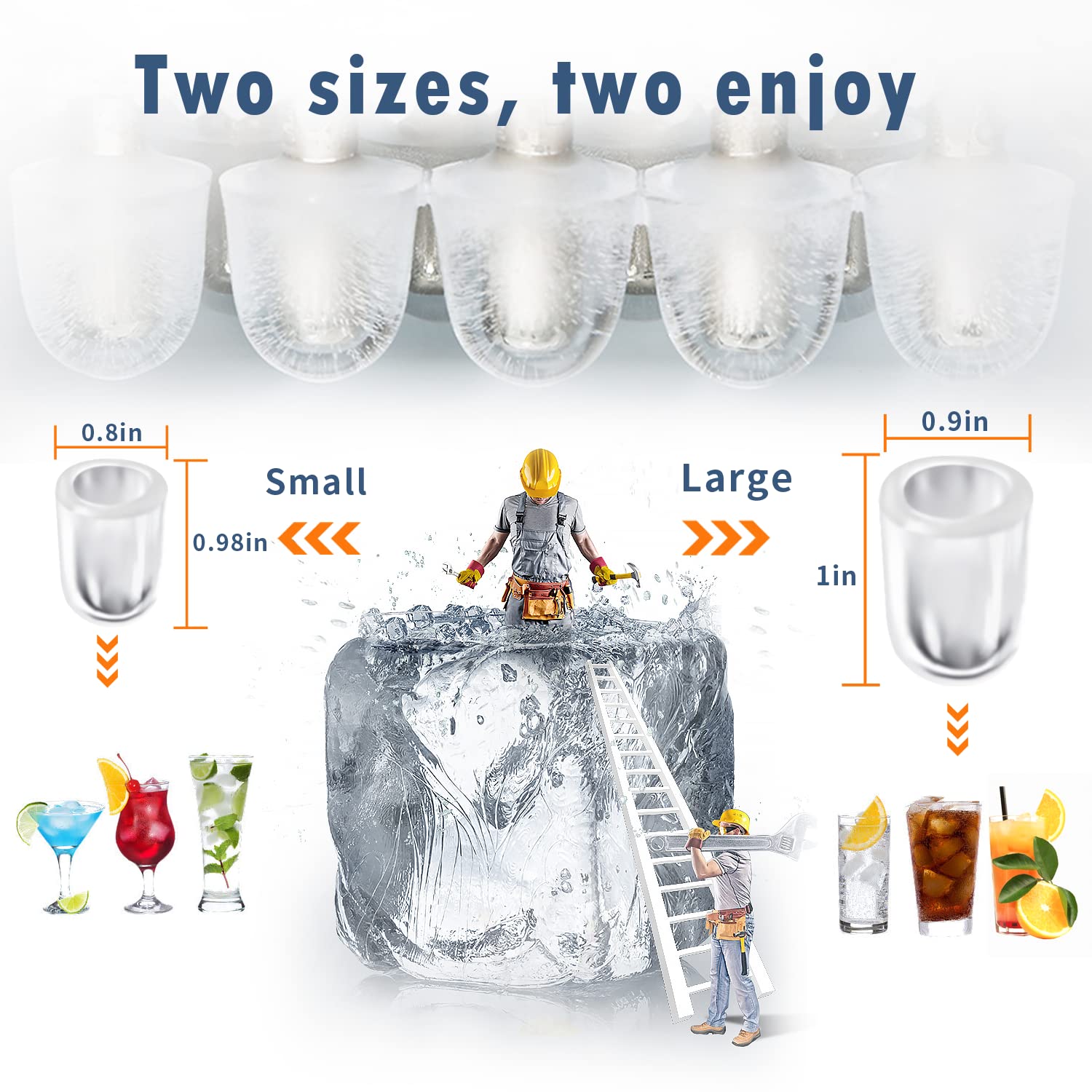
The ice maker produces two sizes of bullet-shaped ice cubes: small, ideal for cocktails and coffee, and large, suitable for cola and beer. Dimensions for both sizes are provided.
Control Panel Indicators:
The control panel provides visual feedback on the ice maker's status:
- ON/OFF Button: Powers the unit on or off.
- POWER Indicator: Illuminates when the unit is powered on and operating.
- ADD WATER Indicator: Lights up when the water reservoir needs refilling.
- ICE FULL Indicator: Lights up when the ice basket is full, indicating that ice production will pause.
- S (Small) / L (Large) Indicators: Show the currently selected ice cube size.
- CLEAN Indicator: Flashes during the automatic cleaning cycle.
- SELECT Button: Used to choose ice cube size or initiate the cleaning function.

A detailed view of the control panel, explaining each indicator light (Power, Add Water, Ice Full) and button (On/Off, Select, Clean) for easy operation and monitoring.
Cleaning and Maintenance
Automatic Cleaning Function:
The ice maker features an automatic self-cleaning function to ensure hygiene and fresh-tasting ice.
- Initiate Cleaning: With the unit powered on, press the 'SELECT' button repeatedly until the 'CLEAN' indicator flashes.
- Start Cleaning Cycle: Press the 'ON/OFF' button to start the automatic cleaning function. The unit will circulate water to clean internal components.
- Completion: Once the cleaning cycle is complete, drain any remaining water from the reservoir.

An illustration depicting the automatic cleaning cycle of the ice maker, where water circulates internally to clean the unit and maintain hygiene.
General Cleaning and Storage:
- Regular Cleaning: It is recommended to clean your ice maker once a week to maintain optimal performance and hygiene.
- Draining: Regularly drain the water reservoir, especially if the unit will not be used for an extended period.
- Drying: After cleaning and draining, ensure all internal components are thoroughly dried before storage.
- Storage: Store the ice maker in a cool, dry place away from direct sunlight.
Troubleshooting
This section addresses common issues you might encounter with your ice maker.
| Problem | Possible Cause | Solution |
|---|---|---|
| Ice maker not producing ice. | No water in reservoir; 'ADD WATER' indicator is on. | Refill the water reservoir with appropriate water. |
| Ice maker stops producing ice. | Ice basket is full; 'ICE FULL' indicator is on. | Remove ice from the basket. Production will resume automatically. |
| Ice cubes are too small or not forming correctly. | Water temperature is too high; ambient temperature is too high. | Ensure water temperature is between 8℃ and 28℃. Operate in an ambient temperature between 10℃ and 32℃. |
| Unit is not turning on. | Not properly plugged in; power outage. | Check power connection and wall outlet. Ensure power is available. |
Warranty and Support
The CROWNFUL Ice Maker Machine comes with a 12-month warranty and lifetime support.
If you have any questions or concerns regarding your product, please do not hesitate to contact CROWNFUL customer support. Refer to the product packaging or the official CROWNFUL website for contact information.