
1. Introduction
This manual provides detailed instructions for the installation, operation, and maintenance of your EBTOOLS Portable Internal Speaker. Please read this manual thoroughly before using the product to ensure proper function and longevity.
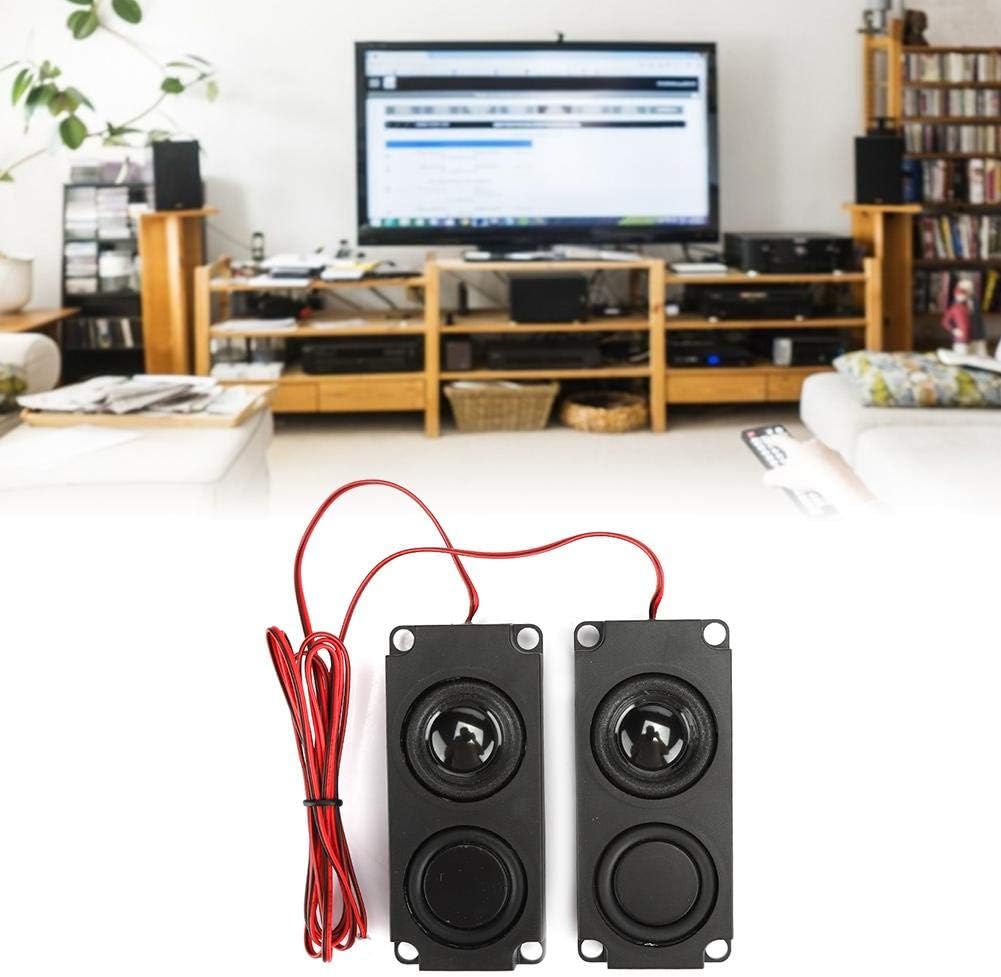
The EBTOOLS Portable Internal Speaker is designed for integration into various digital products such as advertising machines, LCD TVs, monitors, and sofa massage chairs. It features a high-end 40mm internal magnetic speaker, offering stable performance and a wide, full-range sound with heavy bass.
2. Safety Information
Please observe the following safety precautions to prevent damage to the product or injury to yourself:
- Do not expose the speakers to excessive moisture or liquids.
- Do not disassemble or modify the speakers. This may void the warranty and cause damage.
- Ensure proper polarity when connecting the speakers to avoid damage to the audio source or speakers.
- Keep out of reach of small children.
- Avoid placing speakers near strong magnetic fields, although they are magnetic, external strong fields can interfere.
3. Product Overview
The EBTOOLS Portable Internal Speaker (Model: EBTOOLS8063nkb7oe) is a compact and powerful audio component. Each unit consists of a sealed cavity housing a 40mm internal magnetic speaker.
3.1 Key Features
- High-end 40mm internal magnetic speaker for stable performance.
- Tightly sealed cavity with large volume for robust sound.
- Wide and full range audio with clear sound quality and heavy bass.
- Compact and portable design for easy integration.
- Long service life.
3.2 Package Contents
- 2 x EBTOOLS Portable Internal Speakers
3.3 Product Diagram
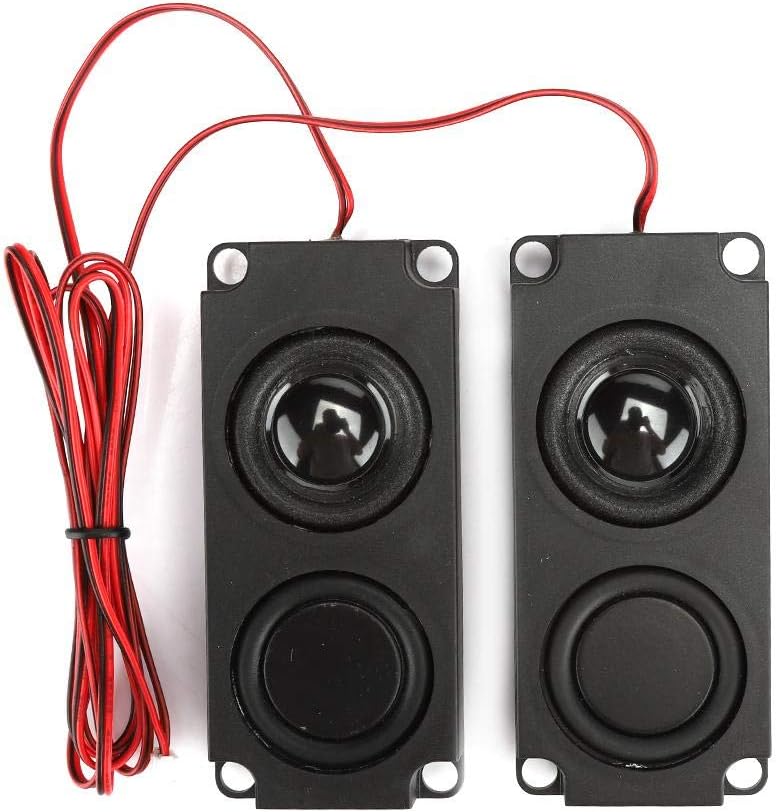

4. Specifications
| Feature | Detail |
|---|---|
| Item Type | Speaker |
| Material | ABS |
| Color | Black |
| Size (Approx.) | 99x45x21mm / 3.9x1.8x0.8in |
| Impedance | 8Ω |
| Power | 5W |
| Built-in Speaker | 40mm dual magnet |
| Speaker Type | Internal |
| Recommended Uses | For Televisions, Advertising Machines, Monitors, Sofa Massage Chairs |
| Compatible Devices | Television |
| Surround Sound Channel Configuration | 2.0 |
| Included Components | 2 x Speakers |
| Item Weight | 6.4 ounces |
| Model Number | EBTOOLS8063nkb7oe |
| UPC | 738586543085 |
5. Setup
The EBTOOLS Portable Internal Speakers are designed for integration into existing systems. Installation typically involves securing the speakers within a cavity and connecting them to an audio output.
- Prepare the Cavity: Ensure the internal cavity where the speakers will be installed is clean, dry, and provides adequate space for the speaker dimensions (approx. 99x45x21mm). The cavity should be sealed to optimize sound performance.
- Mounting: The speakers feature mounting holes at each corner. Use appropriate screws or adhesive (not included) to securely fasten the speakers within the designated cavity. Ensure the speaker cones are not obstructed.
- Wiring: Connect the red and black wires from each speaker to the corresponding audio output terminals of your device (e.g., TV, monitor, advertising machine). Pay close attention to polarity (positive to positive, negative to negative) to ensure correct sound reproduction and prevent damage. The speakers have an impedance of 8Ω.
- Test: After installation, power on your device and test the audio output to confirm proper functionality.
6. Operating
Once properly installed and connected, the EBTOOLS Portable Internal Speakers operate as an integrated component of your host device. Their function is directly controlled by the audio settings and power of the device they are connected to.
- Power On/Off: The speakers will power on and off with the host device.
- Volume Control: Adjust the volume using the controls on your host device (e.g., TV remote, monitor settings).
- Audio Source: The speakers will play audio from the source selected on your host device.

7. Maintenance
The EBTOOLS Portable Internal Speakers require minimal maintenance due to their sealed design.
- Cleaning: If accessible, gently wipe the exterior of the speakers with a soft, dry cloth. Do not use liquid cleaners or abrasive materials.
- Inspection: Periodically check the wiring connections to ensure they remain secure.
- Storage: If storing the speakers, keep them in a cool, dry place away from direct sunlight and extreme temperatures.
8. Troubleshooting
| Problem | Possible Cause | Solution |
|---|---|---|
| No sound from speakers |
|
|
| Distorted or poor sound quality |
|
|
9. Warranty and Support
The EBTOOLS Portable Internal Speaker comes with a limited warranty. Please refer to the original purchase documentation or contact EBTOOLS customer support for specific warranty terms and conditions.
For technical support or inquiries, please visit the official EBTOOLS store on Amazon or contact their customer service directly. Keep your purchase receipt as proof of purchase for warranty claims.