
Miady AS-TPB22
Miady 20000mAh Portable Charger Instruction Manual
Model: AS-TPB22
Brand: Miady
Introduction
Thank you for choosing the Miady 20000mAh Portable Charger. This manual provides essential information for the safe and efficient operation of your new power bank. Please read it thoroughly before use to ensure optimal performance and longevity of your device.
The Miady 20000mAh Portable Charger is designed to provide reliable and fast charging for your mobile devices on the go, featuring high capacity and multiple output ports for versatile use.
What's in the Box
- 20000mAh Portable Charger (Black+White) x 2
- Micro USB Cable x 1
- USB-C Cable x 1 (Lightning cable is not included)
- User Manual x 1
Features
- Upgraded USB-C Fast Charging: Type-C port output supports 22.5W max fast charging.
- Quick Recharge: Equipped with USB-C and Micro USB input ports, fully recharges in just 6 hours at 9V 2A.
- LED Indicators: 4 LEDs denote remaining capacity (0-25%, 25-50%, 50-75%, 75-100%).
- High Capacity & Compact Size: 20000mAh capacity in a compact 5.5 x 2.6 x 1 inch design, weighing 0.8 Oz.
- Universal Compatibility: Compatible with a wide range of smartphones, tablets, and other USB-powered devices.
- Multiple Charging Needs: Ideal for daily commute, travel, camping, hiking, and other outdoor activities.
- Safety Protection: Multiple intelligent protection systems including overcharge, overdischarge, short circuit, and temperature control.

Image: Miady 20000mAh Power Bank capacity demonstration.

Image: Miady power bank demonstrating PD 22.5W fast charging.
Setup
Initial Charging of the Power Bank
Fully charge your Miady power bank before first use. Connect the included USB-C or Micro USB cable to the corresponding input port on the power bank and plug the other end into a compatible USB wall charger (not included). The LED indicators will show charging progress. A full charge is indicated when all four LEDs are solid blue.

Image: Demonstrating charging the power bank from a wall outlet.
Checking Battery Level
Press the power button once to check the remaining battery capacity. Four LED indicators represent the charge level:
- 1 LED: 0-25% capacity
- 2 LEDs: 25-50% capacity
- 3 LEDs: 50-75% capacity
- 4 LEDs: 75-100% capacity
Operating Instructions
Charging Your Devices
Connect your device to one of the USB-A output ports or the USB-C input/output port using a compatible charging cable. The power bank will automatically begin charging your device. You can charge up to three devices simultaneously.

Image: Charging three devices at once using the Miady power bank.
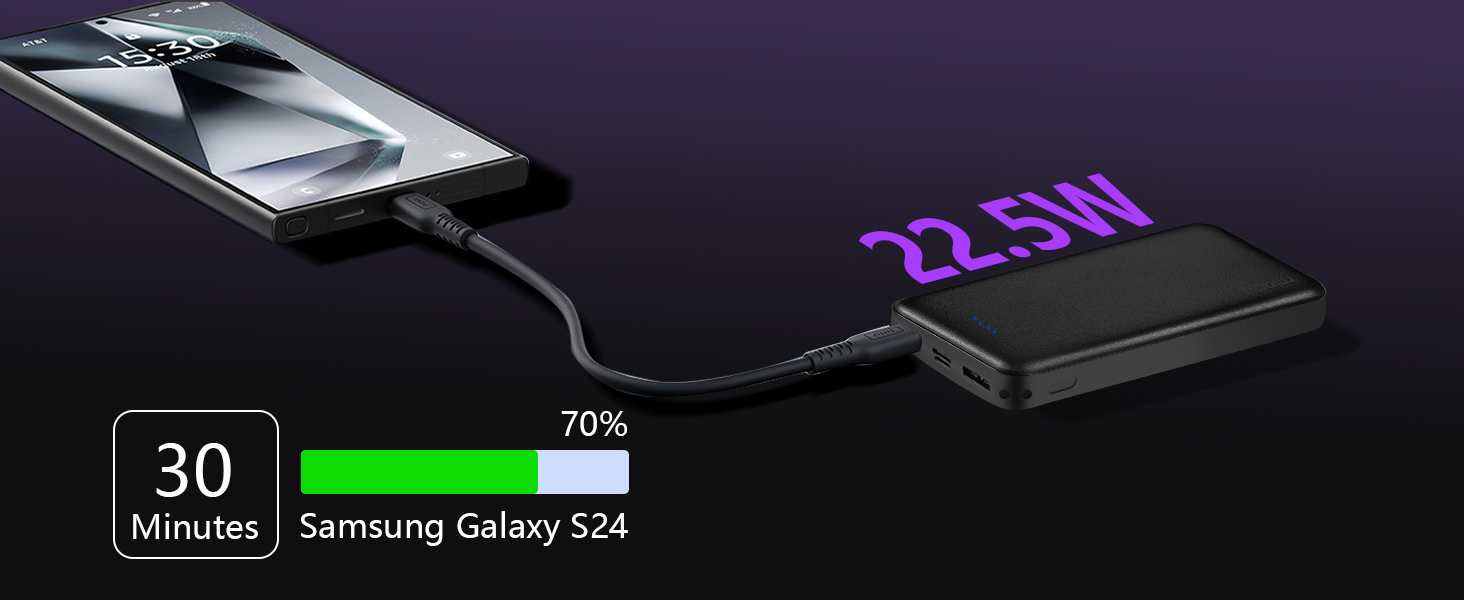
Image: Multiple devices charging simultaneously on a table.
Fast Charging Capabilities
The USB-C port supports 22.5W max fast charging for compatible devices. For optimal fast charging, ensure your device and charging cable also support the Power Delivery (PD) standard.

Image: Using the power bank for charging during work.
Portable Use
The compact and lightweight design makes the Miady power bank an ideal companion for travel, outdoor activities, or simply extending your device's battery life throughout the day.
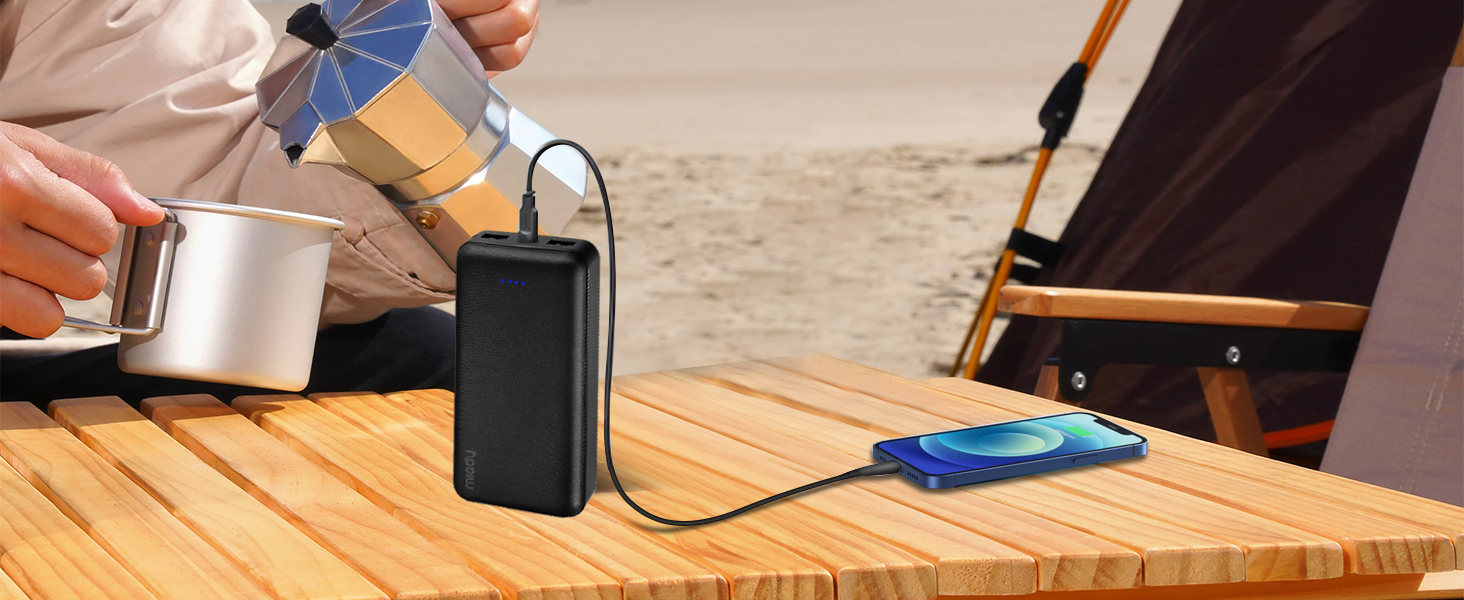
Image: Power bank in use during outdoor activities.
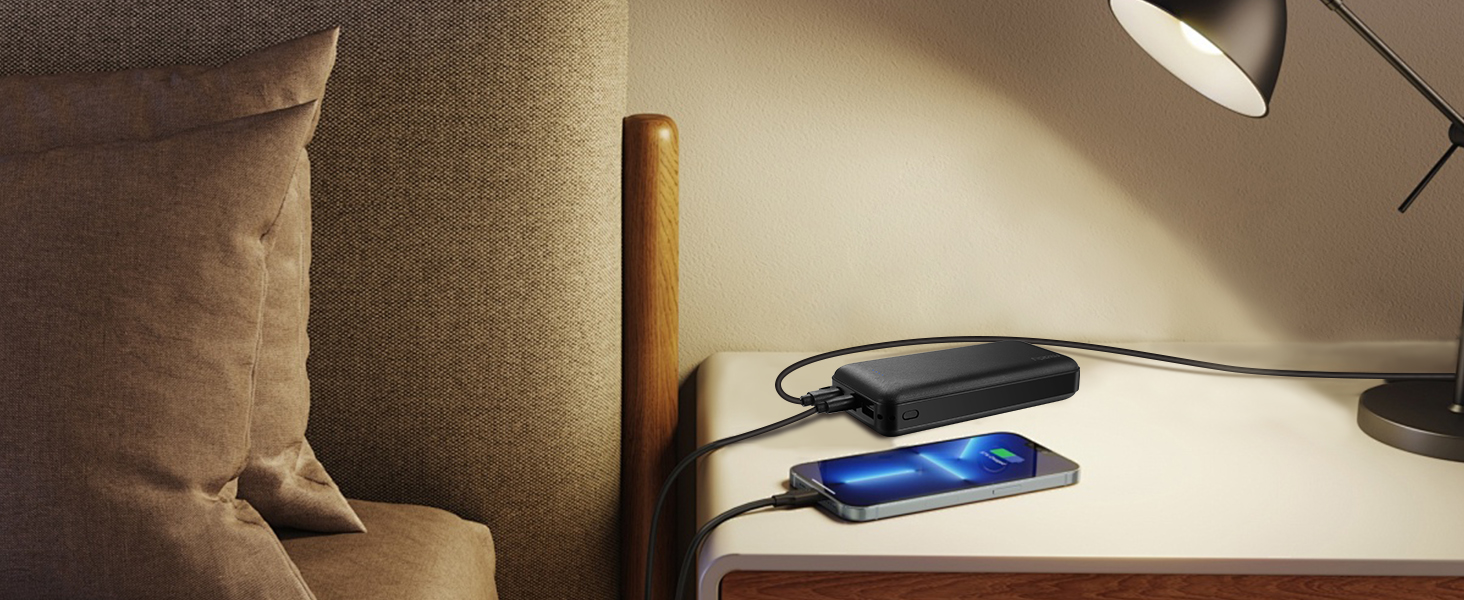
Image: Power bank charging devices in a car.
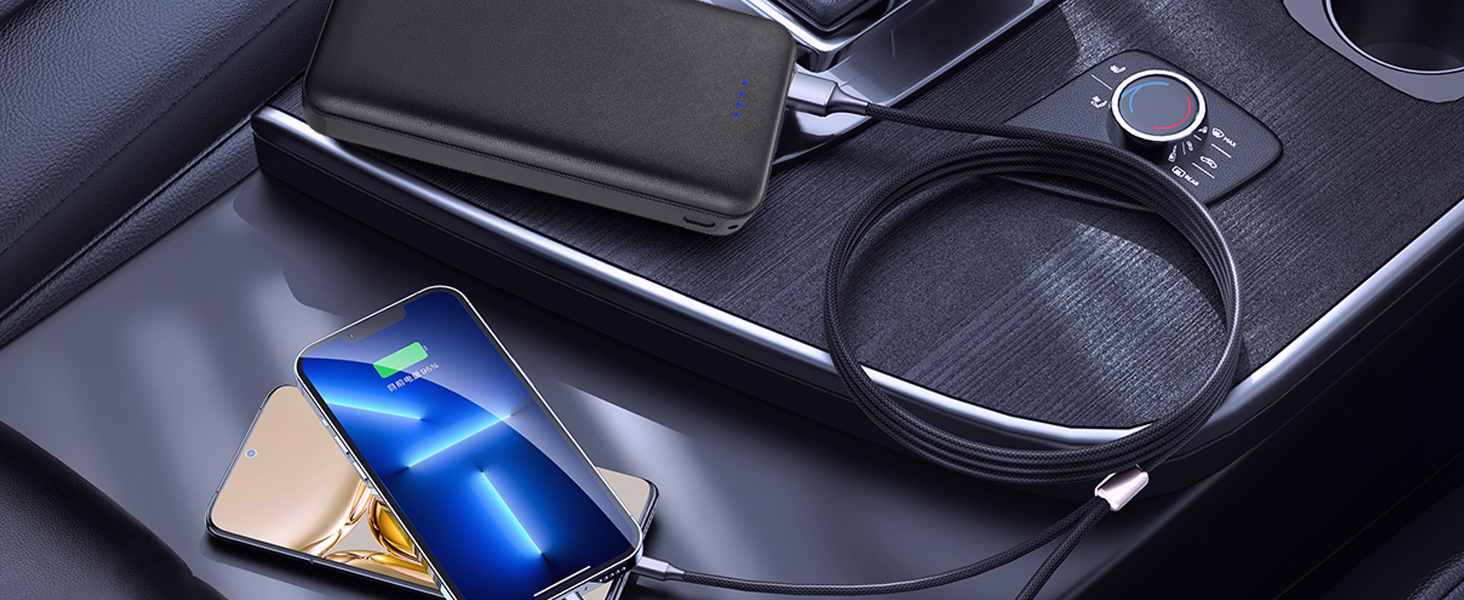
Image: Power bank in use on an airplane, highlighting its airline-safe design.
Compatibility
The Miady portable charger is widely compatible with a variety of devices, including but not limited to:
- USB-C Port: iPhone 16/15 Series, iPad Air/Pro Series, Galaxy S24 Ultra/S24, Galaxy Buds Pro, Nintendo Switch.
- USB-A Port: iPhone 15/14/13/12/11/X/SE Series, iPad Mini/Air/Pro Series, Google Pixel 3 and later, Sony XZ3/Xperia 1, AirPods Pro/AirPods 3/AirPods 2, ROG Ally, and other Android phones and headsets.

Image: Wide compatibility of the Miady power bank with various devices.
Maintenance
- Store the power bank in a cool, dry place away from direct sunlight and extreme temperatures.
- Avoid dropping or subjecting the power bank to strong impacts.
- Clean the surface with a soft, dry cloth. Do not use harsh chemicals or abrasive materials.
- Recharge the power bank at least once every three months to maintain battery health if not in regular use.

Image: Illustrating the superior durability of the Miady power bank.
Troubleshooting
- Power bank not charging: Ensure the charging cable and wall adapter are working correctly and properly connected. Try a different cable or adapter. Check if the power bank's input port is clean.
- Device not charging from power bank: Ensure the power bank has sufficient charge. Check if the charging cable connecting the device to the power bank is functional and properly connected. Try a different output port or cable.
- Slow charging: Ensure your device and cable support fast charging if expecting high speeds. Some devices may limit charging speed based on battery level or temperature. Use the appropriate port (e.g., USB-C for faster charging).
- LED indicators not working: Press the power button to activate the indicators. If they still don't light up, the power bank might be fully discharged or require service.
Specifications
| Attribute | Value |
|---|---|
| Product Dimensions | 11.02 x 5.28 x 0.79 inches |
| Item Weight | 1.6 pounds |
| ASIN | B0828DWL5R |
| Item model number | AS-TPB22 |
| Batteries | 2 Lithium Ion batteries required. (included) |
| Special features | Auto Shut-Off, LED Indicator Lights, Short Circuit Protection, Over Charging Protection |
| Color | White+Black |
| Manufacturer | Miady |
| Country of Origin | China |
| Date First Available | December 2, 2019 |
| Connector Type | USB Type A |
| Brand | Miady |
| Battery Capacity | 20000 Milliamp Hours |
Safety Information
- Do not disassemble, modify, or repair the device yourself.
- Keep away from fire, water, and corrosive liquids.
- Do not expose to extreme temperatures (above 45°C or below 0°C).
- Dispose of the product according to local regulations. Do not dispose of with household waste.
- This power bank is airline safe and TSA approved for carry-on luggage.

Image: Miady power bank is airline safe and TSA approved.
Warranty and Support
Miady offers a 180-day after-sales service for this product. For customer support, please contact Miady directly. You can find contact information on the official Miady website or through your purchase platform. Miady is committed to providing 24-hour customer support to address any inquiries or issues you may have.
Ask a question about this manual
Ask about setup, troubleshooting, compatibility, parts, safety, or missing instructions. Manuals+ will review the question and use this page’s manual context to help answer it.