
1. Product Overview
The Panasonic ER-GB44-H503 is a versatile Wet&Dry beard trimmer and hair clipper designed for precision grooming. It features durable stainless steel blades and offers a wide range of cutting lengths for various styling needs.
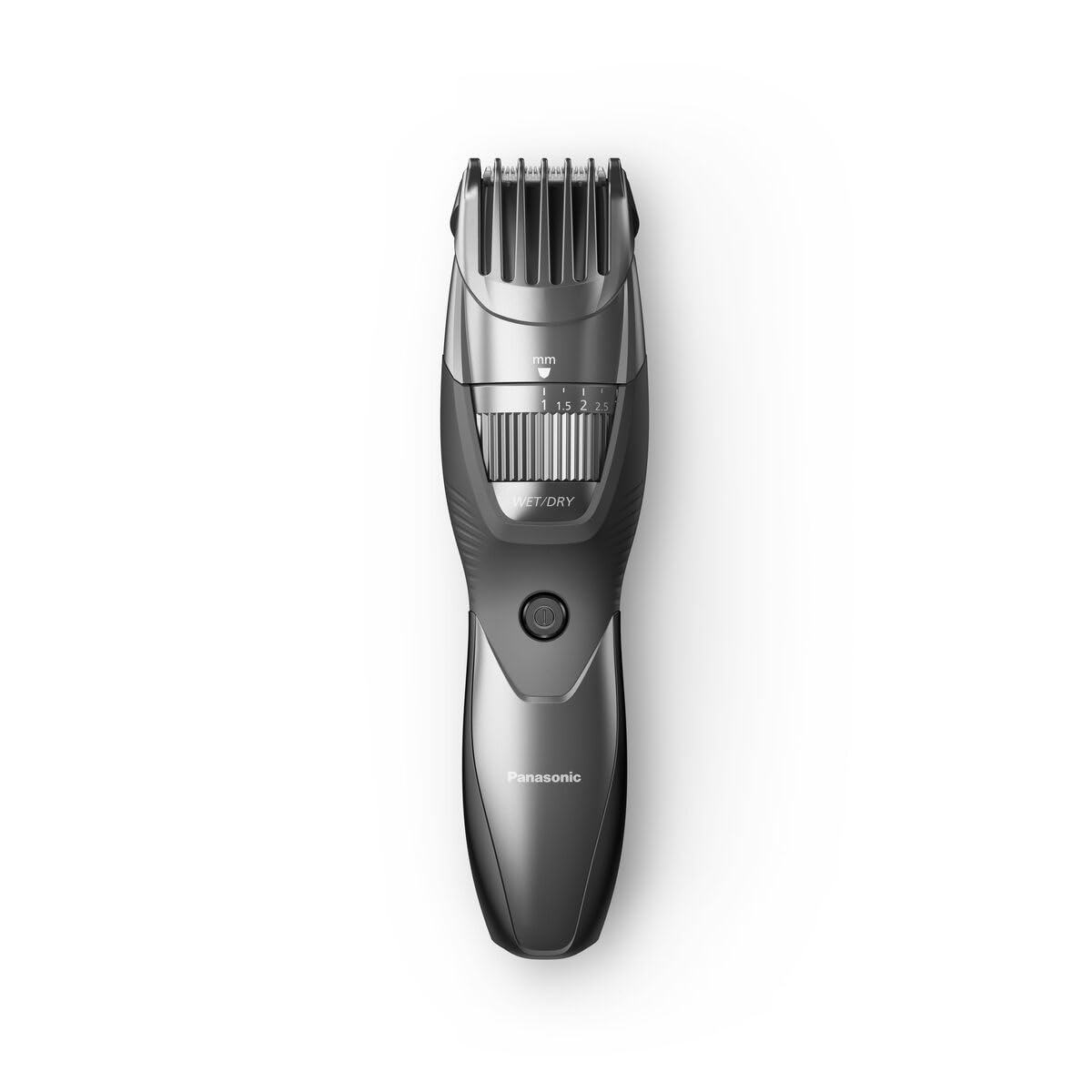
Image 1.1: The Panasonic ER-GB44-H503 beard trimmer with its retail packaging.
Key Features:
- Wet&Dry Operation: Suitable for both dry use and wet use with foam or gel, and fully washable.
- Precision Cutting: Equipped with 45° Japanese stainless steel blades for sharp, clean cuts.
- Adjustable Lengths: Features a quick adjustment dial offering 19 cutting lengths from 0.5 mm (without comb) to 10 mm.
- Rechargeable: Provides up to 60 minutes of cordless operation after a 10-hour full charge.
- Accessory Comb: Includes a comb attachment for easy beard and hair trimming.
2. Important Safety Information
Please read all safety instructions carefully before using the appliance to prevent injury and damage.
- Do not use the trimmer while it is charging.
- Avoid using the trimmer near water sources if not specifically designed for wet use (this model is Wet&Dry, but caution is always advised during charging).
- Exercise extreme caution when handling the sharp blades. Keep fingers and other body parts away from the moving blades during operation and cleaning.
- Keep the appliance out of reach of children.
- Do not disassemble or attempt to repair the appliance yourself. Contact authorized service personnel for repairs.
- Only use the provided power adapter for charging.
3. What's Included
Verify that all components are present in the package:

Image 3.1: Contents of the Panasonic ER-GB44-H503 package.
- Panasonic ER-GB44-H503 Trimmer Unit
- Charging Stand
- Power Adapter
- Accessory Comb
- Cleaning Brush
- Blade Oil
- Travel Pouch
4. Setup
4.1. Charging the Trimmer
Before first use, fully charge the trimmer. Ensure the trimmer is switched off before placing it on the charging stand.
- Connect the power adapter to the charging stand.
- Plug the power adapter into a suitable electrical outlet.
- Place the trimmer unit onto the charging stand. The charging indicator light will illuminate (if present) to confirm charging has begun.
- Allow approximately 10 hours for a full charge. A full charge provides up to 60 minutes of cordless operation.
- Do not use the trimmer while it is connected to the charging stand or power adapter.
5. Operation
5.1. Adjusting Cutting Length
The trimmer features a quick adjustment dial to select your desired cutting length.

Image 5.1: The quick adjustment dial for setting cutting length.
- Ensure the accessory comb is securely attached for lengths 1 mm to 10 mm.
- Rotate the adjustment dial to select one of the 19 available cutting lengths.
- For a 0.5 mm trim, remove the accessory comb.
5.2. Trimming (Dry Use)
For dry trimming, ensure your beard or hair is clean and dry.

Image 5.2: Dry trimming with the Panasonic ER-GB44-H503.
- Select the desired cutting length using the adjustment dial.
- Press the power button to turn on the trimmer.
- Hold the trimmer with the blades facing the area to be trimmed.
- Move the trimmer gently against the direction of hair growth for optimal results.
- Trim in small sections, ensuring an even cut.
5.3. Trimming (Wet Use)
The Wet&Dry feature allows for comfortable trimming with shaving foam or gel, or even in the shower.

Image 5.3: Wet trimming with shaving foam.
- Apply shaving foam or gel to the area you wish to trim.
- Turn on the trimmer and proceed with trimming as described for dry use.
- The trimmer is waterproof and can be used in the shower or bathtub.
- After wet use, rinse the trimmer thoroughly under running water to remove all foam/gel and hair residue.
6. Maintenance
6.1. Cleaning the Trimmer
Regular cleaning ensures optimal performance and hygiene.

Image 6.1: Rinsing the trimmer under running water.
- Turn off the trimmer and disconnect it from the power source.
- Remove the accessory comb.
- Rinse the blades and the trimmer head thoroughly under running water.
- Use the included cleaning brush to remove any stubborn hair clippings from the blades and inside the trimmer head.
- Shake off excess water and wipe the trimmer dry with a soft cloth.
- Allow the trimmer to air dry completely before storing or recharging.
6.2. Blade Care and Oiling
To maintain blade sharpness and ensure smooth operation, regular oiling is recommended.
- After cleaning and drying the blades, apply a few drops of the included blade oil to the moving parts of the blades.
- Turn on the trimmer for a few seconds to distribute the oil evenly.
- Wipe off any excess oil with a soft cloth.
- Store the trimmer in a dry place to prevent damage.
7. Troubleshooting
If you encounter any issues with your Panasonic ER-GB44-H503, refer to the table below for common problems and solutions.
| Problem | Possible Cause | Solution |
|---|---|---|
| Trimmer does not turn on. | Battery is depleted. | Charge the trimmer for 10 hours. |
| Trimmer cuts poorly or pulls hair. | Blades are dirty or dull. | Clean the blades thoroughly and apply blade oil. If problem persists, consider replacing the blade (WER9606Y136). |
| Trimmer makes unusual noise. | Blades are not properly aligned or lubricated. | Ensure blades are clean and oiled. Check for any obstructions. |
| Charging indicator light does not illuminate. | Power adapter or charging stand not properly connected. | Check all connections. Ensure the power outlet is functional. |
If the problem persists after trying these solutions, please contact Panasonic customer support.
8. Technical Specifications
| Model Number | ER-GB44-H503 |
| Brand | Panasonic |
| Power Source | Battery powered (Rechargeable) |
| Battery Type | 1 A (Type of battery required) |
| Charging Time | Approx. 10 hours for full charge |
| Operating Time | Approx. 60 minutes |
| Blade Material | Stainless Steel |
| Cutting Lengths | 0.5 mm (without comb), 1-10 mm (with comb, 19 steps) |
| Special Features | Wet&Dry, Water Resistant, Rechargeable |
| Product Dimensions | 20 x 12 x 7 cm |
| Weight | 400 grams |
| Color | Grey |
9. Warranty and Support
9.1. Warranty Information
This Panasonic product is covered by a manufacturer's warranty. Please refer to the warranty card included in your product packaging for specific terms, conditions, and duration. Keep your proof of purchase for warranty claims.
9.2. Customer Support
For technical assistance, troubleshooting beyond this manual, or to inquire about replacement parts (e.g., replacement blade WER9606Y136), please contact Panasonic customer support:
- Website: Visit the official Panasonic website for your region.
- Phone: Refer to your product documentation or the Panasonic website for local customer service contact numbers.
- Online Support: Many issues can be resolved through online FAQs or support portals.
When contacting support, please have your product model number (ER-GB44-H503) and proof of purchase readily available.


