
1. Introduction
This document serves as a user guide for the John Deere 717A/727A Mini-Frame Z Trak Technical Manual CD, part number TM2139CD. This CD contains the complete technical manual for the 717A and 727A Mini Frame ZTrak models, issued on February 1, 2006. It is an electronic document designed to provide detailed information for service, repair, and maintenance of your John Deere equipment. This guide will assist you in accessing and utilizing the information contained on the CD effectively.
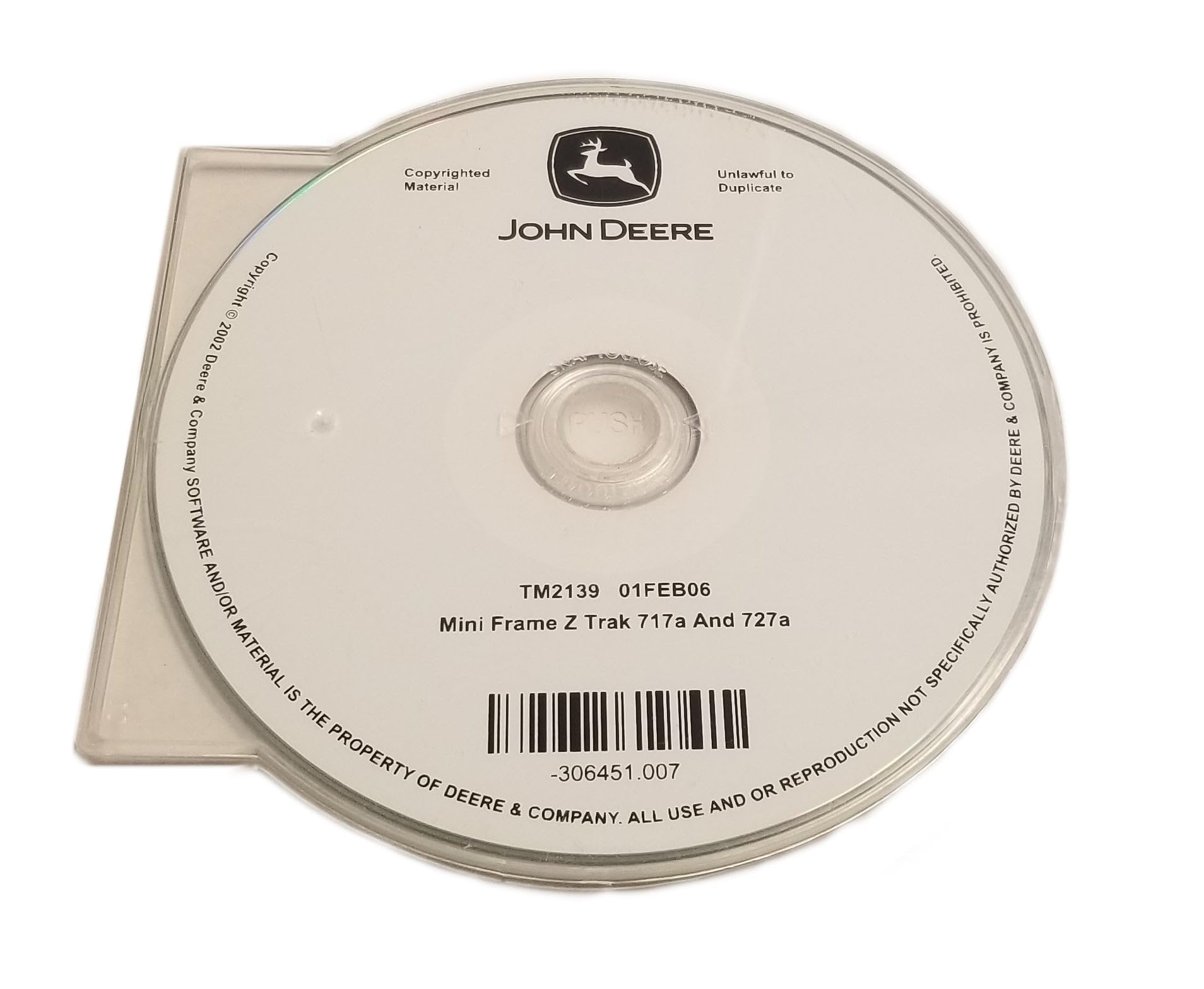
Figure 1: John Deere Technical Manual CD (TM2139CD). This image displays the physical CD, featuring the John Deere logo, copyright information, the manual's identification number (TM2139CD), and disc identifier (-306451.007) for Mini Frame Z Trak models 717A and 727A.
2. System Requirements
To ensure proper functionality and access to the technical manual, your computer system should meet the following minimum requirements:
- Operating System: Windows XP or later (Windows 7, 8, 10 recommended).
- Processor: 1 GHz or faster.
- RAM: 512 MB or more (1 GB recommended).
- Storage: CD-ROM/DVD-ROM drive.
- Software: A PDF reader application (e.g., Adobe Acrobat Reader) is required to view the manual content.
3. Installation and Access
- Insert the CD: Gently insert the TM2139CD into your computer's CD-ROM or DVD-ROM drive.
- AutoPlay (if enabled): If AutoPlay is enabled on your system, a pop-up window may appear. Select "Open folder to view files" or "Run setup.exe" if prompted.
- Manual Access: If AutoPlay does not initiate, open "My Computer" or "This PC," locate your CD/DVD drive (e.g., D: or E:), and double-click on the drive icon.
- Locate Manual Files: Browse the contents of the CD. The technical manual is typically provided in PDF format. Look for files with a
.pdfextension, often named "TM2139.pdf" or similar. - Open the Manual: Double-click the PDF file to open the technical manual. Ensure you have a compatible PDF reader installed.
4. Navigating the Manual
The technical manual is structured for easy navigation within your PDF reader. Utilize the following features:
- Bookmarks/Table of Contents: Most PDF readers display a navigation pane on the left side. This pane often contains bookmarks or a digital table of contents, allowing you to jump directly to specific sections, chapters, or topics.
- Search Function: Use the search function (usually Ctrl+F or Cmd+F) within your PDF reader to find specific keywords, part numbers, or procedures throughout the entire manual.
- Page Navigation: Use the page up/down keys, scroll wheel, or navigation arrows in your PDF reader to move through the document page by page.
5. Printing and Viewing
You can view the manual directly on your computer screen or print specific sections as needed.
- Viewing: Adjust zoom levels and page display options within your PDF reader for optimal readability.
- Printing: To print, use the "Print" option in your PDF reader (usually File > Print or Ctrl+P). You can choose to print the entire document, a range of pages, or specific sections.
6. Care and Handling of the CD
To ensure the longevity and readability of your technical manual CD, follow these care instructions:
- Storage: Store the CD in its original case or a protective sleeve when not in use to prevent scratches and dust accumulation.
- Handling: Hold the CD by its edges or the center hole. Avoid touching the shiny data surface.
- Cleaning: If the CD becomes dirty, gently wipe it with a soft, lint-free cloth from the center outwards. Do not use abrasive cleaners or solvents.
- Temperature: Avoid exposing the CD to extreme temperatures or direct sunlight, which can cause warping or data corruption.
7. Troubleshooting
| Problem | Possible Cause | Solution |
|---|---|---|
| CD does not auto-run. | AutoPlay is disabled or system does not recognize the CD. | Manually open the CD drive from "My Computer" or "This PC" and locate the PDF file. |
| Cannot open PDF files. | No PDF reader installed or incorrect file association. | Install a free PDF reader (e.g., Adobe Acrobat Reader) or ensure PDF files are associated with your existing reader. |
| CD is unreadable or shows errors. | Scratches, dirt, or damage to the CD. | Clean the CD gently with a soft cloth. If damaged, the CD may need replacement. |
8. Specifications
- Product Type: Technical Manual on CD-ROM
- Part Number: TM2139CD
- Applicable Models: John Deere 717A Mini-Frame Z Trak, John Deere 727A Mini-Frame Z Trak
- Issue Date: February 1, 2006 (01FEB06)
- Content Format: Electronic document (typically PDF)
- Manufacturer: John Deere
9. Copyright and Legal Notices
This technical manual CD contains copyrighted material. All software and/or material on this CD is the property of Deere & Company. All use and/or reproduction not specifically authorized by Deere & Company is prohibited. Duplication of this material is unlawful.
Copyright © 2002 Deere & Company.
For official support or inquiries, please refer to the official John Deere website or authorized dealers.
Note: The information provided in this user guide is for informational purposes only and is subject to change without notice.