
Introduction
Thank you for choosing the QCY A1 Bluetooth 5.0 Headset. This manual will guide you through the setup, operation, and maintenance of your new wireless headset. Please read these instructions carefully before use to ensure optimal performance and longevity of your device.
Product Overview
Package Contents
- QCY A1 Bluetooth Headset
- Ear Cushions
- Charging Cable
- User Manual
Headset Diagram

Image: The QCY A1 Bluetooth Headset, showing the earbud, ear hook, and main body with control buttons.
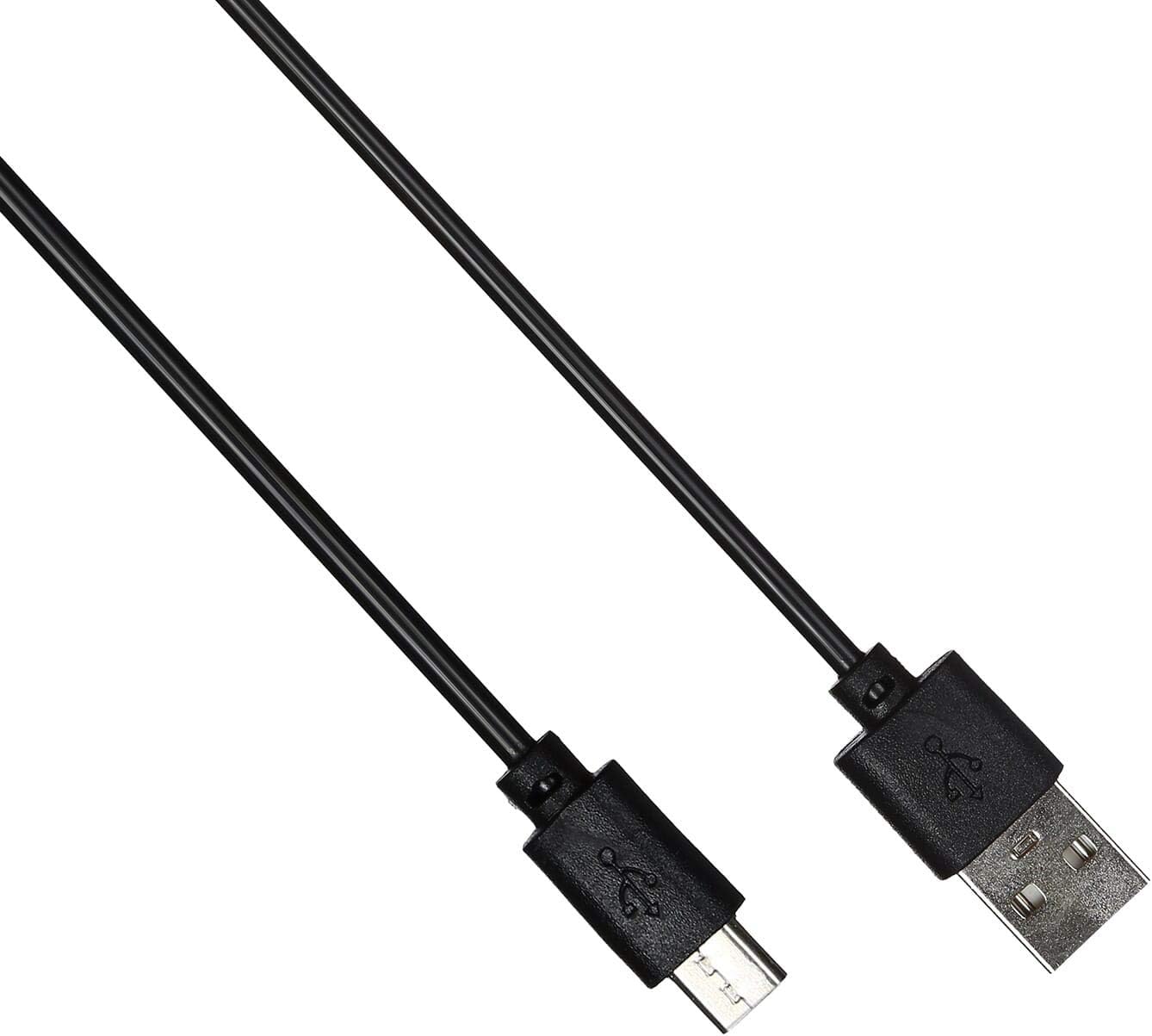
Image: The USB charging cable for the QCY A1 headset.
Setup
1. Charging the Headset
- Connect the charging cable to the headset's charging port.
- Plug the other end of the cable into a USB power source (e.g., computer, wall adapter).
- The indicator light will show charging status. A full charge typically takes approximately 1-2 hours.
- Once fully charged, disconnect the charging cable.
2. Pairing with a Device
- Ensure the headset is turned off.
- Press and hold the Multi-function button until the indicator light flashes red and blue alternately, indicating pairing mode.
- On your mobile phone or Bluetooth-enabled device, enable Bluetooth and search for available devices.
- Select "QCY A1" from the list of found devices.
- Once connected, the indicator light will flash blue slowly, and you will hear a confirmation tone.
- If pairing fails, turn off the headset and repeat the steps.
Operating Instructions
Power On/Off
- Power On: Press and hold the Multi-function button for 3 seconds. The blue indicator light will flash.
- Power Off: Press and hold the Multi-function button for 5 seconds. The red indicator light will flash briefly before turning off.
Call Management
- Answer Call: Short press the Multi-function button.
- End Call: Short press the Multi-function button during a call.
- Reject Call: Press and hold the Multi-function button for 2 seconds.
- Redial Last Number: Double-press the Multi-function button when not on a call.
Music Playback
- Play/Pause: Short press the Multi-function button.
- Next Track: Press and hold the Volume Up button.
- Previous Track: Press and hold the Volume Down button.
- Volume Up: Short press the Volume Up button.
- Volume Down: Short press the Volume Down button.
Voice Assistant
- Activate Voice Assistant: Triple-press the Multi-function button (functionality depends on your connected device).
Maintenance
- Clean the headset regularly with a soft, dry cloth.
- Avoid using harsh chemicals or abrasive materials.
- Store the headset in a cool, dry place away from direct sunlight and extreme temperatures.
- Do not immerse the headset in water or expose it to excessive moisture.
- Keep out of reach of children.
Troubleshooting
| Problem | Solution |
|---|---|
| Headset does not power on. | Ensure the headset is fully charged. |
| Cannot pair with device. | Ensure the headset is in pairing mode (red and blue lights flashing). Turn off and on your device's Bluetooth. Try pairing again. |
| No sound or poor sound quality. | Check the volume levels on both the headset and your connected device. Ensure the headset is within the 10-meter operating range of your device. |
| Headset disconnects frequently. | Ensure there are no obstacles between the headset and your device. Move closer to your device. |
Specifications
| Feature | Detail |
|---|---|
| Model | A1 |
| Brand | QCY |
| Connectivity Technology | Wireless (Bluetooth 5.0) |
| Bluetooth Profiles Supported | HFP, A2DP, HSP |
| Wireless Range | Up to 10 meters |
| Control Method | Touch/Button |
| Headphone Form Factor | In Ear |
| Compatible Devices | Mobile Phones |
| Color | White |
| Item Weight | 80 grams |
| Included Components | Ear Cushions |
Safety Information
- Do not disassemble or modify the headset.
- Avoid exposing the headset to extreme temperatures or humidity.
- Use only the provided charging cable or a certified equivalent.
- Do not use the headset at high volume for extended periods to prevent hearing damage.
- Be aware of your surroundings when using the headset, especially in traffic or other potentially dangerous situations.


