
Introduction
Welcome to the CrossBeats Urban Truly Wireless Earbuds user manual. This guide provides detailed instructions for setting up, operating, and maintaining your earbuds. Please read this manual thoroughly before use to ensure optimal performance and longevity of your device.
Safety Information
- Do not expose the earbuds or charging case to extreme temperatures or direct sunlight.
- Avoid dropping or applying excessive force to the device.
- Keep out of reach of children and pets.
- Do not attempt to disassemble or modify the earbuds or charging case.
- Use only the provided charging cable or a certified equivalent.
- Prolonged listening at high volume levels may cause hearing damage.
Package Contents
Verify that all items are present in your package:
- 1 pair of CrossBeats Urban TWS Earbuds
- 1 Charging Case
- 1 USB Charging Cable
- Extra Ear Tips (various sizes)
- 1 Quick Start Guide
- 1 User Manual (this document)

Image: CrossBeats Urban Truly Wireless Earbuds in their open charging case, showcasing the turquoise blue color and compact design.
Product Overview
The CrossBeats Urban earbuds are designed for comfort and high-quality audio. Each earbud features a touch-sensitive surface for controls and an ergonomic design for a secure fit. The charging case protects the earbuds and provides additional battery life.
Earbud Components:
- Touch Control Area: For playback, calls, and voice assistant activation.
- Microphone: For calls and voice commands.
- LED Indicator: Shows pairing status and battery level.
- Charging Contacts: Connects with the charging case.
Charging Case Components:
- Earbud Slots: Securely holds and charges the earbuds.
- Charging Port: USB Type-C port for charging the case.
- LED Indicators: Displays the charging status of the case.
Setup
1. Charging the Earbuds and Case
- Initial Charge: Before first use, fully charge both the earbuds and the charging case.
- Charging the Earbuds: Place the earbuds into the charging case. Ensure the charging contacts align. The earbud LED indicators will show charging status.
- Charging the Case: Connect the USB charging cable to the case's charging port and a power source. The case's LED indicators will show its charging progress.
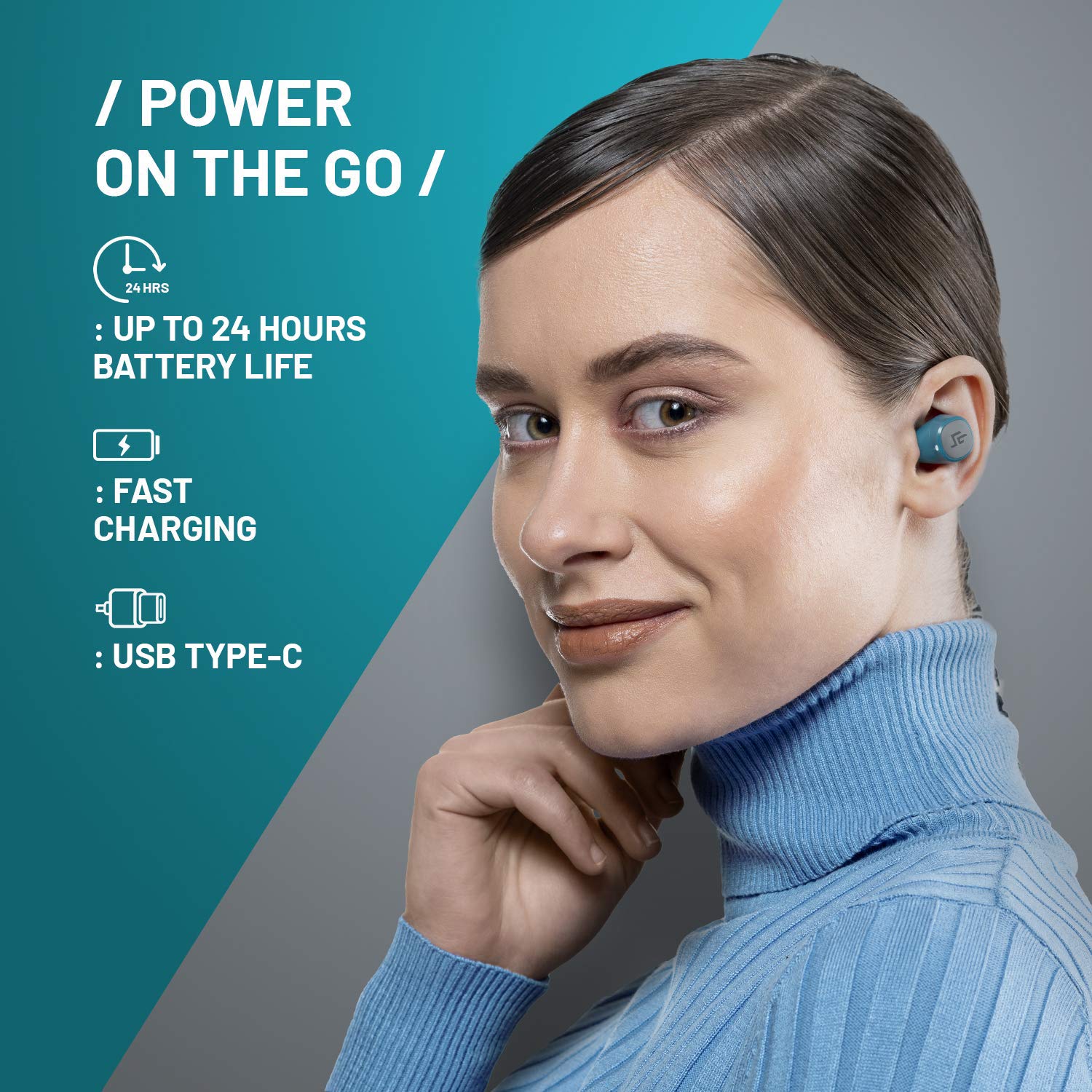
Image: A visual representation highlighting the charging capabilities of the CrossBeats Urban earbuds, including up to 24 hours battery life, fast charging, and USB Type-C port.
2. Pairing with a Device
- Power On: Open the charging case. The earbuds will automatically power on and enter pairing mode. The LED indicator on one earbud will flash, indicating it's ready to pair.
- Activate Bluetooth: On your smartphone or other Bluetooth-enabled device, go to the Bluetooth settings and turn Bluetooth on.
- Select Device: Look for "CB-URBAN" in the list of available devices and select it to connect.
- Confirmation: Once connected, the earbud LED indicator will stop flashing, and you may hear an audible confirmation.
- Automatic Reconnection: After initial pairing, the earbuds will automatically connect to the last paired device when removed from the case and Bluetooth is active on the device.

Image: A smartphone screen displaying Bluetooth settings with "CB-URBAN" listed as connected, alongside the CrossBeats Urban earbuds and their charging case, illustrating the auto-pairing feature.
Operating Instructions
1. Wearing the Earbuds
- Select the ear tips that provide the most comfortable and secure fit.
- Gently insert each earbud into your ear canal and twist slightly to secure.
2. Touch Controls
| Function | Action |
|---|---|
| Play/Pause | Single tap on either earbud |
| Next Track | Double tap on the right earbud |
| Previous Track | Double tap on the left earbud |
| Volume Up | Triple tap on the right earbud |
| Volume Down | Triple tap on the left earbud |
3. Making/Receiving Calls
- Answer Call: Single tap on either earbud.
- End Call: Single tap on either earbud during a call.
- Reject Call: Press and hold either earbud for 2 seconds.
4. Voice Assistant
- Activate Voice Assistant: Press and hold either earbud for 2 seconds (when not on a call). This will activate your device's voice assistant (Siri, Google Assistant, etc.).

Image: CrossBeats Urban earbuds positioned near a smartphone displaying a voice assistant interface, with logos for Google Assistant and Siri, indicating compatibility.
Maintenance
1. Cleaning
- Regularly clean the earbuds and charging case with a soft, dry, lint-free cloth.
- Do not use harsh chemicals, cleaning solvents, or strong detergents.
- Ensure charging contacts are clean and free of debris for proper charging.
2. Storage
- When not in use, store the earbuds in their charging case to protect them and keep them charged.
- Store in a cool, dry place away from direct sunlight and extreme temperatures.

Image: CrossBeats Urban earbuds with water droplets splashing around them, illustrating their IPX6 water-resistant feature and micro-sealed technology.
Troubleshooting
| Problem | Possible Solution |
|---|---|
| Earbuds not pairing | Ensure earbuds are charged. Turn off and on Bluetooth on your device. Forget "CB-URBAN" from your device's Bluetooth list and re-pair. |
| Only one earbud working | Place both earbuds back in the charging case, close the lid, wait a few seconds, then open again. Ensure both are charged. |
| No sound | Check device volume. Ensure earbuds are connected. Try playing audio from a different application. |
| Charging issue | Clean charging contacts on earbuds and case. Try a different USB cable and power adapter. |
Specifications
| Feature | Detail |
|---|---|
| Model Name | URBAN |
| Model Number | CB-Urban-02 |
| Connectivity | Bluetooth 5.0 |
| Bluetooth Range | Up to 33 feet (10 meters) |
| Battery Life (Earbuds) | Approximately 5 days (standby, actual usage varies) |
| Total Playtime (with case) | Up to 12 hours (inclusive of 3+ charges from carry case) |
| Water Resistance | IP67 (Water Resistant) |
| Weight (each earbud) | 3.7 grams |
| Control Method | Touch, Voice |
| Microphone | Included |
| Noise Control | Noise Isolation |
Warranty and Support
CrossBeats Urban earbuds come with a 12-month warranty from the date of purchase. This warranty covers manufacturing defects. It does not cover damage caused by misuse, accidents, unauthorized modifications, or normal wear and tear.
For warranty claims, technical support, or any inquiries, please contact CrossBeats customer service through their official website or the retailer where the product was purchased. Please have your proof of purchase and model number (CB-Urban-02) ready.
Online Support: Visit the official CrossBeats website for FAQs and support resources. CrossBeats Store

