
1. Introduction
This manual provides essential information for the safe and efficient operation of your Green Cell PRO INV23 24V 1000W Modified Sine Wave Power Inverter. Please read it thoroughly before installation and use, and keep it for future reference.
The Green Cell inverter converts 24V DC power from a battery into 230V AC power, allowing you to operate standard electrical devices from a vehicle or off-grid power source. It delivers a continuous output of 1000W with a peak power capability of up to 2000W.
2. Safety Information
Always observe the following safety precautions to prevent injury or damage to the inverter and connected devices:
- Ensure the inverter is connected to a 24V DC power source only. Connecting to a different voltage may cause damage.
- Do not exceed the continuous power rating of 1000W or the peak power rating of 2000W.
- Avoid connecting devices that require a pure sine wave, such as sensitive medical equipment or certain types of motors, as this inverter produces a modified sine wave.
- Install the inverter in a well-ventilated area, away from direct sunlight, heat sources, and flammable materials.
- Keep the inverter dry and protect it from moisture and water.
- Ensure proper grounding of the inverter.
- Do not open the inverter casing. Refer servicing to qualified personnel.
- Disconnect the inverter from the battery before performing any maintenance or cleaning.
The inverter features multiple safety protections, including low input voltage protection, high input voltage protection, over-temperature protection, overload protection, and short circuit protection, to ensure safe operation.

Image: The Green Cell Power Inverter highlighting its safety features with a protective shield graphic.
3. Package Contents
Verify that all items are present in the package:
- Green Cell PRO INV23 24V 1000W Power Inverter
- Battery connection cables (red for positive, black for negative)
- Spare fuses
- User Manual

Image: The Green Cell Power Inverter shown with its included accessories: battery cables, fuses, and user manual.

Image: An overhead view of the Green Cell Power Inverter, displaying the included red and black battery connection cables and green fuses.
4. Product Features
- Modified Sine Wave Output: Provides reliable power for most electronic devices, offering a balance between efficiency and cost-effectiveness.
- High Power Output: 1000W continuous power, 2000W peak power.
- USB Charging Port: Integrated USB port for convenient charging of smartphones, tablets, and other small USB-powered devices.
- Advanced Cooling System: Ensures quiet operation and maintains optimal performance by preventing overheating.
- Comprehensive Safety Protections: Built-in safeguards against low/high input voltage, over-temperature, overload, and short circuits.

Image: The Green Cell Power Inverter illustrating its modified sine wave output capability, suitable for a wide range of applications.

Image: Close-up of the inverter's smart cooling system, featuring a fan for efficient heat dissipation and quiet operation.

Image: Detailed diagram showing the front and rear panels of the Green Cell Power Inverter, with labels for the AC output, USB port, ON/OFF switch, signal diodes, ground wire screw, positive pole, negative pole, and cooling fan.
5. Setup Instructions
- Prepare the Inverter: Place the inverter on a stable, flat surface in a well-ventilated area. Ensure there is enough space around it for air circulation.
- Connect to Battery:
- Ensure the inverter's power switch is in the "OFF" position.
- Connect the red battery cable to the positive (+) terminal of the inverter and then to the positive (+) terminal of the 24V battery.
- Connect the black battery cable to the negative (-) terminal of the inverter and then to the negative (-) terminal of the 24V battery.
- Tighten all connections securely to prevent loose contacts and sparking.
- Grounding: Connect a grounding wire (not always included, check local regulations) from the inverter's grounding screw to a suitable ground point.
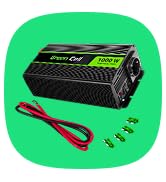
Image: The Green Cell Power Inverter with its red and black battery connection cables, demonstrating the connection points for setup.
6. Operating Instructions
- Power On: Once the inverter is securely connected to the battery, switch the inverter's power button to the "ON" position. The power indicator light should illuminate.
- Connect Devices: Plug your 230V AC devices into the inverter's AC outlet. For smaller devices, use the USB charging port.
- Monitor Load: Ensure the total wattage of connected devices does not exceed the inverter's continuous power rating (1000W). Overloading can trigger safety protections.
- Power Off: When finished, switch off all connected devices, then switch the inverter's power button to the "OFF" position.

Image: The Green Cell Power Inverter being used inside a car to power a laptop and charge a smartphone, demonstrating its practical application.
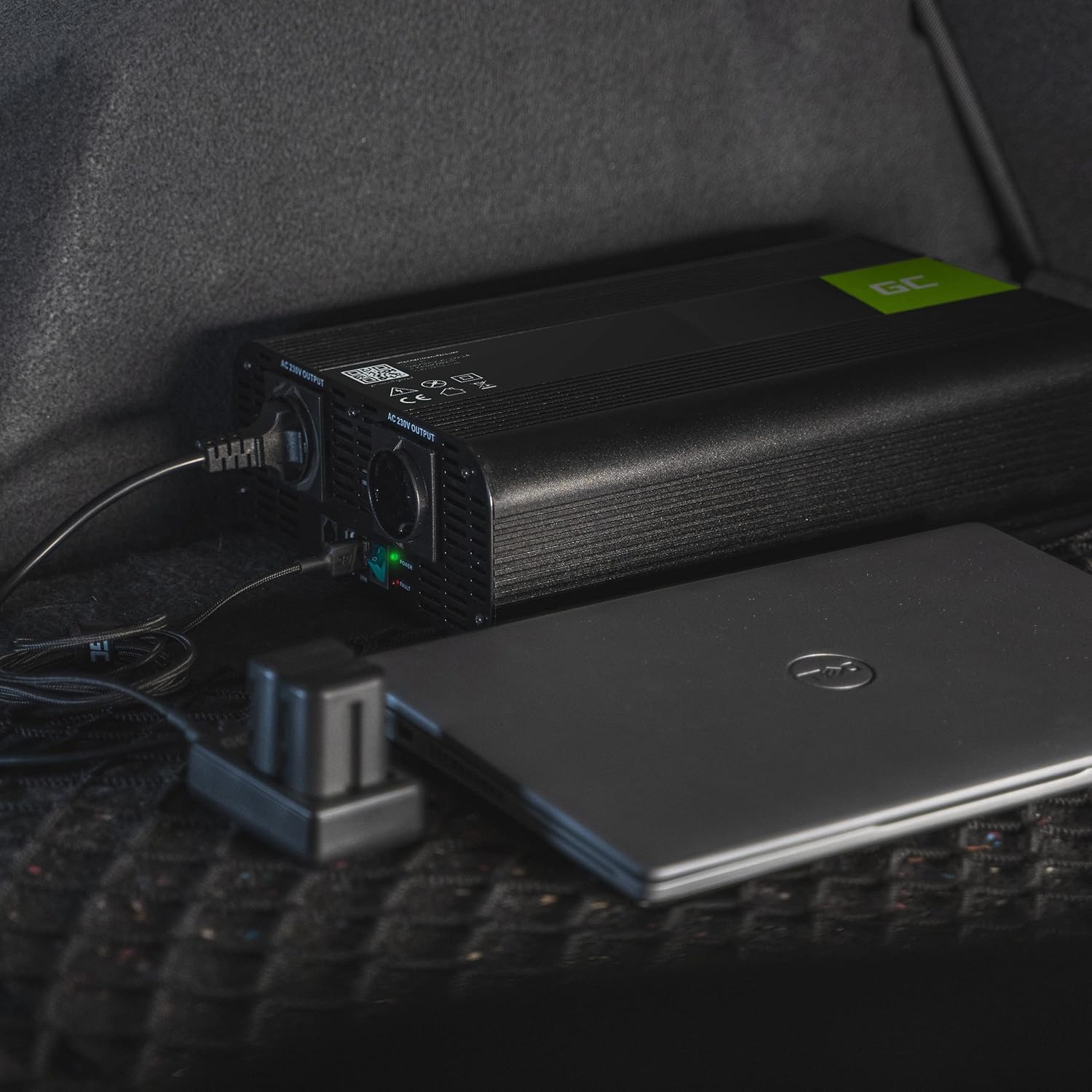
Image: The Green Cell Power Inverter placed in a car trunk, connected to a power source and supplying electricity to a laptop, showcasing its portability and utility.

Image: The Green Cell Power Inverter depicted alongside various outdoor scenarios, including camping and off-road travel, emphasizing its utility in remote locations.
7. Maintenance
- Cleaning: Regularly clean the exterior of the inverter with a dry, soft cloth. Ensure ventilation openings are free from dust and debris.
- Connections: Periodically check all electrical connections to ensure they are tight and free from corrosion.
- Storage: When not in use for extended periods, store the inverter in a cool, dry place, disconnected from the battery.
- Fuse Replacement: If a fuse blows, replace it with a fuse of the same type and rating. Refer to the specifications for fuse details.
8. Troubleshooting
| Problem | Possible Cause | Solution |
|---|---|---|
| No output power | Inverter not switched on, loose battery connections, low battery voltage, blown fuse. | Ensure inverter is ON. Check and tighten battery connections. Recharge or replace battery. Check and replace fuses if necessary. |
| Overload warning/shutdown | Connected devices exceed inverter's wattage rating. | Reduce the load by disconnecting some devices. Restart the inverter. |
| Over-temperature warning/shutdown | Poor ventilation, high ambient temperature, prolonged high load. | Ensure adequate ventilation around the inverter. Allow it to cool down. Reduce load if operating in high temperatures. |
| Device not working correctly | Device incompatible with modified sine wave, device fault. | Check device specifications for sine wave requirements. Test the device with a standard wall outlet. |
If problems persist after following these steps, contact Green Cell customer support.
9. Specifications
| Feature | Detail |
|---|---|
| Brand | Green Cell |
| Model Name | INV23 |
| Model | Green Cell PRO |
| Input Voltage | 24V DC |
| Output Voltage | 230V AC |
| Continuous Output Power | 1000W |
| Peak Output Power | 2000W |
| Output Waveform | Modified Sine Wave |
| Efficiency | 85% |
| Total AC Outlets | 1 |
| USB Output | Yes (for charging smaller devices) |
| Product Dimensions (L x W x H) | 29 x 8 x 13 cm |
| Item Weight | 1716 Grams |
| Included Components | Battery connection cables, fuses, user manual |
| Recommended Use | Automotive |
| Certifications | CE |
| Country of Origin | China |
10. Warranty and Support
The Green Cell PRO INV23 Power Inverter comes with a 2-year availability/duration for spare parts within the EU, indicating commitment to product longevity and support.
For technical support, warranty claims, or further assistance, please visit the official Green Cell website or contact their customer service department. You can find more information at greencell.pl.