
1. Introduction
The GoolRC KF606 RC Plane is a 2.4Ghz remote-controlled fixed-wing aircraft designed for beginners. Its efficient aerodynamic contour ensures good flight performance and stability, offering better gliding capabilities. Constructed from durable EPP foam, the plane is lightweight at approximately 11 grams, providing flexibility and strong anti-dropping characteristics. It features left and right dual motor control, a built-in gyroscope for stability, and a replaceable battery for extended enjoyment. Its ultra-mini size allows for versatile use in various environments, from indoor spaces to outdoor gardens or small yards.
2. Package Contents
Please inspect the package contents to ensure all items are present and in good condition:
- 1 x GoolRC KF606 RC Airplane
- 1 x Remote Controller
- 3 x Battery for Airplane
- 1 x USB Charging Cable
- 1 x Instructional Manual
- 1 x Extra Propeller Set
- 1 x Snap Joint

Figure 2.1: Package Contents
The image above displays the complete contents of your GoolRC KF606 RC Plane package, including the aircraft, remote control, multiple batteries, charging cable, and essential accessories.
3. Assembly
The GoolRC KF606 RC Plane is designed for quick and easy assembly. Follow these steps to prepare your aircraft for flight:
- Carefully attach the main wings to the fuselage using the designated slots. Ensure they are securely fastened.
- Connect the tail section to the rear of the fuselage. The snap joint should provide a firm connection.
- If necessary, install the propellers onto the motor shafts. Ensure they are facing the correct direction for thrust. Refer to the detailed diagrams in the included instructional manual for precise orientation.
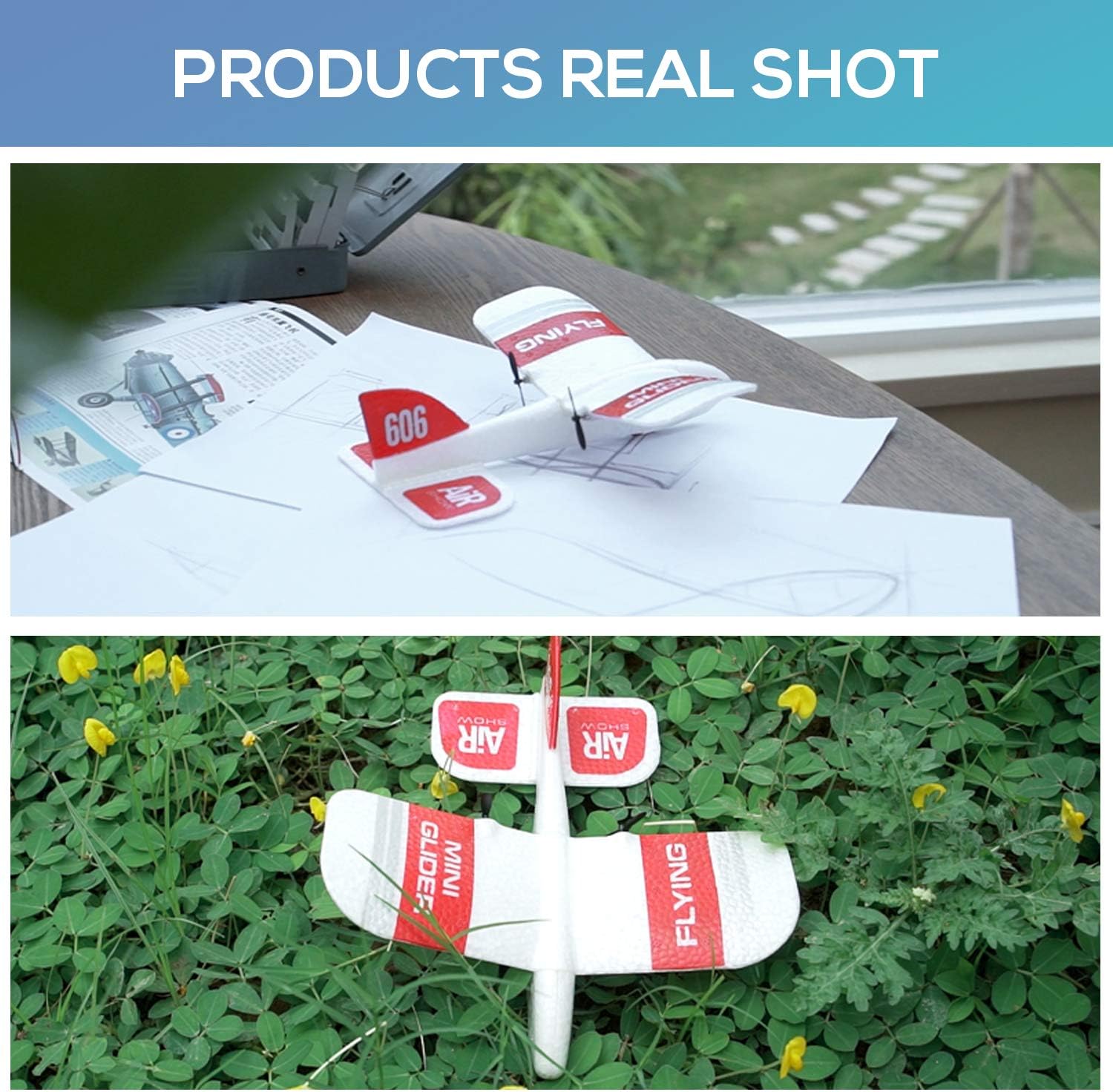
Figure 3.1: RC Plane Components
This image illustrates the main components of the RC plane, ready for assembly. Ensure all parts are aligned correctly before securing them.
4. Battery Installation & Charging
Proper battery handling is crucial for safe and optimal performance.
4.1. Airplane Battery
- Locate the battery compartment on the underside of the RC plane.
- Insert the provided airplane battery into the compartment and connect it to the aircraft's power port.
- Close the battery compartment securely.
4.2. Remote Controller Battery
The remote controller requires 2 x AAA batteries (not included).
- Open the battery compartment on the back of the remote controller.
- Insert 2 x AAA batteries, ensuring correct polarity (+/-).
- Close the compartment cover.
4.3. Charging the Airplane Battery
Use the provided USB charging cable to charge the airplane batteries.
- Connect the airplane battery to the USB charging cable.
- Plug the USB charging cable into a compatible USB power source (e.g., computer, USB wall adapter).
- The indicator light on the USB cable will show the charging status. Refer to the manual for specific light indications.
- Once fully charged, disconnect the battery from the charger.
5. Operating Instructions
Familiarize yourself with the controls and follow these steps for a successful flight.
5.1. Remote Controller Overview

Figure 5.1: Remote Controller Layout
The remote controller features a throttle stick (left) for altitude control and a steering stick (right) for turning left/right. Trimming buttons are available for fine-tuning flight stability. An H/L button allows switching between high and low speed modes.
5.2. First Flight
- Ensure both the airplane and remote controller batteries are fully charged and correctly installed.
- Turn on the power switch on the RC plane.
- Turn on the power switch on the remote controller. The remote will automatically pair with the aircraft.
- Place the plane on a flat surface or gently launch it by hand.
- Gradually increase the throttle to gain altitude. Use the steering stick to control direction.
- Practice gentle maneuvers in an open area, free from obstacles.

Figure 5.2: Indoor and Outdoor Flight
The KF606 is suitable for flying in various environments, including spacious indoor areas or calm outdoor settings like gardens and parks.
6. Maintenance
To ensure the longevity and performance of your GoolRC KF606 RC Plane, follow these maintenance guidelines:
- Cleaning: After each flight, gently wipe down the plane with a soft, dry cloth to remove any dirt or debris. Avoid using harsh chemicals.
- Propeller Inspection: Regularly check the propellers for any damage (cracks, bends). Replace damaged propellers immediately using the provided extra set to maintain optimal flight performance and safety.
- EPP Foam Care: The EPP foam material is durable, but avoid excessive bending or sharp impacts. Minor dents can often be gently reshaped.
- Storage: Store the RC plane in a cool, dry place away from direct sunlight and extreme temperatures. Remove batteries from both the plane and the remote controller if storing for extended periods.

Figure 6.1: EPP Foam Durability
The plane's EPP foam construction offers good flexibility and resistance to minor impacts, contributing to its overall durability.
7. Troubleshooting
If you encounter any issues with your GoolRC KF606 RC Plane, refer to the following common troubleshooting tips:
- Plane not responding:
- Ensure both the plane and remote controller are powered on.
- Check if the batteries in both devices are fully charged.
- Verify that the remote controller is properly paired with the aircraft.
- Poor flight stability:
- Check for any damage to the wings or propellers. Replace if necessary.
- Ensure the plane is launched from a flat surface or with a gentle, straight throw.
- Adjust the trimming buttons on the remote controller for fine-tuning.
- Short flight time:
- Ensure the airplane battery is fully charged before each flight.
- Consider using a fresh battery if the existing one shows signs of degradation.
- Propellers not spinning:
- Check for any obstructions (e.g., grass, debris) around the propellers.
- Ensure the propeller is securely attached to the motor shaft.
If you continue to experience issues, please refer to the detailed instructional manual or contact GoolRC customer support.
8. Specifications
| Feature | Specification |
|---|---|
| Model Number | KF606 |
| Brand | GoolRC |
| Product Dimensions | 7.48 x 7.08 x 1.97 inches |
| Aircraft Weight | Approx. 11 grams |
| Material | EPP Foam |
| Control Frequency | 2.4Ghz |
| Control Channels | 2 Channels (Left/Right, Throttle) |
| Recommended Age | 16 years and up |

Figure 8.1: Product Dimensions
The image above provides a visual representation of the KF606 RC Plane's dimensions.
9. Safety Guidelines
Adhere to these safety guidelines to prevent injury and damage:
- Adult Supervision: Always operate the RC plane under adult supervision, especially for younger users.
- Flight Environment: Fly in open, clear areas away from people, animals, buildings, trees, power lines, and water bodies.
- Weather Conditions: Avoid flying in strong winds, rain, or other adverse weather conditions.
- Propeller Safety: Keep fingers, hair, and loose clothing away from spinning propellers.
- Battery Safety: Use only approved charging cables and batteries. Do not overcharge or short-circuit batteries. Discontinue use if batteries show signs of damage or swelling.
- Age Recommendation: This product is recommended for users aged 16 years and up.
10. Warranty and Support
For warranty information, technical support, or any product-related inquiries, please refer to the contact details provided in your product packaging or visit the official GoolRC website. Keep your purchase receipt as proof of purchase.