
1. Introduction
The GHodec Grow Light is designed to provide optimal lighting conditions for a wide variety of indoor plants, supporting all growth stages from seedling to maturity. Featuring full-spectrum white LEDs, a flexible gooseneck design, and convenient timer functions, this grow light ensures your plants receive the necessary light for healthy development. It can also serve as a reading lamp due to its high color rendering and flicker-free light.
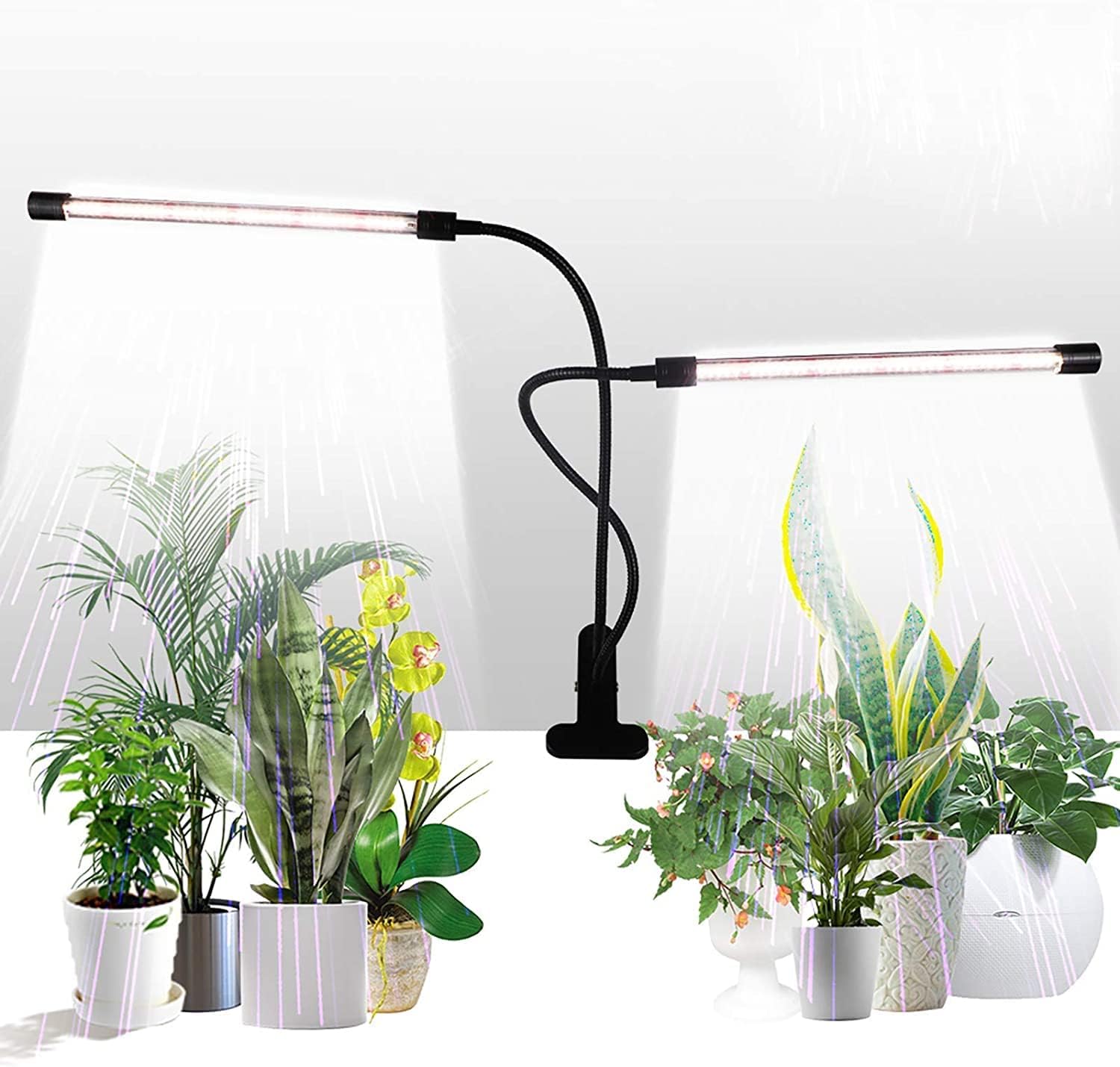
The GHodec Grow Light features two flexible light bars designed to provide optimal illumination for a variety of indoor plants, promoting healthy growth.
2. Safety Information
Please read all safety instructions carefully before using the GHodec Grow Light. Failure to follow these instructions may result in electric shock, fire, or serious injury.
- Indoor Use Only: This product is designed for indoor use. Do not expose to water or high humidity.
- Power Source: Use only with a compatible USB power source (5V DC). Ensure the power adapter meets the product's specifications.
- Ventilation: Ensure adequate ventilation around the light to prevent overheating. Do not cover the light bars.
- Handling: Do not bend the goosenecks excessively or repeatedly at the same point, as this may damage internal wiring.
- Cleaning: Disconnect from power before cleaning. Use a soft, dry cloth. Do not use liquid cleaners or aerosols.
- Children and Pets: Keep out of reach of children and pets.
- Damage: Do not operate if the light or power cord is damaged. Contact customer support for assistance.
3. What's in the Box
Verify that all components are present upon opening the package:
- Gooseneck Lamp (with two light bars)
- Built-in Timer & Controller
- Clamp Stand
4. Setup
Follow these steps to set up your GHodec Grow Light:
- Choose a Location: Select a stable surface near your plants where the clamp can securely attach. The clamp is designed to fit various thicknesses.
- Attach the Clamp: Securely attach the clamp stand to your desired surface (e.g., shelf, table edge, windowsill). Ensure it is firm and stable.
- Position the Light Bars: Adjust the flexible goosenecks to position the light bars directly over or around your plants. The 360-degree adjustable gooseneck allows for precise light direction.
- Connect Power: Plug the USB connector from the light's controller into a compatible USB power adapter (not included) or a USB port.

This image illustrates the compact design and adjustable nature of the grow light, highlighting its dimensions and the sturdy clip for easy attachment to various surfaces.

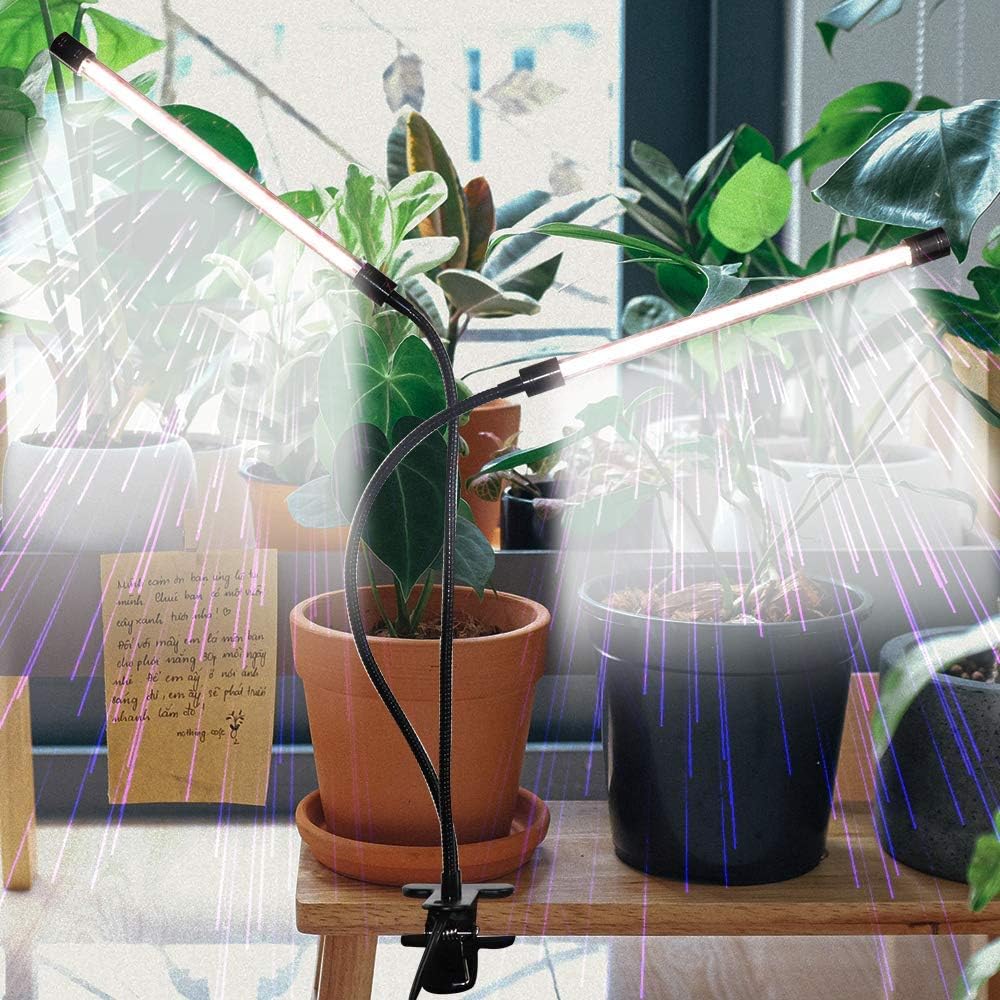
This image demonstrates the practical application of the grow light, showing how its clip and flexible goosenecks allow for versatile placement to provide light to plants on a windowsill.
5. Operating Instructions
The GHodec Grow Light features an integrated controller for easy operation:
- Power On/Off: Press the Power Button (
 ) to turn the light on or off.
 - Adjust Brightness: Use the Brightness + (
 ) and Brightness - (
 ) buttons to cycle through 5 dimmable levels.
 - Set Timer: Press the Timer Button (
 ) to select a daily lighting duration: 4 hours, 8 hours, or 12 hours. The light will automatically turn on and off at the set intervals each day.
 - Individual Light Bar Control: Each LED bar can be controlled independently. Press the Light Bar Selection Button (
 ) to activate one light, two lights, or turn all off.

The control panel allows users to set the automatic on/off timer for 4, 8, or 12 hours, ensuring consistent light cycles for plant growth without manual intervention.

The brightness control buttons on the panel enable users to adjust the light intensity across five dimmable levels, catering to the specific needs of different plant types and growth stages.
6. Maintenance
Proper maintenance ensures the longevity and optimal performance of your grow light:
- Cleaning: Regularly wipe the light bars and controller with a soft, dry cloth to remove dust and debris. Do not use abrasive cleaners or immerse any part of the unit in water.
- Storage: If storing the light for an extended period, disconnect it from power, clean it, and store it in a cool, dry place away from direct sunlight.
- Cable Care: Avoid sharp bends or kinks in the power cable. Do not place heavy objects on the cable.
7. Troubleshooting
If you encounter issues with your GHodec Grow Light, refer to the following common problems and solutions:
| Problem | Possible Cause | Solution |
|---|---|---|
| Light does not turn on. | No power, loose connection, faulty adapter. | Ensure the USB cable is securely plugged into a working power source. Try a different USB adapter or port. |
| Light flickers or turns off unexpectedly. | Unstable power supply, loose connection, internal fault. | Check power connections. Ensure the power source provides stable 5V DC. If the issue persists, contact customer support. |
| Timer function not working. | Incorrect setting, power interruption. | Re-set the timer by pressing the timer button to cycle through options. Ensure continuous power supply. |
| Brightness adjustment not working. | Controller issue. | Ensure the light is on. Press the brightness buttons firmly. If unresponsive, contact customer support. |
8. Specifications
Key technical specifications for the GHodec Grow Light:
| Feature | Detail |
|---|---|
| Brand | GHodec |
| Model Number | 1 |
| Wattage | 50 Watts |
| Light Source Type | LED (84 LEDs total) |
| Color Temperature | 6000 Kelvin (Full Spectrum White) |
| Color Rendering Index (CRI) | 90 |
| Brightness | 1800 Lumen |
| Dimmable Levels | 5 |
| Timer Options | 4H / 8H / 12H |
| Power Source | USB (5 Volts DC) |
| Product Dimensions | 7"D x 7"W x 15"H |
| Item Weight | 1.17 Pounds |
| Material | Plastic, Iron |
| Mounting Type | Tabletop (Clip Stand) |
| UPC | 781621159178 |
The graph illustrates the full spectrum light provided by the grow light, indicating its suitability for all plant growth stages by covering a wide range of wavelengths from 380nm to 800nm.

This table provides a direct comparison of the GHodec Grow Light's specifications, such as color rendering (RA >95), individual bar power (25W), and LED quantity (42 LEDs per bar), against typical alternatives.
9. Warranty & Support
For warranty information and customer support, please refer to the contact details provided by the manufacturer or retailer at the time of purchase. Keep your proof of purchase for any warranty claims.
For further assistance, you may visit the official GHodec store on Amazon: GHodec Amazon Store.