
Product Overview
The Motorola Tech 3-in-1 Smart True Wireless Headphones offer versatile listening options, adapting to your lifestyle whether you prefer true wireless, a secure sport loop, or a direct audio plug-in connection. Designed for convenience and durability, these headphones feature IPX5 water resistance, a built-in microphone for hands-free calls, and a magnetic charging case with integrated cable storage.

Image: Motorola Tech 3-in-1 Smart True Wireless Headphones, showcasing the earbuds and charging case.
- 3-in-1 Use: Seamlessly switch between true wireless earbuds, a sport wire for active use, or a 3.5mm audio plug-in for wired connection.
- Extended Battery Life: Enjoy up to 7 hours of playtime from the earbuds, with an additional 11 hours provided by the charging case.
- Water and Sweat Resistant (IPX5): Designed to withstand splashes and sweat, making them suitable for workouts and outdoor activities.
- Quick Charging: A rapid 15-minute charge provides up to 3 hours of headphone use.
- Smart Assistant Compatibility: Compatible with Amazon Alexa, Siri, and Google Assistant for hands-free control via the Hubble app.
Setup and Pairing
Initial Charging
Before first use, ensure your Motorola Tech 3-in-1 headphones are fully charged. Place both earbuds into the magnetic charging case. Connect the charging case to a power source using the provided USB cable. The indicator light on the case will show charging status.
Bluetooth Pairing
- Ensure the earbuds are charged and removed from the charging case. They will automatically enter pairing mode.
- On your smartphone or audio device, navigate to the Bluetooth settings.
- Search for available devices and select "TECH3" from the list.
- Once connected, the earbuds will indicate successful pairing (e.g., a voice prompt or LED change).
Video: An official overview of the Motorola Tech3 headphones, demonstrating their features and versatility.
Operating Modes
1. True Wireless Mode
For complete freedom, use the earbuds independently via Bluetooth connection. Ideal for everyday listening and hands-free calls.
2. Sport Loop Mode
Attach the flexible sport wire to the earbuds for added security during physical activities. This prevents loss and provides stability.

Image: A person exercising while wearing the Motorola Tech 3-in-1 headphones in Sport Loop mode, demonstrating their secure fit and water-resistant design.
3. Audio Plug-in Mode
For situations requiring a wired connection or when battery is low, connect the audio plug-in cable to the charging case and then to your device's 3.5mm jack. This mode offers unlimited playtime.
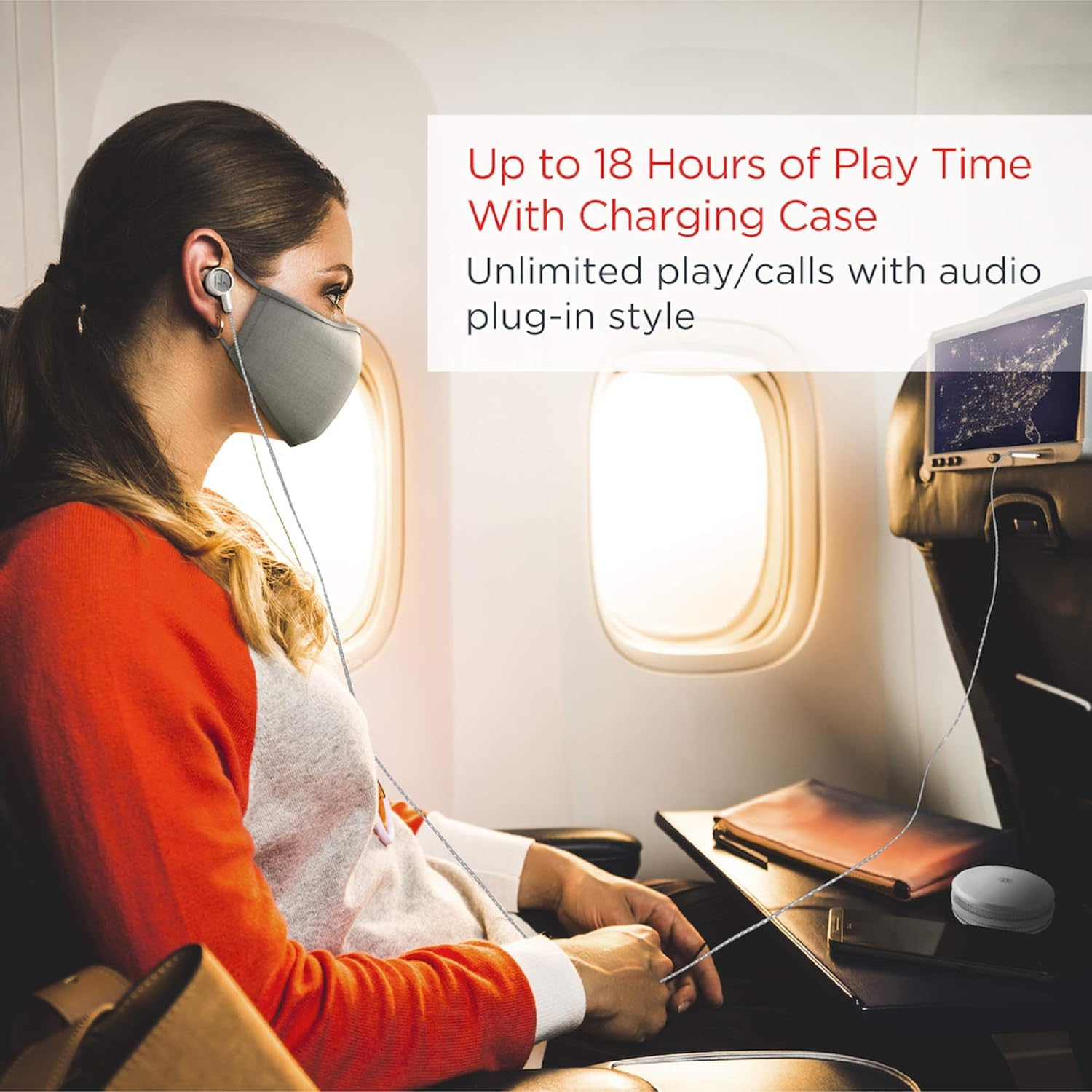
Image: A person using the Motorola Tech 3-in-1 headphones in wired mode while traveling, illustrating the audio plug-in functionality for continuous listening.
Smart Touch Controls
The earbuds feature smart touch controls for managing music playback, calls, and activating your voice assistant. Refer to the quick start guide for specific tap commands.

Image: A person using the smart touch controls on one of the Motorola Tech 3-in-1 earbuds, demonstrating ease of interaction.
Maintenance
- Cleaning: Regularly clean the earbuds and charging case with a soft, dry cloth. Avoid using harsh chemicals or abrasive materials.
- Water Resistance: The headphones are IPX5 water resistant, meaning they can withstand low-pressure water jets. Do not submerge them in water. Ensure they are dry before placing them back in the charging case.
- Storage: When not in use, store the earbuds in their charging case to protect them and keep them charged.
Troubleshooting
- Earbuds Not Charging: Ensure the plastic tabs are removed from the earbuds' charging contacts. Verify the charging cable is securely connected to both the case and the power source.
- One Earbud Not Working/Connecting: Place both earbuds back into the charging case, close the lid, and then reopen it. Remove them and try pairing again. If issues persist, try resetting the earbuds (refer to the full manual for specific reset instructions).
- Poor Sound Quality/Disconnections: Ensure the earbuds are within the Bluetooth range (10 meters) of your device. Check for interference from other wireless devices. Ensure the ear tips provide a secure seal in your ear.
- Battery Life Shorter Than Expected: Ensure the earbuds and case are fully charged. Battery performance can vary based on volume levels and usage patterns.
Specifications
| Feature | Detail |
|---|---|
| Model Name | Motorola Tech 3-in-1 Smart True Wireless Headphones |
| Model Number | SH055 PW |
| Connectivity Technology | Bluetooth |
| Wireless Communication Technology | Bluetooth |
| Bluetooth Version | 4.0 |
| Bluetooth Range | 10 Meters |
| Water Resistance Level | IPX5 (Water Resistant) |
| Battery Life | Up to 9 Hours (earbuds), 18 Hours (with charging case) |
| Charging Time | 15 minutes for 3 hours of use |
| Headphones Jack | 3.5 mm Jack (for audio plug-in mode) |
| Included Components | Cable, Protective Case |
| Item Weight | 0.07 Kilograms (2.46 ounces) |
| Product Dimensions | 2.36 x 1.89 x 1.06 inches |
| Control Type | Media Control, App |
| Special Feature | Sweatproof, Sports-and-Exercise, Water-Resistant, Wireless |
Warranty and Support
For any questions, warranty information, support, or service related to your Motorola Tech 3-in-1 Smart True Wireless Headphones, please visit the official support website:


