
AMD YD3000C6FHBOX
AMD Athlon 3000G 2-Core, 4-Thread Unlocked Desktop Processor with Radeon Graphics
Instruction Manual
Brand: AMD
1. Introduction and Overview
The AMD Athlon 3000G is a powerful and efficient 2-core, 4-thread unlocked desktop processor featuring integrated Radeon Graphics. Designed for smooth and responsive computing, it offers excellent performance for everyday tasks, light gaming, and multimedia consumption. This manual provides essential information for setup, operation, maintenance, and troubleshooting of your AMD Athlon 3000G processor.
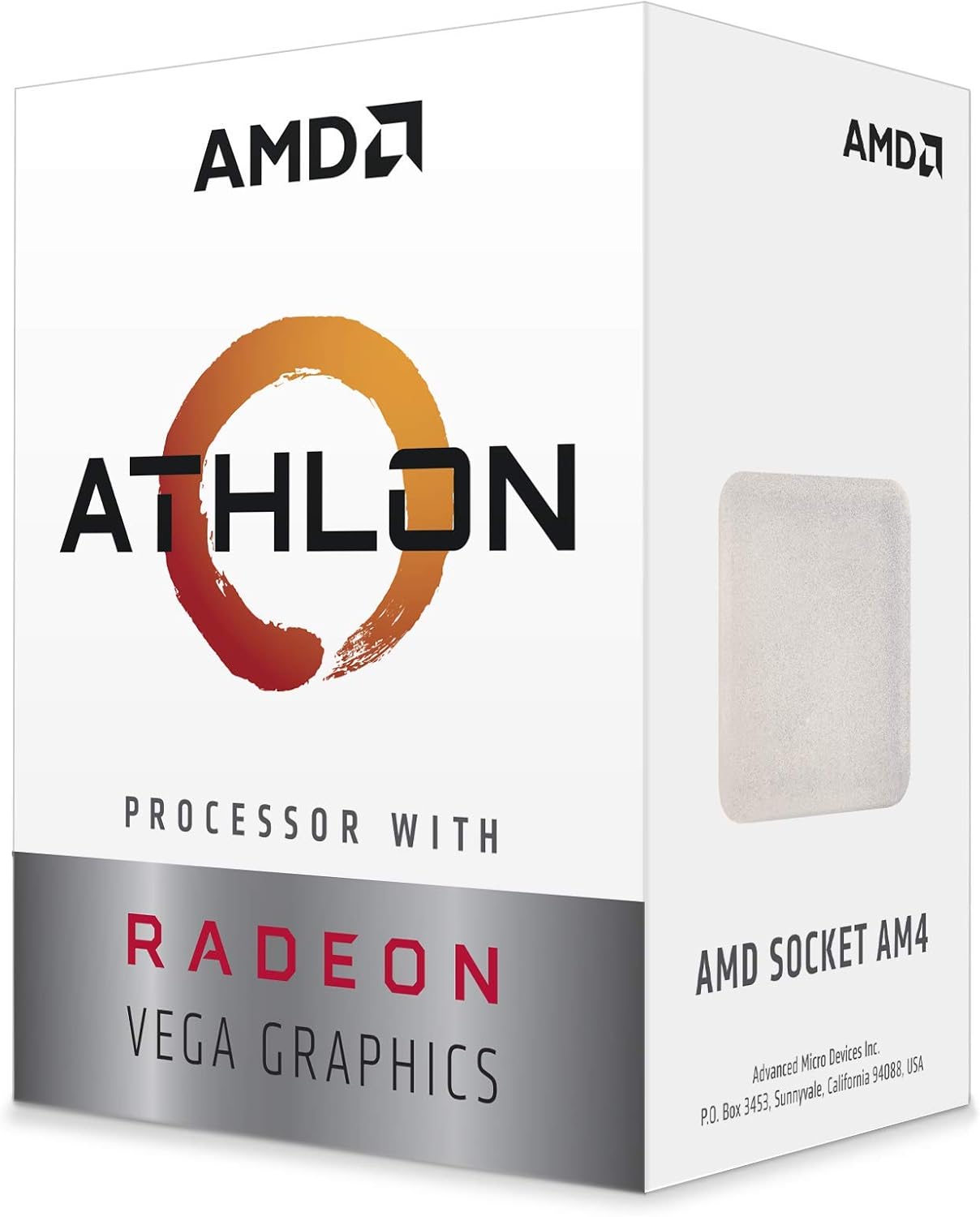
Figure 1.1: Front view of the AMD Athlon 3000G retail packaging, highlighting the processor's branding and integrated Radeon Vega Graphics.
Key Features:
- 2 Cores and 4 Processing Threads: Provides smooth and responsive computing for daily tasks.
- Advanced AMD Radeon Graphics: Built-in graphics capable of 720p esports gaming out-of-the-box.
- 'Zen' Processor Architecture: Offers the necessary power to support graphics card upgrades for HD and 1080p gaming.
- Unlocked for Overclocking: The Athlon 3000G allows for performance tuning and overclocking.
- 35W TDP with Included Cooler: Features a low Thermal Design Power and comes with a near-silent cooling solution.
2. Setup and Installation
Proper installation is crucial for the optimal performance and longevity of your AMD Athlon 3000G processor. This processor is designed for motherboards with an AM4 socket.
2.1. Before Installation:
- Ensure your motherboard supports the AMD AM4 socket and is compatible with the Athlon 3000G. Refer to your motherboard's manual for CPU compatibility.
- Gather necessary tools: thermal paste (if not pre-applied on cooler), screwdriver.
- Discharge static electricity by touching a grounded metal object before handling the processor or motherboard.
2.2. Processor Installation Steps:
- Prepare the Motherboard: Open the CPU retention lever on the AM4 socket.
- Align the Processor: Carefully align the golden triangle on the corner of the processor with the corresponding triangle on the motherboard's CPU socket. Ensure all pins align with the holes.
- Insert the Processor: Gently lower the processor straight down into the socket. Do not force it; it should drop in easily.
- Secure the Processor: Close the retention lever to secure the processor in place.
- Apply Thermal Paste (if needed): If your cooler does not have pre-applied thermal paste, apply a small pea-sized amount to the center of the CPU's integrated heat spreader (IHS).
- Install the Cooler: Mount the included near-silent cooler according to its specific instructions, ensuring good contact with the CPU's IHS. Connect the cooler's fan cable to the CPU_FAN header on the motherboard.

Figure 2.1: The AMD Athlon processor chip, ready for installation into an AM4 socket.

Figure 2.2: The AMD Athlon processor alongside its packaging, demonstrating its physical appearance.
3. Operating Your Processor
Once installed, the AMD Athlon 3000G operates automatically within your system. Its dual cores and four threads efficiently handle multitasking and application execution. The integrated Radeon Graphics (Vega 3) provides visual output without the need for a discrete graphics card, making it ideal for general computing and light gaming.
3.1. Graphics Performance:
- The integrated Radeon Graphics are suitable for 720p esports gaming and smooth playback of high-definition video.
- For optimal graphics performance, ensure your system's RAM is configured in dual-channel mode and running at a high frequency, as integrated graphics utilize system memory.
- Keep your graphics drivers updated. AMD provides regular driver updates through their official website.
3.2. Overclocking (Advanced Users):
The Athlon 3000G is an unlocked processor, allowing for overclocking to achieve higher performance. Overclocking should only be attempted by experienced users and requires a compatible motherboard (e.g., B450 chipset or higher) with appropriate BIOS settings. Always monitor temperatures and stability when overclocking. Overclocking may void your warranty if not performed correctly or if it leads to component damage.
4. Maintenance
Maintaining your processor and its cooling system ensures long-term stability and performance.
- Dust Removal: Regularly clean dust from your computer case, especially around the CPU cooler's heatsink and fan. Dust buildup can impede airflow and lead to higher temperatures. Use compressed air for effective cleaning.
- Thermal Paste: The thermal paste applied between the CPU and cooler can degrade over time. If you notice consistently high temperatures, consider reapplying fresh thermal paste.
- System Updates: Keep your operating system, motherboard BIOS, and AMD drivers updated. These updates often include performance improvements and bug fixes.
5. Troubleshooting
If you encounter issues with your system after installing the AMD Athlon 3000G, consider the following troubleshooting steps:
- No Display Output:
- Ensure your monitor cable is connected to the motherboard's video output ports (HDMI, DisplayPort, DVI, VGA).
- Verify that the CPU power cable (usually 4-pin or 8-pin EPS) is securely connected to the motherboard.
- Reseat the RAM modules. Incorrectly seated RAM is a common cause of no-boot issues.
- Check if your motherboard BIOS is updated to support the Athlon 3000G. Some older motherboards may require a BIOS update.
- System Instability/Crashes:
- Monitor CPU temperatures using software utilities. High temperatures can lead to throttling or crashes. Ensure the cooler is properly installed.
- Check RAM stability using memory diagnostic tools.
- If overclocked, revert to default settings to check for stability.
- Poor Performance:
- Ensure all drivers (chipset, graphics) are installed and up to date.
- Verify that your RAM is running in dual-channel mode and at its advertised speed in the BIOS.
- Check background processes that might be consuming CPU resources.
For further assistance, refer to your motherboard's manual or visit the AMD support website.
6. Specifications
| Feature | Specification |
|---|---|
| Processor Model | Athlon 3000G |
| CPU Cores | 2 |
| Processing Threads | 4 |
| Base Clock Speed | 3.5 GHz |
| Integrated Graphics | Radeon Vega 3 Graphics |
| CPU Socket | AM4 |
| TDP (Thermal Design Power) | 35W |
| Item Model Number | YD3000C6FHBOX |
| Item Weight | 7.1 ounces |
| Product Dimensions (LxWxH) | 4.49 x 3.35 x 0.1 inches |
| Date First Available | November 8, 2019 |
7. Warranty and Support
AMD products are manufactured to the highest quality standards. For information regarding the warranty coverage for your AMD Athlon 3000G processor, please refer to the warranty documentation included with your purchase or visit the official AMD website.
7.1. Technical Support:
For technical assistance, driver downloads, or frequently asked questions, please visit the official AMD Support website:
When contacting support, please have your processor model number (YD3000C6FHBOX) and system configuration details ready.
Ask a question about this manual
Ask about setup, troubleshooting, compatibility, parts, safety, or missing instructions. Manuals+ will review the question and use this page’s manual context to help answer it.