
Introduction
Thank you for choosing the BIIB Multi-Tool Pen Set. This innovative 9-in-1 tool combines essential functionalities into a compact and durable design, making it ideal for everyday tasks, DIY projects, and professional use. Please read this manual carefully to understand how to operate and maintain your multi-tool pen.
Product Overview
The BIIB Multi-Tool Pen Set is a versatile device featuring nine distinct functions:
- Ballpoint Pen: Smooth writing experience.
- LED Light: Provides illumination in low-light conditions.
- Stylus Top: For precise interaction with touchscreens.
- Bubble Level: Ensures accurate horizontal and vertical alignment.
- Rulers: Integrated centimeter and inch scales for quick measurements.
- Flathead Screwdriver: For common flathead screws.
- Phillips Head Screwdriver: For common Phillips head screws.
- Bottle Opener: Convenient for opening bottles.
- Phone Stand: A simple groove to prop up your smartphone.

Image: The BIIB Multi-Tool Pen highlighting its various functions, including the LED light, stylus, bubble level, rulers, and screwdriver bits.
Package Contents
Your BIIB Multi-Tool Pen Set includes:
- 1 x BIIB Multi-Tool Pen
- 3 x Extra Ink Refills
- 3 x LR41 Button Cell Batteries (pre-installed or included separately)
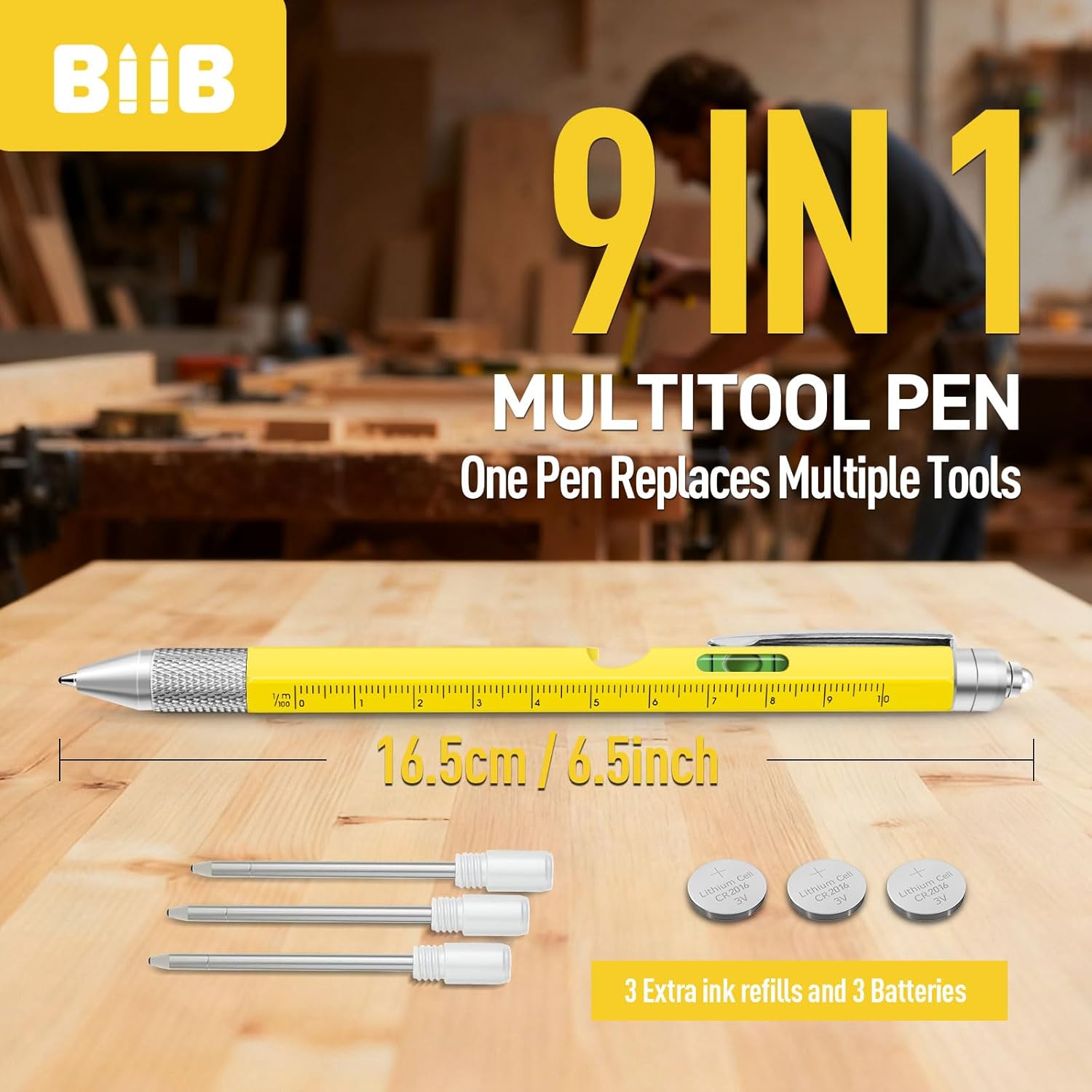
Image: The multi-tool pen displayed alongside its included accessories: three spare ink refills and three button cell batteries.
Setup
Battery Installation/Replacement (for LED Light)
- Unscrew the top section of the pen (the end with the LED light).
- Carefully remove the old batteries, noting their orientation.
- Insert three new LR41 button cell batteries with the positive (+) side facing up.
- Screw the top section back on securely.
Ink Refill Replacement
- Twist the pen barrel counter-clockwise to separate the two halves.
- Pull out the empty ink cartridge.
- Insert a new ink refill firmly into place.
- Twist the pen barrel clockwise to reassemble.
Operating Instructions
Using the Ballpoint Pen
Twist the pen tip clockwise to extend the ballpoint for writing. Twist counter-clockwise to retract it.
Activating the LED Light
Press the button located on the top cap of the pen to turn the LED light on or off.
Using the Stylus
The soft rubber tip on the top of the pen functions as a stylus for touchscreens. Use it for navigation, drawing, or typing on smartphones and tablets.
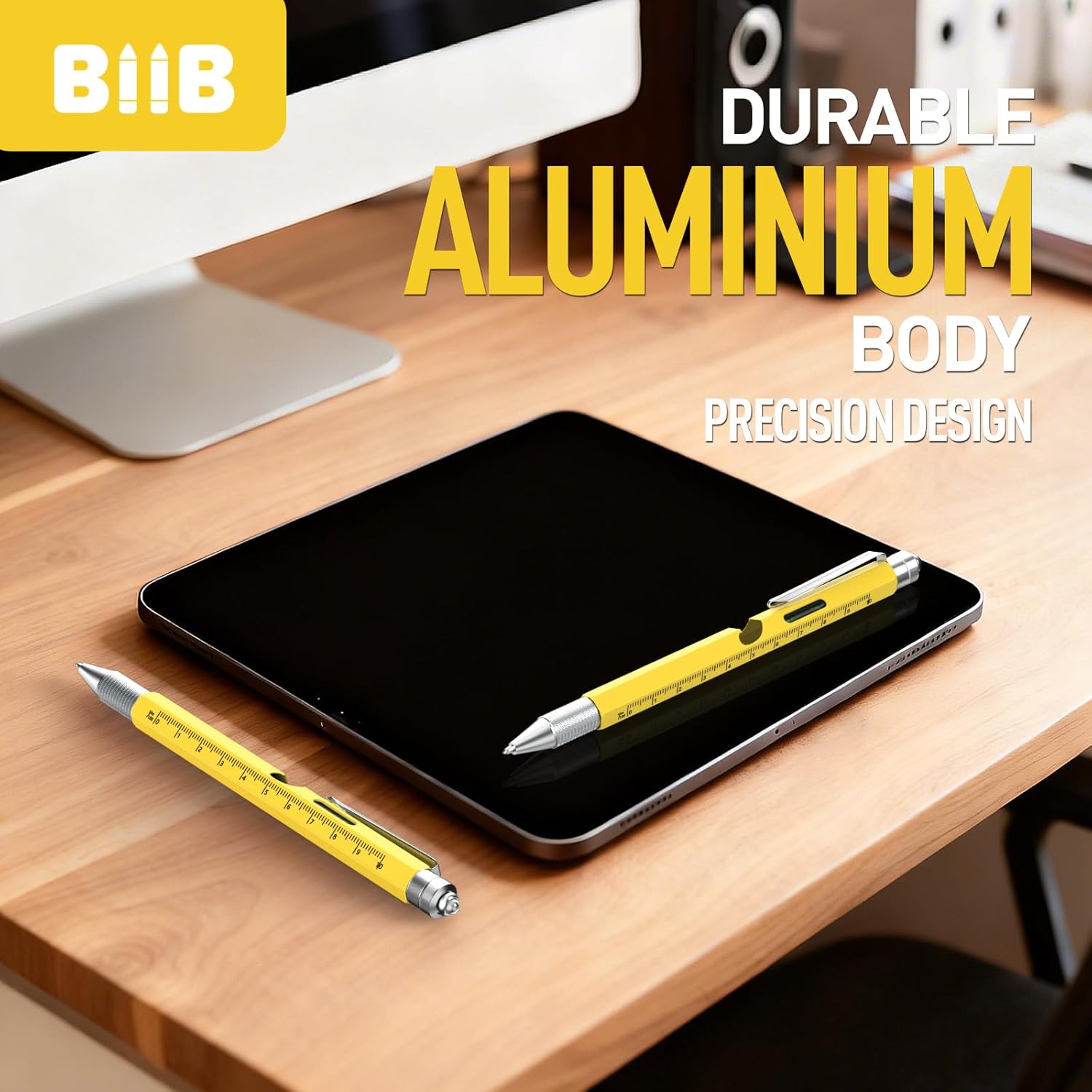
Image: A user interacting with a tablet using the stylus tip of the BIIB Multi-Tool Pen, demonstrating its touchscreen functionality.
Using the Bubble Level
Place the pen on a surface to check its level. The bubble in the integrated level indicator will center when the surface is perfectly horizontal.
Using the Rulers
The pen body features both centimeter and inch rulers for quick measurements. Align the desired scale with the object you wish to measure.
Using the Screwdrivers
Unscrew the metal cap at the pen's tip to reveal the reversible screwdriver bit. Pull out the bit, flip it to switch between flathead and Phillips head, and reinsert it firmly. Use the pen body as a handle to turn screws.

Image: A hand holding the BIIB Multi-Tool Pen, utilizing its screwdriver function to work on an electrical outlet cover.
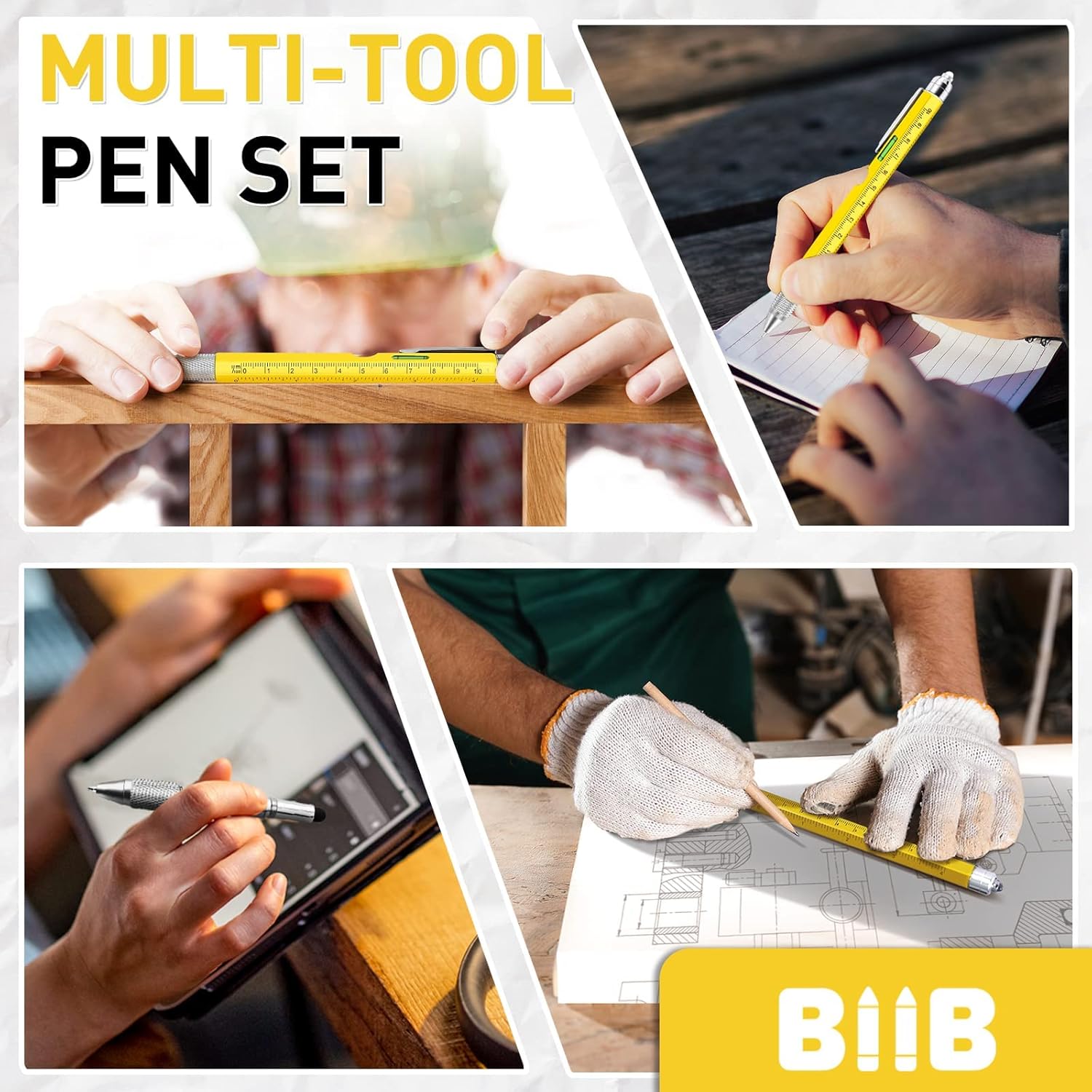
Image: A compilation of images showing the BIIB Multi-Tool Pen in various applications, including writing, measuring with the ruler, and using the bubble level.
Maintenance
- Cleaning: Wipe the pen body with a soft, dry cloth. Do not use abrasive cleaners or solvents.
- Storage: Store the pen in a cool, dry place away from direct sunlight and extreme temperatures.
- Battery Life: If the LED light dims or stops working, replace the batteries as described in the Setup section. Remove batteries if storing the pen for extended periods to prevent leakage.
Troubleshooting
- Pen not writing: Check if the ink refill is empty or dried out. Replace if necessary. Ensure the pen tip is fully extended.
- LED light not working: Check battery orientation. Replace batteries if they are depleted. Ensure the top cap is screwed on tightly.
- Screwdriver bit loose: Ensure the screwdriver bit is fully inserted and secured in its slot.
Specifications
| Model Number | GJ0052-YE-SET |
| Dimensions (L x W x H) | 2.5 x 4 x 3.5 cm (0.98 x 1.57 x 1.38 inches) |
| Weight | 41 grams (1.45 ounces) |
| Main Material | Aluminum |
| Included Components | LED lights, 3 extra ink refills, 3 LR41 batteries |
| Battery Type | LR41 Lithium Metal (included) |
Warranty and Support
BIIB is committed to providing quality products and customer satisfaction. If you encounter any issues with your Multi-Tool Pen Set or require assistance, please contact BIIB customer support through the retailer's platform or the official BIIB website for worry-free service.