
1. Introduction
This manual provides essential information for the safe and effective operation of your SHARP FPK50UW Plasmacluster Air Purifier. This air purifier is designed to improve indoor air quality through a triple filtration system and Plasmacluster Ion Technology, covering areas up to 1,253 sq. ft. (based on 1 air change per hour).
Please read this manual thoroughly before using the appliance and retain it for future reference.
2. Important Safety Instructions
- Always unplug the air purifier before cleaning, performing maintenance, or when not in use.
- Do not operate the unit with a damaged cord or plug. If the cord or plug is damaged, contact customer support for assistance.
- Do not block air inlets or outlets. Ensure adequate space around the unit for proper airflow.
- Keep the unit away from water or other liquids. Do not use in wet environments such as bathrooms.
- This appliance is not intended for use by persons (including children) with reduced physical, sensory, or mental capabilities, or lack of experience and knowledge, unless they have been given supervision or instruction concerning use of the appliance by a person responsible for their safety.
- Use only genuine SHARP replacement filters.
3. Product Components
Familiarize yourself with the main parts of your SHARP FPK50UW Air Purifier.
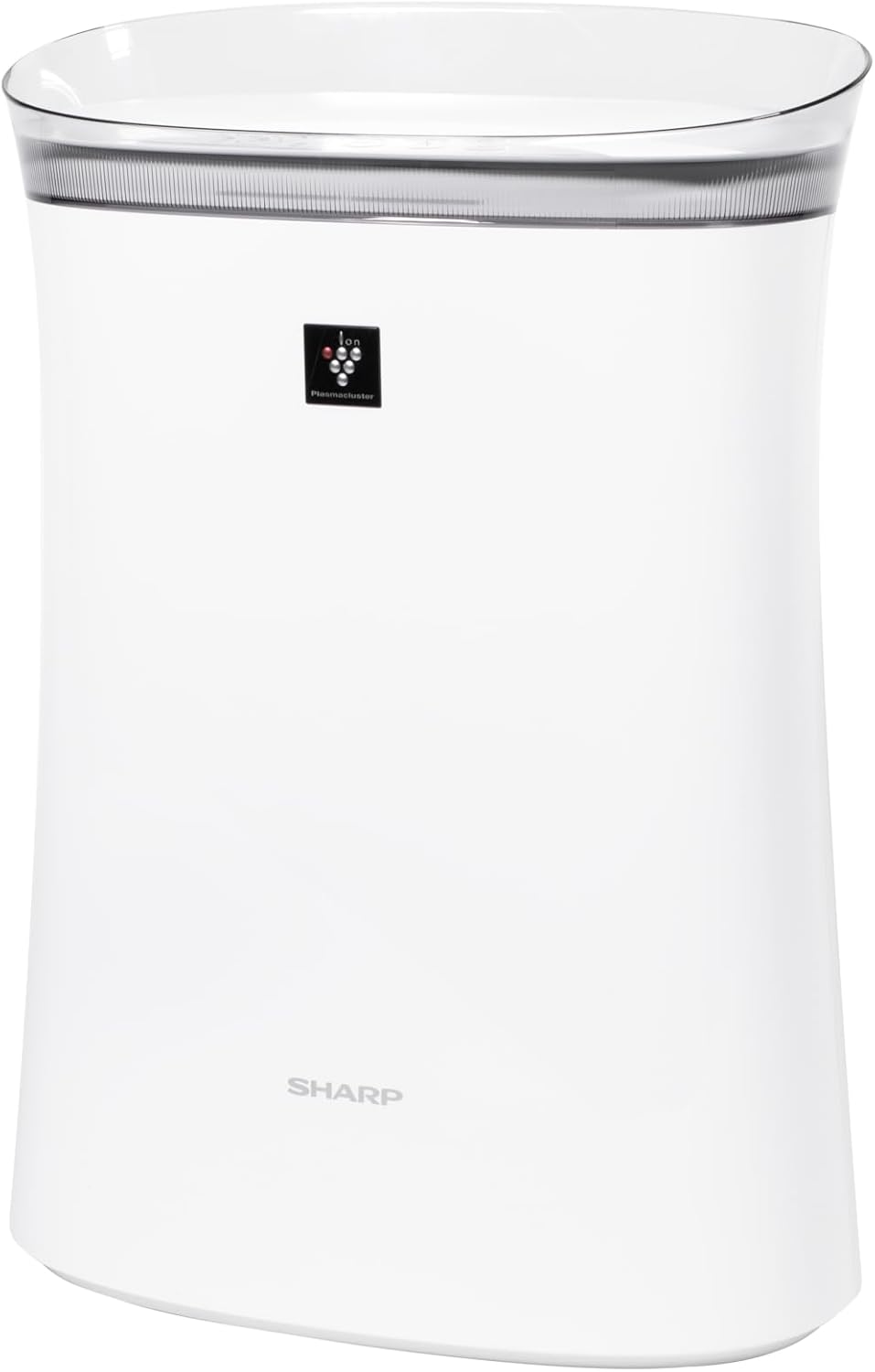
Figure 3.1: Front view of the SHARP FPK50UW Air Purifier. This image displays the sleek, white design of the unit with the SHARP logo and Plasmacluster indicator on the front panel.

Figure 3.2: Back view of the SHARP FPK50UW Air Purifier. The rear panel features the air intake grille and the power cord.

Figure 3.3: Control Panel. This image shows the touch-sensitive buttons for power, fan speed, Plasmacluster, Express Clean, and timer functions.
List of Components:
- Main Unit
- Washable Microscreen Pre-filter (installed)
- Activated Carbon Deodorizing Filter (installed)
- True HEPA Filter (installed)
- Power Cord (attached)
4. Setup and Filter Installation
Before operating your air purifier, ensure all filters are properly installed and packaging removed.
Initial Setup Steps:
- Unpack the Unit: Carefully remove the air purifier from its packaging.
- Remove Back Panel: Gently pull the back panel of the unit to detach it.
- Remove Filters: Take out the pre-filter, activated carbon filter, and True HEPA filter.
- Remove Plastic Packaging: Remove all plastic bags and protective wrapping from the activated carbon filter and True HEPA filter. The pre-filter does not have plastic wrapping.
- Reinstall Filters: Insert the True HEPA filter first, followed by the activated carbon filter, and then the pre-filter. Ensure they are oriented correctly as indicated on the filters or unit.
- Reattach Back Panel: Securely reattach the back panel.
- Placement: Place the air purifier on a firm, level surface, ensuring at least 8 inches of clearance from walls or furniture for optimal airflow.
- Plug In: Connect the power cord to a standard electrical outlet.

Figure 4.1: Rear view with the back panel removed, revealing the pre-filter and main filters inside the unit.

Figure 4.2: The True HEPA filter and Activated Carbon filter are shown removed from the air purifier, with the internal fan visible.
5. Operation
The control panel allows you to manage the air purifier's functions.
Control Panel Functions:
- ON/OFF Button (Power): Press to turn the unit on or off.
- Fan Speed Button: Cycles through fan speeds: Max, Med, and Sleep.
- Plasmacluster ON/OFF Button: Activates or deactivates the Plasmacluster Ion Technology.
- Express Clean Button: Initiates a 60-minute high-speed cleaning cycle before returning to the previous setting.
- Timer Button: Sets the operating timer for 2, 4, or 8 hours. The unit will automatically turn off after the selected time.
- Light ON/OFF (Press 3 sec.): Press and hold the Timer button for 3 seconds to turn the display lights on or off.
- Filter Reset (Press 3 sec.): After replacing filters, press and hold the Plasmacluster button for 3 seconds to reset the filter indicator.
6. Maintenance
Regular maintenance ensures optimal performance and extends the life of your air purifier.
Filter Maintenance:
- Pre-filter: The washable microscreen pre-filter should be cleaned regularly (e.g., monthly) by vacuuming or rinsing with water. Ensure it is completely dry before reinstalling.
- Activated Carbon Deodorizing Filter & True HEPA Filter: These filters are designed for long life, lasting up to 2 years depending on the environment and usage. Replace them when the filter indicator light illuminates or when you notice a decrease in performance or increased odors. These filters are not washable.
Unit Cleaning:
- Exterior: Wipe the exterior of the unit with a soft, dry cloth. For stubborn stains, use a damp cloth with a mild detergent, then wipe dry.
- Air Outlets/Inlets: Periodically vacuum or wipe the air outlets and inlets to remove dust accumulation.
7. Troubleshooting
If you encounter issues with your air purifier, refer to the following table for common problems and solutions.
| Problem | Possible Cause | Solution |
|---|---|---|
| Unit does not turn on | Power cord not plugged in; Power outage; Unit malfunction | Ensure power cord is securely plugged in; Check household circuit breaker; Contact customer support if issue persists. |
| Weak airflow | Filters are dirty or clogged; Air inlets/outlets blocked | Clean or replace filters; Ensure no obstructions around the unit. |
| Unusual odor | Activated carbon filter needs replacement; New unit odor | Replace activated carbon filter; New unit odor typically dissipates within a few days of use. |
| Plasmacluster indicator not lit | Plasmacluster function is off; Ion generator needs cleaning | Press the Plasmacluster button to activate; Refer to maintenance section for ion generator cleaning (if applicable to model). |
If the problem persists after attempting these solutions, please contact SHARP customer support.
8. Specifications
| Feature | Detail |
|---|---|
| Model Number | FPK50UW |
| Brand | Sharp |
| Product Dimensions | 8.2"D x 15.1"W x 21.3"H |
| Floor Area Coverage | Up to 1,253 sq. ft. (1 air change/hr); 259 sq. ft. (4.8 air changes/hr) |
| Noise Level | 22 dB (Sleep mode) |
| Controller Type | Button Control |
| Wattage | 50 watts |
| Item Weight | 11 pounds |
| Filtration System | Washable Pre-filter, Activated Carbon Filter, True HEPA Filter |
| Special Features | Plasmacluster Ion Technology, Express Clean Mode, Timer Function |
| Certifications | ENERGY STAR Rated, AHAM Verifide Tested, CARB Certified |
| UPC | 074000663794 |
9. Warranty and Customer Support
Your SHARP FPK50UW Air Purifier comes with a 1-year limited parts and labor warranty.
For warranty claims, technical assistance, or to purchase replacement filters, please contact SHARP customer support:
- Website: Visit the official SHARP website for support resources and contact information.
- Phone: Refer to your product registration card or the SHARP website for the appropriate customer service number.
Please have your model number (FPK50UW) and proof of purchase ready when contacting support.


