1. Introduction
Thank you for choosing the Sharp 85-inch Class LED Display, model PN-HB851. This professional-grade display is designed for digital signage and meeting room applications, offering a stunning 4K UHD resolution and flexible installation options. This manual provides essential information for the safe and efficient use of your display, covering setup, operation, maintenance, and troubleshooting.
The PN-HB851 features an integrated System-on-Chip (SoC) running an Android-based operating system, allowing for powerful stand-alone operation and compatibility with third-party commercial applications. Its slim design and robust construction make it suitable for continuous operation in various environments.
2. Safety Information
Please read all safety instructions carefully before installing and operating the display. Keep this manual for future reference.
- Power Supply: Connect the display only to the specified power source. Ensure the power cord is not damaged or pinched.
- Ventilation: Do not block ventilation openings. Ensure adequate space around the display for proper airflow to prevent overheating.
- Moisture: Do not expose the display to rain, moisture, or excessive humidity. Avoid placing liquids near the display.
- Placement: Install the display on a stable surface or mount it securely according to the installation instructions. Due to its size and weight (approximately 140 pounds), professional installation is recommended.
- Cleaning: Disconnect the power cord before cleaning. Use a soft, dry cloth. Avoid liquid cleaners or aerosol sprays.
- Servicing: Do not attempt to service this product yourself. Refer all servicing to qualified service personnel.
3. Setup
3.1 Unpacking
Carefully remove the display and all accessories from the packaging. It is recommended to have at least two people for unpacking and handling due to the display's size and weight.
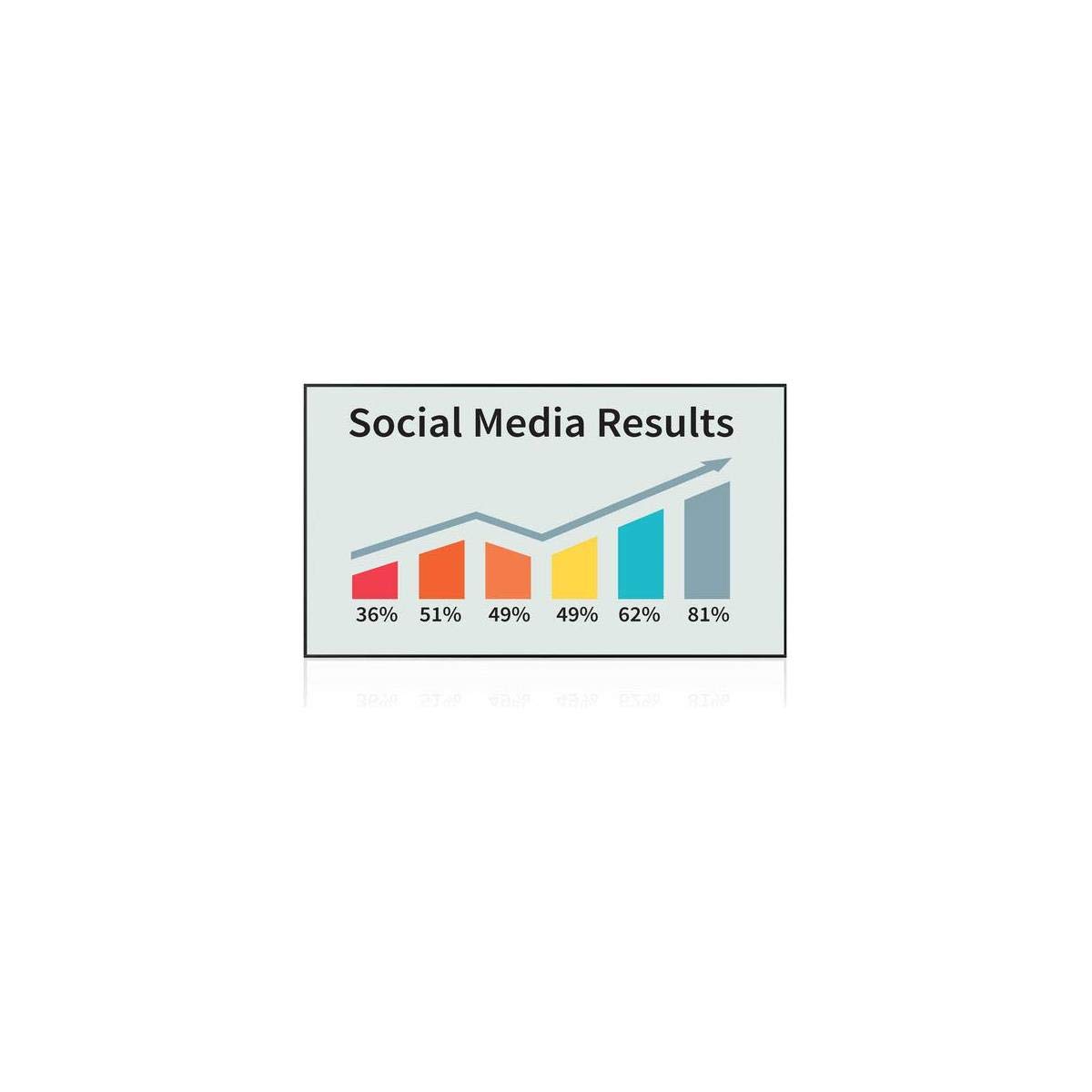
Figure 3.1: Front view of the Sharp 85-inch LED Display (PN-HB851).
3.2 Mounting and Installation
The PN-HB851 can be installed in either portrait or landscape mode. Special corner mounts can also be used for suspended installations. Ensure the mounting solution is rated for the display's weight and dimensions (65.98 x 37.55 x 3.46 inches).

Figure 3.2: Side view illustrating the slim profile of the Sharp PN-HB851 display, important for installation planning.
For multi-display setups, the in-built daisy-chain capability via the DisplayPort video connection allows up to 4 units to be connected together to display mirrored content. Consult the detailed installation guide for specific mounting patterns and daisy-chain configuration.
3.3 Connections
Connect your video sources, audio devices, and network cables to the appropriate ports on the display. The display supports a variety of inputs to accommodate different content sources. Refer to the port diagram in the separate quick start guide for exact locations.
3.4 Initial Power On
- Ensure all cables are securely connected.
- Plug the power cord into a grounded electrical outlet.
- Press the power button on the display or remote control.
- Follow the on-screen prompts for initial setup, including language selection and network configuration.
4. Operating Instructions
4.1 Basic Operation
- Power On/Off: Use the power button on the display or remote control.
- Input Selection: Use the input button on the remote to switch between connected sources (e.g., HDMI, DisplayPort).
- Volume Control: Adjust audio output using the volume buttons on the remote.
4.2 Using the Integrated SoC and Android OS
The PN-HB851 features a powerful integrated SoC running an Android operating system. This allows for stand-alone content playback without an external media player.
- Sharp e-Signage S Player: The display comes with the Sharp e-Signage S Player application pre-installed for displaying image and video content. Access this application from the main menu.
- Open Architecture Platform: The Sharp Open Architecture Platform supports third-party commercial applications. These can be installed to expand the display's functionality for various signage and meeting room solutions. Consult the application provider's documentation for installation and usage.
- Network Connectivity: Utilize the display's network capabilities (including Bluetooth connectivity) to manage content remotely or access online services.
4.3 Content Display
The display is capable of showing high-quality image and video content in 4K UHD resolution. Ensure your content is optimized for this resolution for the best visual experience.
5. Maintenance
5.1 Cleaning the Display
To clean the display screen and cabinet:
- Turn off the display and unplug the power cord.
- Gently wipe the screen with a soft, lint-free cloth. For stubborn marks, lightly dampen the cloth with water or a mild, non-abrasive screen cleaner.
- Wipe the cabinet with a soft, dry cloth.
- Do not use strong detergents, abrasive cleaners, or solvents as they may damage the display's surface.
5.2 Usage Guidelines
The PN-HB851 is designed for robust use, supporting up to 16/7 display operation. While designed for extended use, ensure proper ventilation and avoid exposing the display to extreme temperatures or direct sunlight for prolonged periods.
6. Troubleshooting
If you encounter issues with your Sharp display, refer to the following common problems and solutions:
| Problem | Possible Cause | Solution |
|---|---|---|
| No Power | Power cord disconnected; Power outlet faulty; Display off. | Check power cord connection; Test outlet with another device; Press power button. |
| No Image/Signal | Incorrect input selected; Source device off/disconnected; Cable faulty. | Select correct input; Check source device and connections; Try a different cable. |
| Poor Picture Quality | Low resolution source; Cable issue; Display settings. | Ensure source is 4K; Check/replace cable; Adjust display settings (brightness, contrast). |
| Remote Control Not Working | Batteries depleted; Obstruction; Remote sensor blocked. | Replace batteries; Remove obstructions; Ensure clear line of sight to sensor. |
If the problem persists after trying these solutions, please contact Sharp customer support.
7. Specifications
| Feature | Specification |
|---|---|
| Model Number | PN-HB851 |
| Screen Size | 85-inch Class (84.56-inch viewable) |
| Display Technology | LED-backlit LCD |
| Resolution | 4K UHD (3840 x 2160) |
| Aspect Ratio | 16:9 |
| Refresh Rate | 60 Hz |
| Operating System | Android-based (integrated SoC) |
| Connectivity | DisplayPort (daisy-chain), Bluetooth, various other inputs |
| Product Dimensions (W x H x D) | 65.98 x 37.55 x 3.46 inches |
| Item Weight | 140 pounds |
| Color | Black |
| Special Features | Flat panel, 16/7 operation support, Open Architecture Platform |
8. Warranty and Support
8.1 Warranty Information
Your Sharp PN-HB851 display comes with a standard manufacturer's warranty. Please refer to the warranty card included with your product or visit the official Sharp website for detailed terms and conditions regarding coverage and duration.
8.2 Customer Support
For technical assistance, troubleshooting beyond this manual, or warranty claims, please contact Sharp customer support. You can find contact information on the official Sharp website or in your product documentation.
Sharp Official Website: www.sharp-world.com


