
Dayllon 1163
Dayllon Kids Digital Sport Watch Model 1163 Instruction Manual
Comprehensive guide for setting up and operating your Dayllon Kids Digital Sport Watch.
1. Introduction
Thank you for choosing the Dayllon Kids Digital Sport Watch, Model 1163. This watch is designed for active children aged 3-15, featuring a durable, multi-functional design with 50M water resistance. This manual provides detailed instructions for setup, operation, and maintenance to ensure optimal performance and longevity of your watch.
Key Features:
- Dual Time Display (Analog and Digital)
- Alarm Clock
- Stopwatch (Chronograph)
- LED Luminous Backlight
- Calendar (Date and Day of Week)
- 50M Water Resistance
- Shock Resistant Construction
- Comfortable PU Watch Band
2. Product Overview
Familiarize yourself with the watch's components and button functions.

Image 2.1: Front view of the Dayllon Kids Digital Sport Watch with labels indicating the 'LIGHT', 'START/STOP', 'MODE', and 'RESET' buttons, along with indicators for 'WEEK', 'DATE', 'SECOND', 'TIME', and 'ALARM ON'.
The watch features four primary buttons:
- LIGHT Button: Activates the LED backlight for visibility in low light conditions.
- MODE Button: Cycles through different functions such as Time Display, Alarm, and Stopwatch.
- START/STOP Button: Used to start and stop the stopwatch, and to adjust settings in various modes.
- RESET Button: Used to reset the stopwatch, and to adjust settings in various modes.
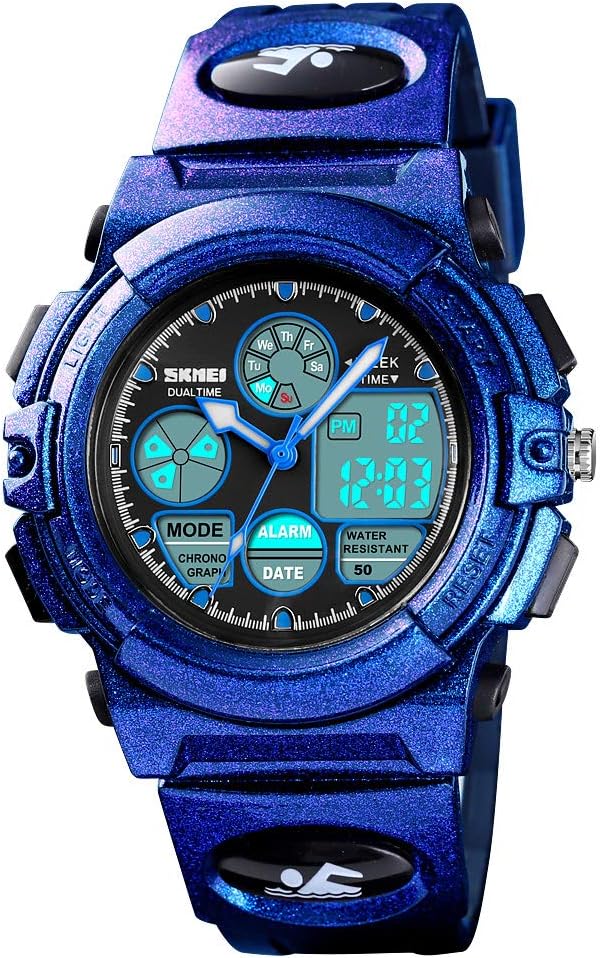
Image 2.2: A close-up front view of the Dayllon Kids Digital Sport Watch in purple, showcasing its dual analog and digital display, and the various function indicators.
3. Initial Setup and Time Setting
Follow these steps to set the time and date on your watch.
- Enter Time Setting Mode: Press the MODE button repeatedly until the time display starts flashing. This indicates you are in setting mode.
- Adjust Time: Use the START/STOP button to increase the value and the RESET button to decrease the value for hours, minutes, and seconds.
- Navigate Settings: Press the MODE button to move between setting hours, minutes, seconds, date, and day of the week.
- Set Date and Day: Adjust the date and day of the week using the START/STOP and RESET buttons as described above.
- Exit Setting Mode: Once all settings are correct, press the MODE button again to exit the setting mode. The flashing will stop, and the time will be set.
Video 3.1: An instructional video demonstrating how to set the time and date on the Dayllon Kids Digital Sport Watch. The video shows the process of pressing the MODE button to cycle through settings and using other buttons to adjust values.
4. Operating Functions
4.1. LED Backlight
To illuminate the display in dark environments, press the LIGHT button. The backlight will activate for a few seconds.
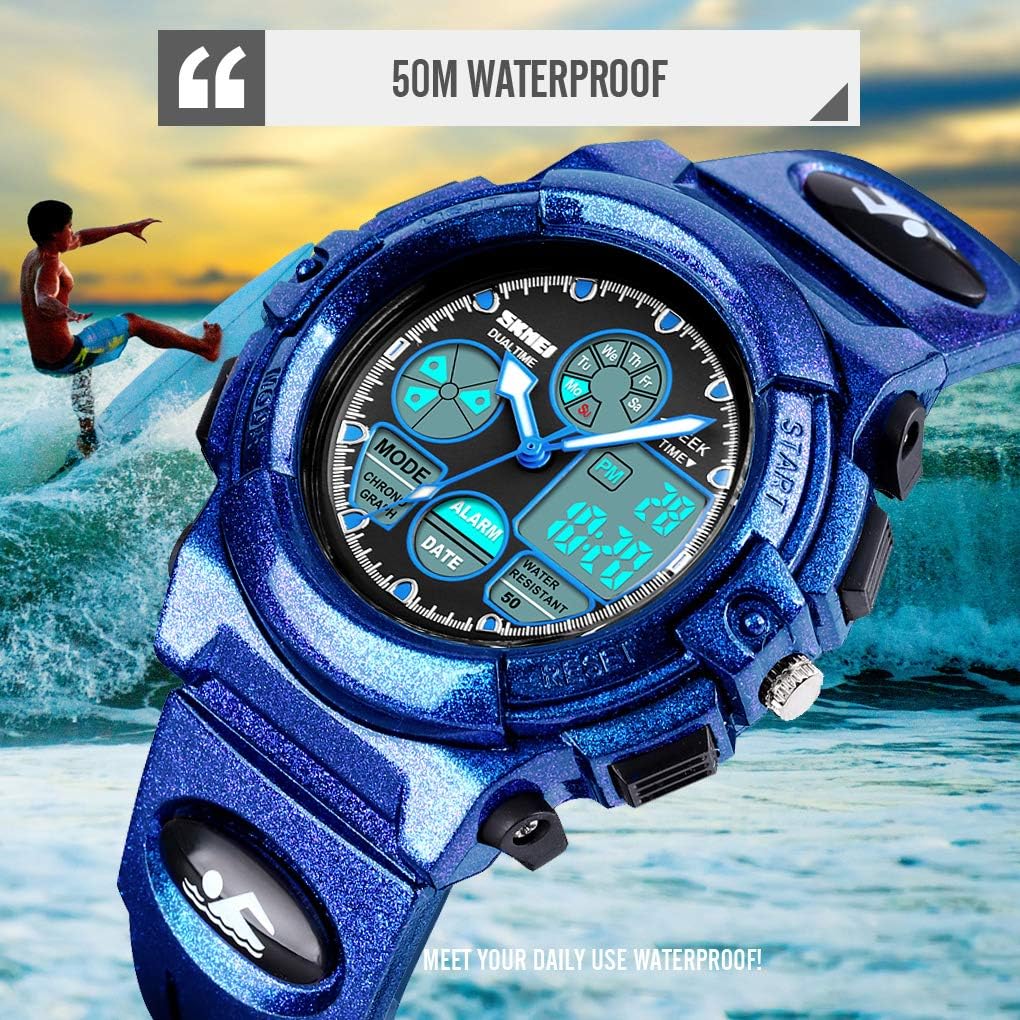
Image 4.1: Two images side-by-side showing the watch display in normal mode and with the EL (Electroluminescent) light activated, demonstrating improved visibility in low light.
4.2. Stopwatch (Chronograph)
The stopwatch function allows for precise timing of activities.
- Enter Stopwatch Mode: Press the MODE button until "CHRONO" or "STOPWATCH" appears on the digital display.
- Start/Stop: Press the START/STOP button to begin timing. Press it again to pause.
- Reset: While paused, press the RESET button to clear the stopwatch to zero.
- Exit Stopwatch Mode: Press the MODE button to return to the time display.
4.3. Alarm Clock
Set an alarm to remind you of important events.
- Enter Alarm Mode: Press the MODE button until "ALARM" appears on the digital display.
- Set Alarm Time: Press the START/STOP button to adjust the hour, then press MODE to switch to minutes, and use START/STOP again to adjust minutes.
- Activate/Deactivate Alarm: In Alarm Mode, press the RESET button to toggle the alarm on or off. An alarm icon will appear when activated.
- Exit Alarm Mode: Press the MODE button to return to the time display.
Note: Some users have reported difficulty in completely turning off the alarm function. Ensure the alarm icon is not displayed to confirm deactivation. If the alarm persists, re-enter alarm mode and toggle the alarm off using the RESET button.
5. Water Resistance
The Dayllon Kids Digital Sport Watch is rated for 50M (5ATM/150FT) water resistance.
- Suitable for daily use, splash/rain resistant, and short periods of recreational swimming.
- Important: Do not operate any buttons while the watch is submerged in water.
- Avoid wearing the watch in hot water environments such as saunas, hot baths, or during diving, as this can compromise the water resistance seals.
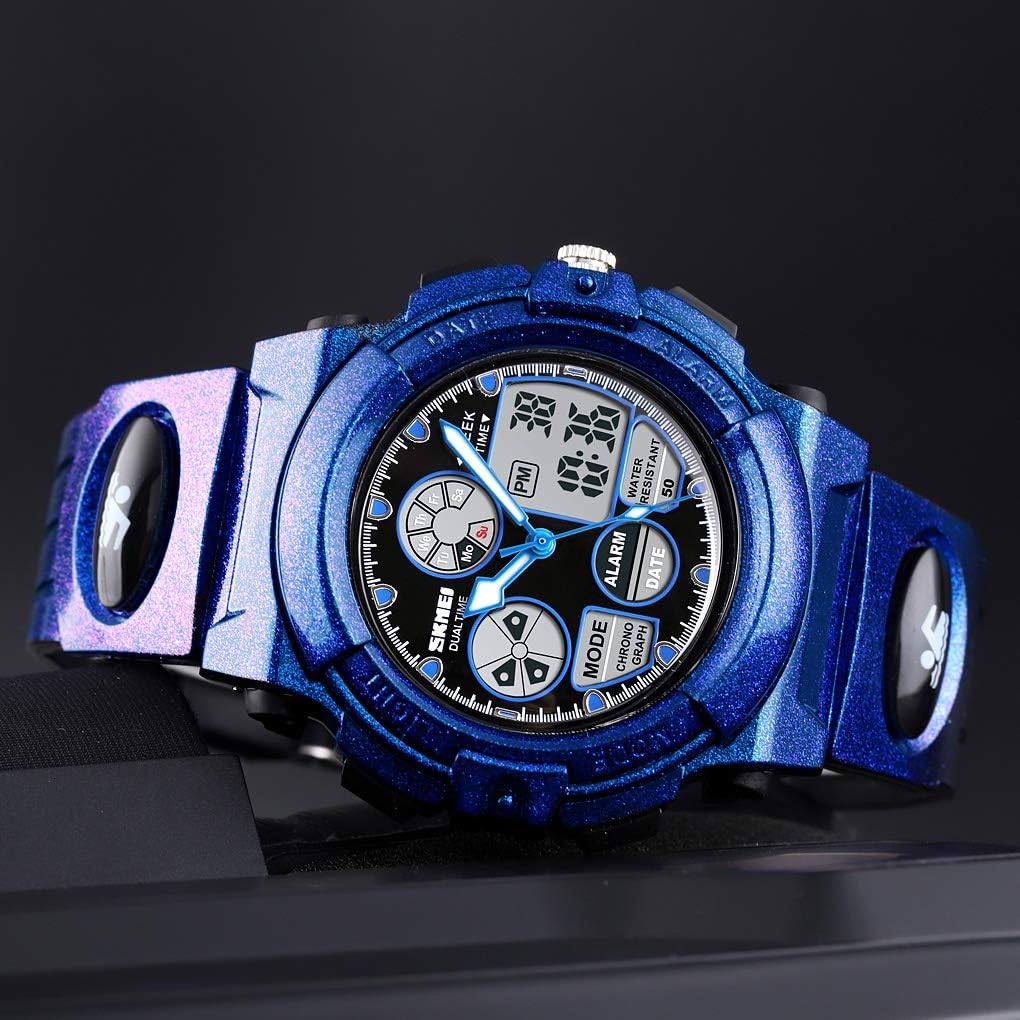
Image 5.1: The Dayllon Kids Digital Sport Watch partially submerged in water, demonstrating its water-resistant capability. A child is seen surfing in the background, illustrating suitable activities.
Video 5.1: A video showcasing the water resistance and durability of the Dayllon Kids Digital Sport Watch. It includes scenes of the watch submerged in water and being struck while encased in ice, highlighting its robust design.
6. Care and Maintenance
- Cleaning: Wipe the watch with a soft, damp cloth. Avoid harsh chemicals or abrasive cleaners.
- Storage: Store the watch in a cool, dry place away from direct sunlight and extreme temperatures.
- Battery: The watch uses 1 AAAA battery (included). Battery replacement should ideally be performed by a qualified technician to maintain water resistance.
- Impact: While shock-resistant, avoid unnecessary drops or impacts to prolong the watch's lifespan.
7. Troubleshooting
| Problem | Possible Cause | Solution |
|---|---|---|
| Watch not displaying time/functions | Low or dead battery | Replace the AAAA battery. |
| Buttons unresponsive | Watch may be in a locked mode or internal issue | Try pressing all buttons to see if it unlocks. If not, battery replacement might resolve it. |
| Alarm cannot be turned off | Alarm function not properly deactivated | Re-enter Alarm Mode and press the RESET button to ensure the alarm icon disappears from the display. |
| Water inside the watch | Buttons operated underwater or exposure to hot water/steam | Immediately stop using the watch and seek professional repair to prevent further damage. |
8. Specifications
| Feature | Detail |
|---|---|
| Model Number | 1163 |
| Movement Type | Digital |
| Case Material | ABS |
| Mirror Material | Resin |
| Band Material | PU (Polyurethane) |
| Clasp Type | Buckle |
| Water Resistance | 50M (5ATM/150FT) |
| Battery Type | 1 AAAA (included) |
| Dial Width | 44mm |
| Dial Thickness | 17mm |
| Band Width | 18mm |
| Watch Length | 250mm |

Image 8.1: An image detailing the product parameters of the Dayllon Kids Digital Sport Watch, including model number, weight, movement type, mirror, case, band, buckle, water resistance, and functions. It also shows key dimensions like dial width, dial thickness, band width, and watch length.
9. Warranty and Support
For warranty information or customer support, please refer to the contact details provided with your purchase or visit the official Dayllon store on Amazon:
Dayllon is dedicated to providing high-quality electronic watches and support since 2004.
Ask a question about this manual
Ask about setup, troubleshooting, compatibility, parts, safety, or missing instructions. Manuals+ will review the question and use this page’s manual context to help answer it.