
1. Introduction
Welcome to the Roomie Tec Cordless Stick Vacuum Cleaner. This manual provides essential information for the safe and efficient operation, maintenance, and troubleshooting of your new vacuum. Please read it thoroughly before first use and keep it for future reference.

The Roomie Tec Cordless Stick Vacuum Cleaner, showcasing its main unit, extension tubes, floor brush, crevice tool, and power adapter.
2. Package Contents
Before assembly, please ensure all parts are present and undamaged. Refer to the diagram below for identification.

A detailed diagram illustrating all included components: Stainless Steel Filter, HEPA Filter, Main Unit, Wall Mount, Motorized Floor Head, Roller Brush, Power Adapter, Crevice Tool, and Extension Tubes.
Included Components List:
| Component | Description |
|---|---|
| Main Unit | Contains motor, dustbin, and controls. |
| Motorized Floor Head | For floor cleaning with integrated LED lights. |
| Extension Tubes (2) | Adjustable length for various cleaning tasks. |
| Crevice Tool | For narrow spaces and corners. |
| Power Adapter | For charging the vacuum's battery. |
| Wall Mount Accessories | For convenient storage and charging. |
| HEPA Filter | Advanced filtration for fine particles. |
| Stainless Steel Filter | Pre-filter for larger debris. |
| Roller Brush | Located within the floor head, designed for anti-tangle. |
3. Setup and Assembly
Assembling Your Vacuum
- Insert the desired Extension Tube(s) into the main unit until it clicks securely.
- Attach the Motorized Floor Head to the end of the Extension Tube(s) with a firm push until it locks.
- For handheld use, attach the Crevice Tool directly to the main unit.
Charging the Battery
Ensure the vacuum is fully charged before first use. A full charge takes approximately 4 hours.
- Connect the Power Adapter to the charging port on the main unit.
- Plug the adapter into a wall outlet. The indicator lights on the main unit will show charging status.
- The vacuum can stand upright on its own or be mounted using the included wall mount accessories for charging and storage.
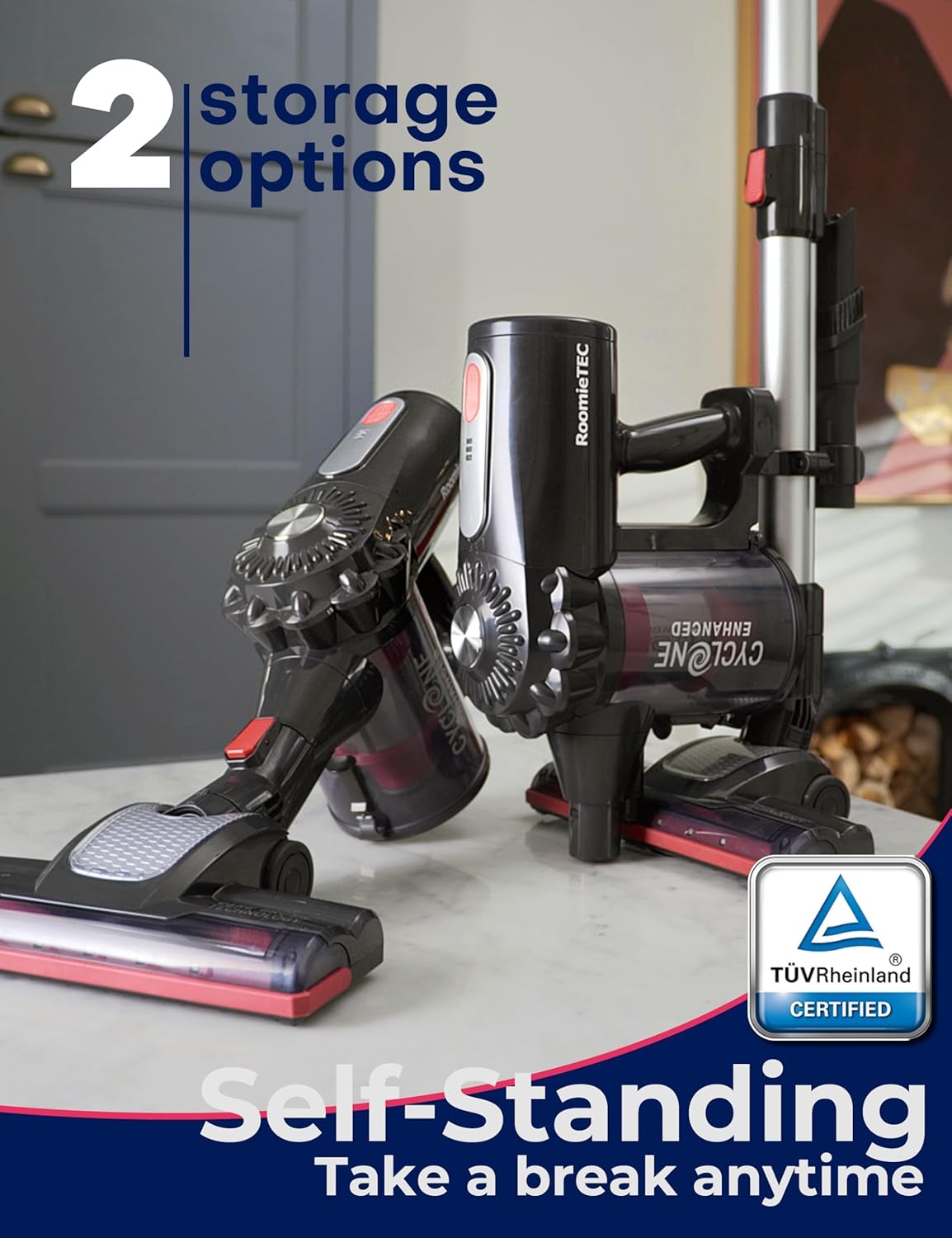
The vacuum demonstrating its self-standing capability, offering convenient storage and easy access.
4. Operating Instructions
Power On/Off and Mode Selection
Press the power button on the main unit to turn the vacuum on. Press it again to switch between the two power modes:
- ECO Mode: Provides up to 35 minutes of runtime (with crevice tool) for light cleaning and extended battery life.
- MAX Mode: Offers powerful suction for deep cleaning, with a runtime of up to 13 minutes.
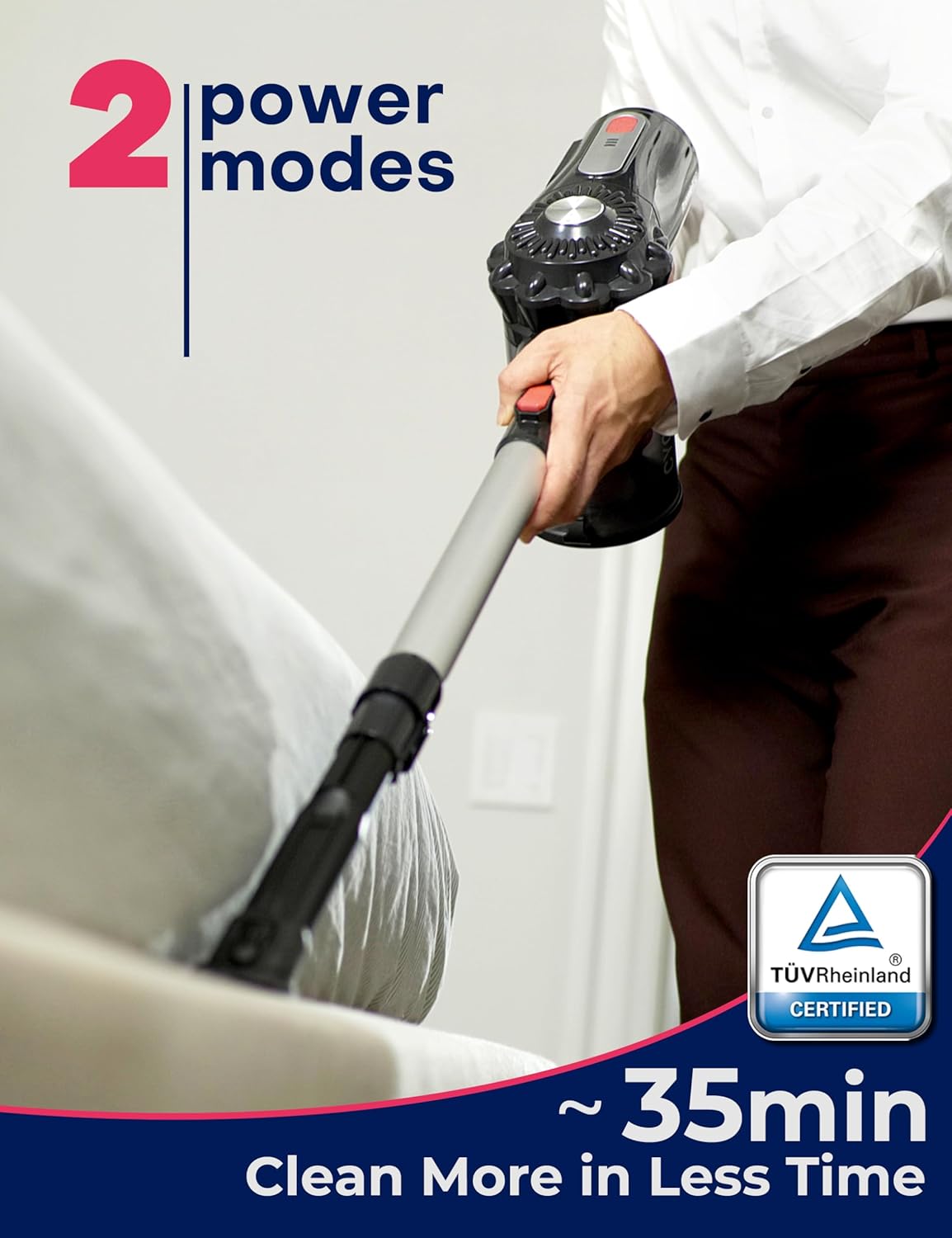
An illustration of the vacuum's two power modes, ECO and MAX, indicating different runtimes for various cleaning needs.
Cleaning Different Surfaces
The Roomie Tec vacuum is designed for versatile cleaning across various surfaces:
- Hard Floors: The motorized floor head is effective on hardwood, tile, and laminate. The LED headlights illuminate fine dust.
- Carpets: Use MAX mode for deeper cleaning on carpets and rugs to effectively pick up embedded dirt and pet hair.
- Handheld Use: Detach the main unit and attach the crevice tool for quick cleanups in cars, on stairs, upholstery, and tight spaces.

The vacuum's flexible design allows it to lie 180° flat, making it easy to clean under furniture and in hard-to-reach areas.

The motorized floor head equipped with 6 ultra-bright LED headlights, designed to illuminate hidden dust and debris for thorough cleaning.

The versatile 2-in-1 design allows for instant conversion to a handheld vacuum, ideal for cleaning cars, stairs, and pet hair.
5. Maintenance and Care
Regular maintenance ensures optimal performance and extends the lifespan of your Roomie Tec vacuum cleaner.
Emptying the Dustbin
Empty the dustbin after each use or when the MAX fill line is reached.
- Hold the main unit over a trash can.
- Press the one-click release button on the dustbin to open the bottom flap and empty contents.
- Close the flap securely until it clicks.

The one-click release button for easy and hygienic disposal of dirt and debris from the 1.0-liter dustbin.
Cleaning Filters
The vacuum features a stainless steel pre-filter and a HEPA filter. Clean them regularly to maintain suction power.
- Twist and pull to remove the dustbin from the main unit.
- Remove the stainless steel filter and then the HEPA filter.
- Tap off loose dirt. Rinse both filters under cold running water.
- Allow filters to air dry completely for at least 24 hours before reassembling. Do not use a dryer or direct heat.
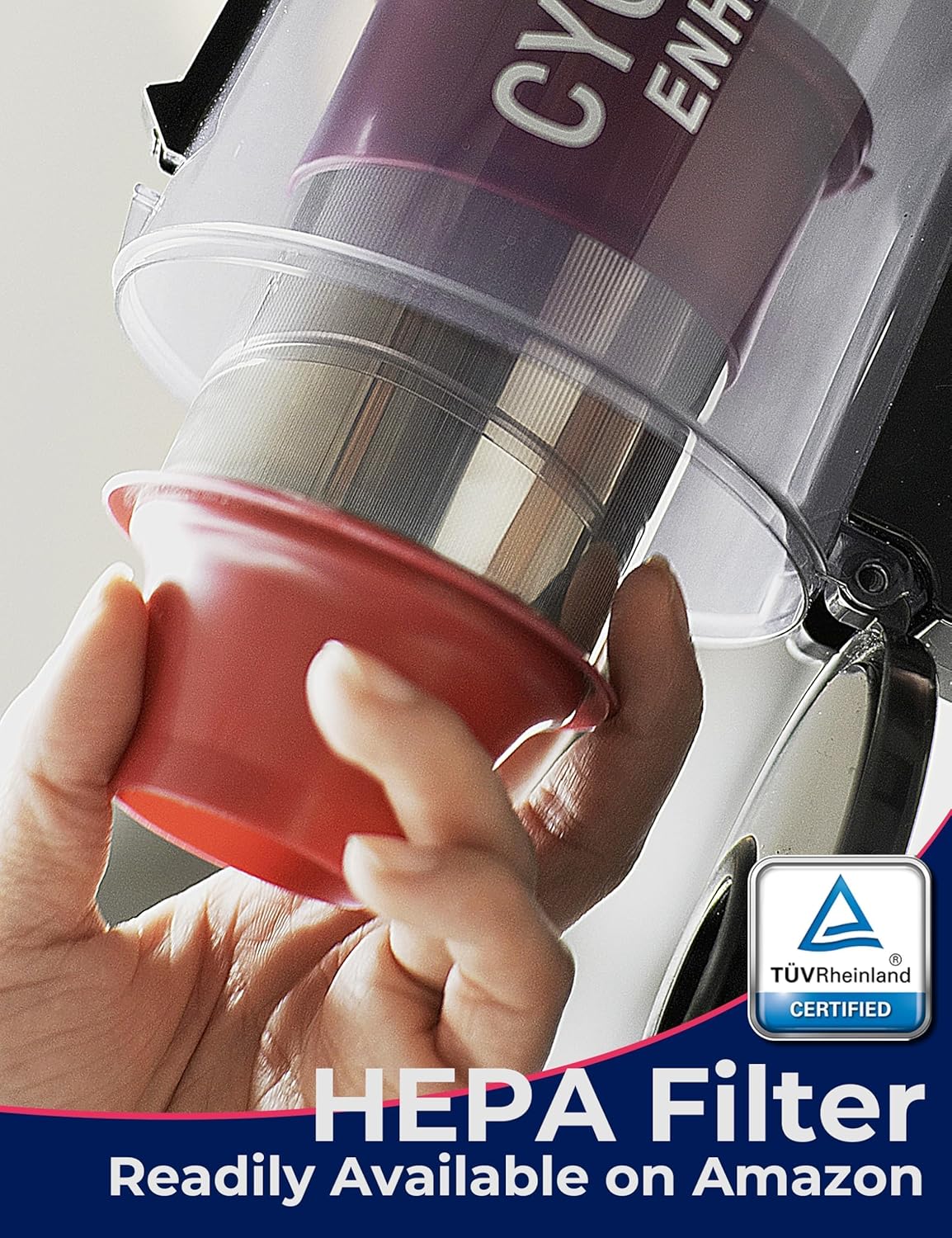
The advanced HEPA filtration system, designed to capture up to 99.9% of dust, fine particles, and pet hair.

The removable and washable HEPA filter, ensuring long-lasting performance and easy maintenance.
Cleaning the Roller Brush
Periodically check the roller brush for tangled hair or debris and clean as needed.
- Press the release button on the side of the motorized floor head to remove the roller brush.
- Remove any tangled hair or debris from the brush. You may use scissors to cut through stubborn tangles.
- Reinsert the roller brush until it clicks into place.

The upgraded 6th Generation anti-tangle roller, designed for easy removal and cleaning to prevent hair tangles.
6. Troubleshooting
If you encounter any issues, please refer to the table below before contacting customer support.
| Problem | Possible Cause | Solution |
|---|---|---|
| Vacuum not turning on | Battery is low or depleted. | Charge the battery fully. |
| Loss of suction power | Dustbin is full; Filters are clogged; Roller brush is tangled. | Empty dustbin; Clean or replace filters; Clean roller brush. |
| Motorized floor head not spinning | Roller brush is jammed or tangled; Obstruction in the nozzle. | Clean the roller brush; Remove any obstructions. |
| Short runtime | Battery not fully charged; Using MAX mode excessively. | Ensure full charge; Use ECO mode for longer cleaning sessions. |
7. Technical Specifications
| Feature | Specification |
|---|---|
| Model Name | DYLON (SL595) |
| Brand | Roomie Tec |
| Special Features | Cordless, Bagless, Cyclonic, HEPA Filtration, Self-Standing |
| Filter Type | HEPA Filter |
| Capacity | 1 Liters |
| Wattage | 150 watts |
| Runtime | Up to 35 minutes (ECO mode with crevice tool), 25 minutes (with vacuum head), 13 minutes (Turbo mode) |
| Charging Time | 4 Hours |
| Battery Type | Lithium-Ion |
| Noise Level | 75 dB |
| Item Weight | 4.73 pounds |
| Product Dimensions | 12.4"L x 7.6"W x 17.5"H |
8. Warranty and Support
Warranty Information
Your Roomie Tec Cordless Stick Vacuum Cleaner comes with a 90-day money-back guarantee and a 2-year factory warranty. Please retain your proof of purchase for warranty claims.
Customer Support
For any inquiries, technical assistance, or warranty claims, please contact our customer support team:
- Phone: 1-888-262-2211
- Operating Hours: Monday - Friday, 7 am - 3 pm PST
- Service Email: service@RoomieTEC.com

Contact information for Roomie Tec customer support, including phone number and operating hours.