
1. Introduction
This manual provides detailed instructions for the installation, operation, and maintenance of your Bingfu 4G LTE Antenna 8dBi Magnetic Base Cellular MIMO TS9 Antenna. This product is designed to enhance 4G LTE signal reception for compatible mobile hotspots, MiFi routers, wireless CPE routers, cellular mobile broadband modems, and USB modem dongle adapters. Please read this manual thoroughly before use to ensure optimal performance and proper handling.

Image 1.1: Overview of the Bingfu 4G LTE Antenna. This image shows the full antenna assembly, including the magnetic base, the antenna rod, and the TS9 connector.
2. Product Features
- Wide Carrier Compatibility: Compatible with major 4G LTE networks including Verizon, AT&T, T-Mobile, and Sprint.
- Broad Frequency Range: Operates across 698-960 MHz, 1710-2170 MHz, and 2300-2700 MHz bands.
- High Gain: Features an 8dBi gain for improved signal strength.
- Omni-directional Design: Receives signals from all directions.
- Magnetic Base Mounting: Equipped with a strong magnetic base for secure and flexible placement on metallic surfaces.
- Extended Cable Length: Includes a 3-meter (approximately 9.8 feet) cable for flexible positioning.
- TS9 Plug Connector: Standard TS9 connector for direct compatibility with many devices.

Image 2.1: Illustration of carrier compatibility. This image displays the antenna alongside logos of major cellular carriers, indicating broad network support.
3. Package Contents
The package includes the following items:
- 2 x Bingfu 4G LTE Antennas with Magnetic Base and TS9 Connector

Image 3.1: Contents of the antenna package. This image shows two identical Bingfu 4G LTE antennas, as supplied in the 2-pack.
4. Setup Instructions
- Identify TS9 Ports: Locate the external antenna ports on your 4G LTE mobile hotspot, MiFi router, or modem. These ports are typically labeled or indicated in your device's manual. The Bingfu antenna uses a TS9 plug connector.
- Connect Antennas: Carefully insert the TS9 plug connectors from the Bingfu antennas into the corresponding ports on your device. Ensure a firm connection. For optimal MIMO (Multiple-Input Multiple-Output) performance, connect both antennas if your device has two ports.
- Position Antennas: Place the antennas in a location with the best possible signal reception. The magnetic base allows for easy attachment to metallic surfaces such as window frames, filing cabinets, or vehicle roofs. For best results, position the antennas vertically and as far apart as the cable length allows, ideally near a window or outdoors if possible.

Image 4.1: Detailed view of the TS9 connector. This image provides a close-up of the TS9 plug, highlighting its design for proper connection.

Image 4.2: Connection of antennas to compatible devices. This image illustrates how the antennas connect to different models of mobile hotspots and routers.
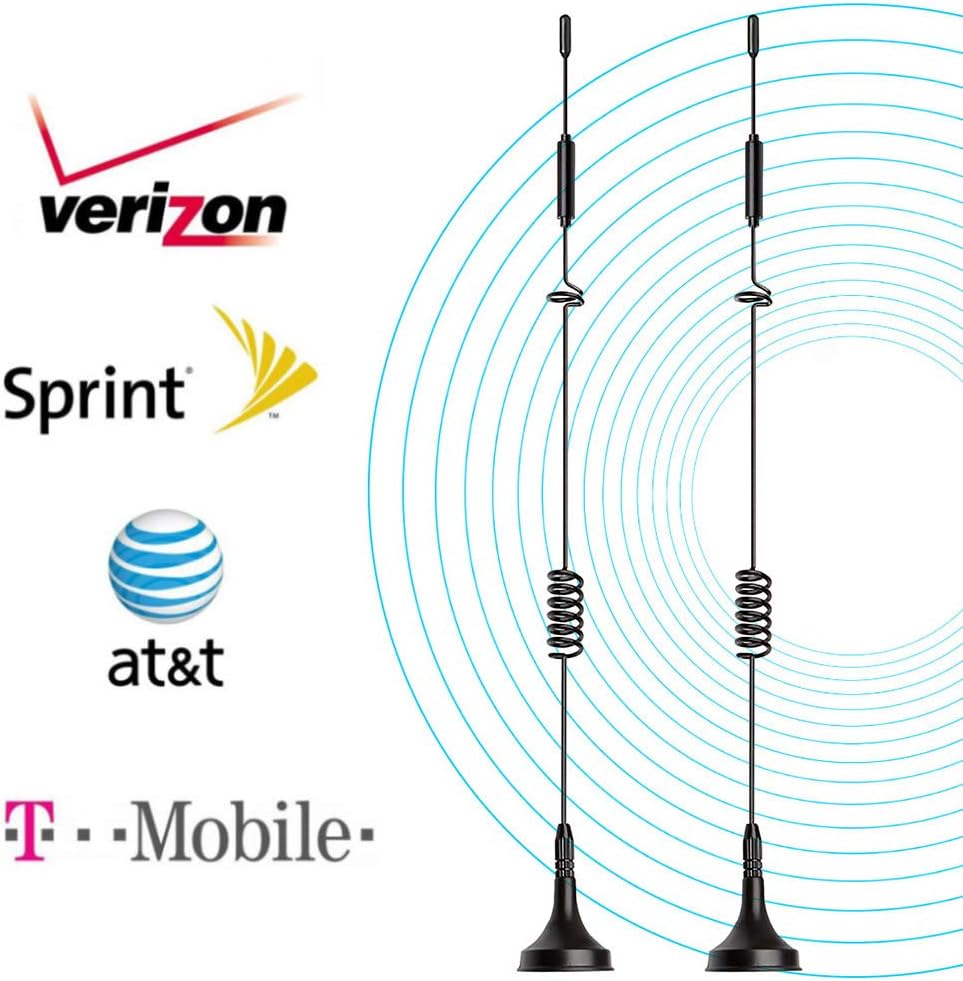
Image 4.3: Antenna with magnetic base. This image shows the antenna's magnetic base, demonstrating its ability to adhere to metallic surfaces for stable positioning.
5. Operating Instructions
Once the antennas are connected and positioned, your device should automatically detect them and utilize the external signal. Monitor your device's signal strength indicator to determine the effectiveness of the antenna placement. Experiment with different locations and orientations to find the optimal spot for maximum signal gain and data speed.
- Optimal Placement: For best performance, place the antennas in an elevated position, away from obstructions like thick walls or large metal objects.
- MIMO Configuration: If using two antennas, ensure they are spaced apart (e.g., 1-2 feet) to benefit from MIMO technology, which can improve both signal quality and data throughput.

Image 5.1: Visual representation of signal improvement. This diagram illustrates how the antenna helps in improving the LTE network signal for mobile hotspot devices.
6. Maintenance
The Bingfu 4G LTE Antennas require minimal maintenance. Follow these guidelines to ensure longevity:
- Cleaning: Wipe the antennas and cables with a soft, dry cloth to remove dust. Avoid using harsh chemicals or abrasive cleaners.
- Cable Inspection: Periodically check the antenna cables for any signs of damage, kinks, or fraying. Damaged cables can affect performance.
- Connector Care: Ensure the TS9 connectors remain clean and free of debris.
- Storage: When not in use, store the antennas in a cool, dry place, away from direct sunlight and extreme temperatures.
7. Troubleshooting
| Problem | Possible Cause | Solution |
|---|---|---|
| No signal improvement or weaker signal. |
|
|
| Antenna falls over or magnetic base is weak. |
|
|
| Loose TS9 connector. |
|
|
8. Specifications
- Model Number: BFN00408
- Frequency Range: 698-960 MHz, 1710-2170 MHz, 2300-2700 MHz
- Gain: 8dBi
- Direction: Omni-directional
- Impedance: 50 Ohms
- Connector Type: TS9 Plug
- Cable Length: 3 meters (approximately 9.8 feet)
- Mounting: Magnetic Base
- Product Dimensions (L x W x H): 4.7" x 16.9" x 1.3" (approximate, for a single antenna)
- UPC: 790404675491

Image 8.1: Antenna dimensions. This image shows the approximate height of the antenna, indicated as 30cm.
9. Warranty and Support
Bingfu products are designed for reliability and performance. For specific warranty details, please refer to the product packaging or the official Bingfu website. If you encounter any issues or have questions regarding your Bingfu 4G LTE Antenna, please contact Bingfu customer support through their official channels for assistance.
Manufacturer: Bingfu
Brand: BINGFU