
1. Safety Information
Please read all safety instructions carefully before using this product. Failure to follow these instructions may result in electric shock, fire, or other hazards.
- Do not expose the portable battery to water, moisture, or extreme temperatures.
- Avoid dropping, hitting, or disassembling the device.
- Keep out of reach of children.
- Do not use if the device is damaged or swollen.
- Use only certified chargers and cables for charging the power bank and your devices.
- Do not short-circuit the output terminals.
- Dispose of the product responsibly according to local regulations.
2. Product Overview
The MOBO For Me 5000 mAh Portable Battery is a compact and reliable power source designed to charge your mobile devices on the go. It features a durable black casing with a textured finish for a secure grip.
Package Contents:
- MOBO For Me 5000 mAh Portable Battery
- USB Charging Cable (Micro-USB)
- User Manual
Components:
- Power Button: Activates the power bank and checks battery level.
- LED Indicator Lights: Display the remaining battery capacity.
- Micro-USB Input Port: Used to charge the portable battery.
- USB-A Output Ports (x2): Used to charge external devices.
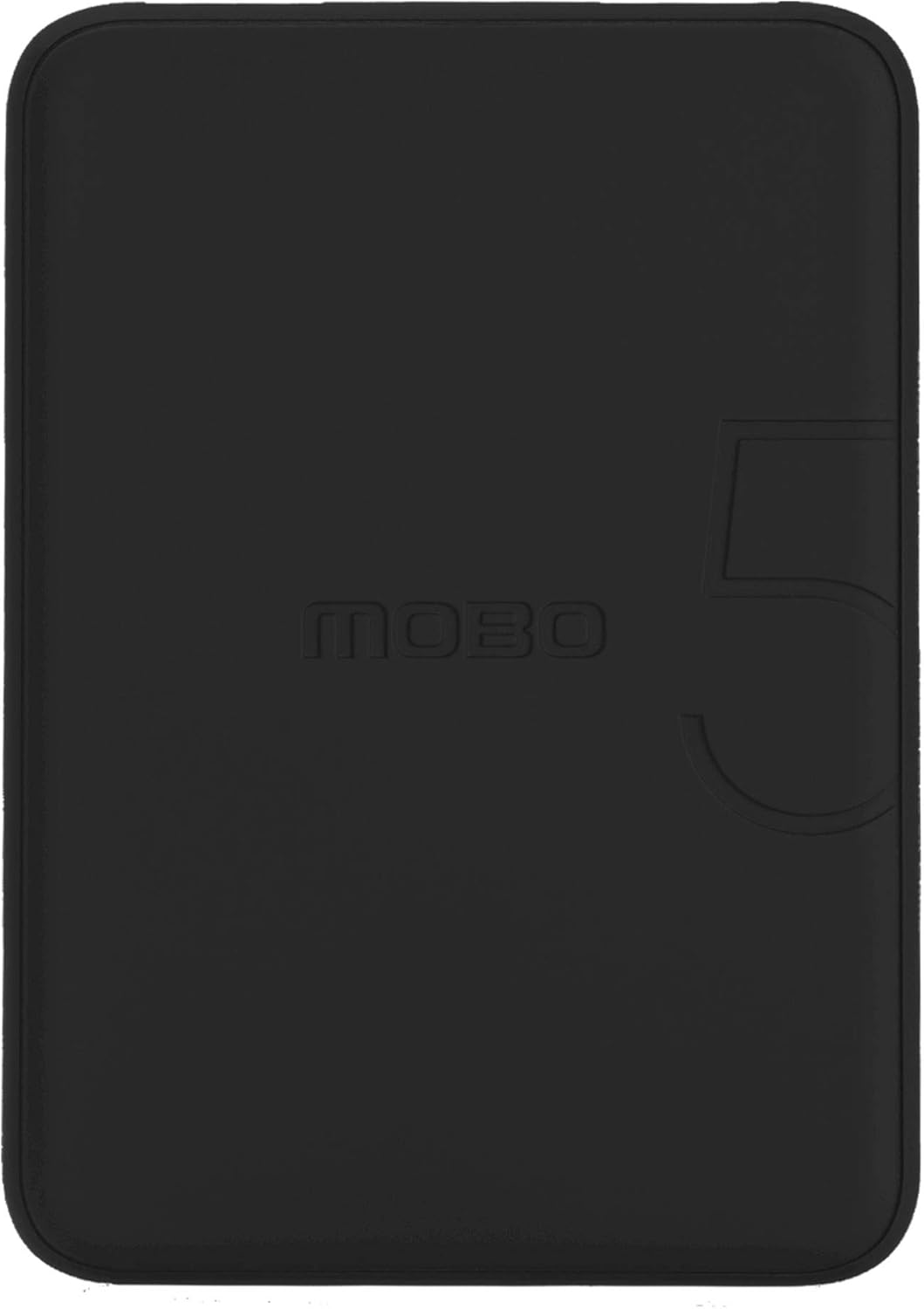
Figure 2.1: Front view of the MOBO For Me 5000 mAh Portable Battery, showcasing the 'MOBO' logo and a subtle '5' design element.

Figure 2.2: Angled view of the portable battery, highlighting the two USB-A output ports, the Micro-USB input port, and printed specifications on the side.

Figure 2.3: Top view of the portable battery, showing the 'FOR ME' branding and the small LED indicator lights.
3. Setup
3.1 Initial Charging of the Portable Battery
Before first use, fully charge your MOBO For Me portable battery.
- Connect the supplied Micro-USB cable to the Micro-USB input port on the portable battery.
- Connect the other end of the USB cable to a USB wall adapter (not included) or a computer's USB port.
- The LED indicator lights will illuminate to show the charging progress. When all lights are solid, the battery is fully charged.
- Disconnect the cable once charging is complete.
Charging time may vary depending on the power source.
4. Operation
4.1 Charging Your Devices
- Connect your device's charging cable (e.g., USB-A to Lightning, USB-A to USB-C, USB-A to Micro-USB) to one of the USB-A output ports on the portable battery.
- Connect the other end of the cable to your device.
- The portable battery should automatically begin charging your device. If not, press the power button once to initiate charging.
- The LED indicator lights will show the remaining battery level of the power bank during charging.
- Disconnect your device once it is fully charged or when you no longer need to charge.
4.2 Checking Battery Level
Press the power button once to check the remaining battery level. The LED indicator lights will illuminate for a few seconds:
- 4 LEDs: 75% - 100% charged
- 3 LEDs: 50% - 75% charged
- 2 LEDs: 25% - 50% charged
- 1 LED: 0% - 25% charged (recharge soon)
5. Maintenance
5.1 Cleaning
- Ensure the device is powered off and disconnected from all power sources and devices before cleaning.
- Wipe the exterior with a soft, dry, lint-free cloth.
- Do not use harsh chemicals, cleaning solvents, or strong detergents.
5.2 Storage
- Store the portable battery in a cool, dry place away from direct sunlight and extreme temperatures.
- For long-term storage, charge the battery to approximately 50-75% every three months to maintain battery health.
6. Troubleshooting
| Problem | Possible Cause | Solution |
|---|---|---|
| Portable battery not charging. | Cable not connected properly; faulty cable/charger; power bank fully discharged. | Ensure cables are securely connected. Try a different cable or wall adapter. Allow a few minutes for a deeply discharged battery to respond. |
| Device not charging from power bank. | Power bank is out of charge; cable not connected properly; device not compatible; power button not pressed. | Recharge the portable battery. Ensure cables are securely connected. Press the power button once to activate charging. Verify device compatibility. |
| Slow charging. | Using a low-power charger/cable; device drawing high power; multiple devices charging simultaneously. | Use a high-quality cable and a 2.1A wall adapter for optimal charging speed. Charge one device at a time for faster charging. |
| LED indicators not working. | Power bank is off; internal malfunction. | Press the power button. If the issue persists after charging, contact customer support. |
7. Specifications
| Model: | MBPB-F05 |
| Battery Capacity: | 5000 mAh |
| Input: | Micro-USB, 5V / 2.1A |
| Output 1: | USB-A, 5V / 2.1A |
| Output 2: | USB-A, 5V / 2.1A |
| Total Output: | 5V / 2.1A Max |
| Dimensions: | (Not specified in data) |
| Weight: | (Not specified in data) |
8. Warranty and Support
MOBO products are designed to provide reliable performance. For warranty information, technical support, or customer service inquiries, please refer to the official MOBO website or contact their customer support channels.
Please retain your proof of purchase for any warranty claims.