
iball Play A1
iBall Musi Play A1 Wireless Ultra-Portable Bluetooth Speaker User Manual
Model: Play A1
1. Introduction
Thank you for purchasing the iBall Musi Play A1 Wireless Ultra-Portable Bluetooth Speaker. This compact and versatile speaker is designed to provide high-quality audio on the go. It features Bluetooth connectivity, FM radio, a Micro SD card slot for music playback, and a built-in microphone for hands-free calling. Please read this manual carefully to understand the product's features and ensure proper operation.
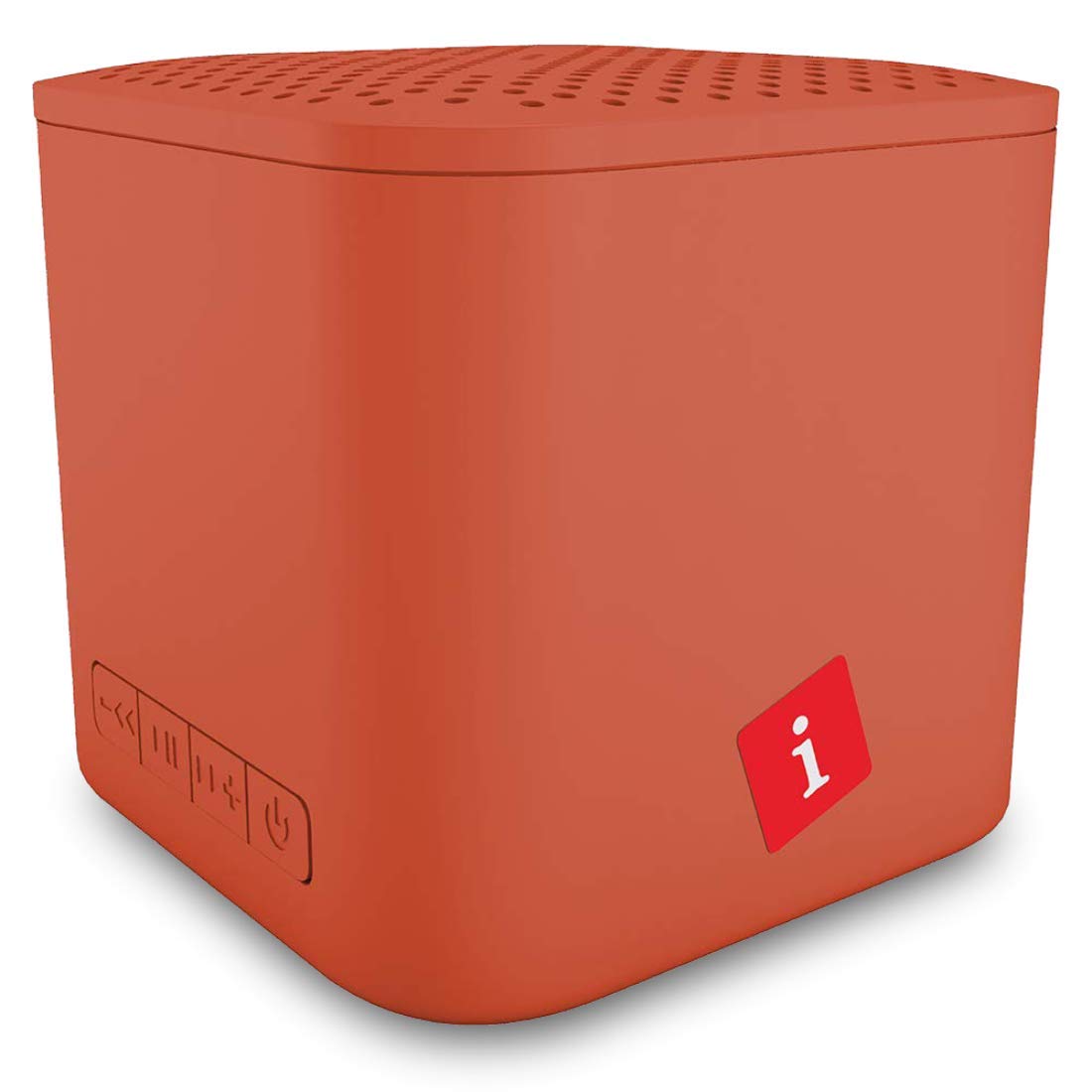
Image: iBall Musi Play A1 Wireless Ultra-Portable Bluetooth Speaker (Burnt Orange)
2. What's in the Box
Upon unpacking, please ensure all the following items are present:
- Speaker – 1 N
- Charging Cable – 1 N
- User Manual – 1 N
3. Product Overview
3.1. Controls and Ports
Familiarize yourself with the speaker's controls and ports for easy operation.

Image: Control buttons on the iBall Musi Play A1 speaker.
- Volume Down / Previous Track: Press and hold for volume down, short press for previous track.
- Play / Pause: Press to play or pause music. Also used for answering/ending calls.
- Volume Up / Next Track: Press and hold for volume up, short press for next track.
- Power On / Off / Mode: Press and hold to power on/off. Short press to switch between Bluetooth, FM, and Micro SD modes.
3.2. Portability and Design
The iBall Musi Play A1 features an ultra-portable cube design, making it easy to carry and suitable for various environments.

Image: The compact size of the iBall Musi Play A1 speaker, measuring approximately 6.2 cm on each side.
4. Setup
4.1. Initial Charging
Before first use, fully charge the speaker. Connect the provided charging cable to the speaker's charging port and a USB power source (e.g., computer USB port, USB wall adapter). The charging time is approximately 1.5 hours.
4.2. Powering On/Off
To power on the speaker, press and hold the Power On/Off/Mode button until you hear an audible prompt. To power off, press and hold the same button again.
5. Operating Instructions
5.1. Bluetooth Pairing
- Ensure the speaker is powered on and in Bluetooth mode. If not, short press the Power On/Off/Mode button to cycle through modes until you hear the Bluetooth prompt.
- On your smartphone or tablet, enable Bluetooth and search for available devices.
- Select "iBall Musi Play A1" from the list of devices.
- Once paired, the speaker will indicate a successful connection, and you can start playing audio from your device.
5.2. FM Radio
- Power on the speaker and short press the Power On/Off/Mode button to switch to FM Radio mode.
- To auto-scan and save available FM stations, press and hold the Play/Pause button. The speaker will scan and store stations automatically.
- Once scanning is complete, use the Previous Track and Next Track buttons to navigate between saved stations.
5.3. Micro SD Card Playback
- Insert a Micro SD card (with MP3 audio files) into the Micro SD card slot on the speaker.
- The speaker will automatically switch to Micro SD mode and begin playing music. If not, short press the Power On/Off/Mode button to select Micro SD mode.
- Use the Previous Track and Next Track buttons to skip tracks, and the Play/Pause button to control playback.
5.4. Hands-free Calling
When connected to your smartphone via Bluetooth, the speaker's built-in microphone allows for hands-free calls.
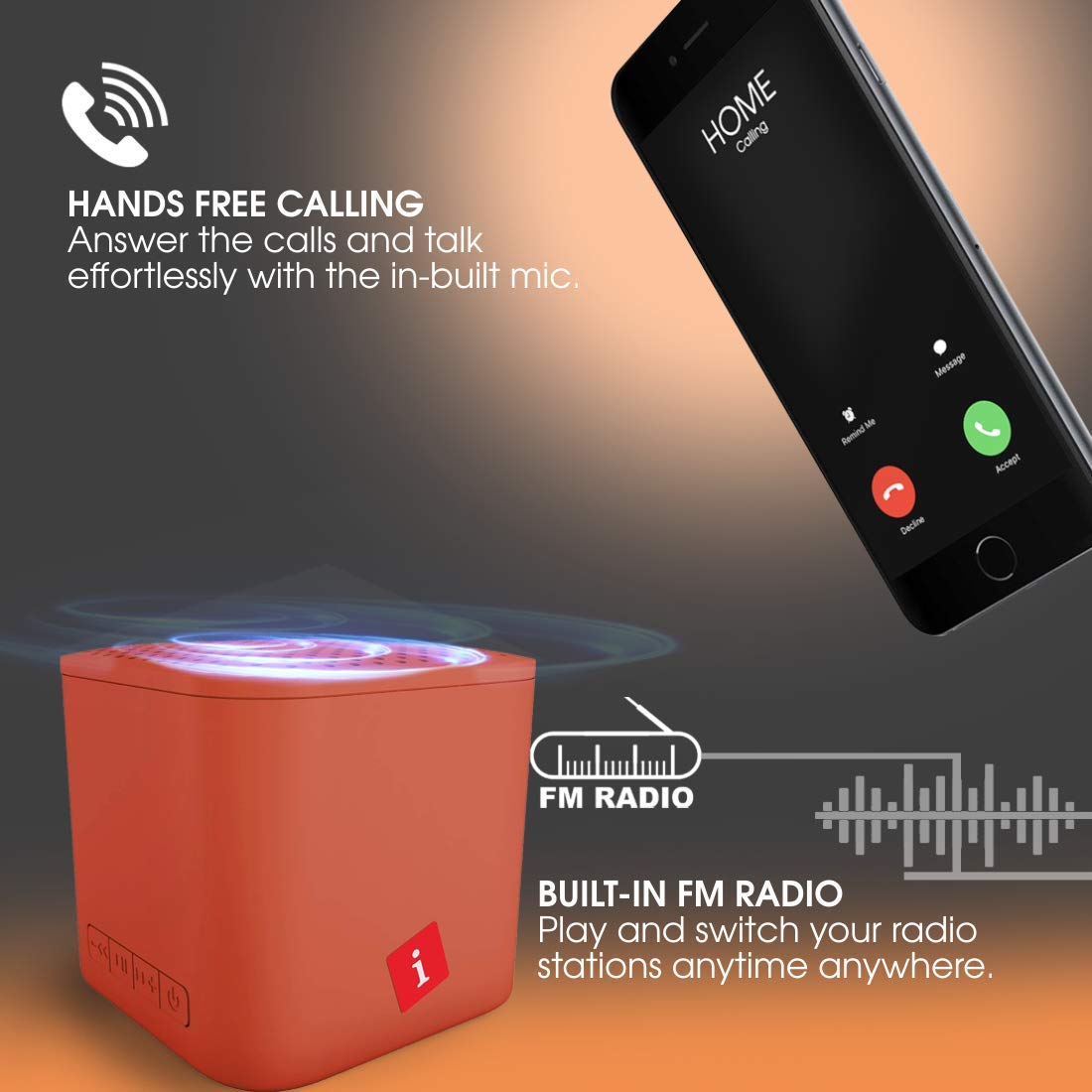
Image: Hands-free calling feature with the iBall Musi Play A1 speaker.
- Answer Call: When an incoming call rings, short press the Play/Pause button to answer.
- End Call: During a call, short press the Play/Pause button to end the call.
- Reject Call: When an incoming call rings, press and hold the Play/Pause button to reject the call.
6. Charging
The speaker is equipped with a built-in rechargeable battery. To charge, connect the provided USB cable to the speaker's charging port and a standard USB power source. A full charge takes approximately 1.5 hours and provides up to 6 hours of playtime at mid-level volume.
7. Maintenance
- Keep the speaker away from water, moisture, and extreme temperatures.
- Clean the speaker with a soft, dry cloth. Do not use abrasive cleaners or solvents.
- Avoid dropping or subjecting the speaker to strong impacts.
- When not in use for extended periods, charge the speaker at least once every three months to maintain battery health.
8. Troubleshooting
| Problem | Possible Solution |
|---|---|
| Speaker does not power on. | Ensure the battery is charged. Connect the speaker to a power source and try again. |
| Cannot pair via Bluetooth. |
|
| No sound. |
|
| FM radio reception is poor. |
|
9. Specifications
| Feature | Detail |
|---|---|
| Brand | iball |
| Model Name | Play A1 |
| Speaker Maximum Output Power | 3 Watts |
| Connectivity Technology | Bluetooth, Wireless |
| Audio Output Mode | Stereo |
| Mounting Type | Tabletop Mount |
| Speaker Type | Outdoor |
| Product Features | Built-in Microphone |
| Colour (Current Model) | Burnt Orange |
| Is Waterproof | false (Not Water Resistant) |
| Control Method | Button |
| Battery Average Life | 6 Hours |
| Battery Charge Time | 1.5 Hours |
| Compatible Devices | Smartphone, Tablet |
| Power Source | Battery Powered |
| Number of Batteries | 1 Lithium Polymer (included) |
| Item Weight | 169 Grams |
| Country of Origin | China |
10. Warranty and Support
For warranty information or technical support, please contact iBall customer service. You can reach them via the toll-free number: 18002666409.
Manufacturer Address: 87, Mistry Industrial Complex, MIDC Cross Road "A" Andheri (E), Mumbai 400 093. Maharashtra India.
Related documentsPlay A1


Ask a question about this manual
Ask about setup, troubleshooting, compatibility, parts, safety, or missing instructions. Manuals+ will review the question and use this page’s manual context to help answer it.