
Introduction
This manual provides detailed instructions for the installation, operation, and maintenance of your VOXON Wireless Doorbell VX-BF001. Please read this manual carefully before use to ensure proper functionality and longevity of the product. Keep this manual for future reference.
Package Contents
Upon unpacking, please ensure all the following items are present:
- 1 x VOXON Wireless Doorbell Transmitter (with pre-installed battery)
- 1 x VOXON Plug-in Receiver
- Mounting Hardware (screws, double-sided adhesive tape)
- 1 x User Manual
Product Features
- Ultra-Long Wireless Range: Enjoy a reliable connection with a working distance of up to 150 meters (492 feet) in open outdoor areas, minimizing interference from other wireless devices.
- Durable Weatherproof Transmitter: The transmitter boasts an IP65 dustproof and waterproof rating, featuring a robust ring structure. It is designed to withstand challenging weather conditions, operating effectively from -20°C to 60°C (-4°F to 140°F).
- Customizable Tones and Volume: Select from 38 distinct, high-quality CD-like ringtones. Adjust the volume across 4 levels, ranging from a silent 0 dB to a loud 90 dB.
- Easy Installation: The system requires no complex wiring, allowing for quick and straightforward setup.
- Visual LED Indicator: The receiver includes an LED light that flashes when the doorbell is pressed, providing a visual alert.
- Mute Mode: An option to silence the chime while still receiving visual alerts via the LED indicator.

The VOXON Wireless Doorbell offers an impressive wireless range, ensuring you are always aware of visitors.
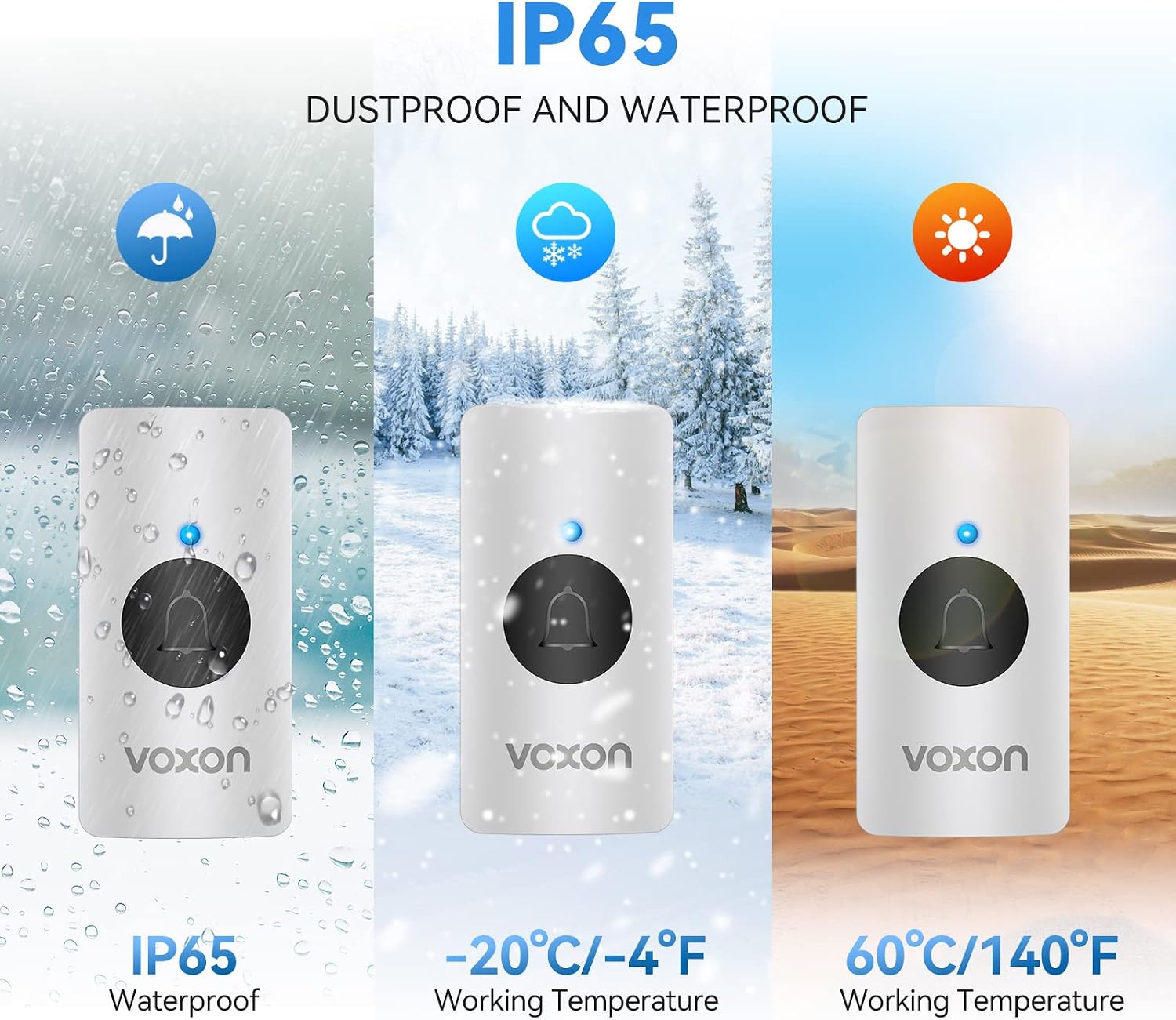
The transmitter is IP65 rated, making it dustproof and waterproof, and operates reliably in temperatures from -20°C to 60°C.

The versatile design allows the VOXON Wireless Doorbell to be used in various environments, including homes, offices, warehouses, and hospitals.
Setup and Installation
Follow these steps for a quick and easy installation:
- Prepare the Transmitter: Clean the desired mounting surface thoroughly. If using the double-sided adhesive tape, peel off one side and firmly stick it to the back of the transmitter.
- Mount the Transmitter: Choose a suitable, visible location near your door. Peel off the other side of the double-sided tape and firmly press the transmitter onto the clean surface for at least 30 seconds. Alternatively, use the provided screws to secure the transmitter to the door frame for a more permanent installation.
- Plug in the Receiver: Insert the receiver into a standard electrical outlet indoors, ensuring it is within the wireless range of the transmitter.
- Initial Pairing (if necessary): The units are typically pre-paired from the factory. If they do not connect automatically, refer to the 'Pairing Instructions' in the Operation section.

Visual guide for installing the transmitter using adhesive tape and plugging in the receiver.
Operation
Changing Melodies
To change the melody, press the 'Music' button on the receiver. Each press will cycle through the 38 available melodies. To quickly return to the previous chime, press the 'Music' button twice in rapid succession.
Adjusting Volume
To adjust the volume, press the 'Volume' button on the receiver. There are 4 adjustable volume levels, ranging from 0 dB (mute) to 90 dB. Cycle through the levels until your desired volume is reached.
Mute Mode
To activate mute mode, repeatedly press the 'Volume' button until the volume reaches 0 dB. In this mode, the receiver's LED indicator will still flash when the doorbell is pressed, providing a silent visual alert.
Pairing Instructions (if needed)
If your doorbell units are not paired, follow these steps:
- Plug the receiver into a power outlet.
- Press and hold the 'Volume' button on the receiver for approximately 5 seconds until you hear a 'ding' sound and the LED indicator starts flashing. This indicates the receiver is in pairing mode.
- Immediately press the transmitter button once. The receiver will chime, indicating successful pairing.
- Test the doorbell by pressing the transmitter button. The receiver should chime.

The receiver allows for easy melody selection, volume adjustment, and features an LED indicator and mute mode.
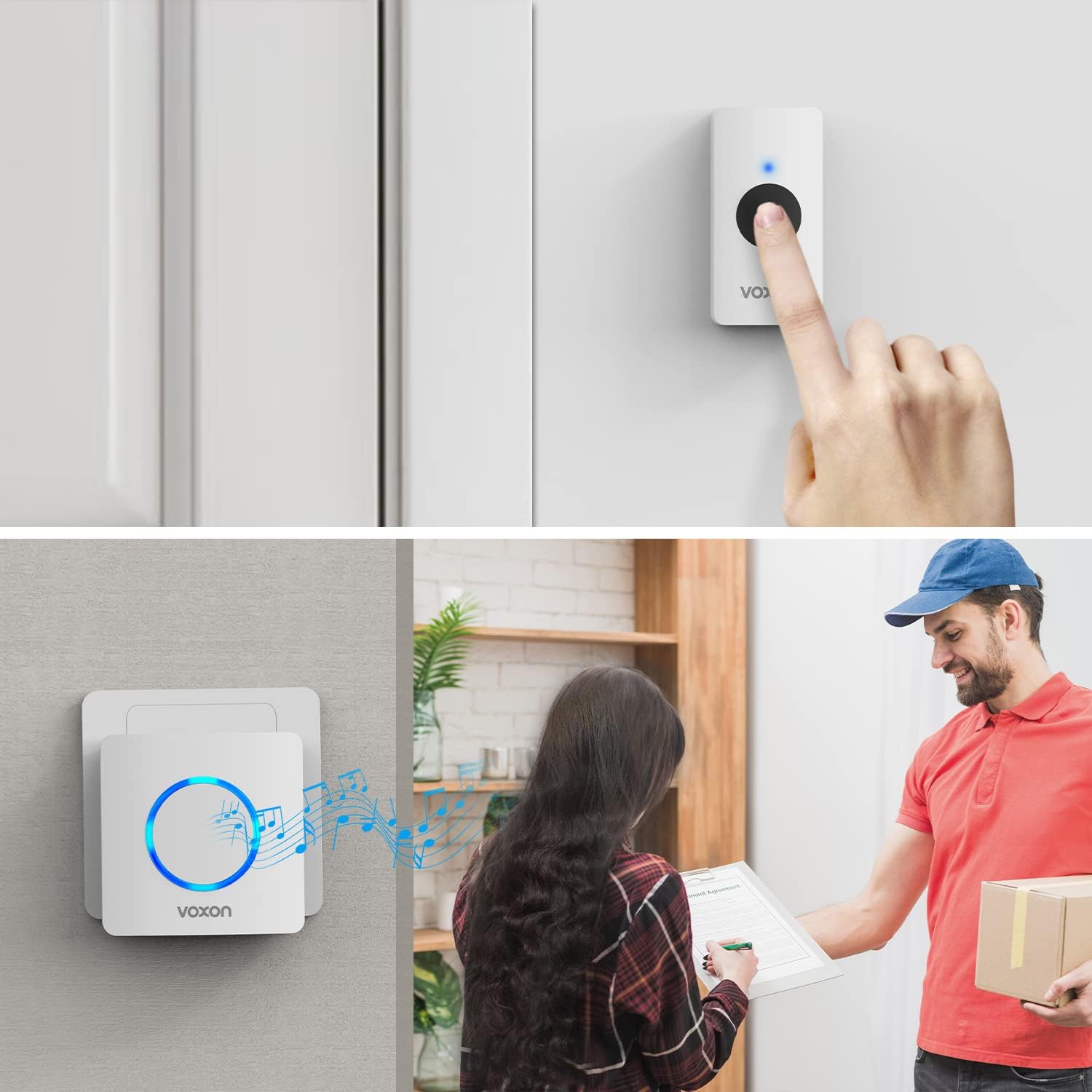
When the transmitter button is pressed, the receiver plays the selected melody and illuminates its LED indicator, alerting you to a visitor.
Maintenance
- Cleaning: To maintain the appearance and functionality of your doorbell, wipe both the transmitter and receiver with a soft, dry cloth. Avoid using abrasive cleaners, solvents, or harsh chemicals, as these can damage the surfaces.
- Transmitter Battery Replacement: The transmitter comes with a pre-installed battery. If the doorbell stops working or its wireless range significantly decreases, it may be time to replace the battery. To replace, carefully open the transmitter casing, remove the old battery, and insert a new one of the same type (typically a 12V 23A alkaline battery), ensuring correct polarity.
- Weather Protection: While the transmitter is IP65 rated for dust and water resistance, avoid submerging it in water or exposing it to extreme environmental conditions beyond its specified operating temperature range (-20°C to 60°C).
Troubleshooting
If you encounter any issues with your VOXON Wireless Doorbell, please refer to the following common problems and solutions:
- Doorbell not ringing:
- Ensure the receiver is securely plugged into a live power outlet.
- Check if the volume on the receiver is set to mute (0 dB). Adjust the volume using the 'Volume' button.
- Verify the transmitter battery. If the battery is low or depleted, replace it.
- Re-pair the transmitter and receiver by following the 'Pairing Instructions' in the Operation section.
- Short wireless range or intermittent signal:
- Ensure there are no large metal objects, thick walls, or other electronic devices between the transmitter and receiver that could obstruct the wireless signal.
- Try moving the receiver closer to the transmitter.
- Check the transmitter battery; a low battery can reduce the effective range.
- Interference from other devices:
- The VOXON doorbell system is designed to minimize interference. If you experience issues, try changing the melody on the receiver or relocating the receiver to a different outlet.
Specifications
| Brand | VOXON |
|---|---|
| Model | VX-BF001 |
| Product Dimensions | 7.4 x 7.4 x 5.8 cm |
| Product Weight | 100 g |
| Wireless Range | Up to 150 meters (492 feet) in open air |
| Waterproof Rating (Transmitter) | IP65 |
| Operating Temperature | -20°C to 60°C (-4°F to 140°F) |
| Melodies | 38 selectable tones |
| Volume Levels | 4 levels (0 dB to 90 dB) |
| Receiver Power Source | AC Plug-in |
| Transmitter Power Source | Battery (pre-installed) |
Warranty and Support
The VOXON Wireless Doorbell VX-BF001 is backed by an 18-month manufacturer's warranty, covering defects in materials and workmanship under normal use.
For technical assistance, troubleshooting, or warranty claims, please contact VOXON customer support. We offer free lifetime technical support to ensure your satisfaction with our product.
For more information, please visit the official VOXON website or contact your retailer.
