
1. Introduction
This manual provides detailed instructions for the IMILAB 1080P Wireless Smart Home Indoor Security Camera, Model SA-CMSXJ16A. This device is designed to provide surveillance for indoor environments, functioning as a baby monitor, pet camera, or general home security camera. It features 1080P HD video, 2.4Ghz WiFi connectivity, two-way audio, HD night vision, and pan/tilt capabilities for remote viewing.

Figure 1: IMILAB 1080P Wireless Smart Home Indoor Security Camera.
2. Safety Information
- Ensure the camera is placed on a stable surface or securely mounted to prevent falling.
- Use only the provided power adapter to avoid damage to the device.
- Keep the device away from water, moisture, and extreme temperatures.
- Do not attempt to disassemble or repair the camera yourself. Contact customer support for assistance.
- Keep out of reach of children and pets to prevent accidental damage or injury.
- Ensure proper ventilation around the camera to prevent overheating.
3. Setup Guide
- Power On the Device: Connect the camera to a power source using the provided adapter. The camera will power on automatically.
- Download and Install Mi Home App:
Scan the QR code on the product packaging or search for "Mi Home" in your device's app store (Google Play Store or Apple App Store) to download and install the application.
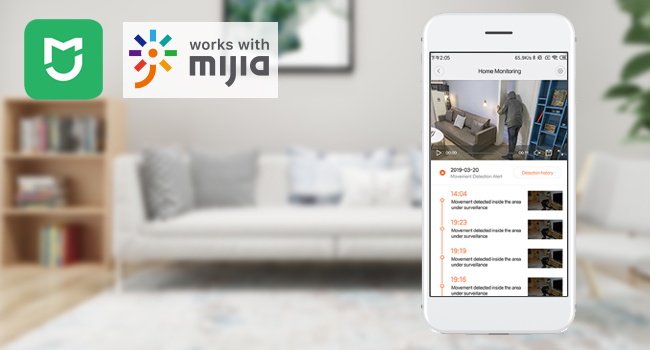
Figure 2: Mi Home app interface for device management.
- Add a Device:
- Open the Mi Home app and log in or create an account.
- Tap the "+" icon in the upper right corner to add a new device.
- The app may automatically detect the camera. If not, select "Add manually" and choose the IMILAB camera from the list.
- Connect to Wi-Fi and Scan QR Code:
- Select your 2.4Ghz Wi-Fi network and enter the password.
- The app will generate a QR code. Hold your phone approximately 15 cm (6 inches) in front of the camera lens until you hear a voice prompt confirming the QR code scan was successful.
- Select Device Location and Name:
- Choose the room or location where the camera is installed (e.g., "Nursery," "Living room"). You can also add a custom location.
- Assign a name to your camera (e.g., "Baby's Camera," "Living Room Camera").
- Share Device (Optional): You can share access to the camera with other Mi Home users by selecting their accounts.
Video 1: Step-by-step guide on how to connect the IMILAB Security WiFi IP Camera to your phone using the Mi Home app.
4. Operating Instructions
4.1 Real-time Monitoring and Pan/Tilt Control
Once connected, open the Mi Home app to view the live feed from your camera. Use the on-screen controls to pan (horizontal rotation) and tilt (vertical movement) the camera lens, providing a 360° panoramic view of the monitored area.

Figure 3: Remote control of camera pan and tilt for 360° coverage via the app.
4.2 Two-Way Audio Communication
The camera supports two-way audio, allowing you to speak through the camera and hear audio from the camera's location. This feature is ideal for comforting a baby, communicating with pets, or interacting with family members.

Figure 4: Real-time two-way audio communication feature.
4.3 Motion Detection and Tracking
The camera is equipped with motion detection. When movement is detected, the camera can send real-time alerts to your phone. The motion tracking feature allows the camera to automatically follow moving objects within its field of view.
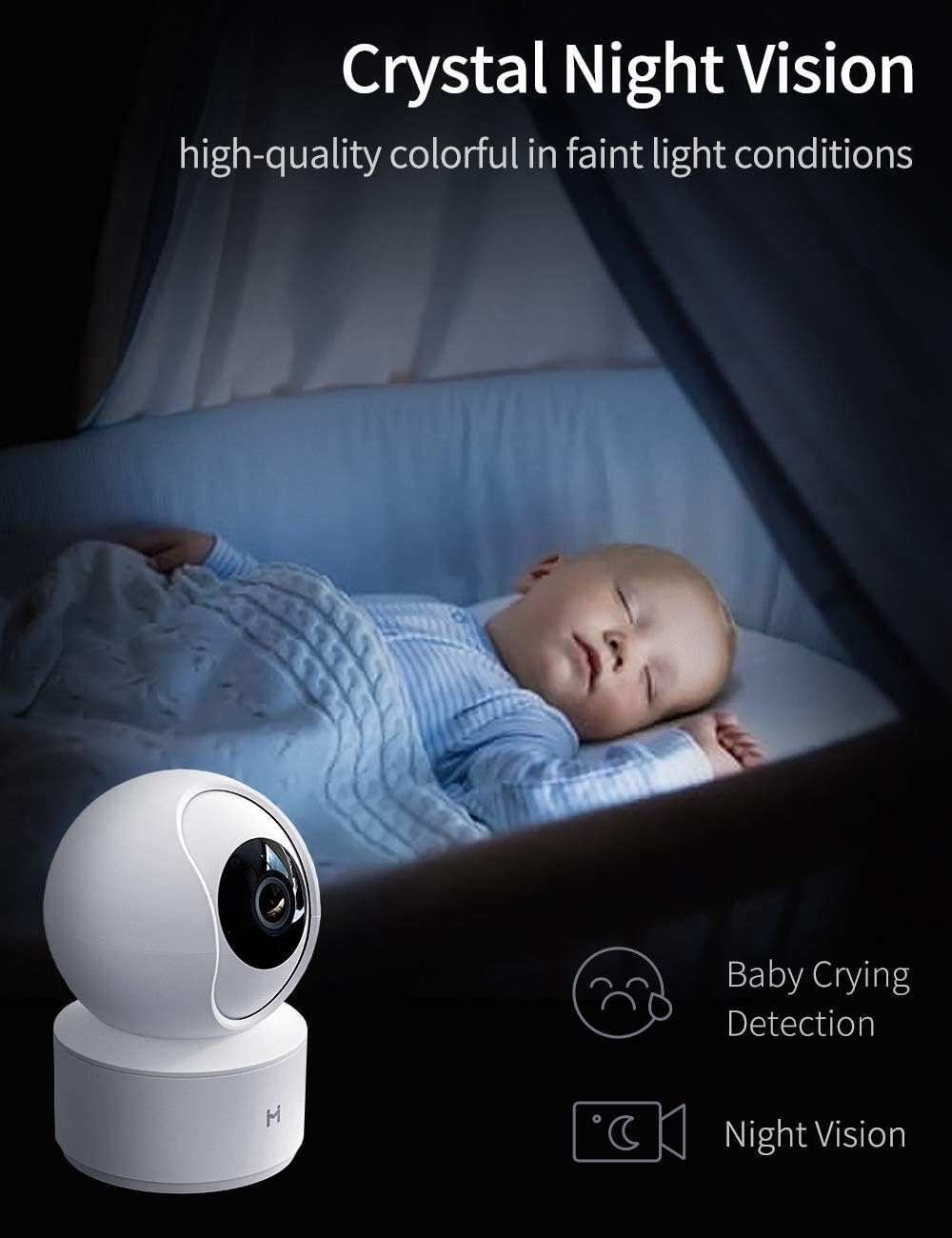
Figure 5: Motion detection alerts sent to your smartphone.
4.4 HD Night Vision
The camera features enhanced HD night vision, providing clear video footage even in low-light or complete darkness. This ensures continuous monitoring capabilities 24/7.

Figure 6: Crystal clear night vision for monitoring in low light conditions.
4.5 Baby Crying Detection
Specifically designed for baby monitoring, this camera includes a baby crying detection feature that alerts you when your baby is crying, providing peace of mind.
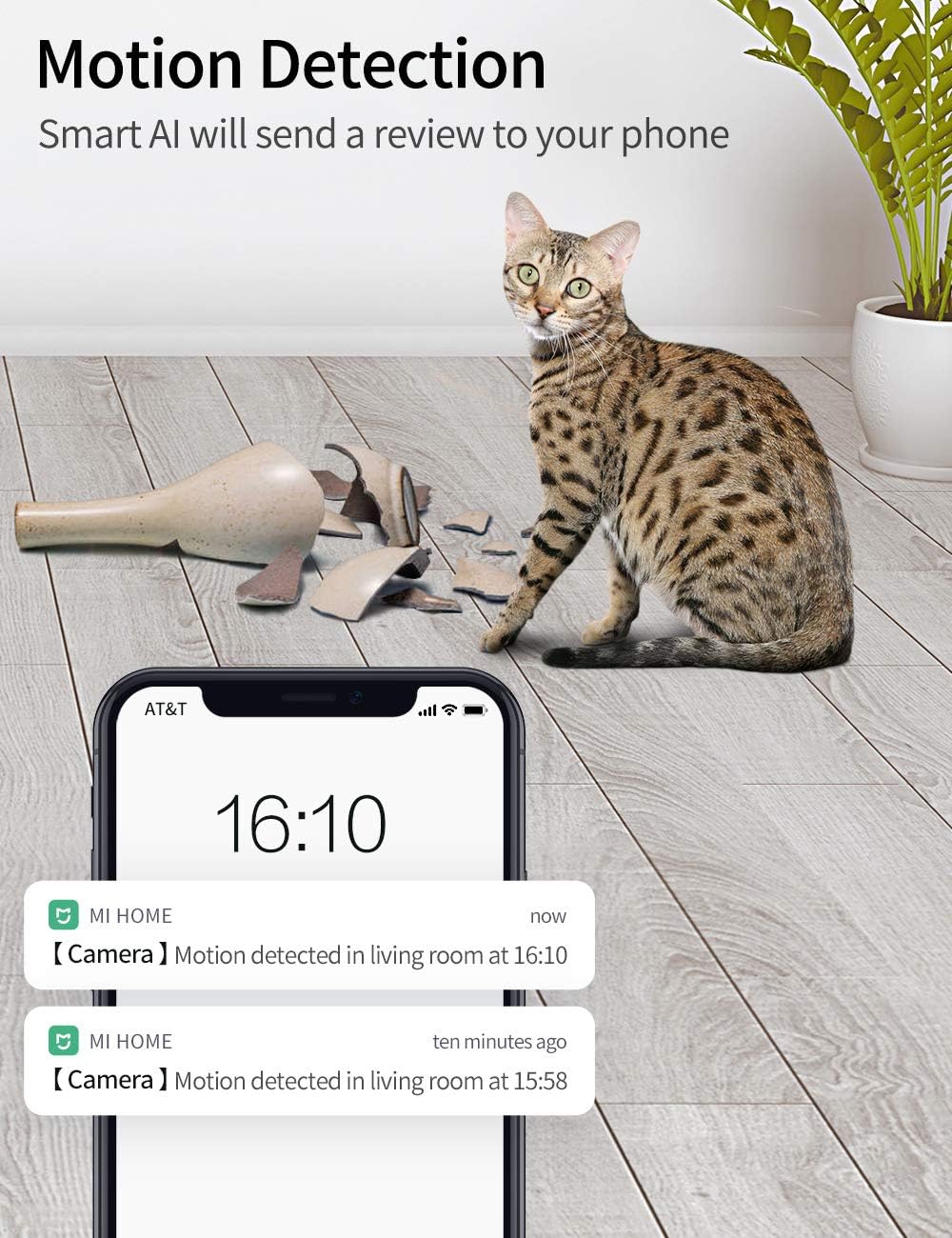
Figure 7: Baby crying detection feature for immediate alerts.
4.6 Video Storage
Video footage can be stored via two methods:
- Cloud Storage: IMILAB offers 7 days of rolling cloud storage at no additional cost.
- MicroSD Card: The camera supports local storage using a microSD card (not included). Ensure the card is inserted correctly into the designated slot.

Figure 8: Storage options including cloud and microSD card.
Video 2: Overview of the IMILAB 1080P Security WiFi IP Camera features, including motion detection, two-way call, and night vision.
5. Maintenance
- Cleaning: Gently wipe the camera lens and body with a soft, dry cloth. Do not use harsh chemicals or abrasive cleaners.
- Firmware Updates: Regularly check the Mi Home app for firmware updates to ensure optimal performance and security.
- Power Cycle: If the camera experiences issues, try unplugging it from the power source for 10 seconds and then plugging it back in.
6. Troubleshooting
| Problem | Possible Cause | Solution |
|---|---|---|
| Camera not connecting to Wi-Fi | Incorrect Wi-Fi password, camera too far from router, 5Ghz Wi-Fi network selected. | Ensure correct 2.4Ghz Wi-Fi password. Move camera closer to the router. Confirm you are connecting to a 2.4Ghz network. Reset the camera and try setup again. |
| Poor video quality | Weak Wi-Fi signal, dirty lens. | Improve Wi-Fi signal strength or move camera closer to the router. Clean the camera lens with a soft cloth. |
| Motion detection alerts not received | App notifications disabled, motion detection sensitivity too low. | Check app notification settings on your phone. Adjust motion detection sensitivity in the Mi Home app. |
| Two-way audio not working | Microphone/speaker muted in app, network issues. | Ensure microphone and speaker are enabled in the app. Check network connection. |
| Camera frequently disconnects | Unstable Wi-Fi connection, router issues. | Ensure a strong and stable Wi-Fi signal. Restart your Wi-Fi router. Update camera firmware. |
7. Specifications
- Model Number: SA-CMSXJ16A
- Brand: IMILAB
- Connectivity Technology: Wireless (Wi-Fi 2.4Ghz)
- Indoor/Outdoor Usage: Indoor
- Video Capture Resolution: 1080p, 720p
- Effective Video Resolution: 1080 Pixels
- Frame Rate: 25 fps
- Night Vision Range: 30 Feet
- Field Of View: 360 Degrees (Pan/Tilt)
- Alert Type: Audio and Motion
- Two-Way Audio: Yes
- Compatible Devices: Smartphone (Android)
- Mount Type: Ceiling Mount (optional)
- Power Source: Battery Powered (Note: Product specifications state "Battery Powered" but typically these cameras are powered via adapter. Please refer to product packaging for definitive power source.)
- Voltage: 5 Volts
- Video Capture Format: MPEG-4
8. Warranty and Support
IMILAB products come with a standard manufacturer's warranty. For specific warranty details, please refer to the warranty card included with your product or visit the official IMILAB website. For technical support, troubleshooting assistance, or to report any issues, please contact IMILAB customer service through the Mi Home app or their official support channels.
Official IMILAB Store: IMILAB Amazon Store


