1. Introduction
The JVC HAC300B Bluetooth Wireless Headset is designed for seamless communication, offering extended battery life and advanced features for both work and personal use. This lightweight, single-ear headset provides clear audio with HD Voice technology and supports multipoint connections for enhanced versatility. This manual will guide you through the setup, operation, and maintenance of your headset to ensure optimal performance.

Image 1.1: The JVC HAC300B Bluetooth Wireless Headset, showcasing its sleek black design.
2. What's in the Box
Please check that all the following items are included in your package:
- JVC HAC300B Bluetooth Wireless Headset
- Charging cable
- Ear piece (various sizes)
- Ear hook (reversible and removable)

Image 2.1: The JVC HAC300B headset shown in its retail packaging, highlighting key features like Bluetooth and 20-hour battery life.
3. Product Features
The JVC HAC300B headset is equipped with several features designed to enhance your communication experience:
- Bluetooth 5.0 Connectivity: Provides stable and efficient wireless connection with data transfer speeds up to 2 Mbps and a communication range of up to 800 feet.
- HD Voice Compatible: Offers superior voice calling quality by extending the frequency range of audio signals for better comprehension and clarity.
- Multipoint Compatibility: Allows the headset to connect to two Bluetooth devices simultaneously, enabling seamless switching between calls or audio sources.
- Extended Battery Life: Enjoy up to 20 hours of talk and music time on a single charge.
- Ergonomic Design: Lightweight (0.42 ounces) and features a reversible, removable ear hook for comfortable and secure wear on either ear.
- Universal Device Compatibility: Works with Android phones, iOS devices, smartphones, tablets, laptops, and desktops.
Video 3.1: An overview of the JVC HAC300B Bluetooth Wireless Headset, highlighting its key features such as Bluetooth 5.0, extended battery life, and HD Voice technology for clear communication. The video demonstrates the headset's design and compatibility with various devices.
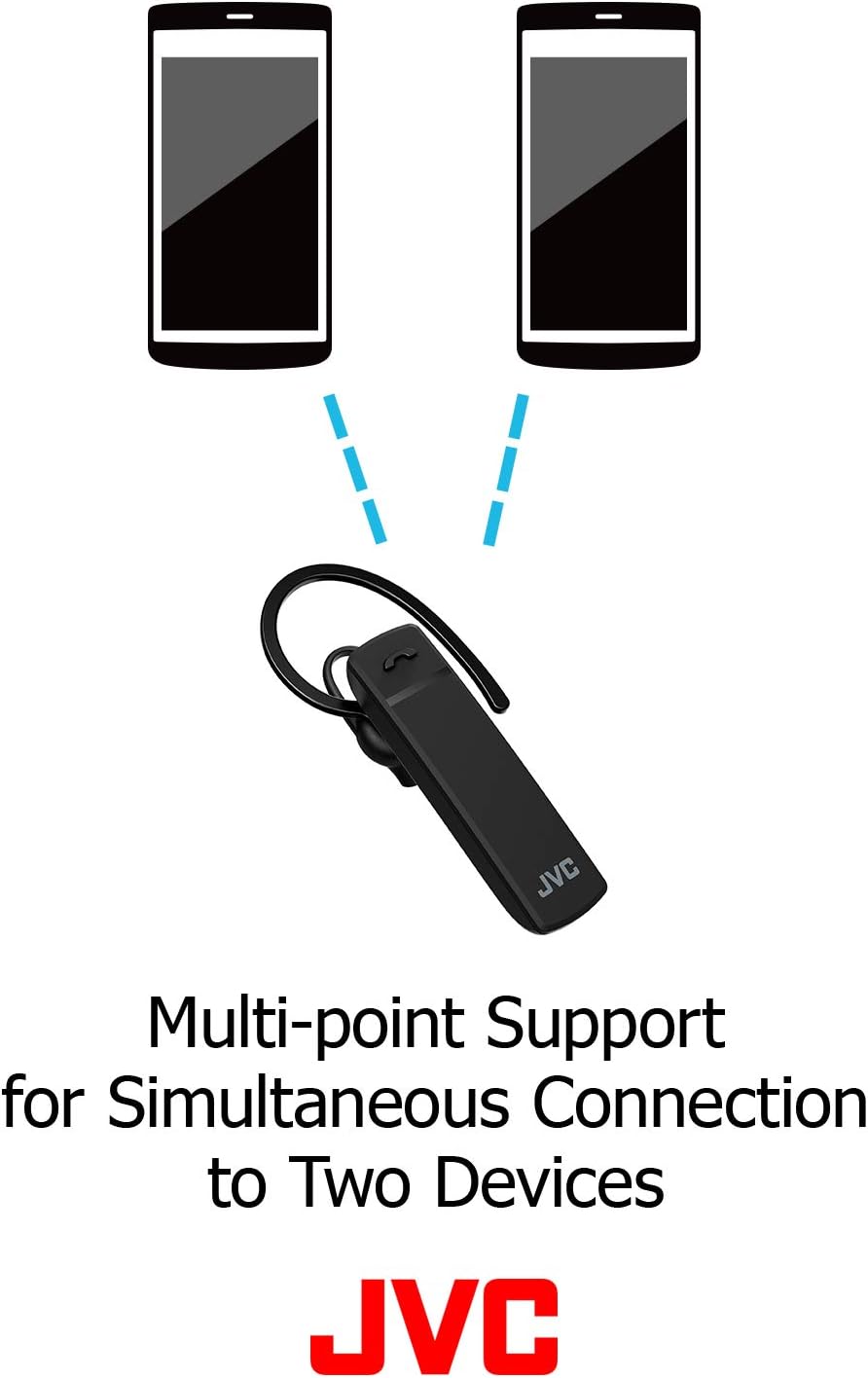
Image 3.2: Illustration showing the JVC HAC300B headset connected simultaneously to two mobile phones, demonstrating its multipoint support feature.
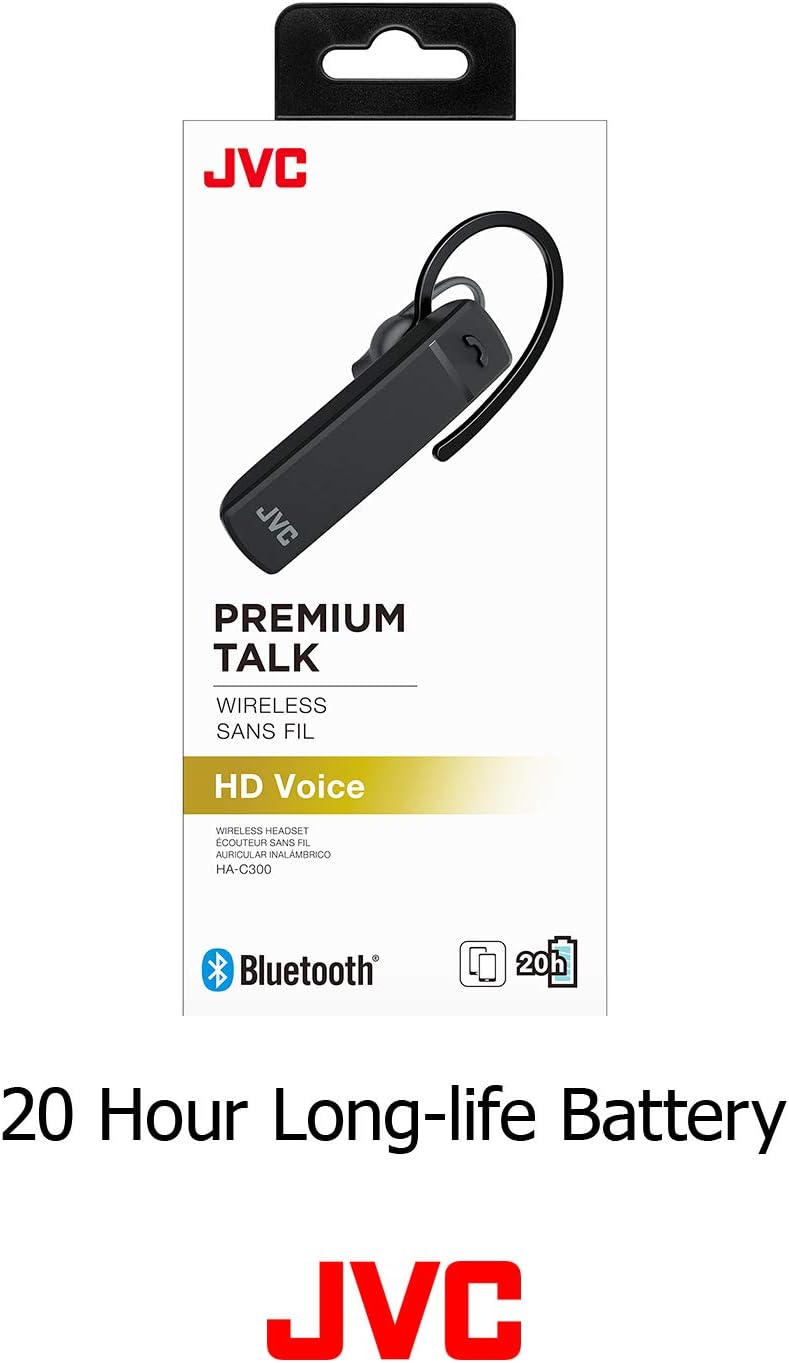
Image 3.3: The JVC HAC300B headset packaging highlighting its 20-hour long-life battery, indicating extended usage time.
4. Setup
4.1. Charging the Headset
Before initial use, fully charge your JVC HAC300B headset. Connect the provided charging cable to the headset's charging port and plug the other end into a USB power source (e.g., computer USB port, USB wall adapter). The indicator light will show charging status and turn off or change color when fully charged. A full charge provides up to 20 hours of battery life.
4.2. Pairing with a Device
To connect your headset to a Bluetooth-enabled device:
- Ensure the headset is turned off.
- Press and hold the power button until the indicator light flashes blue and red alternately, indicating pairing mode.
- On your device (smartphone, tablet, PC), go to the Bluetooth settings and turn Bluetooth on.
- Search for available devices. Select "JVC HAC300B" from the list.
- Once connected, the indicator light on the headset will typically flash blue slowly or turn solid blue.
4.3. Wearing the Headset
The HAC300B features a reversible and removable ear hook for comfortable wear on either your left or right ear. Choose the ear piece size that provides the most secure and comfortable fit. The headset is designed for a single-ear fit.

Image 4.1: A man wearing the JVC HAC300B headset on his ear, demonstrating its compact and discreet design.

Image 4.2: Components of the JVC HAC300B headset, including the main unit, removable ear hook, and different sized ear pieces for a customized fit.
5. Operating Instructions
5.1. Power On/Off
- Power On: Press and hold the power button until the indicator light flashes blue.
- Power Off: Press and hold the power button until the indicator light flashes red and then turns off.
5.2. Call Management
Use the multi-function button on the headset for call control:
- Answer/End Call: Press the multi-function button once.
- Reject Call: Press and hold the multi-function button for approximately 2 seconds.
- Redial Last Number: Double-press the multi-function button.
5.3. Switching Between Devices (Multipoint)
With multipoint compatibility, your headset can be connected to two devices simultaneously. To switch between devices:
- Ensure both devices are paired and connected to the headset.
- When a call comes in on the second device while you are on a call on the first, the headset will typically alert you.
- To answer the new call and put the current call on hold, press the multi-function button once.
- To switch back to the first call, press the multi-function button again.

Image 5.1: A woman smiling while using the JVC HAC300B headset with her laptop, illustrating its use for telework and remote communication.
6. Maintenance
To ensure the longevity and optimal performance of your JVC HAC300B headset, follow these maintenance guidelines:
- Cleaning: Wipe the headset regularly with a soft, dry cloth. Do not use harsh chemicals or abrasive materials.
- Storage: Store the headset in a cool, dry place away from direct sunlight and extreme temperatures.
- Water Resistance: The headset is not water resistant. Avoid exposure to water, moisture, or excessive humidity.
- Battery Care: Avoid fully discharging the battery frequently. Charge the headset regularly, even if not in use for extended periods, to maintain battery health.
7. Troubleshooting
If you encounter issues with your JVC HAC300B headset, refer to the following common solutions:
| Problem | Possible Cause | Solution |
|---|---|---|
| Headset does not power on | Low battery | Charge the headset fully. |
| Cannot pair with device | Headset not in pairing mode; Bluetooth off on device; device out of range | Ensure headset is in pairing mode (flashing blue/red). Turn on Bluetooth on your device. Move device closer to headset. |
| No sound or low volume | Volume too low; headset not connected; incorrect audio output selected | Adjust volume on headset and device. Reconnect headset. Select headset as audio output on your device. |
| Poor call quality | Interference; device out of range; low battery | Move away from sources of interference. Move closer to your device. Charge the headset. |
8. Specifications
Detailed technical specifications for the JVC HAC300B Bluetooth Wireless Headset:
| Feature | Specification |
|---|---|
| Model Name | HAC300B |
| Connectivity Technology | Bluetooth |
| Bluetooth Version | 5.0 |
| Wireless Communication Technology | Bluetooth |
| Battery Life | Up to 20 Hours |
| Charging Time | 20 Hours (This seems to be a typo in source, likely meant 'up to 20 hours battery life' not charging time) |
| Item Weight | 0.423 ounces (approx. 12 Grams) |
| Product Dimensions | 7.28 x 2.95 x 1.38 inches |
| Ear Placement | In Ear |
| Form Factor | In Ear |
| Material | Plastic |
| Water Resistance Level | Not Water Resistant |
| Control Type | Media Control |
| Control Method | Push Button |
| Compatible Devices | Smartphones, Tablets, Laptops, Desktops |
| UPC | 046838081538 |
9. Warranty and Support
For warranty information and customer support, please refer to the documentation included with your product or visit the official JVC website. Keep your proof of purchase for warranty claims.


