
1. Introduction
This manual provides essential instructions for the proper use, setup, and maintenance of your Orient Automatic Watch, model RA-AC0F06L10B. Please read this manual thoroughly to ensure optimal performance and longevity of your timepiece.
2. Product Overview
The Orient Automatic Watch RA-AC0F06L10B is a self-winding mechanical timepiece featuring an analog display, date function, and a blue leather strap. It is designed for daily wear and offers a power reserve of approximately 40 hours.
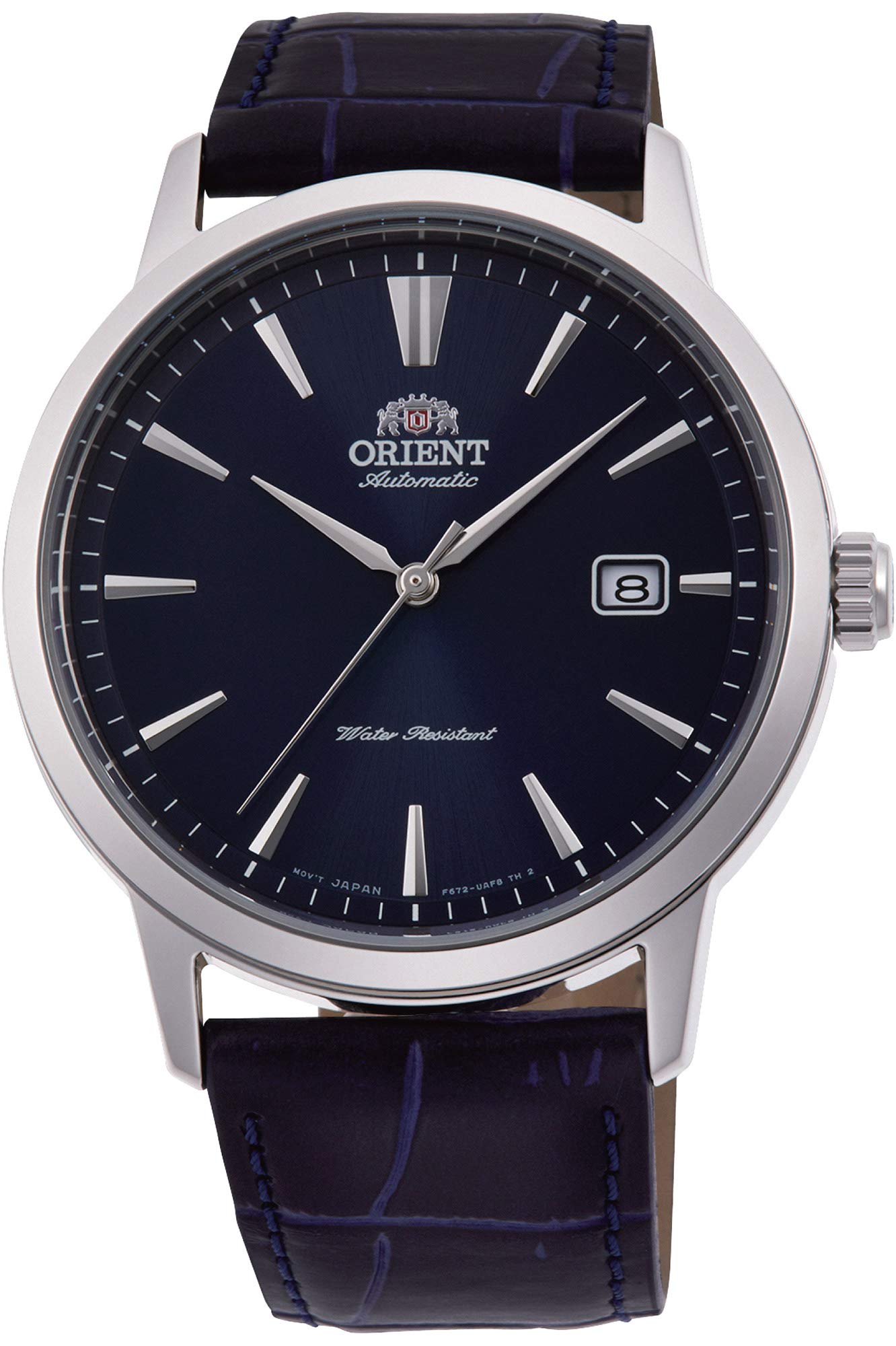
Image 2.1: The Orient Automatic Watch RA-AC0F06L10B, showcasing its overall design with a blue dial and leather strap.

Image 2.2: A detailed view of the watch face, highlighting the blue dial, silver hour markers, hands, and date window at the 3 o'clock position.

Image 2.3: The watch displayed with its blue leather strap, showing the texture and stitching of the band.

Image 2.4: The transparent case back of the watch, revealing the automatic mechanical movement with its intricate gears and rotor.
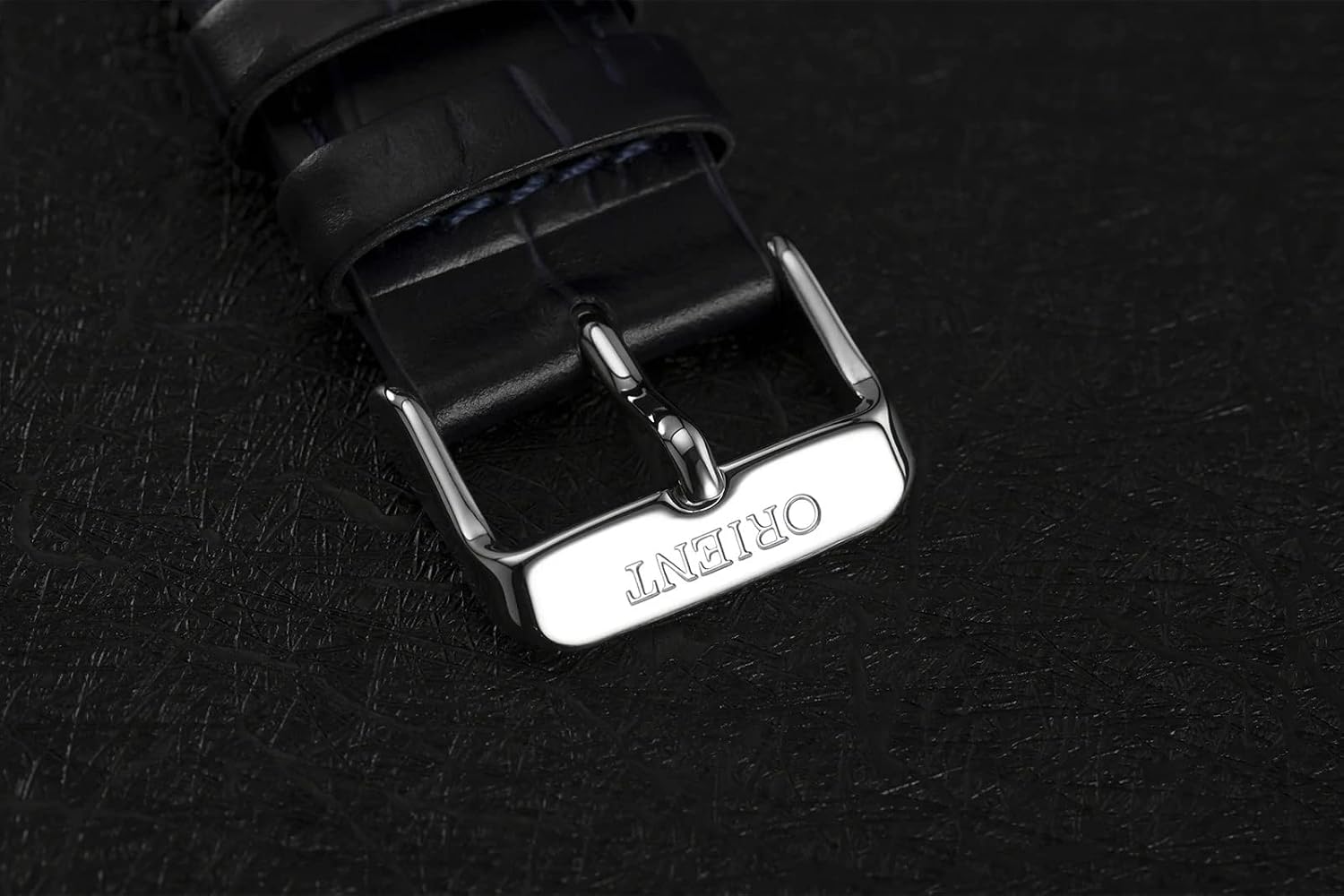
Image 2.5: A close-up of the silver-toned pin buckle clasp, featuring the Orient brand engraving.

Image 2.6: The watch presentation box, black with a silver top panel featuring the Orient logo.
3. Setup
3.1 Initial Winding
As an automatic watch, the RA-AC0F06L10B is powered by the motion of your wrist. If the watch has stopped, it requires initial winding to start. Gently rotate the crown clockwise approximately 20-30 times while it is in the normal (pushed-in) position. This will build up sufficient power reserve to start the movement.
3.2 Setting the Time and Date
- Pull the crown out to the first click position: This position allows you to set the date. Rotate the crown either clockwise or counter-clockwise to adjust the date. Avoid setting the date between 9 PM and 3 AM, as this can damage the movement.
- Pull the crown out to the second click position: This position stops the second hand and allows you to set the time. Rotate the crown to move the hour and minute hands. To ensure accuracy, set the time a few minutes ahead and then push the crown back in when a time signal (e.g., from a radio or phone) reaches the desired time.
- Push the crown back to the normal position: After setting, always push the crown fully back into its normal position to ensure water resistance.
3.3 Adjusting the Leather Strap
The watch comes with a leather strap and a pin buckle closure. To adjust the fit, simply insert the pin into the desired hole on the strap. Ensure the watch is snug but comfortable on your wrist, allowing for proper air circulation and preventing excessive movement.
4. Operating Instructions
4.1 Daily Wear and Power Reserve
For consistent operation, wear the watch daily for at least 8-10 hours. The natural motion of your wrist will keep the mainspring wound. If the watch is not worn for an extended period (e.g., 40 hours or more), it will stop. In such cases, refer to Section 3.1 for initial winding.
4.2 Water Resistance
This watch has a water resistance rating of 5 ATM (50 meters). This means it is suitable for everyday use and can withstand splashes, rain, and brief immersion in water. However, it is not recommended for swimming, showering, or diving. Always ensure the crown is fully pushed in before any contact with water.
- Do not operate the crown while the watch is wet or submerged.
- Avoid exposing the watch to hot water or steam, as this can compromise the seals.
5. Maintenance
5.1 Cleaning
To clean the watch case and crystal, use a soft, dry cloth. For the leather strap, wipe it with a slightly damp cloth and allow it to air dry completely. Avoid using harsh chemicals or abrasive materials, which can damage the watch's finish or strap.
5.2 Storage
When not wearing the watch, store it in a cool, dry place away from direct sunlight, extreme temperatures, and strong magnetic fields. The original watch box (Image 2.6) is suitable for storage.
5.3 Service
Mechanical watches benefit from periodic servicing to maintain accuracy and ensure the longevity of the movement. It is recommended to have your watch inspected by an authorized service center every 3-5 years.
6. Troubleshooting
6.1 Watch Has Stopped
If the watch has stopped, it likely means the power reserve has depleted. Manually wind the watch by rotating the crown clockwise 20-30 times in the normal position (refer to Section 3.1). If the watch still does not start after winding and wearing, it may require professional inspection.
6.2 Date Not Changing Correctly
Ensure you are setting the date outside the "danger zone" (9 PM to 3 AM). If the date mechanism is stuck or not advancing, avoid forcing it. Consult an authorized service center.
6.3 Inaccurate Timekeeping
Automatic watches can experience slight variations in accuracy. If your watch is consistently gaining or losing a significant amount of time (e.g., more than +/- 30 seconds per day), it may require regulation by a professional watchmaker.
7. Specifications
| Model Number | RA-AC0F06L10B |
| Movement Type | Automatic (Self-Winding Mechanical) |
| Display Format | Analog |
| Case Material | Stainless Steel |
| Case Diameter | 42 mm |
| Case Thickness | 12 mm |
| Glass Type | Mineral Glass |
| Strap Material | Leather |
| Strap Color | Blue |
| Dial Color | Blue |
| Water Resistance | 5 ATM (50 meters) |
| Power Reserve | Approximately 40 hours |
| Functions | Date Display, Second Hand |
| Weight | 150 g (5.29 ounces) |
8. Warranty and Support
Your Orient Automatic Watch RA-AC0F06L10B is covered by a manufacturer's warranty. Please refer to the documentation included in your watch box for specific warranty terms and conditions. For technical support or service inquiries, please contact an authorized Orient service center.
The watch package includes the watch box and documentation, which contains detailed warranty information and contact details for support.