1. Introduction
Thank you for choosing the WINIX ZERO Pro Air Purifier. This device is designed to significantly improve your indoor air quality by effectively removing airborne pollutants such as allergens, dust, pollen, mold spores, pet dander, and volatile organic compounds (VOCs). With its advanced 4-stage filtration system and intelligent features, the ZERO Pro provides a cleaner, healthier environment for you and your family.

Image 1.1: Front view of the WINIX ZERO Pro Air Purifier.
2. Product Features
The WINIX ZERO Pro is equipped with several key features to ensure superior air purification:
- High Performance: With a Clean Air Delivery Rate (CADR) of 470 m³/h, it is suitable for rooms up to 120 m², quickly filtering out common indoor air pollutants.
- 4-Stage Filtration System:
- Washable Pre-Filter: Captures larger dust particles and pet hair.
- Activated Carbon Filter: Reduces household odors and VOCs.
- H13 True HEPA Filter: Captures 99.999% of airborne particles as small as 0.1 microns, including allergens, pollen, and mold spores.
- PlasmaWave® Technology: Creates Hydroxyls to neutralize bacteria, viruses, and gases at a molecular level, without producing harmful ozone.

Image 2.1: Illustration of the 4-stage filtration process.

Image 2.2: Explanation of PlasmaWave Technology.
- User-Friendly Controls: Intuitive control panel for easy operation.
- Automatic Mode: Utilizes intelligent sensors to monitor air quality and automatically adjusts fan speed.
- Sleep Mode: Operates quietly (28.3 dB) with dimmed lights for undisturbed rest.
- Timer Function: Set operation for 1 to 8 hours.
- Certified Performance: Tested and certified by ECARF, Allergy UK, and AHAM, ensuring genuine improvement in indoor air quality.
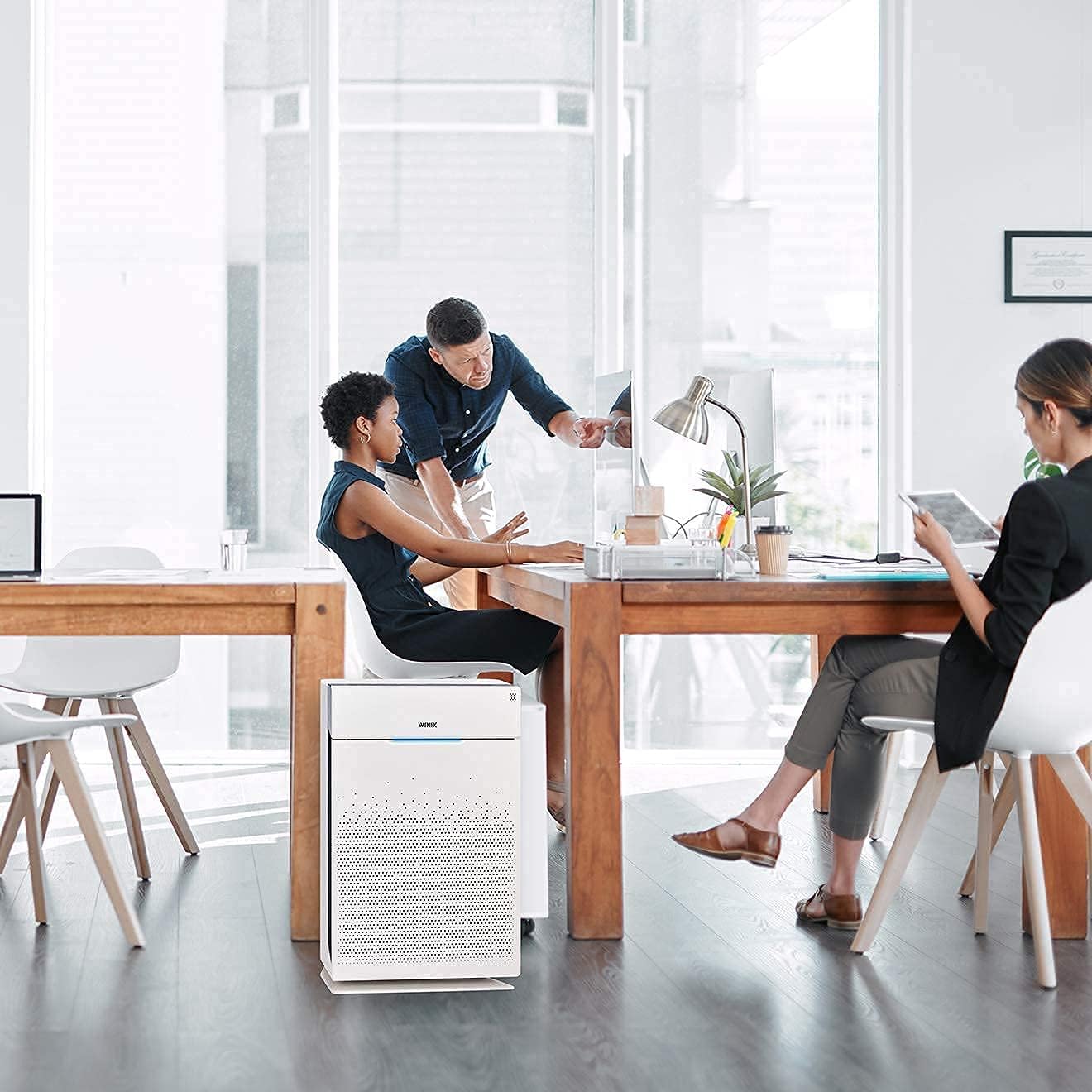
Image 2.3: The WINIX ZERO Pro effectively purifies air in various settings, including offices.
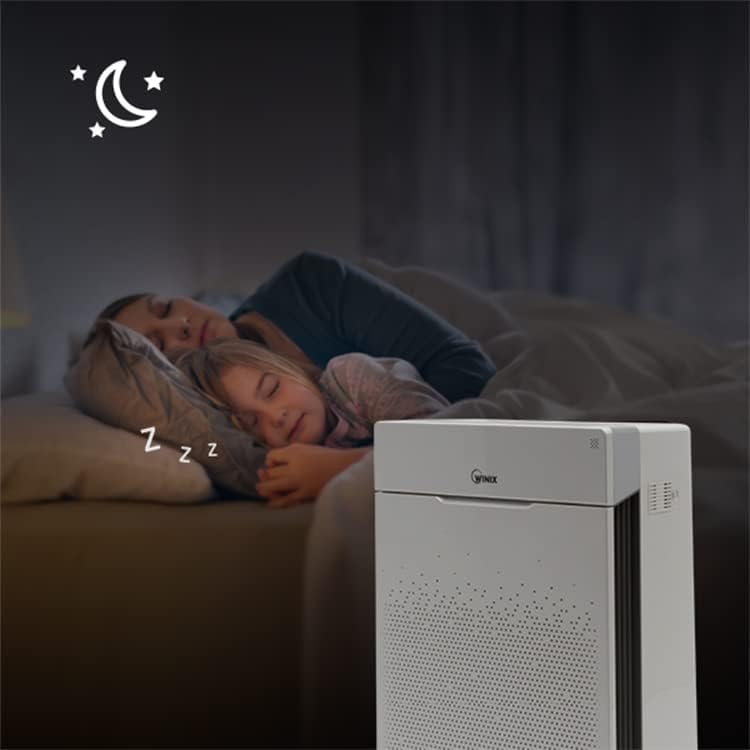
Image 2.4: The quiet Sleep Mode ensures undisturbed rest.
3. Package Contents
Upon unpacking your WINIX ZERO Pro, please ensure all the following items are present:
- WINIX ZERO Pro Air Purifier Unit
- H13 True HEPA Filter (pre-installed or separate)
- Activated Carbon Filters (set of 4, pre-installed or separate)
- User Manual (this document)
4. Setup Guide
Follow these steps to set up your WINIX ZERO Pro Air Purifier:
- Unpack the Unit: Carefully remove the air purifier from its packaging. Remove any protective plastic films or tapes.
- Install Filters: Open the front cover of the air purifier. Ensure the HEPA filter and Activated Carbon filters are removed from their protective plastic bags and correctly inserted into the unit. The Activated Carbon filters typically go in front of the HEPA filter. Close the front cover securely.
- Placement: Place the air purifier on a firm, level surface. Ensure there is at least 30 cm (12 inches) of clear space around the sides and back of the unit for optimal airflow. Avoid placing it directly against walls or furniture.
- Connect Power: Plug the power cord into a standard electrical outlet.
5. Operating Instructions
Familiarize yourself with the control panel to operate your air purifier effectively.

Image 5.1: Overview of the control panel.
- Power On/Off: Press the Power button to turn the unit on or off.
- Mode Selection: Press the Mode button to cycle through fan speeds (Low, Medium, High, Turbo) or select Auto Mode.
- Auto Mode: When selected, the air purifier automatically adjusts its fan speed based on the detected air quality. The air quality indicator light will change color (Blue: Good, Amber: Fair, Red: Poor).
- Sleep Mode: Press the Sleep button to activate sleep mode. The fan speed will reduce to its quietest setting, and all indicator lights will dim or turn off.
- PlasmaWave®: Press the PlasmaWave button to turn this feature on or off. It is recommended to keep it on for enhanced air purification.
- Timer: Press the Timer button to set the operating time (1, 2, 4, or 8 hours). The unit will automatically turn off after the set time.
- Filter Reset: After replacing filters, press and hold the Filter Reset button for 5 seconds to reset the filter replacement indicator.
6. Maintenance
Regular maintenance ensures optimal performance and extends the lifespan of your air purifier.
- Pre-Filter Cleaning: The washable pre-filter should be cleaned every 2-4 weeks, or more frequently depending on air quality. Use a vacuum cleaner or rinse with water. Ensure it is completely dry before re-installing.
- Activated Carbon Filter Replacement: Replace the Activated Carbon filters approximately every 3 months.
- HEPA Filter Replacement: Replace the H13 True HEPA filter approximately every 12 months.
- Sensor Cleaning: Periodically clean the air quality sensor located on the side of the unit. Use a cotton swab to gently wipe away any dust accumulation.
Note: Filter lifespan may vary depending on usage and environmental conditions. Always use genuine WINIX replacement filters.
7. Troubleshooting
If you encounter issues with your WINIX ZERO Pro, refer to the following common problems and solutions:
| Problem | Possible Cause | Solution |
|---|---|---|
| Unit does not turn on | Power cord not plugged in; No power at outlet | Ensure power cord is securely plugged in; Check power outlet with another device. |
| Airflow is weak or noisy | Filters are clogged; Obstruction near air intake/outlet | Clean or replace filters; Ensure clear space around the unit. |
| Air quality indicator always red/amber | Sensor is dirty; High level of pollutants in the room | Clean the air quality sensor; Allow more time for purification or increase fan speed. |
| Odor coming from unit | Activated Carbon filter needs replacement | Replace the Activated Carbon filters. |
| PlasmaWave light blinking | Malfunction | Turn off and unplug the unit for 30 minutes, then restart. If issue persists, contact customer support. |
If the problem persists after trying these solutions, please contact WINIX customer support.
8. Specifications
| Specification | Detail |
|---|---|
| Model Number | AZPU370-IWE |
| Color | White |
| Product Dimensions (L x W x H) | 24 x 41.5 x 60 cm |
| Item Weight | 8.5 Kilograms |
| Room Coverage (CADR) | Up to 120 m² (470 m³/h) |
| Power Consumption | 90 Watts |
| Voltage | 220V |
| Material | Plastic |
| Noise Level (Min) | 28.3 dB |
| Number of Speed Settings | 5 |
| Certifications | ECARF, Allergy UK, AHAM-certified, RoHS-certified |

Image 8.1: Dimensions of the WINIX ZERO Pro Air Purifier.
9. Warranty and Support
The WINIX ZERO Pro Air Purifier comes with a manufacturer's warranty. For detailed warranty information, product registration, or technical support, please visit the official Winix website or contact their customer service department. Keep your purchase receipt as proof of purchase.
For further assistance, you may visit the Winix Store on Amazon.


