1. Product Overview
The Start-X Remote Starter Kit is designed to provide remote engine start functionality for compatible 2019-2024 RAM 1500 Push to Start vehicles. This kit allows users to start their vehicle remotely by pressing the lock button three times on their existing factory remote, enhancing comfort by pre-warming or pre-cooling the vehicle interior.
Key Features:
- Remote Start Functionality: Activates by pressing the lock button 3 times on the factory remote.
- Plug N Play T-Harness: Simplifies installation by minimizing wire splicing.
- Compatibility: Specifically designed for 2019-2024 RAM 1500 Push to Start models.
- Programming: Requires a computer (Windows or Mac) for initial setup.
- Range: Operates within the existing range of the factory key fob.
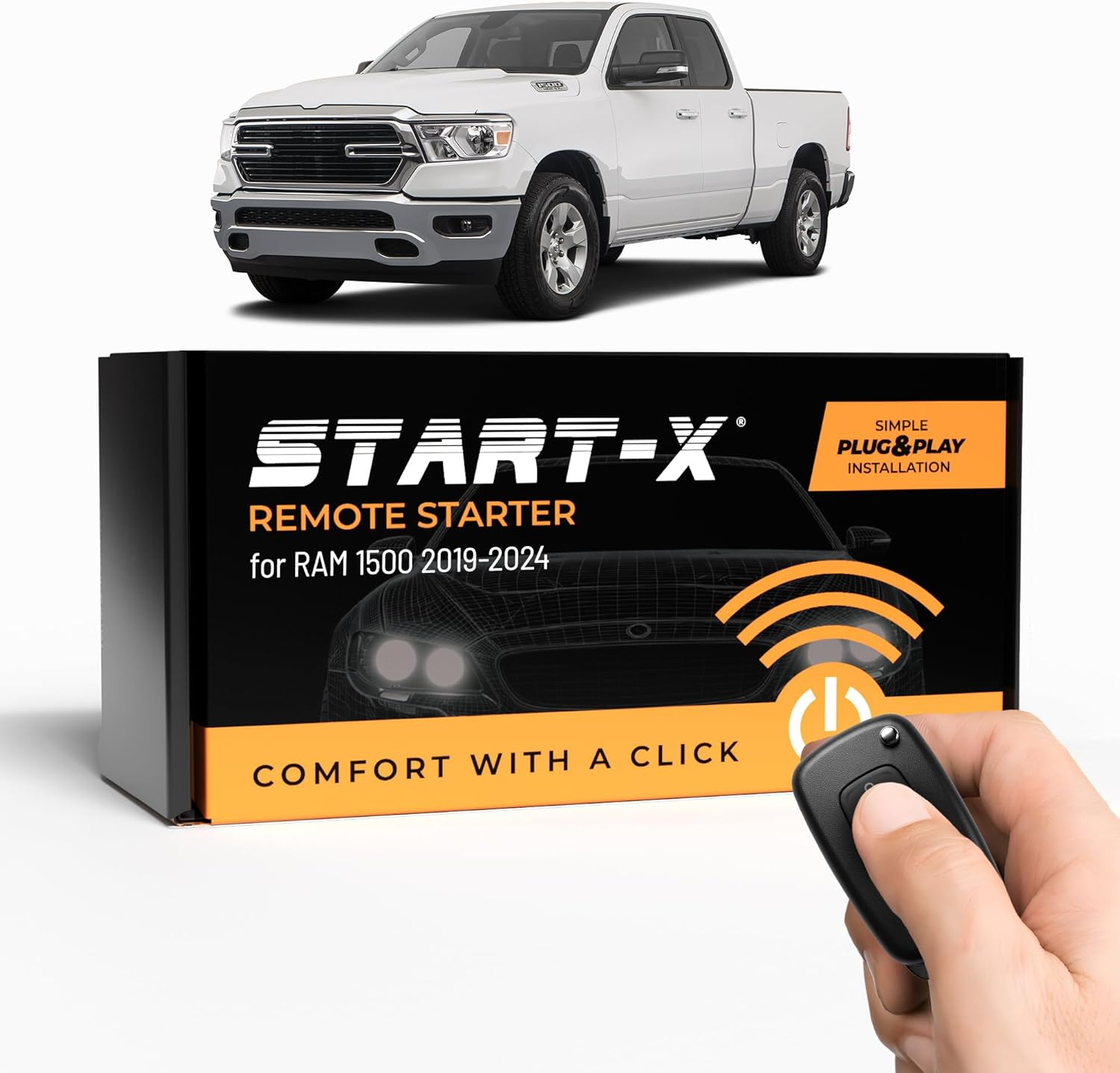
Image 1: The Start-X Remote Starter Kit packaging alongside a compatible RAM 1500 truck and a remote key fob.
2. Compatibility
This remote starter kit is designed for specific vehicle configurations. Please verify your vehicle's specifications before installation.
- Vehicle Model: 2019-2024 RAM 1500 (Push to Start models only).
- Exclusion: Not compatible with the RAM 1500 Classic.
- Ignition Type: Only for vehicles with a Push to Start button. Not compatible with traditional key start ignition systems.
- Fuel Type: Compatible with Gas models only. Not compatible with diesel models.
- Transmission Type: Designed for Automatic transmission models only. Not compatible with manual transmission models.
- Remote Requirement: Requires an existing factory remote key fob. The kit does not include a remote.
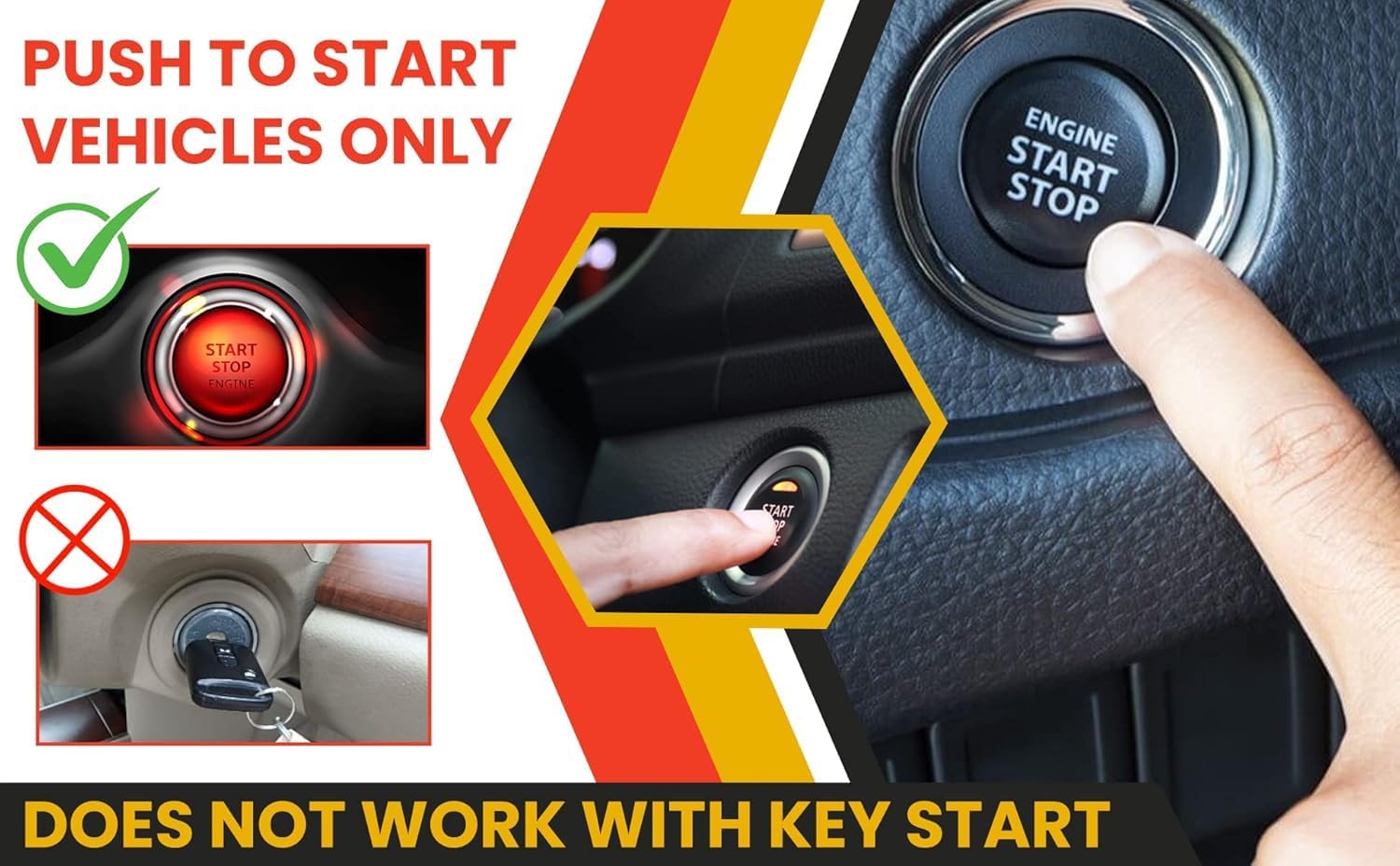
Image 2: Illustrates the requirement for a 'Push to Start' ignition button, showing a green checkmark for push-button start and a red cross for traditional key start.

Image 3: Displays various factory remote key fobs, indicating that an existing remote is required for operation.

Image 4: Shows a hand holding a gas pump nozzle, emphasizing compatibility only with gas-powered vehicle models.

Image 5: Features an automatic transmission gear selector, indicating that the kit is only compatible with automatic transmission vehicles.
3. Installation
The Start-X Remote Starter Kit features a Plug 'N Play T-Harness designed to simplify the installation process. While most connections are plug-and-play, one wire requires a tap connection. A computer is required for the final programming steps.
Tools Required:
- Drill with appropriate bit for bolt removal.
- Pry tool (or suitable alternative for panel removal).
- Wire strippers.
- Computer (Windows or Mac) with internet access for programming.
Installation Steps:
- Accessing the Lower Dash:
Locate and remove the two bolts at the bottom of the lower dash. One bolt is towards the middle, and the other is on the right side. Use a drill or appropriate tool for removal. - Removing the Lower Dash Panel:
Carefully remove the lower dash panel. You can use a pry tool or your hands to gently unclip it from the bottom and top. - Connecting the T-Harness (Left Side):
On the left side, under the dash, locate the green box with white connectors. Identify the two rows of wires. Insert the white wire from the T-harness into any open slot in these rows. - Connecting the T-Harness (Right Side - Ignition):
On the right side of the lower dash, behind the push-to-start button, locate the vehicle's ignition connector. Unplug the existing connector. Plug the ignition T-harness inline, ensuring it clicks securely into place. Then, plug the vehicle's original connector back into the T-harness. - Ignition Wire Tap:
Locate the back left of the lower dash. Identify pin number 27, which is a brown wire with a black line going through it. Carefully strip a small section of this wire. Connect the corresponding wire from the remote start kit to this stripped section. Ensure a secure connection. - Programming the Module:
After all connections are made, a computer (Windows or Mac) is required to complete the installation and program the remote start module. Follow the instructions provided with the kit for the Weblink setup and module update.
Video 1: Official installation guide for the Start-X Remote Start Kit for RAM 1500 Push-To-Start 2019+ models. This video demonstrates the steps for removing dash panels, connecting the T-harness, and performing the ignition wire tap.

Image 6: A close-up of a USB cable connected to a laptop, indicating that a Windows PC is required to complete the setup and programming of the remote start module.
4. Operation
Once installed and programmed, the Start-X Remote Starter Kit integrates seamlessly with your vehicle's existing factory key fob.
To Remote Start Your Vehicle:
- Ensure your vehicle doors are closed and locked.
- Press the Lock button on your factory key fob three (3) times consecutively.
- The vehicle's lights will flash, and the engine will start.
- To turn off the vehicle remotely, press the Lock button three (3) times again.
The distance from which you can remote start your vehicle is limited by the range of your factory key fob. If you require extended range, separate long-range remotes may be available for purchase.
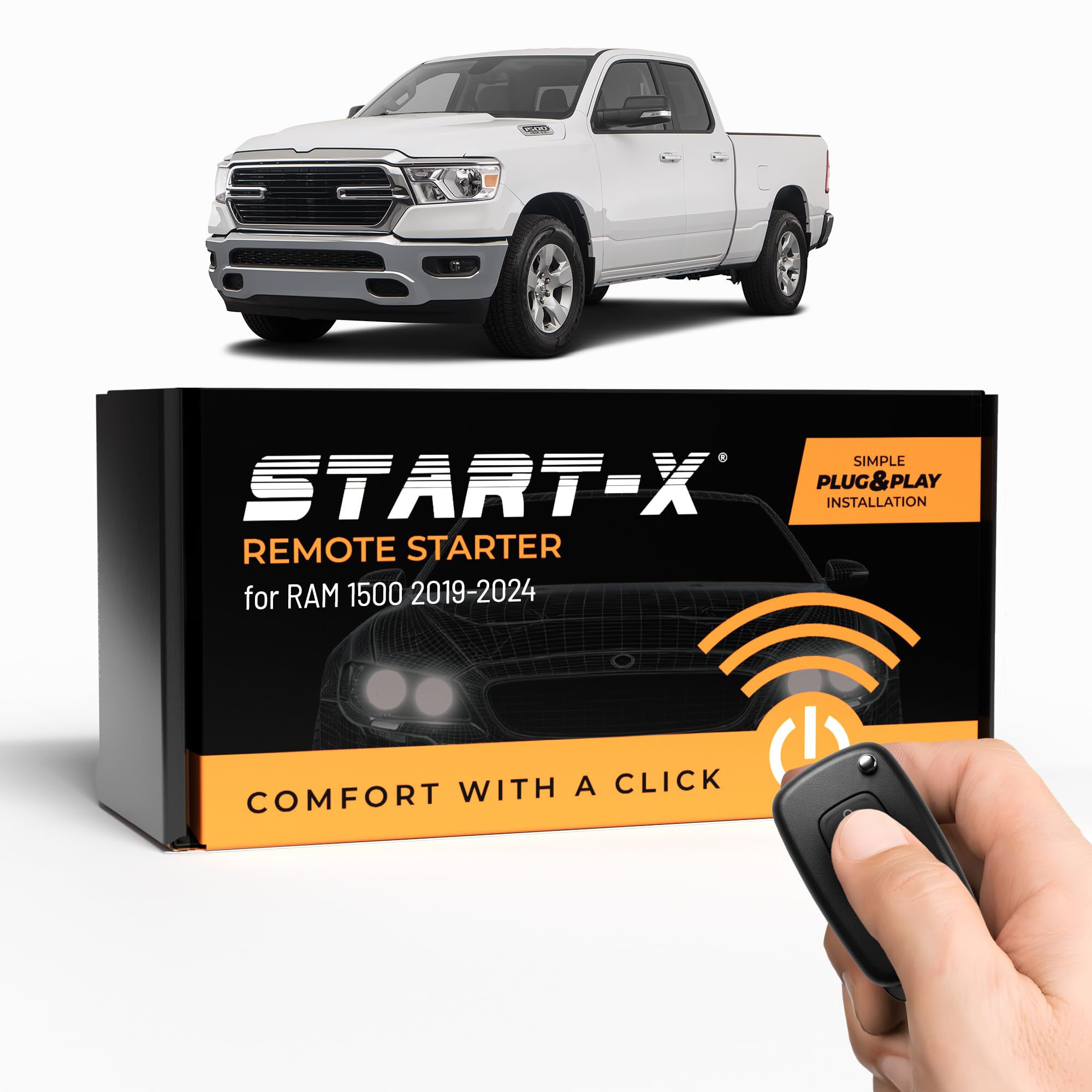
Image 7: A hand demonstrating the action of pressing the lock button on a remote key fob to activate the remote start feature.
5. Maintenance
The Start-X Remote Starter Kit is designed for durability and requires minimal maintenance. To ensure optimal performance and longevity:
- Keep the module and wiring connections free from moisture and extreme temperatures.
- Avoid physical damage to the module and its components.
- Periodically check wiring connections to ensure they remain secure.
- Ensure your vehicle's battery is in good condition, as a weak battery can affect remote start performance.
6. Troubleshooting
If you encounter issues with your Start-X Remote Starter Kit, please refer to the following common troubleshooting tips:
| Problem | Possible Cause | Solution |
|---|---|---|
| Remote start does not activate. | Incorrect button sequence; vehicle not in park; hood open; low fuel; door ajar; module not programmed correctly. | Ensure 3x lock press is within 3 seconds. Verify all doors, hood, and trunk are closed. Check fuel level. Re-program the module using a computer if necessary. |
| Vehicle starts but immediately shuts off. | Improper programming or wire tap connection. | Verify the ignition wire tap (pin 27, brown wire with black line) is secure. Re-program the module. Consult the installation video for precise wire identification. |
| Remote start range is poor. | Limited by factory key fob range; environmental interference. | Test your factory remote's normal lock/unlock range. Consider purchasing an optional long-range remote if extended range is needed. |
| Check engine light or other vehicle warnings after installation. | Incorrect wiring or module malfunction. | Double-check all wiring connections against the installation guide. Ensure the module is correctly programmed. If issues persist, disconnect the remote start module and consult a professional. |
| Module not recognized by computer during programming. | Driver issues; incorrect software version; faulty USB connection. | Ensure you have the correct Weblink software and drivers installed. Try a different USB port or cable. Restart your computer. |
7. Specifications
| Attribute | Detail |
|---|---|
| Brand | Start-X |
| Model Number | RM1519PT |
| Item Weight | 8.8 ounces |
| Package Dimensions | 8.19 x 4.17 x 2.32 inches |
| Date First Available | September 27, 2019 |
8. Warranty and Support
For specific warranty information regarding your Start-X Remote Starter Kit, please refer to the documentation included with your product or visit the official Start-X website. As a small business brand, Start-X is committed to quality and customer satisfaction.
For technical support or further assistance, please contact the seller directly through the platform where the product was purchased or refer to the contact information provided by Start-X.


