
1. Introduction
This manual provides detailed instructions for the ASHATA Bluetooth 4.2 Stereo Audio Receiver Module (Model ASHATA39bq06t7am). This module is designed for integrating Bluetooth audio receiving capabilities into various DIY audio projects and existing systems. It offers low power consumption and supports dual-channel stereo lossless playback, providing a convenient solution for wireless audio streaming.
Please read this manual thoroughly before installation and operation to ensure correct usage and optimal performance.
2. Product Overview
The ASHATA Bluetooth 4.2 Stereo Audio Receiver Module is a compact electronic component that enables devices to receive audio signals wirelessly via Bluetooth 4.2. It is ideal for hobbyists and professionals looking to add Bluetooth audio input to amplifiers, speakers, or other audio systems. The module features professional chipsets for stable performance and supports a connection range of up to 20 meters in open environments.
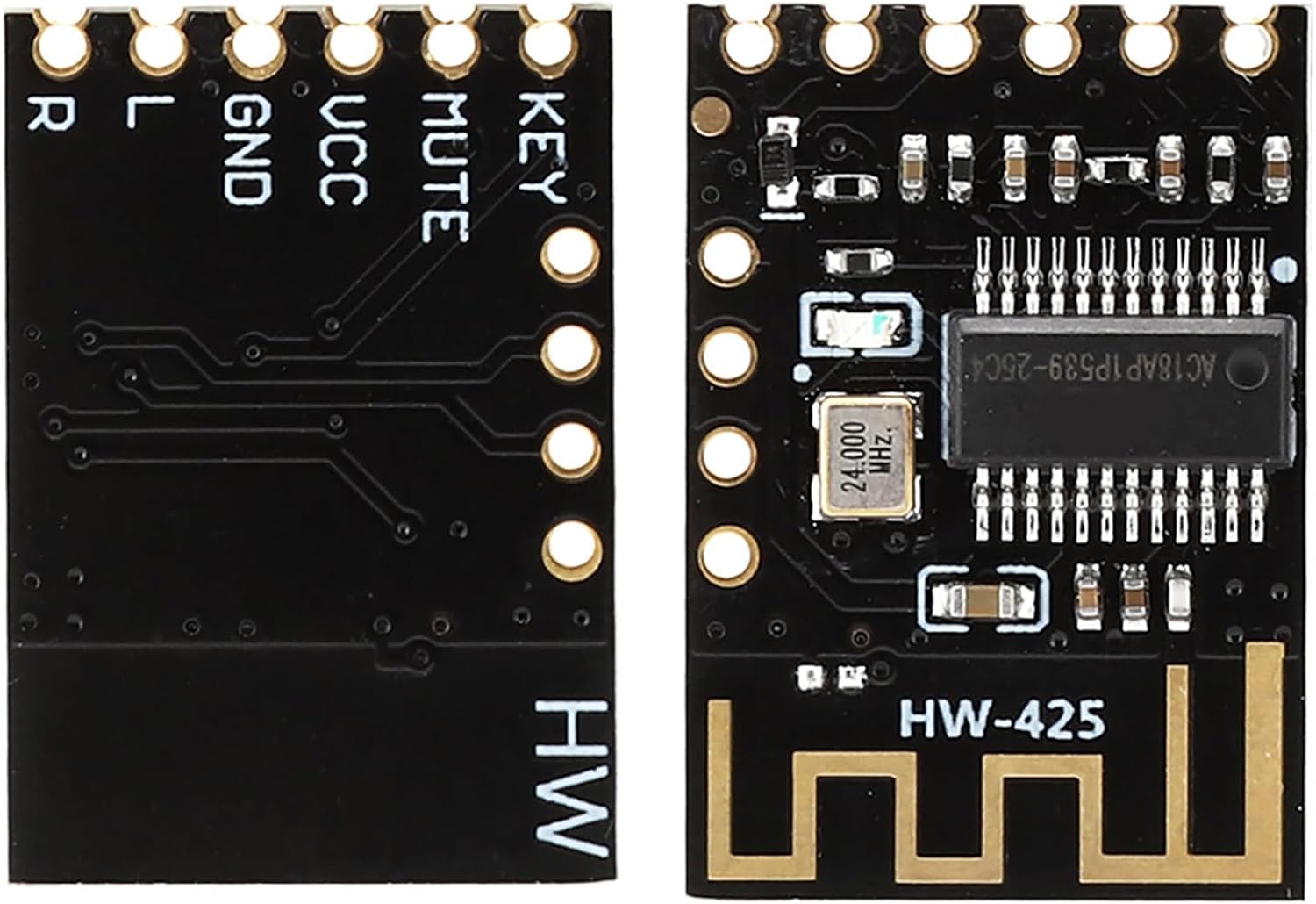
Image 2.1: Front and back view of the ASHATA Bluetooth Audio Receiver Module. The front side displays the main chip and antenna, while the back side shows connection pins labeled R, L, GND, VCC, MUTE, and KEY.

Image 2.2: Close-up of the module's component side, showing the main Bluetooth chip (AC18AP1P539-25C4) and a 24.000 MHz crystal oscillator, along with other surface-mount components.
3. Features
- Precise Design: Features precise incisions and interfaces ensuring suitability for various mounting positions and easy integration.
- Durable Construction: Made from high-quality, wear-resistant, and corrosion-resistant materials for extended lifespan.
- High Performance: Equipped with professional chipsets that deliver excellent system performance and stable operation.
- Efficient Power Usage: Designed for low power consumption, making it suitable for battery-powered applications.
- Bluetooth 4.2 Support: Supports Bluetooth 4.2 for reliable and efficient wireless audio reception.
- Dual-Channel Stereo: Provides dual-channel stereo lossless playback for high-fidelity audio output.
- Quick Connection: Facilitates quick and convenient Bluetooth pairing once the module is powered on.
- Extended Range: Offers a Bluetooth connection distance of up to 20 meters in open spaces or low interference conditions.
- Versatile Application: Widely applicable for various Bluetooth audio receiving projects and DIY audio modifications.
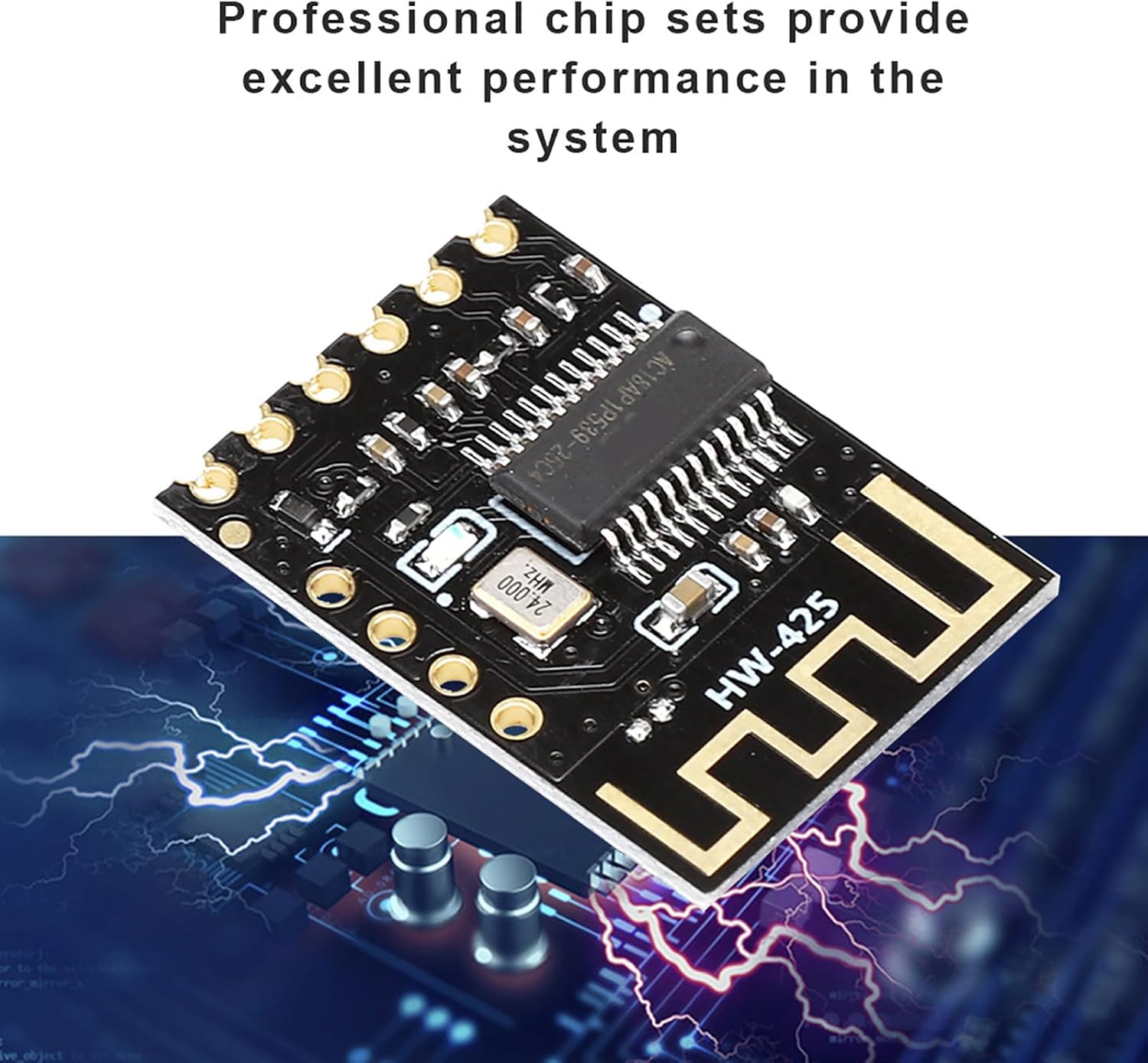
Image 3.1: The module's professional chipsets ensure excellent performance.
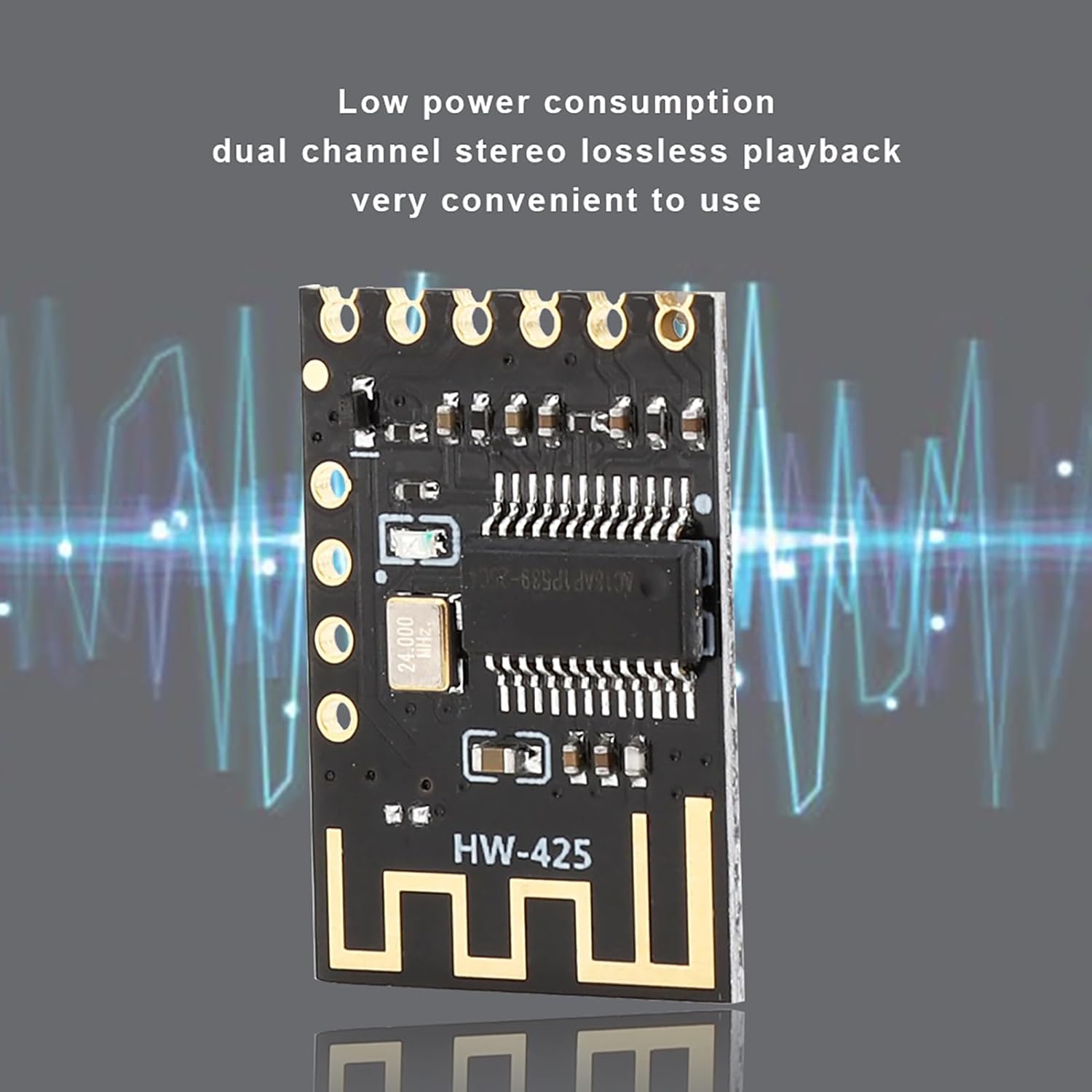
Image 3.2: The module supports low power consumption and dual-channel stereo lossless playback.
4. Setup Instructions
This module requires basic electronic assembly skills, including soldering, for proper integration into your project. Refer to the pinout diagram for connections.
4.1 Pinout Diagram and Connections
Image 4.1: Pinout of the ASHATA Bluetooth Audio Receiver Module.
- VCC: Power supply input (5V or 3.7-4.2V).
- GND: Ground connection.
- L: Left audio channel output.
- R: Right audio channel output.
- MUTE: Mute control pin.
- KEY: Control input for functions like play/pause, next/previous track (requires external circuitry).
4.2 Power Supply Connection
- Connect the VCC pin to a stable 5V DC power source or a 3.7-4.2V battery.
- Connect the GND pin to the ground of your power supply.
- Ensure the power supply is clean and stable to prevent noise in the audio output.
4.3 Audio Output Connection
- Connect the L pin to the left audio input of your amplifier or speaker system.
- Connect the R pin to the right audio input of your amplifier or speaker system.
- Connect the GND pin (audio ground) to the audio ground of your amplifier or speaker system. This is crucial for proper audio signal integrity.
4.4 Optional Control Connections
The MUTE and KEY pins can be used for advanced control, but typically require additional circuitry (e.g., microcontrollers, buttons) to implement specific functions. For basic audio reception, these pins may be left unconnected.
5. Operating Instructions
5.1 Powering On and Bluetooth Pairing
- After completing the setup connections, apply power to the module via the VCC and GND pins.
- The module will automatically enter Bluetooth pairing mode. You may hear an audible prompt (if connected to an audio output) indicating it is ready to pair.
- On your Bluetooth-enabled device (e.g., smartphone, tablet, computer), open the Bluetooth settings.
- Scan for available Bluetooth devices. The module should appear as a device named "BT-AUDIO" or similar.
- Select the module from the list to initiate pairing. Once paired, you may hear another audible confirmation.
5.2 Audio Playback
- Once successfully paired, play audio from your connected Bluetooth device.
- The audio will be streamed wirelessly to the ASHATA module and output through the L and R pins to your connected audio system.
- Adjust the volume on your source device or your connected amplifier/speaker system.
6. Maintenance
- Cleaning: Keep the module clean and free from dust. Use a soft, dry cloth for cleaning. Avoid using liquid cleaners or solvents.
- Environment: Operate and store the module within the specified working temperature range (-40°C to 85°C). Avoid extreme temperatures, high humidity, and direct exposure to water.
- Handling: Handle the module with care to prevent physical damage to the components or solder joints. Avoid static discharge by using appropriate anti-static precautions during handling.
- Power Supply: Ensure a stable and clean power supply. Fluctuations or incorrect voltage can damage the module.
7. Troubleshooting
- Problem: Module does not power on.
- Solution: Verify that the VCC and GND connections are correctly made and that the power supply is providing the correct voltage (5V or 3.7-4.2V) and sufficient current.
- Problem: Cannot find the module in Bluetooth device list.
- Solution:
- Ensure the module is powered on.
- Make sure your source device's Bluetooth is enabled and scanning.
- Move your source device closer to the module to ensure it's within range (up to 20 meters in open space).
- Try restarting both the module (by cycling power) and your source device's Bluetooth.
- Problem: No audio output after pairing.
- Solution:
- Check the audio output connections (L, R, GND) to your amplifier/speaker system. Ensure they are correctly wired and securely connected.
- Verify that your amplifier/speaker system is powered on and set to the correct input source.
- Increase the volume on both your Bluetooth source device and your audio system.
- Ensure the MUTE pin is not accidentally activated (if used).
- Problem: Audio quality is poor or noisy.
- Solution:
- Ensure the power supply is stable and free from ripple. Add decoupling capacitors if necessary.
- Check for proper grounding of both the power supply and audio signals.
- Reduce the distance between the module and the Bluetooth source device.
- Avoid placing the module near sources of electromagnetic interference (e.g., motors, power transformers).
- Important Note: This module is a Bluetooth Audio Receiver, not a Transmitter.
- Clarification: This device is designed to receive audio wirelessly from a Bluetooth source (like a phone) and output it via its L/R/GND pins to a wired audio system. It cannot transmit audio from a wired source to Bluetooth headphones or speakers. If you require a Bluetooth audio transmitter, this module is not the correct product for that application.
8. Specifications
| Feature | Specification |
|---|---|
| Model Number | ASHATA39bq06t7am |
| Bluetooth Version | 4.2 |
| Working Voltage | 5V / 3.7-4.2V |
| Connection Working Status Current | 20mA |
| Bluetooth Connection Distance | Up to 20 meters (in open space or low interference conditions) |
| Working Temperature | -40°C to 85°C |
| Dimensions (Approx.) | 2.3 x 1.7 x 0.2 cm (0.91 x 0.67 x 0.08 inches) |
| Material | Acrylonitrile Butadiene Styrene (ABS) |
| Audio Output | Dual Channel Stereo Lossless Playback |
9. Warranty and Support
For technical support or warranty inquiries regarding your ASHATA Bluetooth 4.2 Stereo Audio Receiver Module, please contact your retailer or the ASHATA customer service department. Please have your model number (ASHATA39bq06t7am) and purchase information ready when contacting support.
ASHATA is committed to providing quality products and support. We recommend visiting the official ASHATA website for the most up-to-date information and resources.