
ScopeAround AMSA39W
Wireless Otoscope User Manual
Model: AMSA39W
Brand: ScopeAround
1. Introduction
Discover the future of ear care with the ScopeAround ear otoscope. This device features 720p resolution, ensuring every detail of your ear canal is captured with clarity. Its ultra-slim 3.9mm lens is designed to effortlessly navigate the ear canal, providing a comprehensive view. Equipped with a smart gyroscope, it delivers stable imagery for a smooth user experience.
Illuminate your examinations with 6 integrated LED lights, offering optimal visibility in any environment. The ear scope supports photo and video recording, making it easy to document and monitor your ear over time. An innovative split-screen mode allows simultaneous viewing of historical ear canal images alongside real-time footage for effective comparisons.
The detachable specula ensures easy cleaning, and 4 ear picks are included to cater to various needs. With an IP67 waterproof rating, the lens is safe for use in damp conditions. A powerful 800mAh battery guarantees long-lasting performance, making ear care simple and accessible.
Key Features:
- Otoscope for Precise Inspection: 3.9mm ultra-thin ear camera and 6 bright LED lights with 720p HD resolution for clear examinations.
- Built-in Smart Gyroscope: Ensures precise visuals with reduced shaking and a stable view, enhanced by a professional CMOS image sensor.
- Stable Wireless Otoscope: Features wireless WiFi connectivity for seamless use with smartphones or tablets, providing real-time viewing and easy sharing. Ergonomic, easy-to-grip design for comfort and stability.
- Versatile Ear Care: Includes 3 ear specula and 4 soft silicone ear picks for diverse needs, suitable for home and professional settings.
- Compact & Convenient Design: Lightweight with a powerful 800mAh battery for on-the-go care.
2. What's in the Box
Your ScopeAround Wireless Otoscope package includes the following items:
- Otoscope
- Ear Picks (4 included)
- Ear Specula (3 included)
- Q Tips
- Alcohol Pads

Figure 2.1: ScopeAround Wireless Otoscope with included accessories.
Video 2.1: An overview of the ScopeAround Wireless Otoscope and its components.
3. Setup
3.1 Charging the Device
Before first use, ensure the otoscope is fully charged. The device requires 1 Lithium Polymer battery (included). Use a 5V/1A or 5V/2A charger (not included) with the Micro USB Charging Port located at the bottom of the device.

Figure 3.1: Location of the Micro USB Charging Port and other device components.
3.2 App Download and Wi-Fi Connection
The ScopeAround otoscope connects wirelessly to your smartphone or tablet for real-time viewing. It is compatible with both iOS and Android devices.
- Download the dedicated app (e.g., 'BK WIFI' as mentioned in some user reviews) from your device's app store (App Store for iOS, Google Play Store for Android).
- Turn on the otoscope by long-pressing the Power Button. The LED lights will illuminate.
- On your smartphone or tablet, go to Wi-Fi settings and connect to the otoscope's unique Wi-Fi network (usually named something like 'BK WIFI' followed by numbers/letters).
- Open the downloaded app. The live view from the otoscope camera should now be displayed.
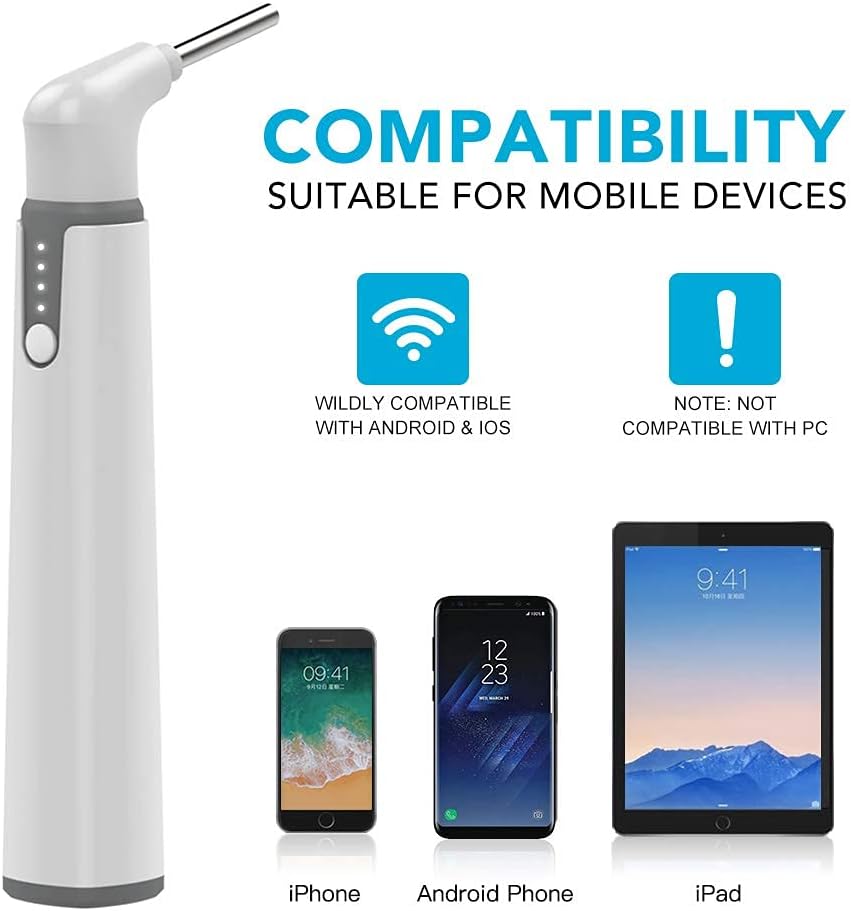
Figure 3.2: The otoscope is compatible with iOS and Android mobile devices.
4. Operating the Otoscope
4.1 General Usage
Once connected, you can begin your inspection. Gently insert the otoscope's tip into the ear canal. The built-in gyroscope ensures a stable image, even with movement, providing a clear view of the ear canal and eardrum.
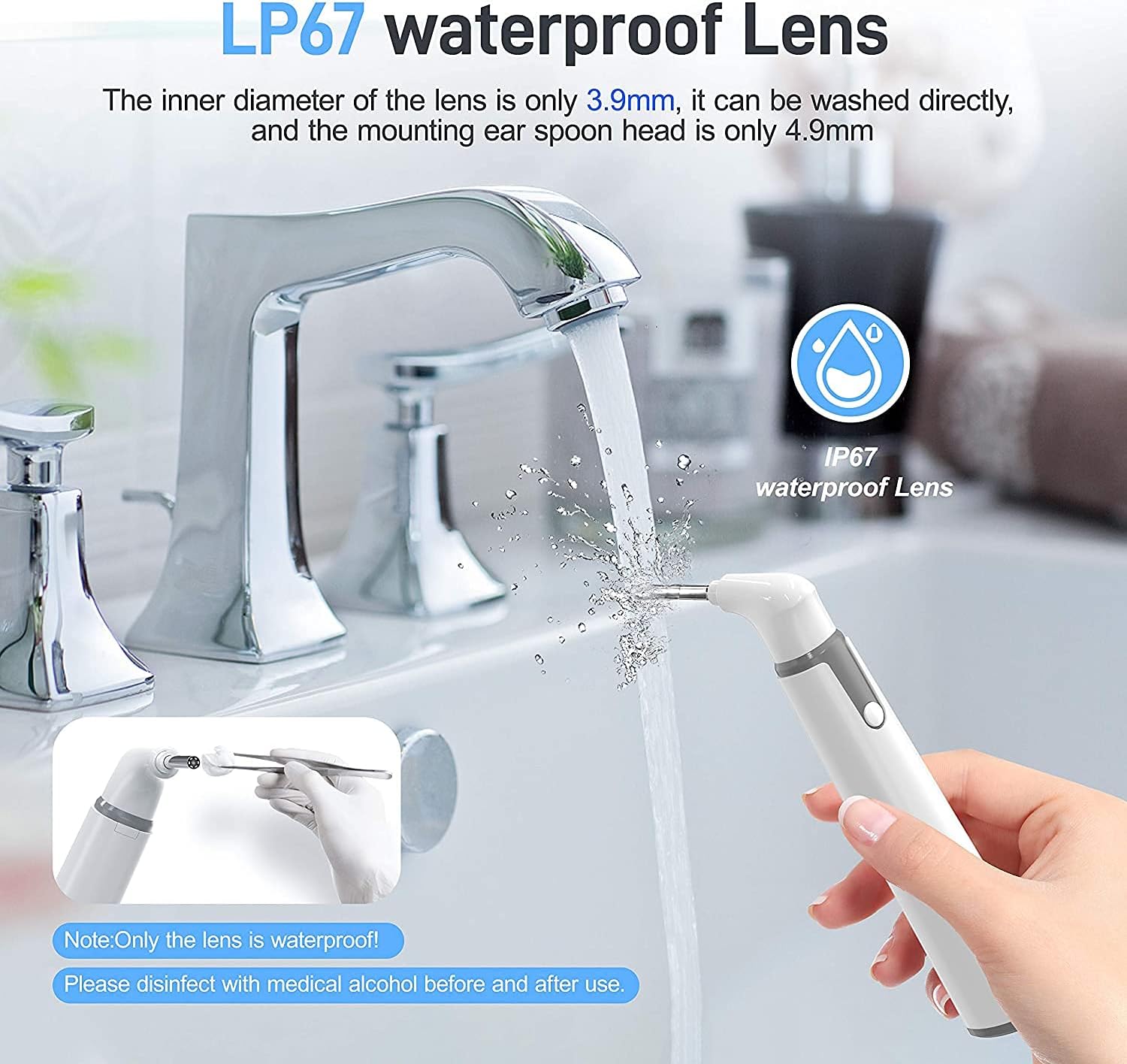
Figure 4.1: Example of otoscope usage for ear inspection.
4.2 Photo and Video Recording
The app allows you to capture still images and record videos of your inspection. This feature is useful for tracking changes over time or sharing visuals with healthcare professionals.
4.3 Versatile Applications
Beyond ear inspection, the otoscope can be used for examining other areas such as the nose, mouth, or even for pet care, offering a versatile health check-up tool for the whole family.

Figure 4.2: The 5-in-1 digital otoscope can be used for various health check-ups.

Figure 4.3: The otoscope can also be used for oral cavity inspection.
5. Maintenance
5.1 Cleaning the Lens and Specula
The otoscope lens has an IP67 waterproof rating, allowing it to be washed directly under water. However, only the lens is waterproof. Always disinfect the lens and any attached ear picks or specula with medical alcohol before and after each use to ensure hygiene.
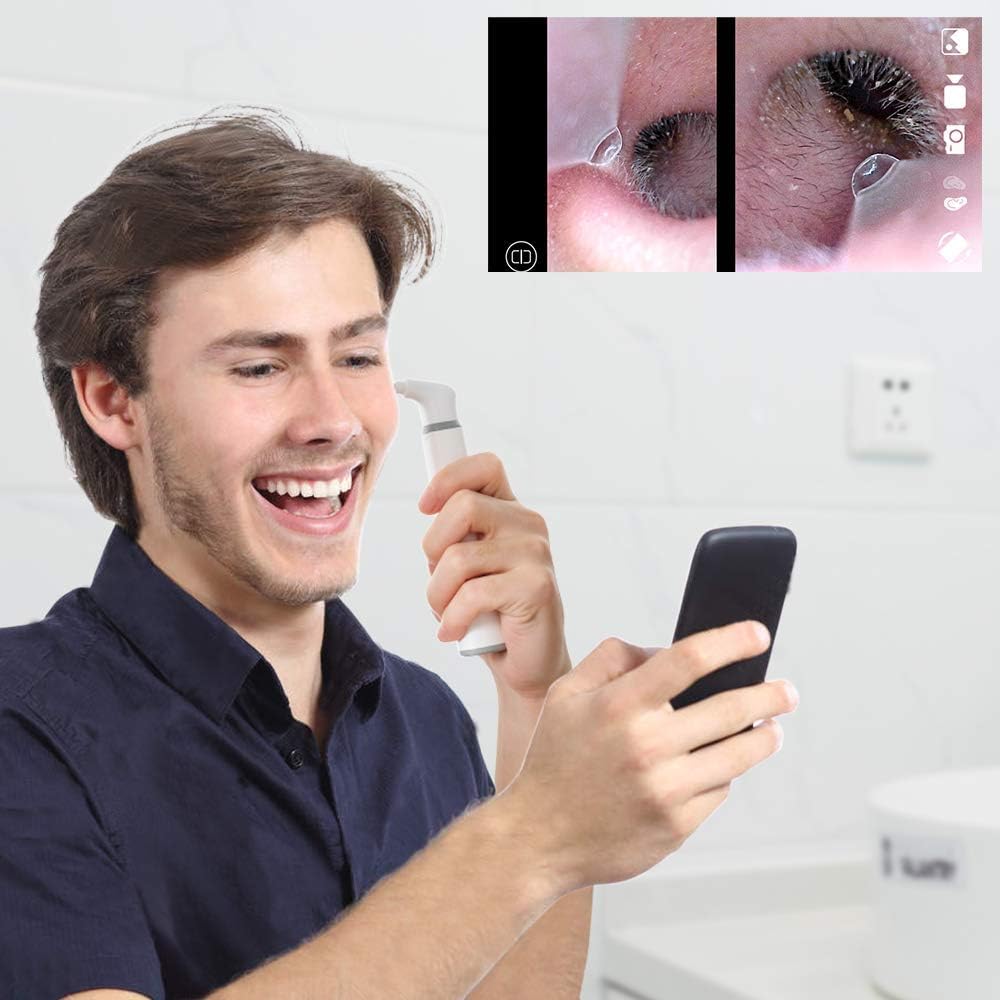
Figure 5.1: The IP67 waterproof lens can be cleaned under running water. Remember to disinfect.
The detachable specula and ear picks are designed for easy cleaning and replacement, ensuring hygienic and comfortable use.
6. Troubleshooting
6.1 Connection Issues
- No Wi-Fi Signal: Ensure the otoscope is powered on and fully charged. Check your device's Wi-Fi settings to confirm the otoscope's network is visible.
- Unable to Connect: Try restarting both the otoscope and your mobile device. Ensure no other devices are connected to the otoscope's Wi-Fi network.
6.2 Image Quality Problems
- Blurry or Grainy Image: Ensure the lens is clean and free from earwax or debris. Use the provided alcohol pads for cleaning.
- Poor Lighting: The otoscope has 6 LED lights. Ensure they are functioning correctly. Adjust the position of the otoscope to optimize lighting within the ear canal.
- Unstable Image: The built-in gyroscope should provide stable visuals. If the image is still shaky, ensure a steady hand during use.
7. Specifications
| Feature | Detail |
|---|---|
| Model Name | Wireless Otoscope Ear Camera AMSA39W |
| Brand | ScopeAround |
| ASIN | B07XP513N |
| UPC | 743307080398 |
| Package Dimensions | 7.05 x 3.43 x 1.34 inches |
| Item Weight | 5.3 ounces |
| Batteries | 1 Lithium Polymer batteries required (included) |
| Light Source Type | LED |
| Material | Plastic, Metal |
| Color | White |
| Real Angle of View | 70 Degrees |
| Compatible Devices | Tablet, Smartphone |
| Power Source | Battery Powered |
8. Warranty & Support
For detailed safety information and further support, please refer to the official user guide:
Related documentsAMSA39W

Ask a question about this manual
Ask about setup, troubleshooting, compatibility, parts, safety, or missing instructions. Manuals+ will review the question and use this page’s manual context to help answer it.