1. Introduction
This manual provides detailed instructions for the installation, operation, and troubleshooting of your Start-X F3-OBD Plug-N-Play Remote Start system. This system allows you to remotely start your compatible Ford vehicle using your existing factory key fob, providing convenience for warming or cooling your vehicle before entry. The device is powered directly from the vehicle and requires no additional batteries.
2. Vehicle Compatibility & Requirements
- Compatible Vehicles: Ford F-150 (2015-2020), Ford Edge (2016-2019), Ford Expedition (2018-2019).
- Engine Types: Works with both gasoline and diesel engines.
- Ignition Types: Compatible with both key start and push-to-start vehicles.
- Required Feature: Your vehicle must be equipped with an Original Equipment Manufacturer (OEM) hood pin for the remote starter to function. To verify, open the hood and start the engine; an indicator on the dashboard should appear if a hood pin is present.
- Operational Restrictions: The vehicle will NOT remote start if the check engine light is illuminated or if the fuel level is low.
3. Package Contents
Your Start-X Remote Start system package includes the following items:
- Remote Start Module
- Vehicle Connection T-Harness
- Pry Tool
- Zip Ties
- Installation Guide
- Welcome Card
- Warning Sticker
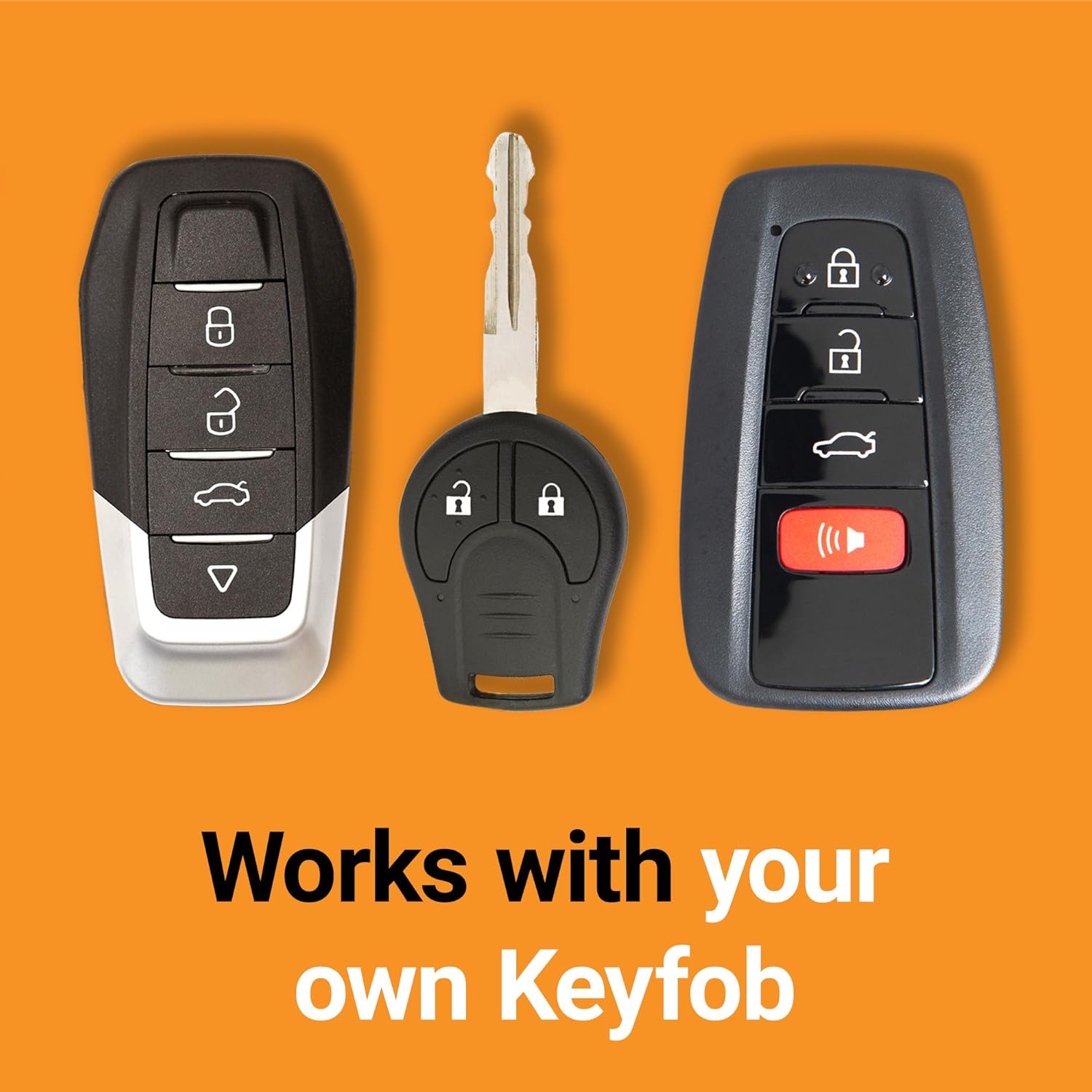
Image: Contents of the Start-X Remote Start kit, including the module, harness, pry tool, and documentation.
4. Setup and Installation
The Start-X Remote Start system is designed for a plug-and-play installation, requiring no wire cutting. Follow these steps carefully:
4.1. Accessing the OBD2 Port and Ignition Wiring
- Locate the OBD2 port, typically found under the dashboard on the driver's side.
- Gently pry off any necessary trim panels around the steering column and under the dash to expose the wiring and connectors. Use the provided pry tool to avoid damage.
- Disconnect the existing connector from the back of the OBD2 port.
- Identify the ignition switch wiring harness. Disconnect the ignition switch connector by pushing its tab.
4.2. Connecting the T-Harness
- Insert the T-harness in line with the ignition switch. Connect one end of the T-harness to the vehicle's ignition switch, and the other end to the ignition switch connector you just removed. Ensure all connections click firmly into place.
- Connect the OBD2 port from the T-harness to the vehicle's original OBD2 port.
- If your vehicle is NOT equipped with an immobilizer, connect the ground adapter to the T-harness and to an 8mm bolt shown in the installation guide. (Note: This step may not apply to all models or configurations.)
4.3. Module Programming
The module requires programming to your specific vehicle. There are two sets of instructions depending on whether your vehicle has an immobilizer. Refer to the detailed instructions provided with your kit for specific steps. General steps are as follows:
- Press and hold the programming button on the remote start module. While holding it down, connect the black connector to the module. The blue, red, yellow, and blue LEDs will alternate.
- When the red LED is lit, release the programming button. The red LED should stay lit. If it doesn't, unplug the black connector and restart Step 8.
- Insert the required remaining connectors into the module.
- Insert one key into the ignition and turn it to the ON/RUN position (do not start the engine). Wait 3 seconds.
- Turn the key to the OFF position and remove the key.
- Within five seconds, insert the second key into the ignition and turn it to the ON/RUN position. Wait 3 seconds. (This step is for vehicles WITH an immobilizer).
- Turn the key to the OFF position and remove the key.
- Press and hold the programming button until the red LED flashes once. Ignition will go on. Then release the programming button. Ignition will turn off. The red and yellow LEDs will flash rapidly. The blue LED will flash rapidly. Your module is now successfully programmed.
Installation Video for F-150
Video: A detailed installation guide for the Start-X Remote Starter on a Ford F-150.
Installation Video for Select Fords
Video: An installation guide for the Start-X Remote Start on select Ford models.
Quick Installation Demo
Video: A quick demonstration of plugging in the module and activating remote start on an F-150.
5. Operating Instructions
5.1. Remote Starting Your Vehicle
- Ensure all vehicle doors, hood, and tailgate (or trunk) are securely closed.
- Using your factory key fob, press the LOCK button once.
- Immediately after, press the UNLOCK button once.
- Immediately after, press the LOCK button once more.
- The vehicle should start within a few seconds. The parking lights may flash to indicate successful remote start.
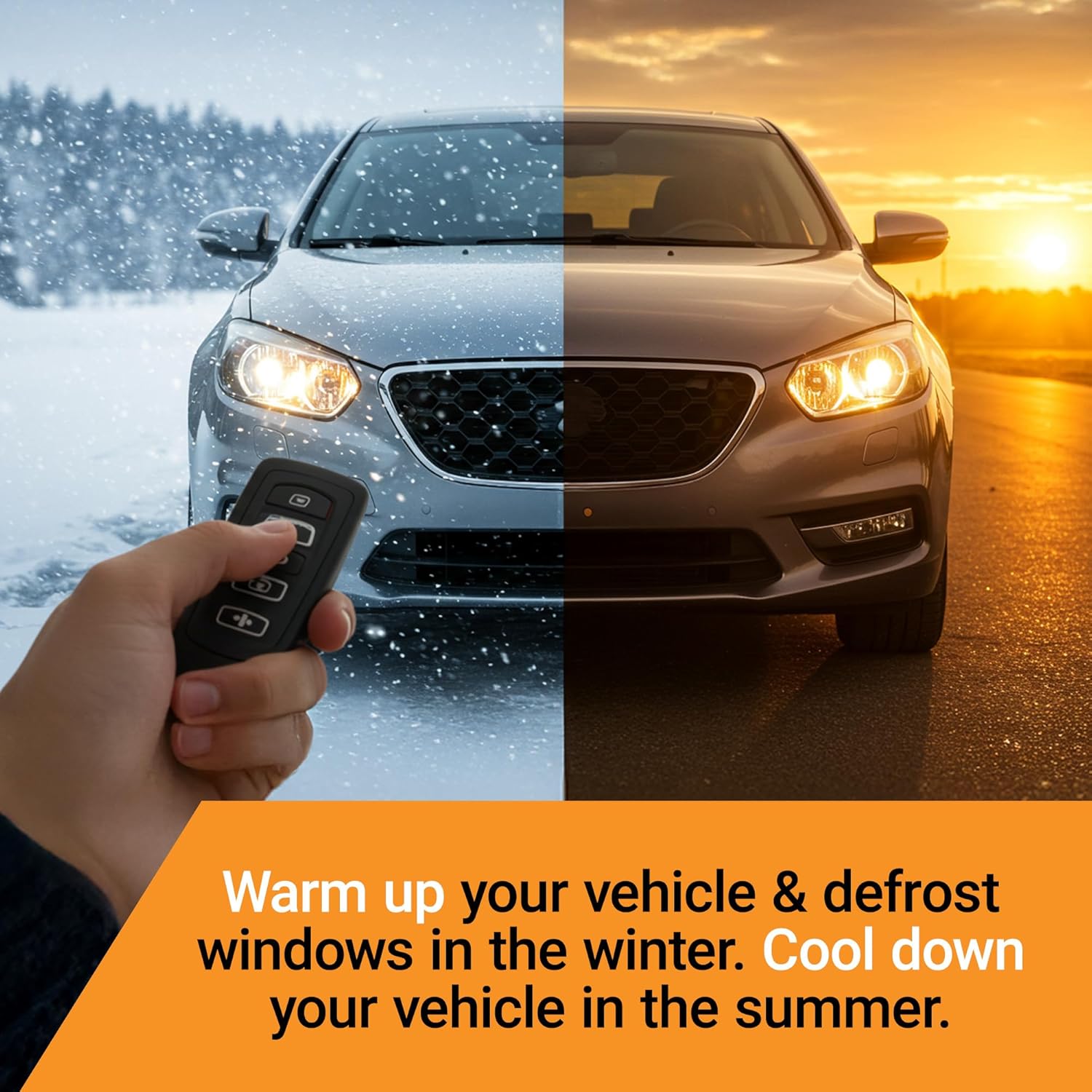
Image: A hand demonstrating the sequence of pressing buttons on a car key fob.
5.2. Turning Off the Vehicle Remotely
To turn off the vehicle after a remote start session, repeat the same sequence on your factory key fob:
- Press the LOCK button once.
- Press the UNLOCK button once.
- Press the LOCK button once more.
- The vehicle engine will shut off.
5.3. Driving After Remote Start
To drive your vehicle after a remote start, simply enter the vehicle with your key, insert it into the ignition (or press the start button for push-to-start models), and turn it to the ON/RUN position. The remote start will disengage, and you can drive as usual.
5.4. Remote Start Range
The effective range for remote starting your vehicle is the same as the distance at which your factory key fob can reliably lock/unlock your vehicle doors.
6. Remote Start Settings
The Start-X system integrates with your vehicle's existing remote start settings, which can typically be accessed via the dashboard display using the steering wheel controls.
6.1. Accessing Settings
While the vehicle is in park, use the arrow buttons on your steering wheel to navigate through the dashboard menu to find the "Remote Start" settings. From there, you can typically adjust:
- Duration: Set the remote start run time (e.g., 5, 10, or 15 minutes).
- Climate Control: Choose between "Automatic" or "Last Settings."
- Automatic: The vehicle will automatically adjust heating or cooling to reach approximately 72°F (22°C) based on ambient temperature.
- Last Settings: The climate control system will resume the settings that were active when the vehicle was last turned off.
Dashboard Settings Overview
Video: A demonstration of accessing and adjusting remote start and climate control settings via the vehicle's dashboard.
7. Troubleshooting
- Vehicle Does Not Remote Start:
- Ensure all doors, hood, and tailgate are fully closed.
- Check if the check engine light is on or if the fuel level is low. The system will not operate under these conditions.
- Verify your vehicle has an OEM hood pin.
- Reprogramming the Module (General Method): If the module stops working or needs to be reset (e.g., after an emissions test where it was removed):
- Cycle the ignition ON and OFF 5 times within 7 seconds.
- On the fifth time, leave the ignition in the ON position. Wait for the LED on the module to turn red for 2 seconds.
- Turn the ignition OFF.
- Test the remote start. If it still doesn't start, try the same procedure once more.
- Alternative Reprogramming Method (if general method fails):
- Turn the truck off and remove the remote start device.
- Turn the key to the ON position (do not start the truck).
- While holding the reset button next to the green/red light on the module, plug the device back in.
- The light should turn red for a couple of seconds. Let go of the reset button during this time. The light will turn green, indicating it is back up and running.
8. Specifications
- Model Number: F3-OBD
- Brand: Start-X
- Item Weight: 6.7 ounces (0.19 Kilograms)
- Package Dimensions: 8.23 x 4.17 x 2.36 inches
- Voltage: 12 Volts (DC)
- UPC: 810154290772
9. Warranty and Support
For warranty information or technical support, please contact Start-X directly. You can typically find support contact details on the manufacturer's website or through the provided documentation in your kit.
Email support is available at: Help@RemoteStartX.com


