
1. Introduction
This manual provides detailed instructions for the GTRACING Bluetooth USB Adapter V5.1, a wireless dongle designed to enable Bluetooth connectivity for various devices. It allows you to connect Bluetooth headphones, speakers, and gaming chairs to your PC, laptop, PS4, PS5, and Nintendo Switch (TV mode).

Image: The GTRACING Bluetooth USB Adapter V5.1, a compact white USB dongle.
2. Product Features
- Dedicated Design: Specifically designed to enhance audio connectivity for GTRACING series audio gaming chairs, but also universally compatible with other Bluetooth devices.
- Wide Compatibility: Supports Windows XP/7/8/10/11 computers and laptops, as well as gaming consoles including PlayStation (PS4/PS4 Pro/PS5) and Nintendo Switch (TV mode). Note: Not directly compatible with Xbox, but can be used via TV connection.
- Plug and Play: For most supported operating systems (Windows 11, 10, 8, 7, Vista, XP) and gaming consoles, no driver installation is required. Simply plug into a USB port to begin.
- Updated Bluetooth 5.1: Features a JL chip supporting Bluetooth 5.1 for a more stable and reliable connection, with a range of up to 15 meters (49 feet). Backward compatible with older Bluetooth versions (V5.0/V4.0/V3.0/V2.1/V2.0/V1.0).
- Compact Size: Its extremely small form factor allows for easy portability or discreet placement when left connected to your device.
- Automatic Reconnection: Automatically connects to previously paired devices when they are turned on and within range, offering convenience.

Image: A detailed view of the GTRACING Bluetooth USB Adapter's internal components, highlighting the Bluetooth 5.1 chip and its specifications like low latency and 10M link range.

Image: A person enjoying wireless audio from a GTRACING gaming chair, demonstrating the adapter's use for streaming audio to Bluetooth speakers, headphones, or a gaming chair.
3. Setup Guide
The GTRACING Bluetooth USB Adapter V5.1 is designed for straightforward plug-and-play operation on most compatible systems.
- Insert the Adapter: Locate an available USB port on your PC, laptop, PS4, PS5, or Nintendo Switch (when in TV mode). Carefully insert the GTRACING Bluetooth USB Adapter into the USB port.
- System Recognition: For Windows 11, 10, 8, 7, Vista, XP, and supported gaming consoles (PS4, PS5, Nintendo Switch), the system will automatically recognize the adapter. No manual driver installation is typically required.
- Verify Installation (Windows): On Windows, you can confirm successful installation by navigating to 'Device Manager' and checking under the 'Bluetooth' section. The adapter should be listed.

Image: The GTRACING Bluetooth USB Adapter plugged into a laptop, illustrating its compatibility with Windows 7, 8.1, 10, and 11 without requiring drivers.
4. Operating Instructions
Once the adapter is recognized by your system, you can proceed to pair your Bluetooth devices.
Pairing Bluetooth Devices:
- Prepare Your Device: Ensure your Bluetooth device (e.g., headphones, speakers, gaming chair) is powered on and in pairing mode. Refer to your device's specific instruction manual for details on how to activate pairing mode.
- On Windows PC/Laptop:
- Go to 'Settings' > 'Devices' > 'Bluetooth & other devices'.
- Ensure the Bluetooth toggle is set to 'On'.
- Click 'Add Bluetooth or other device' and select 'Bluetooth'.
- Your device should appear in the list. Select it to initiate pairing.
- On PS4/PS5:
- Navigate to 'Settings' > 'Devices' > 'Bluetooth Devices'.
- The adapter enables the console to detect Bluetooth audio devices. Select your device from the list to pair.
- On Nintendo Switch (TV Mode):
- Ensure the console is docked and connected to a TV.
- Go to 'System Settings' > 'Bluetooth Audio'.
- Select 'Pair Device' and choose your audio device from the detected list.
Automatic Reconnection:
After the initial successful pairing, the GTRACING Bluetooth USB Adapter is designed to automatically reconnect to previously connected devices when they are powered on and within the effective range. This provides a faster and more convenient user experience.
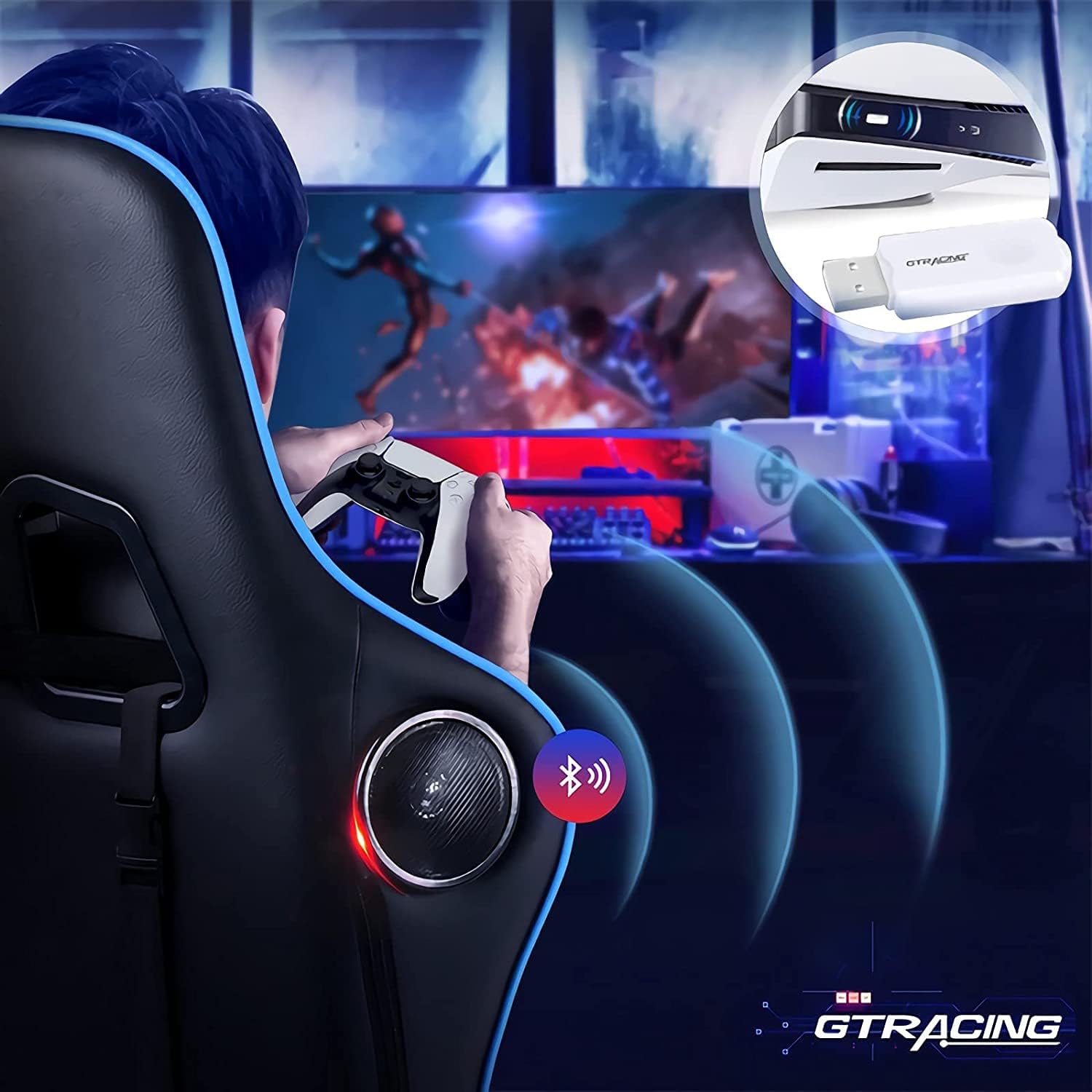
Image: A user playing on a PS5 while audio is wirelessly transmitted to a GTRACING gaming chair via the USB adapter, demonstrating seamless integration with gaming consoles.
5. Compatibility
The GTRACING Bluetooth USB Adapter V5.1 offers broad compatibility with various devices and operating systems:
- Operating Systems: Windows XP, Windows 7, Windows 8, Windows 10, Windows 11.
- Computers: Desktop PCs, Laptops, Mac (for audio output, specific Mac OS versions may vary in plug-and-play support).
- Gaming Consoles: PlayStation 4 (PS4), PlayStation 4 Pro (PS4 Pro), PlayStation 5 (PS5), Nintendo Switch (in TV mode).
- Audio Devices: Bluetooth headphones, Bluetooth speakers, GTRACING series audio gaming chairs, and other Bluetooth-enabled audio output devices.
Important Note: While the adapter works with your TV, it is not directly compatible with Xbox consoles for audio transmission. You can connect it to your TV while playing Xbox to route audio through the TV's Bluetooth capabilities if available.

Image: A diagram illustrating the GTRACING Bluetooth USB Adapter's compatibility with various devices, including Bluetooth headphones, speakers, audio gaming chairs, Nintendo Switch (TV Mode), iMac/Laptop, and Desktop Computers.
6. Specifications
| Feature | Detail |
|---|---|
| Model | Ba001 (GT Lynck1) |
| Brand | GTRACING |
| Colour | White |
| Hardware Interface | Bluetooth, USB, Bluetooth 5 |
| Bluetooth Version | 5.1 (Backward compatible with V5.0/V4.0/V3.0/V2.1/V2.0/V1.0) |
| Compatible Devices | Speakers, Headphones, Gaming Chair, PC, Laptop, PS4, PS5, Nintendo Switch |
| Product Dimensions | 5.99 x 1.98 x 0.51 cm (2.36 x 0.78 x 0.20 inches) |
| Weight | 18 g (0.63 ounces) |
| Data Link Protocol | Bluetooth, USB |
| Data Transfer Rate | 3 Megabits Per Second |
| Transmission Distance | Up to 15 meters (49 feet) in open space |

Image: A comparison table detailing specifications for GT Lynck2 (Black) and GT Lynck1 (White), confirming the Bluetooth version, compatibility, and transmission distance for the GT Lynck1 model.
7. Troubleshooting
Device Not Connecting:
- Ensure the adapter is fully and securely inserted into the USB port.
- Verify that your Bluetooth device is in pairing mode.
- Check if Bluetooth is enabled on your computer or console's settings.
- Try restarting your computer/console and the Bluetooth device.
- Ensure no other Bluetooth devices are causing interference or are already connected to your audio device.
No Audio After Connection:
- Check the audio output settings on your computer or console to confirm that the correct Bluetooth device is selected as the primary audio output.
- Verify the volume levels on both your computer/console and the connected Bluetooth audio device.
- Some Bluetooth headphones may require specific drivers or settings; consult their individual manual for guidance.
Limited Range or Intermittent Connection:
- Ensure there are no significant physical obstructions (e.g., walls, large metal objects) between the adapter and the Bluetooth device.
- Reduce the distance between the adapter and the device to within the specified 15-meter range.
- Avoid placing the adapter near sources of strong electromagnetic interference, such as Wi-Fi routers, cordless phones, or microwave ovens.
8. Maintenance
The GTRACING Bluetooth USB Adapter requires minimal maintenance. Keep the adapter clean and free from dust. Avoid exposing it to extreme temperatures, humidity, or direct sunlight. Do not attempt to disassemble the adapter, as this will void any warranty.
9. Warranty and Support
For detailed warranty information, technical support, and customer service inquiries regarding your GTRACING Bluetooth USB Adapter, please refer to the official GTRACING website. It is recommended to retain your purchase receipt as proof of purchase for any warranty claims.