
1. Introduction
The Kidzlane KL-2202 Handheld Toy Vacuum Cleaner is designed to provide an engaging and educational play experience for children aged 3 and up. This toy encourages imaginative play and helps children learn about tidiness and responsibility through imitation. It features realistic sound effects, ball-popping action, and multiple interchangeable attachments.
2. Safety Information
- This product is a toy and does not have actual suction power. It is intended for pretend play only.
- Ensure all components are securely assembled before play.
- Requires 2 "AAA" batteries (not included). Always use new batteries of the same type. Do not mix old and new batteries or different types of batteries.
- Batteries should be inserted with the correct polarity.
- Remove exhausted batteries from the toy.
- Do not short-circuit the supply terminals.
- Adult supervision is recommended during play, especially during battery installation and attachment changes.
- This toy is made from high-quality, non-toxic materials and meets safety standards.
3. Package Contents
Verify that all the following items are included in your Kidzlane KL-2202 package:
- 1 x Handheld Vacuum Unit
- 1 x Extension Rod
- 1 x Carpet Floor Brush
- 1 x Wood Floor Brush
- 1 x Bristle Duster
- 1 x Crevice Tool

Image 3.1: All components of the Kidzlane Handheld Toy Vacuum Cleaner, including the main unit, extension rod, and various cleaning attachments.
4. Setup
- Battery Installation: Locate the battery compartment on the handheld vacuum unit. Using a small screwdriver (not included), open the compartment. Insert 2 new "AAA" batteries, ensuring correct polarity (+/-). Close the compartment securely.
- Attach Extension Rod: Connect the extension rod to the main handheld vacuum unit by aligning the connectors and pushing firmly until it clicks into place.
- Select and Attach Brush: Choose the desired brush attachment (Carpet Floor Brush, Wood Floor Brush, Bristle Duster, or Crevice Tool). Align the chosen attachment with the end of the extension rod (or directly to the handheld unit if not using the rod) and push firmly until it is secure.

Image 4.1: The Kidzlane toy vacuum cleaner fully assembled, ready for use.
5. Operating Instructions
- Power On/Off: Locate the power button on the handheld unit. Press the button to turn the toy vacuum cleaner on. Press it again to turn it off.
- Sound Effects and Ball-Popping Action: When the vacuum is turned on, it will produce gentle vacuuming sounds. The clear canister on the handheld unit contains colorful foam balls that will swirl and pop, mimicking a real dust cup in action.
- Using Attachments: Guide the chosen brush attachment over surfaces to simulate cleaning. Encourage children to switch between attachments to understand their different pretend functions (e.g., the carpet brush for carpets, the crevice tool for tight spaces).

Image 5.1: A child demonstrating the use of the toy vacuum, highlighting the spinning foam beads.
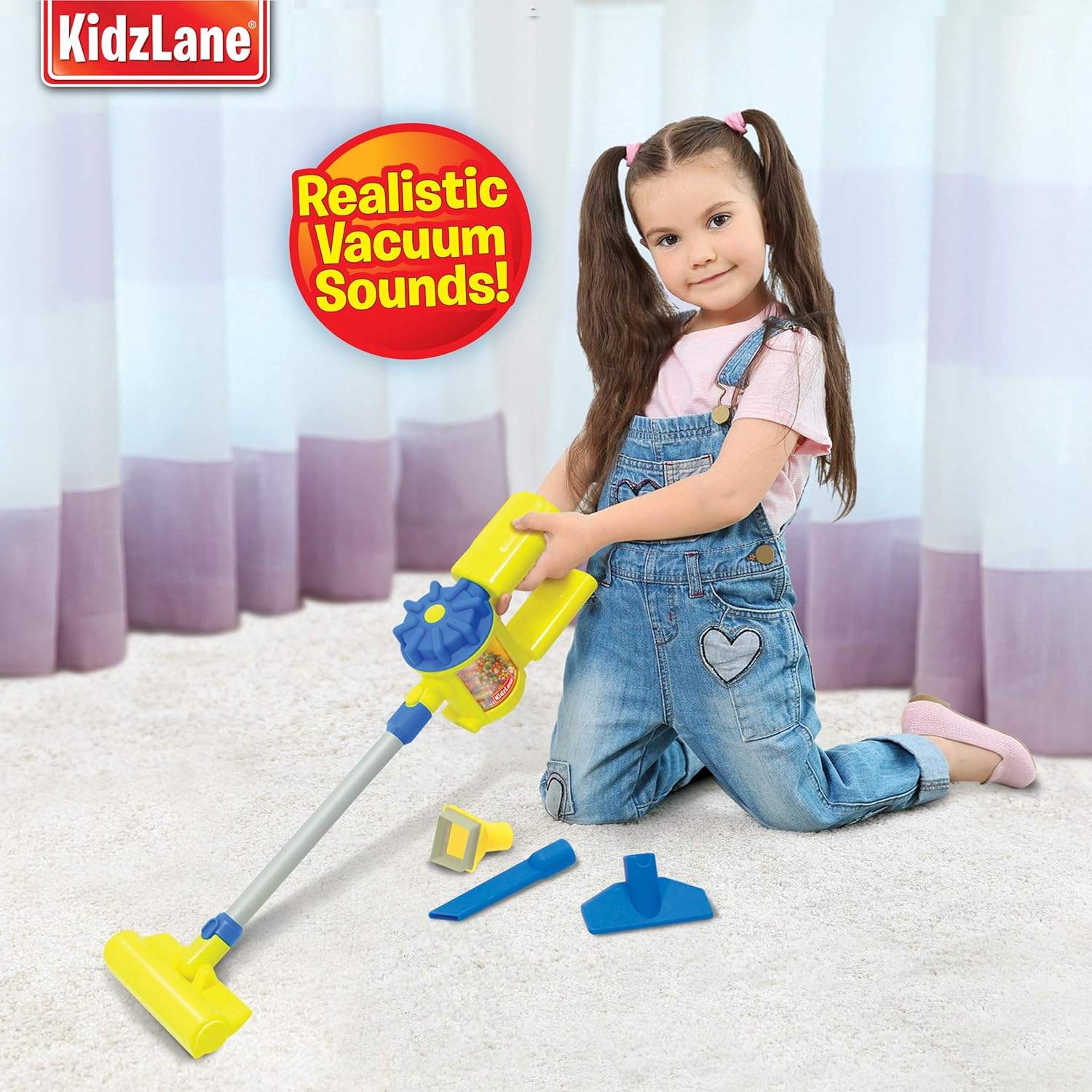
Image 5.2: A child engaging in pretend play with the toy vacuum, showcasing its realistic sounds feature.
Video 5.1: Official Kidzlane video demonstrating the features and operation of the KL-2202 Handheld Toy Vacuum Cleaner, including its sound effects and interchangeable attachments.
6. Maintenance
- Cleaning: Wipe the toy with a damp cloth to clean. Do not immerse the unit in water.
- Storage: Store the toy and its attachments in a cool, dry place away from direct sunlight when not in use.
- Battery Replacement: If the sound effects become faint or the ball-popping action slows down, it is time to replace the batteries. Follow the battery installation steps in Section 4.
7. Troubleshooting
- No Power/Sound:
- Check if batteries are installed correctly with the right polarity.
- Replace with fresh "AAA" batteries.
- Ensure the power button is fully pressed.
- Balls Not Spinning:
- Verify that the toy is powered on and batteries are fresh.
- Ensure the canister is clear of any obstructions.
- Attachments Difficult to Connect/Disconnect:
- Ensure proper alignment of the connectors.
- Apply gentle but firm pressure. Avoid excessive force to prevent damage.
8. Specifications
| Feature | Detail |
|---|---|
| Manufacturer | Kidzlane |
| Model Number | KL-2202 |
| Part Number | KZ0019 |
| Item Weight | 15.8 ounces |
| Product Dimensions | 13.9 x 11.6 x 3.9 inches |
| Material | Plastic |
| Power Source | Battery powered |
| Batteries Required | Yes |
| Battery Type | AAA batteries (2 required) |
9. Warranty and Support
The Kidzlane KL-2202 Handheld Toy Vacuum Cleaner comes with a 90-day warranty from the date of purchase. Kidzlane is committed to providing high-quality, educational toys and ensuring customer satisfaction.

Image 9.1: Product packaging indicating a 90-day warranty.
If you encounter any concerns with your order or require assistance with the product, please reach out to Kidzlane customer support. We are dedicated to resolving any issues to ensure a positive experience.
For support, please visit the Kidzlane Store on Amazon or refer to the contact information provided with your product packaging.