
Sizzix 663619
SIZZIX THINLITS Dies, Love Birds Shadow Box - Instruction Manual
Model: 663619
1. Introduction
The Sizzix Thinlits Love Birds Shadow Box die set (Model 663619) allows you to create intricate and detailed papercraft designs. This versatile set, designed by Courtney Chilson, includes multiple dies to cut out elements for a charming shadow box featuring love birds, hearts, and foliage. It is ideal for various creative projects, including cardmaking, scrapbooking, and home décor.

Figure 1: Sizzix Thinlits Love Birds Shadow Box Die Set packaging, showing the dies and an example of a finished project.
2. Setup
To use your Thinlits dies, you will need a compatible Sizzix die-cutting machine and the appropriate accessories. Compatible machines include the Sizzix Big Shot, Big Shot Plus, and Vagabond machines. Ensure you have the necessary cutting pads and platform for your specific machine.
2.1 Unpacking the Dies
Carefully remove all dies from their packaging. The set includes 20 individual dies designed to create various components of the Love Birds Shadow Box design.
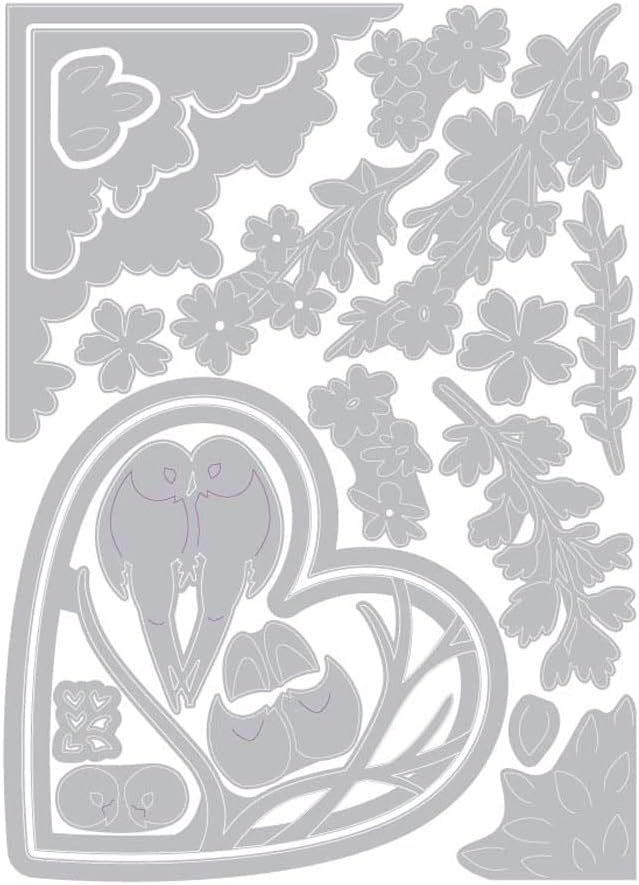
Figure 2: Close-up view of the individual Thinlits dies included in the Love Birds Shadow Box set, showing their intricate shapes.
2.2 Machine Preparation
Refer to your Sizzix machine's instruction manual for specific sandwiching instructions. Generally, you will need a platform, a cutting pad, your material, the die (cutting side down), and another cutting pad on top. The exact configuration may vary based on your machine and the material thickness.
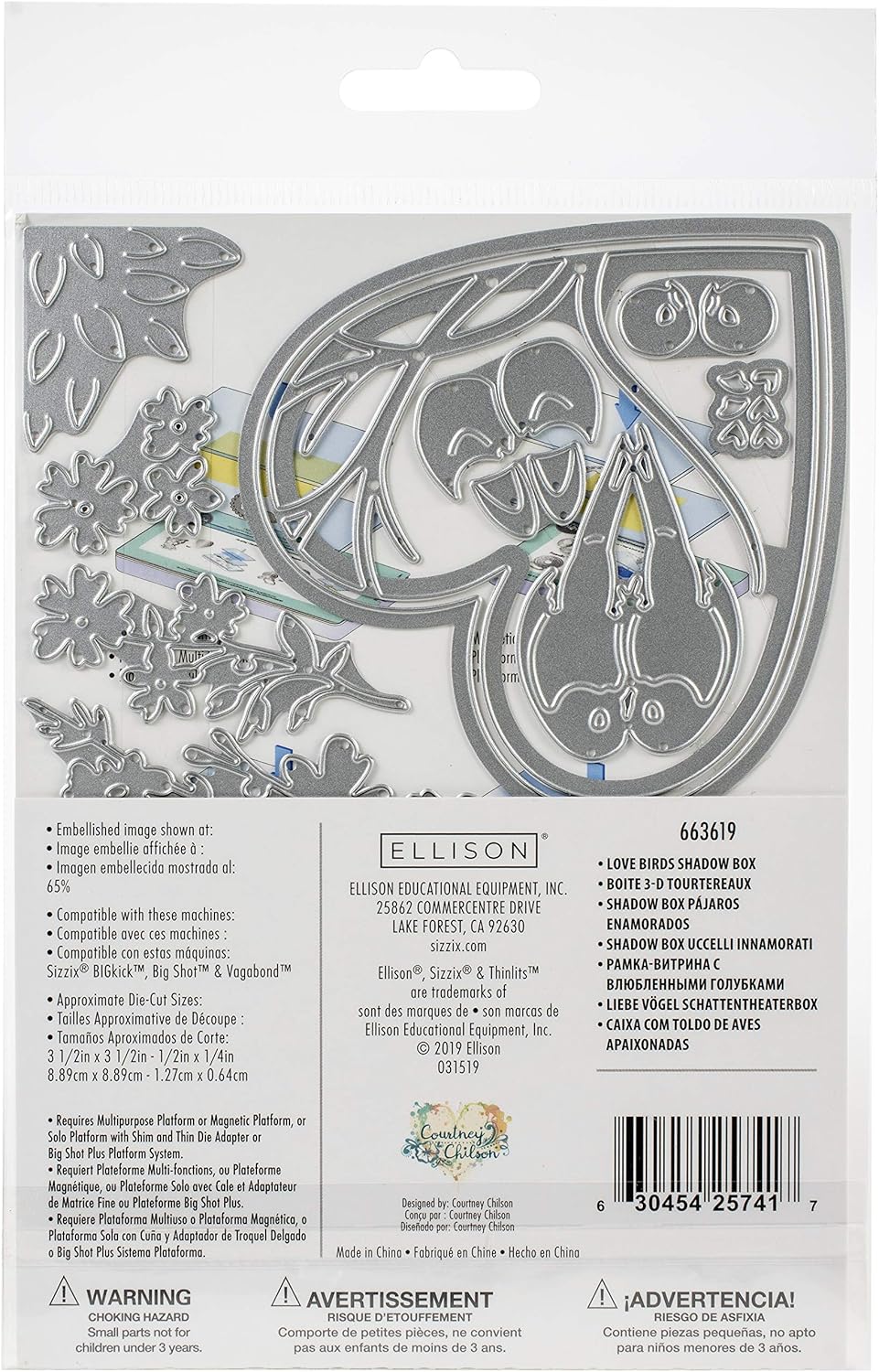
Figure 3: The back of the die set packaging, detailing compatible Sizzix machines and approximate die-cut sizes.
3. Operating Instructions
3.1 Compatible Materials
Thinlits dies are designed to cut a variety of materials. For optimal results, use:
- Cardstock (thin to medium weight)
- Metallic Foil
- Paper
- Vellum
- Adhesive Vinyl

Figure 4: Examples of materials that can be cut with Thinlits dies, including metallic foil, vellum, adhesive vinyl, paper, and cardstock.
3.2 Die-Cutting Process
- Place your chosen material onto one of the cutting pads.
- Position the Thinlits die on top of the material with the cutting blade facing down.
- Place the second cutting pad on top of the die and material, creating a "sandwich."
- Feed the entire sandwich through your Sizzix die-cutting machine by turning the handle. You may need to pass it through multiple times for intricate designs or thicker materials.
- Remove the sandwich from the machine and carefully peel away the cutting pads.
- Gently remove the cut shape from the die. A die pick or pokey tool can be helpful for intricate details.
3.3 Assembling the Shadow Box
Once all components are cut, follow your creative vision to assemble the Love Birds Shadow Box. The dies are designed to layer and create a dimensional scene. Use appropriate adhesives for papercrafts to secure the pieces.
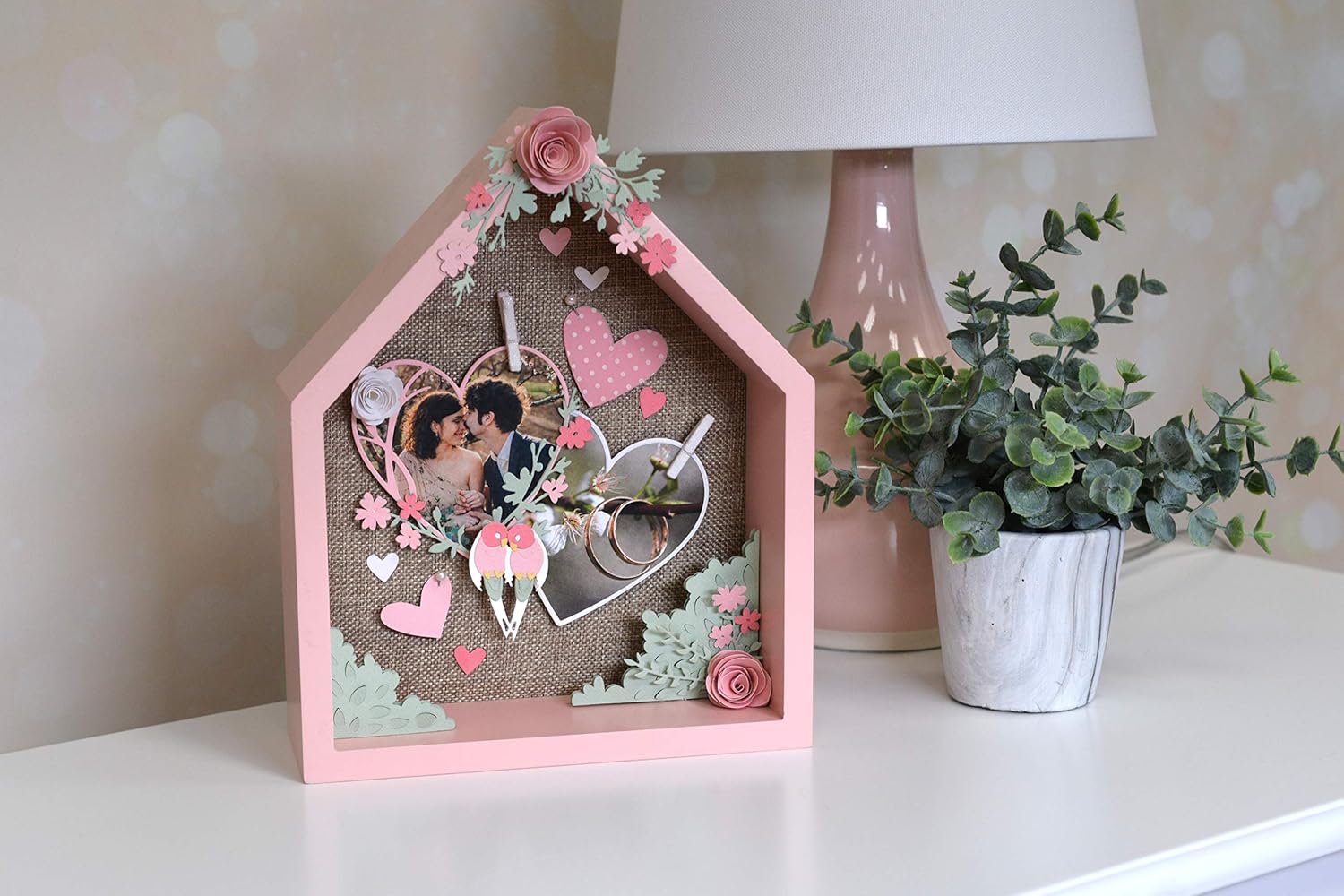
Figure 5: An example of a completed home décor project utilizing the Sizzix Thinlits Love Birds Shadow Box dies, showcasing the assembled design.

Figure 6: An example of a greeting card created using the Sizzix Thinlits Love Birds Shadow Box dies, demonstrating their application in cardmaking.
4. Maintenance
4.1 Cleaning
After each use, ensure all paper scraps are removed from the dies. A soft brush or die pick can help dislodge stubborn pieces. Avoid using abrasive cleaners or harsh chemicals, as these can damage the dies.
4.2 Storage
Store your Thinlits dies in a dry environment to prevent rust. Magnetic storage sheets or dedicated die storage binders are recommended to keep them organized and protected.
5. Troubleshooting
5.1 Incomplete Cuts
- Issue: The material is not fully cut through.
- Solution:
- Ensure your cutting pads are not warped. Replace them if necessary.
- Add a shim (an extra piece of cardstock or paper) between the material and the cutting pad to increase pressure.
- Pass the sandwich through the machine multiple times, rotating the die 90 degrees between passes.
- Verify that your machine's rollers are properly calibrated (refer to your machine's manual).
5.2 Material Sticking to Die
- Issue: Cut material remains stuck in the die.
- Solution:
- Use a die pick or pokey tool to gently push out the intricate pieces from the back of the die.
- For very intricate dies, place a piece of wax paper between the die and the material before cutting. This can aid in release.
6. Specifications
| Feature | Detail |
|---|---|
| Brand | Sizzix |
| Model Number | 663619 |
| Product Dimensions | 1"L x 1"W (Note: This is likely a packaging dimension, actual die-cut sizes vary as per Figure 3) |
| Item Weight | 1.8 ounces (0.05 Kilograms) |
| Material | Steel (for dies) |
| UPC | 0630454257417 |
| Country of Origin | China |
7. Warranty & Support
For specific warranty information and product support, please visit the official Sizzix website or contact their customer service. Sizzix provides resources and assistance for their products to ensure customer satisfaction.
Important Safety Information:
CHOKING HAZARD: Small parts. Not for children under 3 years.
Always supervise children when using die-cutting equipment and dies.
Related documents663619


Ask a question about this manual
Ask about setup, troubleshooting, compatibility, parts, safety, or missing instructions. Manuals+ will review the question and use this page’s manual context to help answer it.