
Introduction
This manual provides essential information for the safe and effective use of your Home Zone LED Work Light, Model ES06461V. This 7,000 lumen, 70W corded work lamp is designed for various work environments, offering bright and adjustable illumination. Please read these instructions thoroughly before installation and operation, and retain them for future reference.
Safety Information
To reduce the risk of fire, electric shock, or injury, always follow these basic safety precautions:
- Read all instructions: Familiarize yourself with the product's features and operation before use.
- Electrical Safety: Ensure the power cord and plug are in good condition. Do not operate the light with a damaged cord or plug. Connect to a properly grounded outlet.
- Avoid Direct Eye Exposure: The LED light is extremely bright. Do not look directly into the light source when it is illuminated, as this may cause temporary vision impairment or discomfort.
- Stable Placement: Always place the work light on a stable, level surface to prevent tipping.
- Indoor/Outdoor Use: This work light is suitable for both indoor and outdoor use. Ensure electrical connections are protected from moisture when used outdoors.
- Heat: While LED lights produce less heat than traditional halogen, the housing may still become warm during extended operation. Avoid touching the light head directly after prolonged use.
- Maintenance: Disconnect power before cleaning or performing any maintenance.
Package Contents
Verify that all components are present and undamaged upon opening the package:
- Home Zone LED Work Light Head (1)
- Attachable H-shaped Metal Stand (1)
Setup and Assembly
The Home Zone LED Work Light requires minimal assembly to attach the stand.
- Carefully remove all components from the packaging.
- Align the mounting points on the LED work light head with the corresponding holes on the H-shaped metal stand.
- Secure the light head to the stand using the provided knobs or screws, ensuring they are tightened firmly but not overtightened.
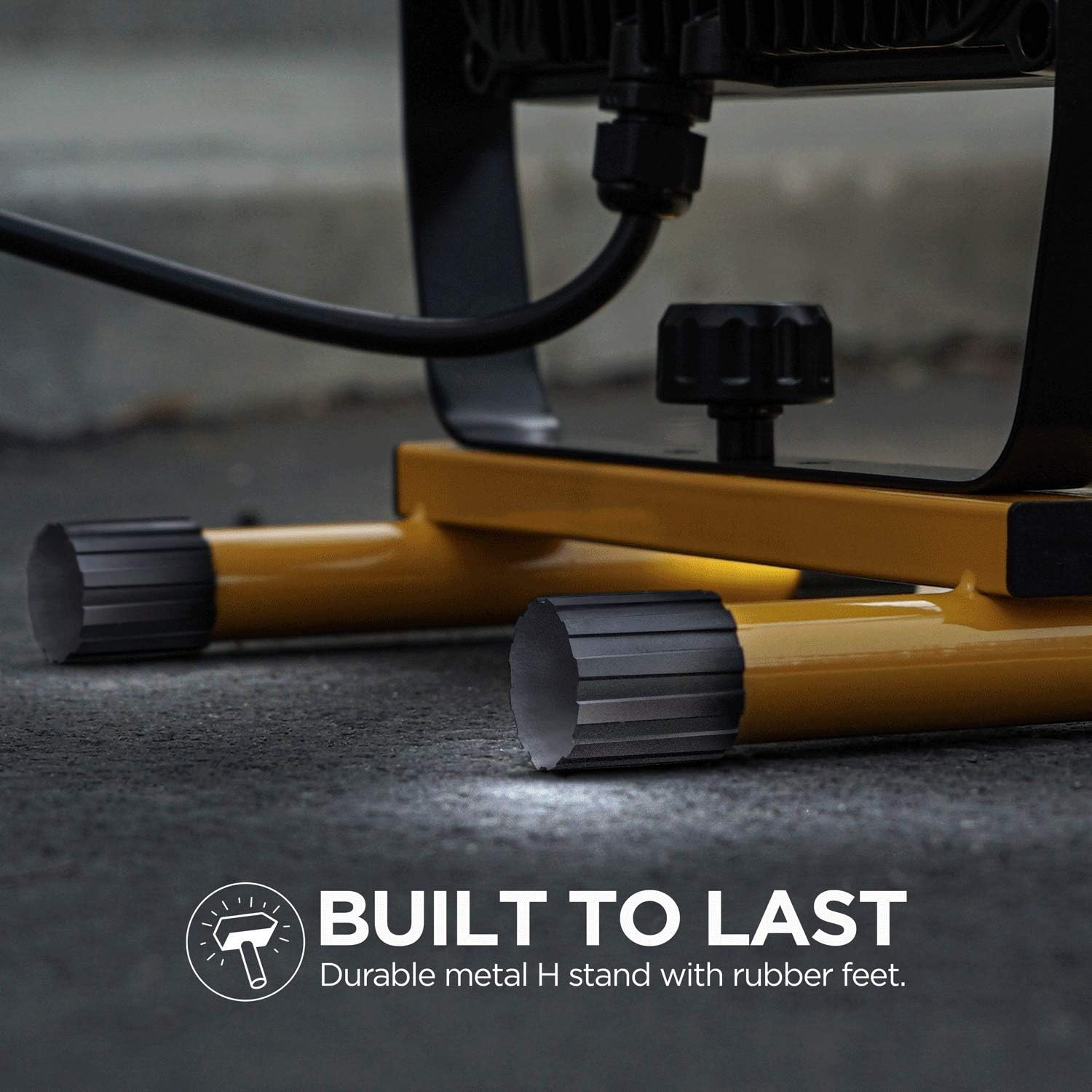
- Ensure the stand's rubber feet are properly positioned for stability.

Operating Instructions
Follow these steps to operate your LED work light:
- Connect Power: Plug the AC power cord into a standard electrical outlet.
- Turn On/Off: Locate the ON/OFF power switch on the back of the light housing. Press the switch to turn the light on or off.
- Adjust Positioning: Loosen the adjustment knobs on the sides of the light head to tilt and position the light beam as needed. Tighten the knobs once the desired angle is achieved to secure the light head.

Maintenance
Proper maintenance ensures the longevity and performance of your work light:
- Cleaning: Disconnect the power cord before cleaning. Use a soft, damp cloth to wipe down the exterior of the light. Do not use abrasive cleaners or solvents.
- Storage: When not in use, store the work light in a cool, dry place, away from direct sunlight and moisture.
- Cord Inspection: Periodically inspect the power cord for any signs of damage, fraying, or cuts. If damage is found, discontinue use and contact customer support.
Troubleshooting
If you encounter issues with your Home Zone LED Work Light, refer to the following common problems and solutions:
| Problem | Possible Cause | Solution |
|---|---|---|
| Light does not turn on. | No power to the outlet. Power cord not fully plugged in. ON/OFF switch is off. |
Check the power source with another device. Ensure the power cord is securely plugged into the outlet. Press the ON/OFF switch to the 'ON' position. |
| Light flickers or dims. | Loose connection. Voltage fluctuation. |
Check all connections, including the power cord. Try plugging into a different outlet. Ensure the power supply is stable. |
| Light head cannot be adjusted. | Adjustment knobs are too tight. | Loosen the adjustment knobs on the sides of the light head to allow movement. |
If these solutions do not resolve the issue, please contact Home Zone customer support.
Specifications
| Brand | Home Zone |
| Model Name | ES06461V |
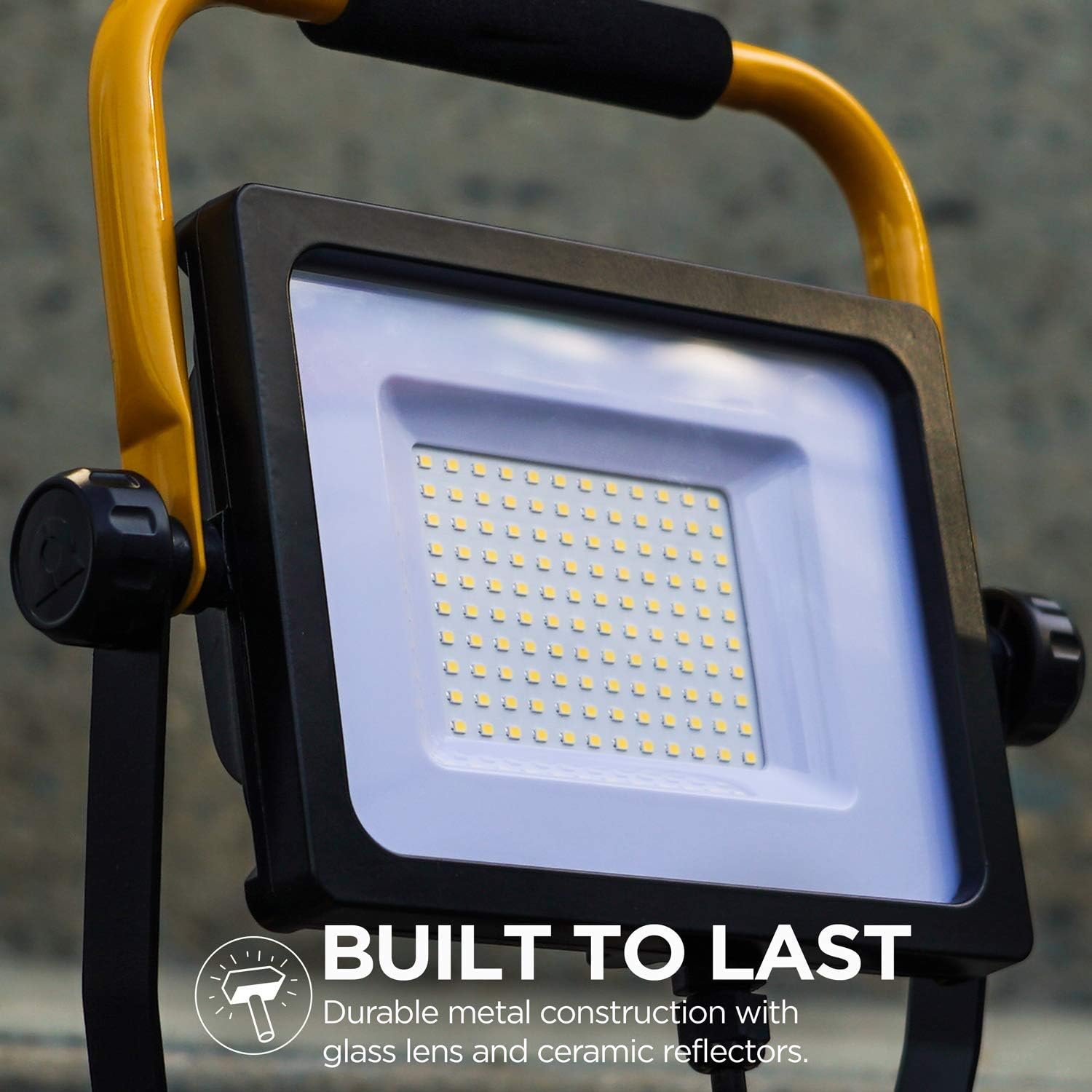
| Light Source Type | LED (SMD) |
| Lumen Output | 7,000 Lumens |
| Wattage | 70W |
| Color Temperature | 5000 Kelvin |
| Power Source | Corded Electric |
| Material | Aluminum, Metal |
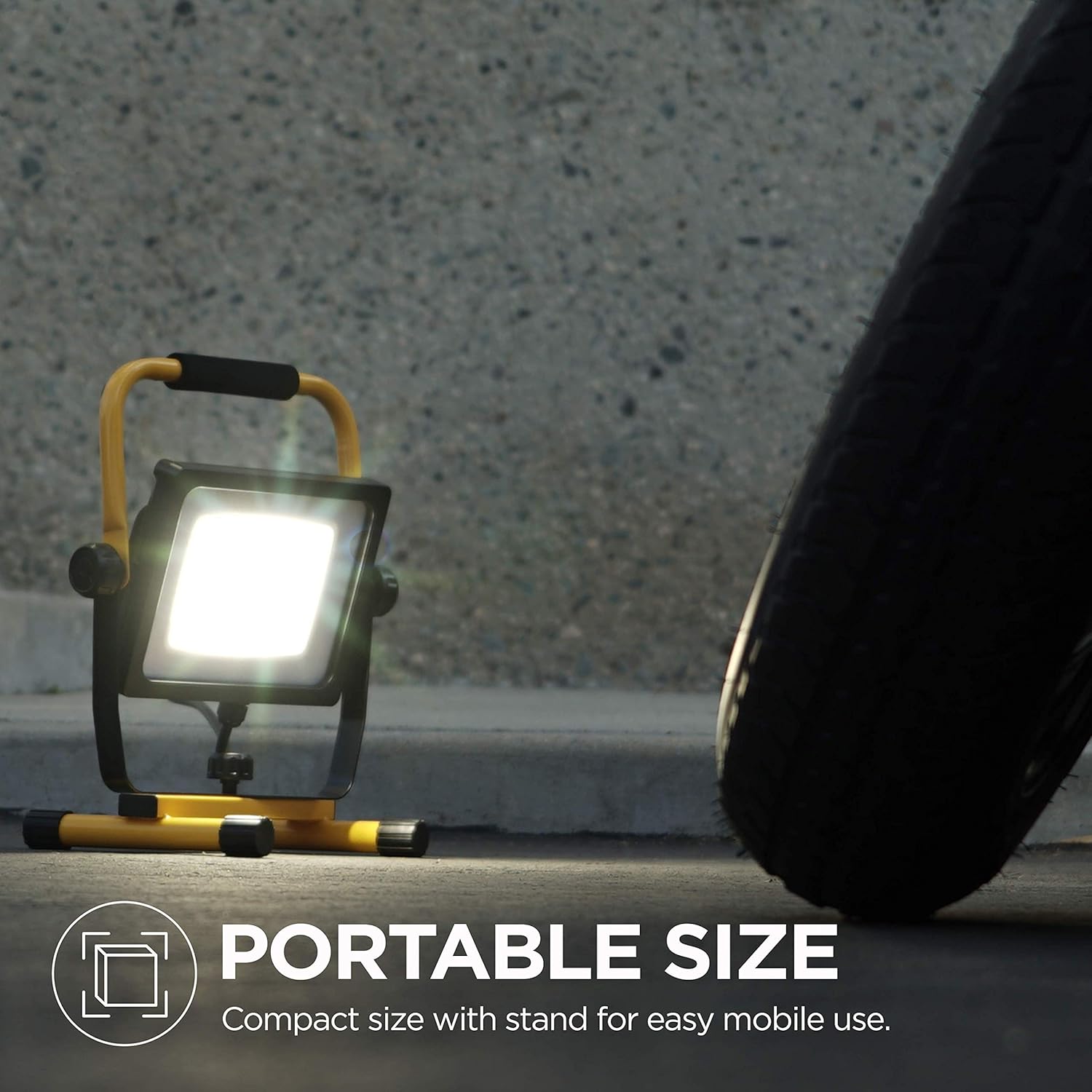
| Product Dimensions | 6.8 x 5 x 12 inches |
| Item Weight | 4.69 pounds |
| Included Components | Stand |
| Certifications | ETL Certified |
Warranty and Support
The Home Zone LED Work Light is backed by a 5-year no-hassle product support. If you experience any issues or require assistance with your product, please contact Home Zone Security customer service. For the quickest service, have your model number (ES06461V) and purchase information available.
Contact information can typically be found on the manufacturer's official website or through your retailer's support channels.


