
1. Introduction
The Casil CA445 is a 4V 4.5Ah Sealed Lead Acid (SLA) / Absorbent Glass Mat (AGM) rechargeable battery designed as a reliable power source for various applications, including Zareba electric fence charger systems. This battery features a high discharge rate, wide operating temperature range, long service life, and excellent deep discharge recovery capabilities. Its robust construction allows for mounting in any position and provides resistance to shocks and vibrations, ensuring long-lasting high performance in diverse environmental conditions.

Image 1.1: The Casil CA445 4V 4.5Ah Sealed Lead Acid Battery.
2. Safety Information
Please read and understand all safety precautions before handling or installing the battery.
- DO NOT SHORT THE BATTERY TERMINALS: Accidental shorting can cause severe damage to the battery and pose a fire hazard.
- DO NOT CHARGE IN A SEALED CONTAINER: Ensure adequate ventilation during charging to prevent gas accumulation.
- RECHARGE AFTER USE: To maintain battery health and longevity, recharge the battery promptly after each use.
- NON-SPILLABLE: This AGM battery is non-spillable, making it safer for various orientations.
- WARNING - RISK OF FIRE, EXPLOSION OR BURNS: Do not disassemble, heat above 60°C (140°F), or incinerate the battery.
3. Specifications
| Feature | Specification |
|---|---|
| Model Number | CA445 |
| Voltage | 4V |
| Capacity | 4.5 Ah |
| Battery Type | Sealed Lead Acid (SLA) / AGM |
| Terminal Type | F1 |
| Dimensions (L x W x H) | 1.86 x 1.87 x 3.98 inches |
| Weight | 1 pound |
| Operating Temperature | Wide range (optimal performance varies) |

Image 3.1: Detailed specifications and dimensions of the Casil CA445 battery.
4. Setup and Installation
The Casil CA445 battery is designed as a direct replacement for compatible solar fence chargers, such as the Fi-Shock SS-440 and Zareba 2 Mile Fence Solar Charger. No wire harness or mounting accessories are included with the battery, as it is intended to utilize existing components of your charger.
- Preparation: Ensure the solar fence charger is turned off and disconnected from any power sources or fence lines before beginning installation.
- Access Battery Compartment: Locate and open the battery compartment on your solar fence charger. Refer to your charger's manual for specific instructions on accessing this area.
- Remove Old Battery: Carefully disconnect the terminals of the old battery (typically red for positive, black for negative). Remove the old battery from the compartment.
- Install New Battery: Insert the Casil CA445 battery into the compartment. This battery can be mounted in any position due to its non-spillable design.
- Connect Terminals: Connect the positive (+) terminal of the charger to the positive (+) terminal of the new battery, and the negative (-) terminal of the charger to the negative (-) terminal of the new battery. Ensure connections are secure and correct polarity is observed.
- Secure Compartment: Close and secure the battery compartment.
Compatibility Note: While designed for compatibility, some older charger models (e.g., certain Fi-Shock SS-440 units) may require minor modifications to the battery compartment for a perfect fit due to slight variations in internal dimensions. Verify fitment before fully securing the compartment.
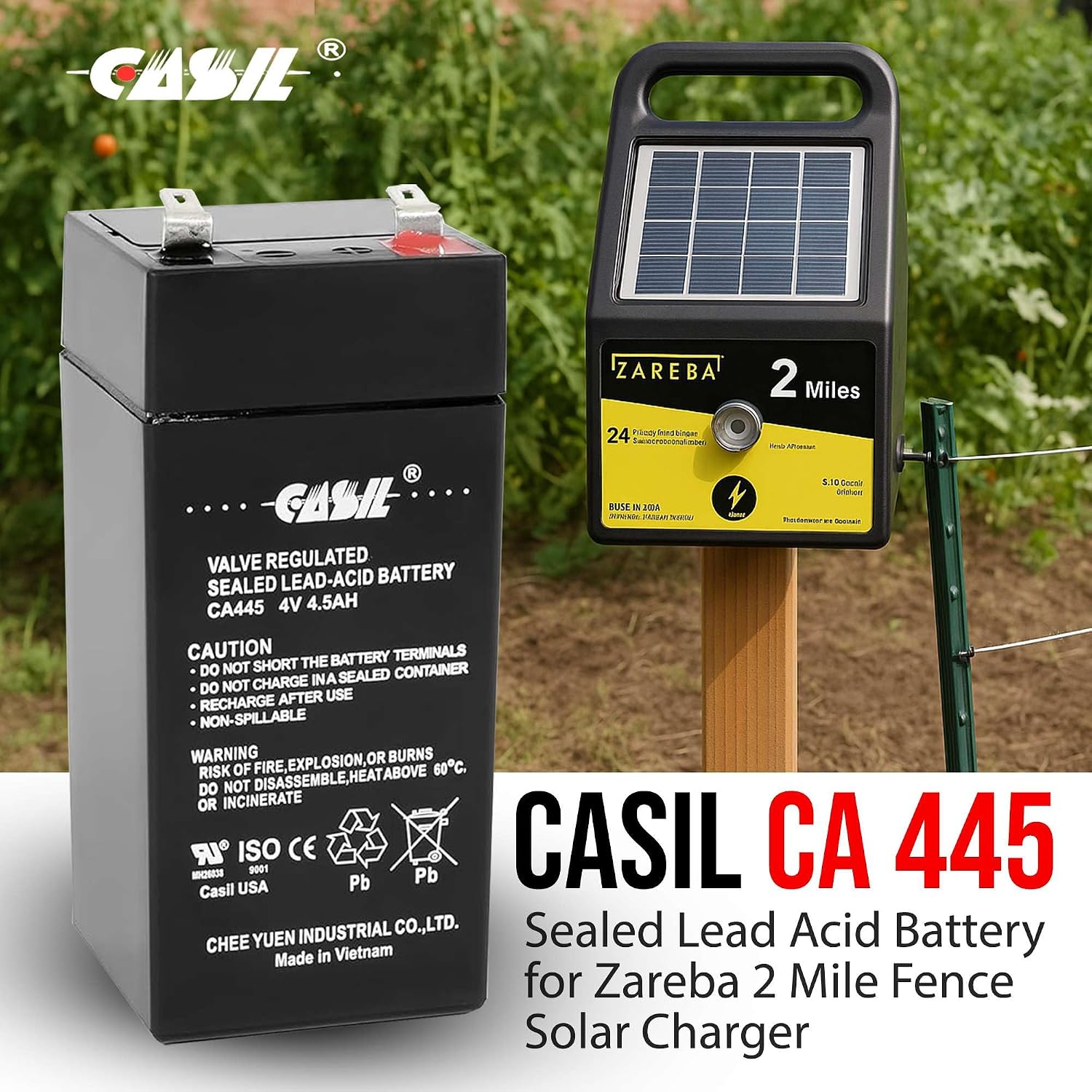
Image 4.1: The Casil CA445 battery shown alongside a Zareba 2 Mile Fence Solar Charger, illustrating its intended use.
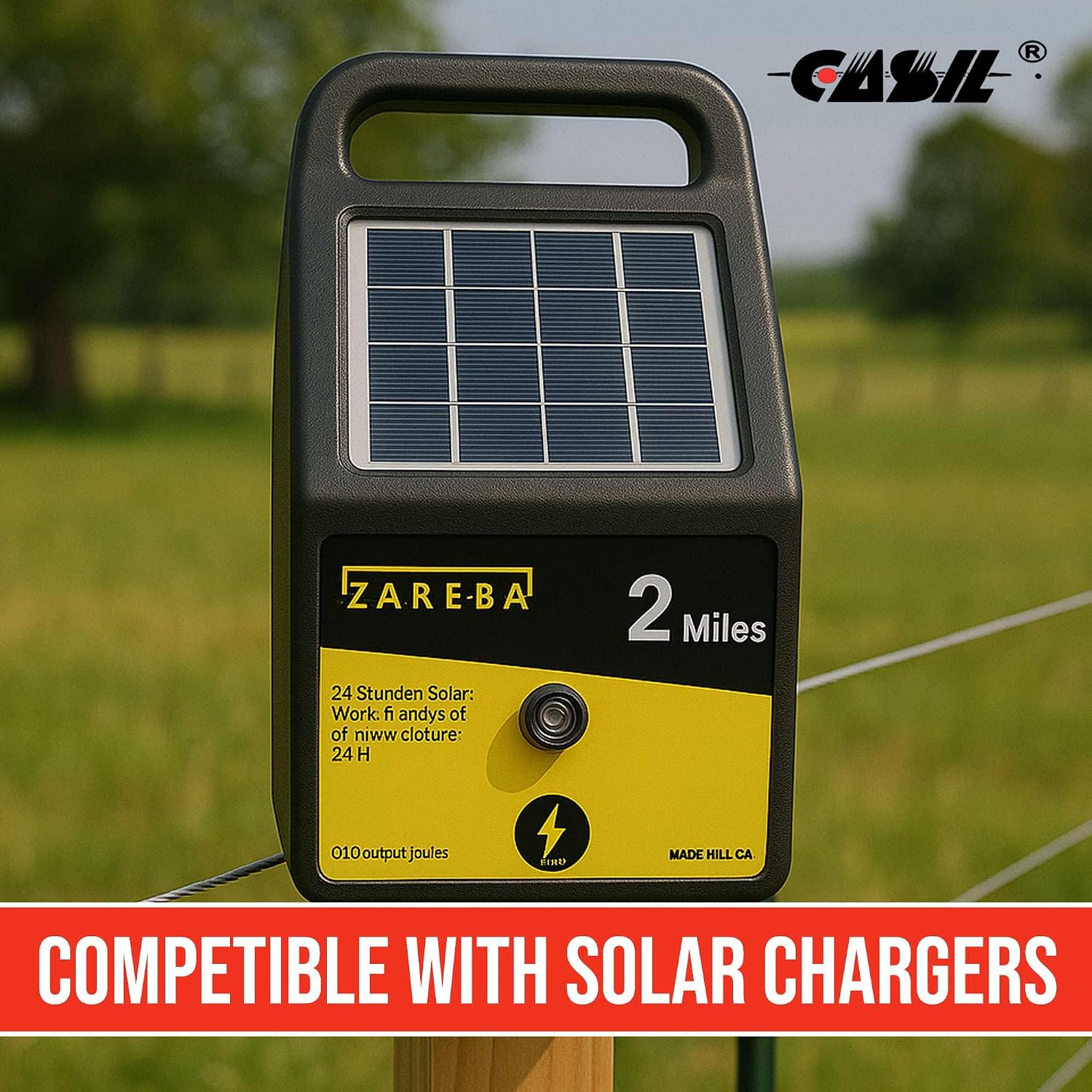
Image 4.2: A Zareba solar fence charger, demonstrating the type of device the Casil CA445 battery is compatible with.
5. Operating Instructions
Once the Casil CA445 battery is correctly installed in your solar fence charger, the charger will begin to operate according to its design. The solar panel on the charger will convert sunlight into electrical energy to power the fence and recharge the battery.
- Initial Charge: For optimal performance, it is recommended to fully charge the battery before its first use, if possible, using an appropriate 4V SLA/AGM battery charger.
- Solar Charging: Position the solar fence charger in an area that receives maximum direct sunlight throughout the day to ensure efficient charging.
- Recharge After Use: Although solar chargers continuously maintain the battery, for applications where the battery might be deeply discharged (e.g., prolonged periods without sunlight, high power demand), ensure it is recharged promptly.
- Power Output: The battery provides stable 4V power to the fence charger, ensuring consistent operation of your electric fence.
Video 5.1: An overview of the Casil 4V 4.5Ah SLA Sealed Lead Acid Battery, highlighting its features and compatibility with solar fence chargers.
6. Maintenance
The Casil CA445 is a maintenance-free battery, meaning it does not require refilling of electrolyte. However, proper care can extend its lifespan and ensure optimal performance.
- Keep Terminals Clean: Periodically inspect battery terminals for corrosion. Clean them with a wire brush and a mixture of baking soda and water if necessary. Ensure they are dry before reconnecting.
- Storage: If storing the battery for an extended period, ensure it is fully charged and store it in a cool, dry place. Recharge every 3-6 months to prevent deep discharge, which can permanently damage the battery.
- Avoid Extreme Temperatures: While designed for wide operating temperatures, prolonged exposure to extreme heat or cold can reduce battery life.
- Physical Inspection: Regularly check the battery for any signs of physical damage, swelling, or leaks. Replace the battery if any damage is observed.

Image 6.1: Key features of the Casil CA445 battery, including its maintenance-free and robust design.
7. Troubleshooting
If you experience issues with your Casil CA445 battery or the solar fence charger it powers, consider the following troubleshooting steps:
- Charger Not Powering On:
- Check battery connections for tightness and correct polarity.
- Ensure the battery is charged. If the solar charger has been in low light conditions, the battery may be depleted. Try charging the battery with an external 4V SLA/AGM charger.
- Inspect the charger's fuse (if applicable) and replace if blown.
- Shortened Operating Time:
- Verify the solar panel on the charger is clean and receiving adequate direct sunlight. Obstructions like dirt, leaves, or shade can reduce charging efficiency.
- The battery may be reaching the end of its service life and may need replacement.
- Check for excessive load or shorts in the fence line that could be draining the battery faster than it can recharge.
- Battery Not Holding Charge:
- This often indicates a worn-out battery that needs replacement.
- Ensure the charging system (solar panel and charger's internal circuitry) is functioning correctly.
If these steps do not resolve the issue, please refer to the support section or contact Casil customer service.
8. Support
For any questions, technical assistance, or support regarding your Casil CA445 battery, please contact us directly.
- Contact Seller: If you purchased this product through an online marketplace, you can typically find a "Contact Seller" or "Ask a question" option on the product page or within your order details.
- Manufacturer Website: Visit the official Casil website for additional resources, FAQs, and contact information.