
Miracase iPhone 11
Miracase Liquid Silicone Case for iPhone 11
User Instruction Manual
Model: iPhone 11 | Brand: Miracase
1. Product Overview
This manual provides instructions for the Miracase Liquid Silicone Case designed for the iPhone 11 (6.1 inch). This case offers full-body protection, including a built-in screen protector, to safeguard your device from drops and scratches.

Image: Miracase Liquid Silicone Case for iPhone 11 in Clove Purple, shown with a screen protector applied.
2. Package Contents
- Miracase Liquid Silicone Phone Case for iPhone 11
- Tempered Glass Screen Protector (1 pack)
- Cleaning Kit (wet wipe, dry wipe, dust absorber, cleaning cloth)
- Case Opening Tool (small plastic chip)
3. Setup and Installation
3.1. Preparing Your iPhone Screen
- Use the provided wet wipe from the cleaning kit to thoroughly clean your iPhone 11 screen.
- Follow with the dry wipe to remove any moisture.
- Use the dust absorber sticker to lift any remaining dust particles from the screen.
- Gently polish the screen with the cleaning cloth for a streak-free finish.
3.2. Case Assembly
The Miracase case consists of two main parts: a front frame with an integrated screen protector and a back silicone cover. These parts snap together to provide full-body protection.
- Carefully separate the front frame from the back silicone cover. You may need to use the small plastic tool provided to gently pry them apart at the edges.
- Remove any protective films from both the inside and outside surfaces of the front frame and the back cover.
- Place your iPhone 11 into the front frame, ensuring it sits securely and all edges are aligned.
- Align the back silicone cover with the front frame and your iPhone. Press firmly around the edges until both parts snap together, creating a tight seal around your device.
3.3. Screen Protector Installation (if separate)
If your package includes a separate tempered glass screen protector, follow these steps for optimal application:
Video: Official Miracase guide for installing the screen protector.
- After cleaning your screen (as per 3.1), carefully peel off the protective film from the adhesive side of the tempered glass screen protector.
- Align the screen protector precisely with your iPhone screen, ensuring the cutouts for the speaker and camera are correctly positioned.
- Gently lower the screen protector onto the screen. It will adhere automatically.
- If any air bubbles are present, use the cleaning cloth or a soft card to push them towards the edges of the screen until they disappear.
3.4. Full Case Installation Video Guide
Video: Official Miracase guide for installing the full body case on an iPhone 11.
4. Key Features and Protection
- Liquid Silicone Material: The case is made from liquid silicone rubber, providing a smooth, soft, and comfortable feel. It is anti-fingerprint and scratch-resistant.
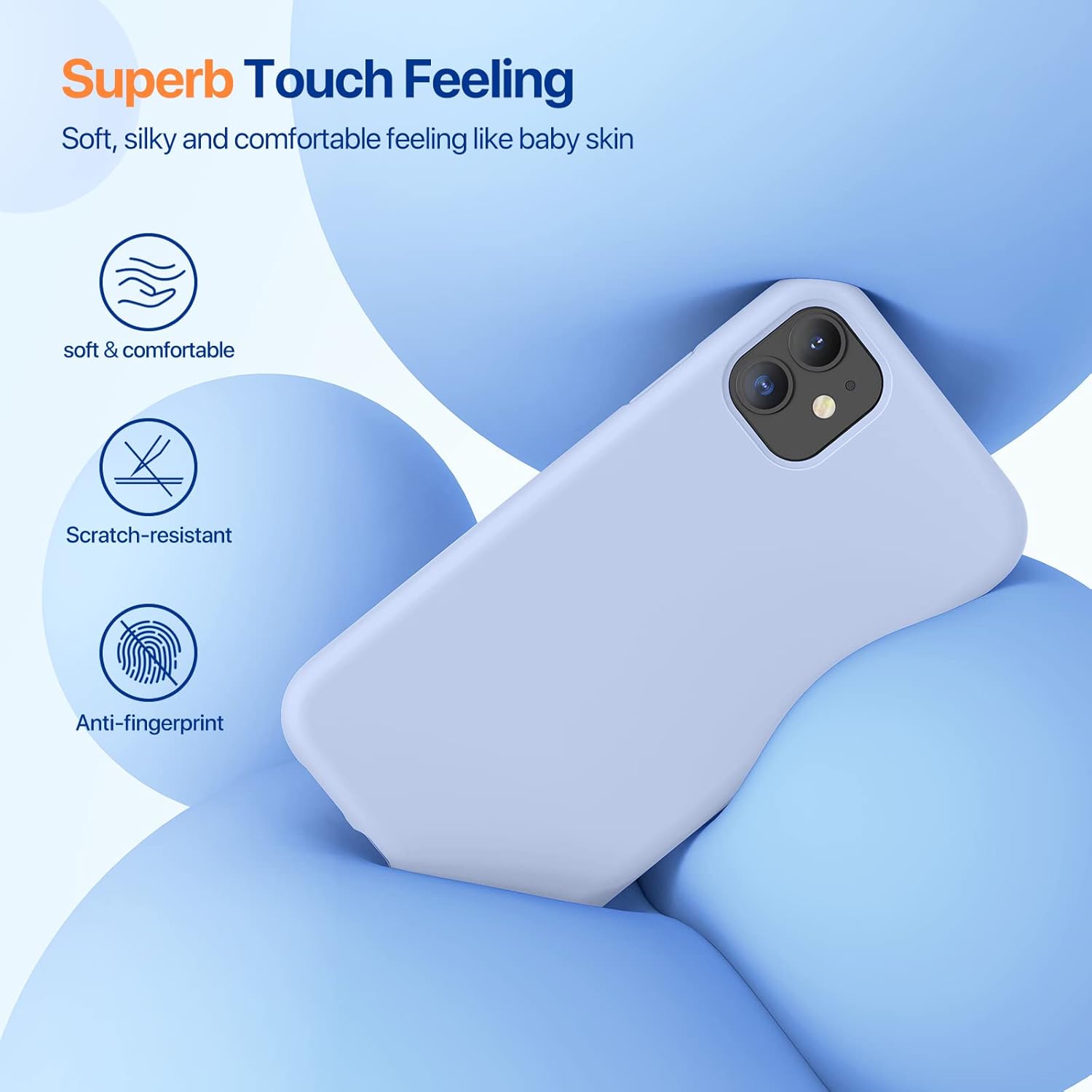
Image: Close-up view highlighting the smooth, soft, and anti-fingerprint texture of the liquid silicone case.
- Enhanced Drop Protection: With an upgraded thickness of 2.3mm (compared to a normal 1.8mm), the case offers full-body drop protection. It features a 3-layer structure designed to be 300% shockproof.

Image: Diagram illustrating the 3-layer structure and enhanced military-grade drop protection features of the case.
- Screen and Camera Protection: The case features a 1mm raised lip around the screen and a 1.3mm raised bezel around the camera to protect against direct impact when placed face down or dropped.

Image: Visual representation of the raised screen bezel (1.0mm) and camera bezel (1.3mm) for enhanced protection.
- Wireless Charging Compatible: The case is designed to work seamlessly with wireless chargers, allowing you to charge your iPhone 11 without removing the case.
- 9H Tempered Glass Screen Protector: The included 0.33mm ultra-clear tempered glass maintains 99.99% response sensitivity and provides additional scratch resistance.
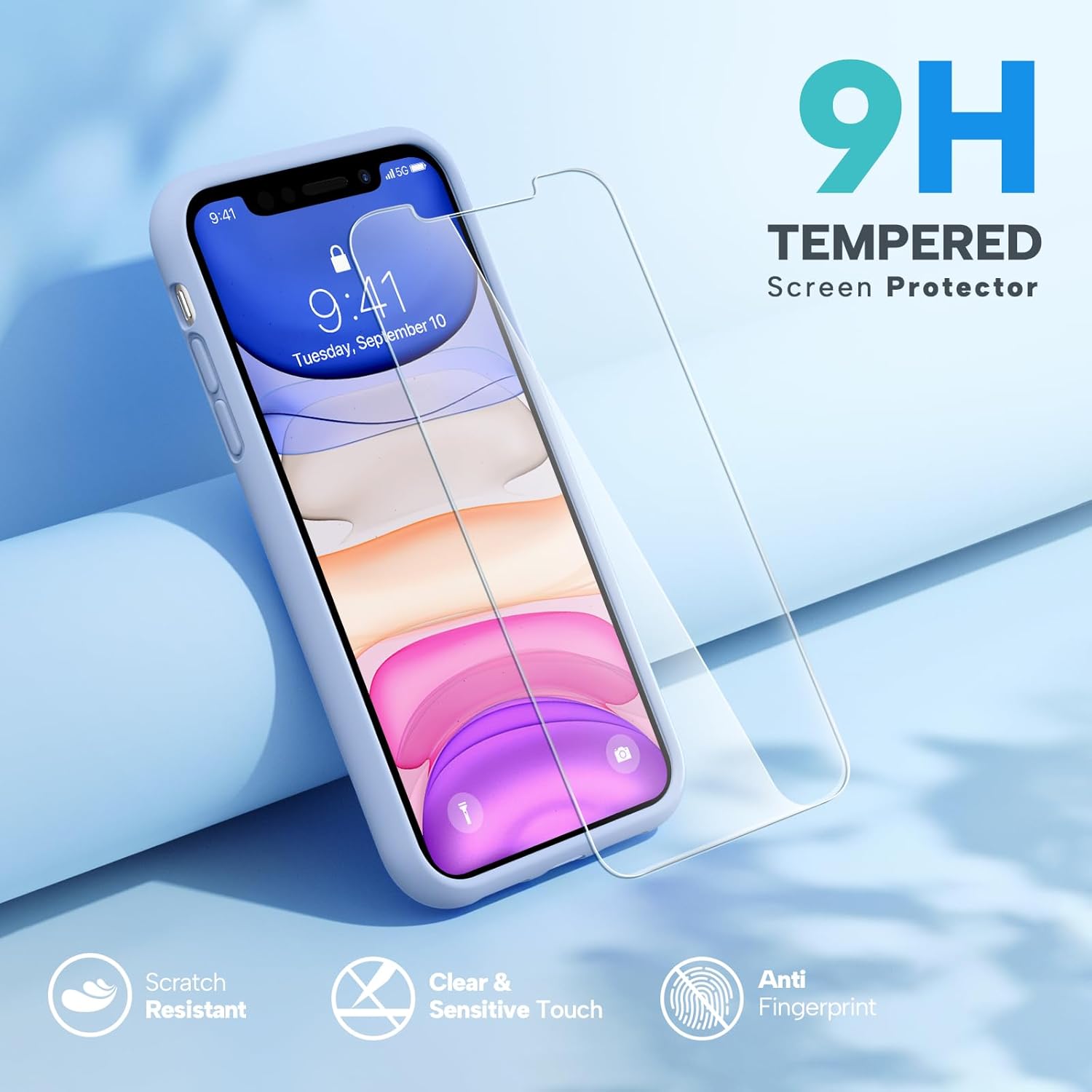
Image: A separate 9H tempered glass screen protector, highlighting its scratch-resistant, clear, sensitive touch, and anti-fingerprint properties.
5. Specifications
| Feature | Detail |
|---|---|
| Product Dimensions | 2.91 x 0.36 x 5.87 inches |
| Item Weight | 2.08 ounces |
| Material | Liquid Silicone |
| Color | Clove Purple |
| Compatible Phone Models | iPhone 11 |
| Special Features | Camera Protector, Shock-Absorbent |
| Manufacturer | Miracase |
| Date First Available | September 10, 2019 |
6. Maintenance and Care
To ensure the longevity and appearance of your Miracase Liquid Silicone Case, follow these simple maintenance tips:
- Regular Cleaning: Wipe the case regularly with a soft, damp cloth to remove dust, dirt, and fingerprints. For stubborn stains, a mild soap solution can be used.
- Avoid Harsh Chemicals: Do not use abrasive cleaners, solvents, or harsh chemicals, as these can damage the silicone material and its finish.
- Prevent Discoloration: While the silicone is designed to be durable, prolonged exposure to direct sunlight or extreme temperatures may affect its color over time.
- Screen Protector Care: The tempered glass screen protector can be cleaned with a microfiber cloth. Avoid sharp objects that could scratch the protector.
7. Troubleshooting
- Difficulty Installing/Removing Case: Ensure you are separating the front and back pieces correctly. Use the provided plastic tool to gently pry open the case if it feels too tight. Do not force it, as this may damage the case or your phone.
- Screen Protector Bubbles: If bubbles appear after installation, gently lift the nearest edge of the screen protector and reapply, pushing the air out with a soft cloth or card. Ensure the screen is completely clean before reapplication.
- Wireless Charging Issues: Ensure your iPhone 11 is properly centered on the wireless charging pad. If issues persist, try removing the case to confirm it is not interfering with the charger.
8. Warranty and Support
Miracase offers a Lifetime Replacement for this product. If the case is damaged, please contact Miracase Official for a replacement. For further support or inquiries, refer to the contact information provided on the product packaging or the official Miracase website.
Manufacturer: Miracase
Date First Available: September 10, 2019
Ask a question about this manual
Ask about setup, troubleshooting, compatibility, parts, safety, or missing instructions. Manuals+ will review the question and use this page’s manual context to help answer it.