
Ring Ring Chime Pro
Ring Chime Pro User Manual
Model: Ring Chime Pro
Introduction
The Ring Chime Pro is a versatile plug-in device designed to enhance your Ring home security system. It functions as a Wi-Fi extender for your Ring cameras and doorbells, a customizable chime for notifications, and a built-in nightlight, providing increased flexibility, convenience, and peace of mind.
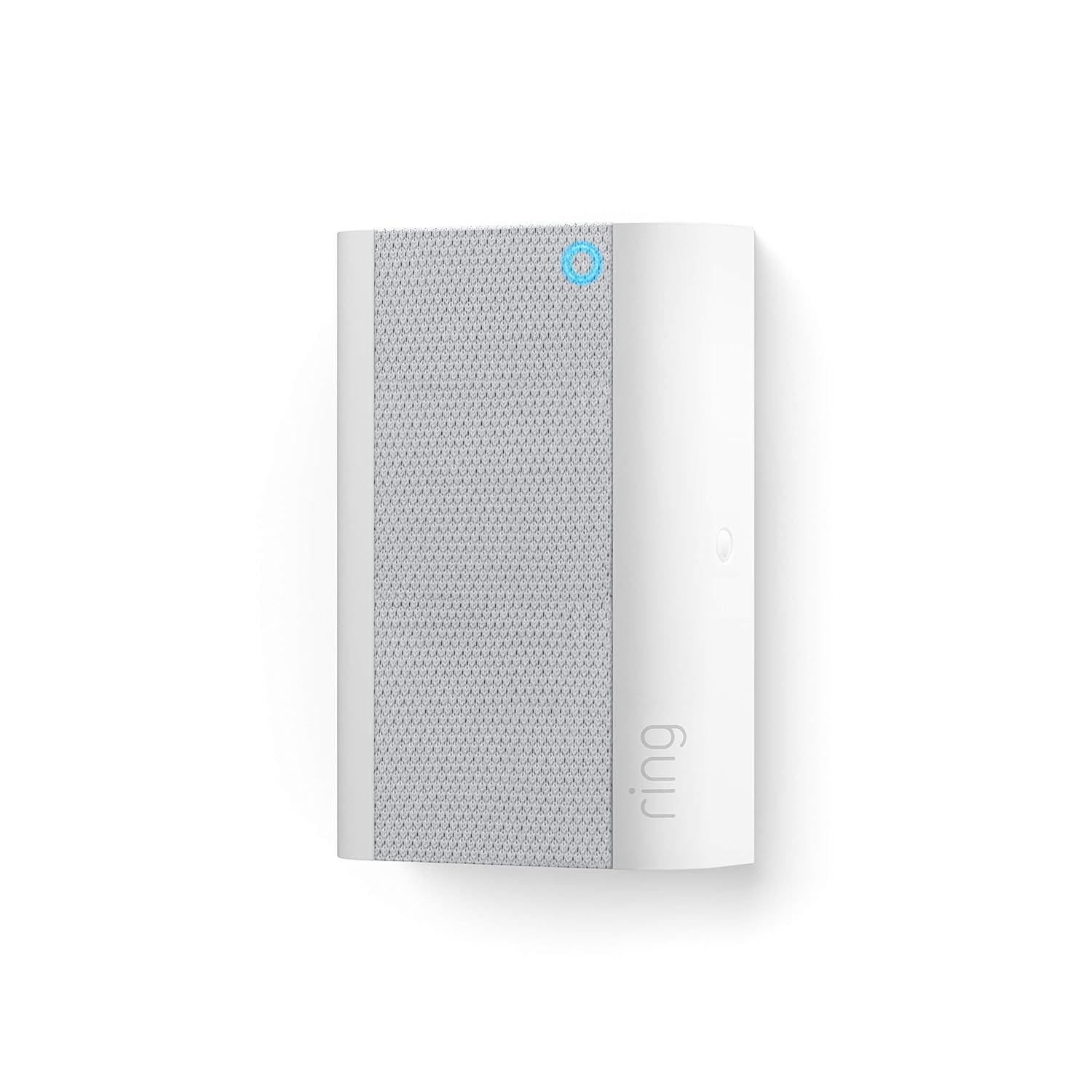
Image: The Ring Chime Pro plugged into a standard wall outlet, illustrating its primary function as a Wi-Fi amplifier for Ring devices.
Key Features
- Wi-Fi Extender: Extends your Wi-Fi signal up to 2000 sq. ft to boost the network for all your Ring doorbells and cameras, ensuring reliable connectivity.
- Real-time Notifications: Hear instant alerts when your connected cameras and doorbells detect motion, or when someone rings your doorbell.
- Built-in Nightlight: Features an integrated nightlight that automatically turns on, providing subtle illumination.
- Customizable Tones: Choose from a variety of chime tones and adjust the volume directly from the Ring app.
- Easy Setup: Simple plug-and-play installation with guided setup via the Ring app.
Setup Guide
- Plug In Your Chime Pro: Select a standard indoor electrical outlet that is centrally located between your Wi-Fi router and your Ring devices (doorbell/camera). Plug the Chime Pro into the outlet.
- Download the Ring App: If you haven't already, download the Ring app from your mobile device's app store (App Store for iOS, Google Play Store for Android).
- Add Device in App: Open the Ring app, tap the menu icon (three lines) in the top left corner, and select "Set Up a Device."
- Scan QR Code: Follow the in-app instructions to scan the QR code located on your Chime Pro or its packaging.
- Connect to Wi-Fi: The app will guide you through connecting your Chime Pro to your home Wi-Fi network (2.4 GHz or 5.0 GHz).
- Link Ring Devices: Once connected, the app will prompt you to link your existing Ring doorbells and cameras to the Chime Pro's extended network. This will improve their signal strength.

Image: A smartphone screen showing the Ring app, demonstrating how users can control the Chime Pro's settings.
Operating Your Chime Pro
The Ring Chime Pro operates primarily through the Ring app, allowing you to customize its functions.
- Chime Tones: In the Ring app, navigate to your Chime Pro settings. You can select from various chime tones for doorbell presses and motion alerts.
- Volume Control: Adjust the volume of the chime alerts to your preferred level within the app.
- Snooze Alerts: Temporarily disable alerts for a set period directly from the Ring app, useful during quiet times.
- Nightlight Control: The built-in nightlight can be configured to turn on automatically in low light conditions. Settings for the nightlight are available in the app.
- Wi-Fi Network Management: The Chime Pro creates a dedicated network for your Ring devices. You can monitor the signal strength of your connected devices through the "Device Health" section in the Ring app.

Image: The Ring Chime Pro with its integrated nightlight active, providing ambient illumination.
Maintenance
The Ring Chime Pro requires minimal maintenance to ensure optimal performance.
- Cleaning: Periodically wipe the exterior of the device with a soft, dry cloth. Do not use liquid cleaners or abrasive materials.
- Placement: Ensure the Chime Pro is plugged into a well-ventilated outlet and not obstructed by furniture or other objects that could impede air circulation.
- Software Updates: Keep your Ring app updated to the latest version to ensure your Chime Pro receives necessary firmware updates automatically.
Troubleshooting
| Problem | Possible Solution |
|---|---|
| Chime Pro not connecting to Wi-Fi. |
|
| Ring devices still have poor signal. |
|
| No chime sound. |
|
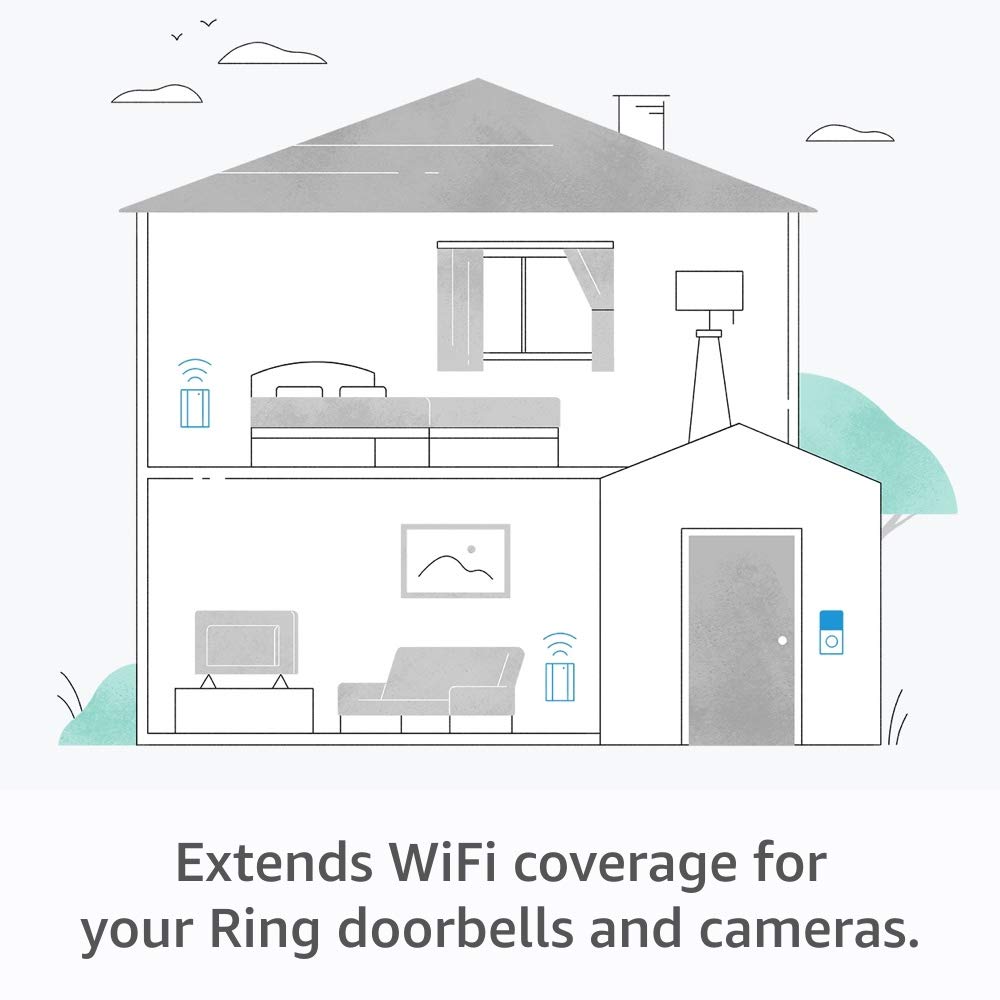
Image: An illustration depicting how the Ring Chime Pro extends Wi-Fi coverage throughout a home for Ring doorbells and cameras.
Specifications
- Model: Ring Chime Pro
- Connectivity: 802.11 b/g/n Wi-Fi connection, 2.4 GHz or 5.0 GHz
- Wi-Fi Extension Range: Up to 2000 sq. ft (approximate, depends on environment)
- Power: Plugs into standard indoor electrical outlet
- Features: Wi-Fi extender, customizable chime, built-in nightlight
Warranty and Support
For warranty information, technical support, or further assistance, please visit the official Ring support website or contact Ring customer service. Details can typically be found on the Ring website or within the Ring app's help section.
Ring Support Website: support.ring.com
Related documentsRing Chime Pro


Ask a question about this manual
Ask about setup, troubleshooting, compatibility, parts, safety, or missing instructions. Manuals+ will review the question and use this page’s manual context to help answer it.